Best File Sharing App in 2026: 9 Apps Compared
By ToolNimba Editorial Team November 13, 2026 10 min read

- Top pick
 Google Drive
Everyday sharing and collaboration
Starting priceFreeCheck out Google DriveRead our review - Runner-up
 Dropbox
Simple sync and sharing
Starting priceFreeCheck out DropboxRead our review - Also great
 WeTransfer
Quick one-off sends
Starting priceFreeCheck out WeTransferRead our review
How we researched this
We compared official pricing and feature pages, app store listings, privacy policies and public user reviews. Prices change, so check the provider's site before you pay.
Key takeaways
- Google Drive and Dropbox are the best all-round file sharing services, with storage, folders, and collaboration in one place.
- WeTransfer, Send Anywhere, and SwissTransfer are best for a quick one-off send, especially for large videos.
- Proton Drive and pCloud Transfer suit privacy-conscious senders, with encryption and password options.
- Free storage limits range from 5 GB to 15 GB, so check the free tier before you rely on one service for everything.
- For a video too large for email, use a link-based transfer service rather than attaching it to a message.
Quick comparison
| Name | Best for | Starting price | Free plan | |
|---|---|---|---|---|
| Google Drive | Everyday sharing and collaboration | Free | Yes | Visit |
| Dropbox | Simple sync and sharing | Free | Yes | Visit |
| WeTransfer | Quick one-off sends | Free | Yes | Visit |
 Send Anywhere | Device-to-device transfers | Free | Yes | Visit |
 Microsoft OneDrive | Microsoft 365 users | Free | Yes | Visit |
 Proton Drive | Private encrypted sharing | Free | Yes | Visit |
 pCloud Transfer | Free encrypted transfers | Free | Yes | Visit |
 Smash | Large files without an account | Free | Yes | Visit |
 SwissTransfer | Very large free transfers | Free | Yes | Visit |
The best file sharing apps
File sharing covers two different jobs: storing files so a team can work on them over time, and sending a file once to someone else. The apps below cover both, from cloud storage services with shared folders to simple transfer tools that need no account. All offer a free tier, so you can try the workflow before paying.
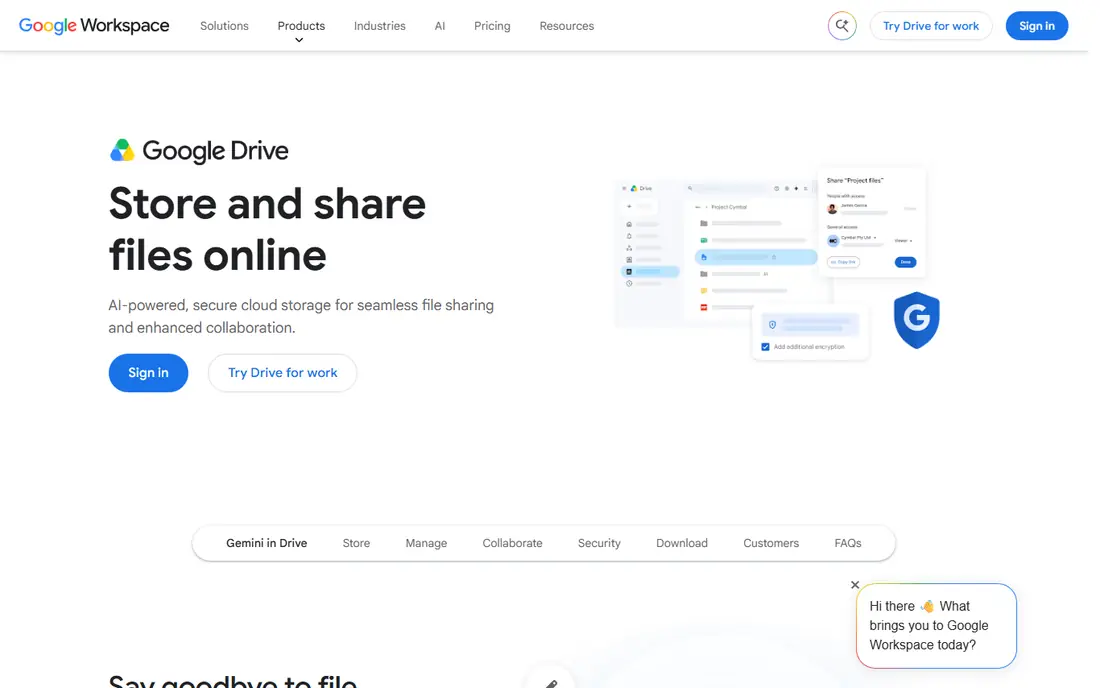
Google Drive is our pick for most people because it covers storage, sharing, and collaboration in one free account. You get 15 GB of free storage shared across Drive, Gmail, and Google Photos, and you can share files or folders by link with view, comment, or edit permissions. Docs, Sheets, and Slides open directly in the browser, so a shared document becomes a working space, not just a download.
The shared storage limit is the main catch, because Gmail and Photos eat into the same 15 GB, and paid Google One plans are needed for more space. For everyday documents, photos, and team folders, though, Drive is free, familiar, and hard to beat, especially if you already use Gmail.
- 15 GB free storage shared across Google services
- Easy link sharing with permissions
- Docs, Sheets, and Slides built in
- Free storage is shared with Gmail and Photos
- Large video uploads can be slow on weak connections
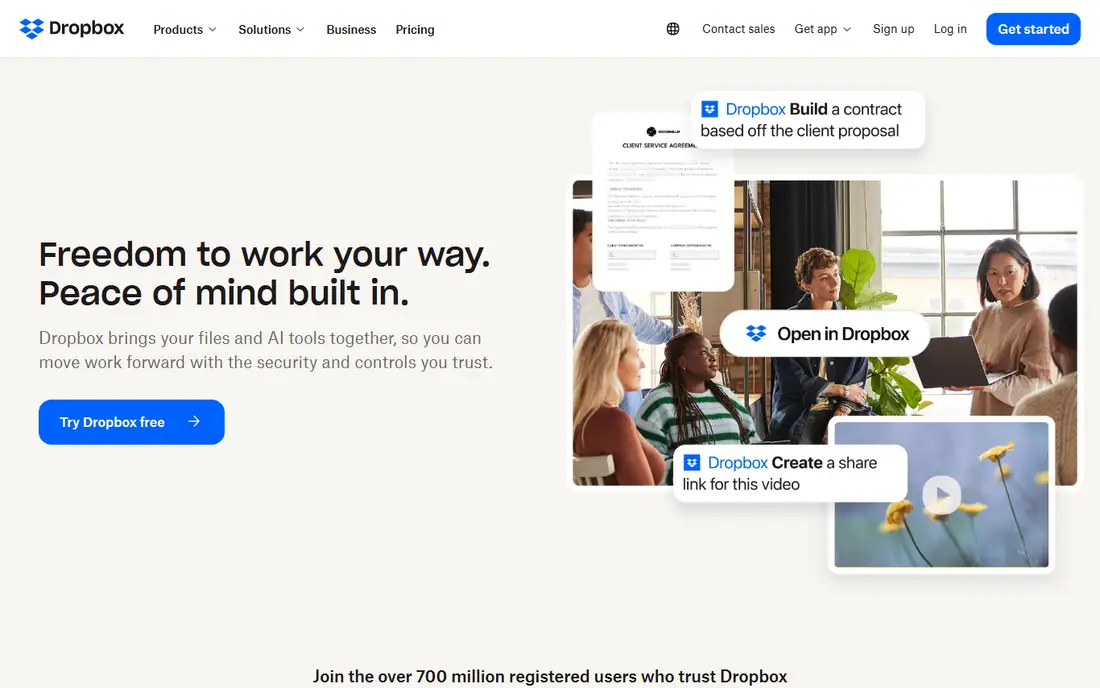
Dropbox is the simplest file sharing service to explain: put a file in Dropbox, and it appears on your other devices and can be shared by link. Sync is reliable, the apps are polished on desktop and mobile, and the Transfer feature lets you send large files, up to 100 GB on paid plans in recent summaries, without giving the recipient access to your whole folder. That separation between storage and sending is useful for client work.
Free storage is only 2 GB, which is small compared with Google Drive, so free users will hit the limit fast with videos or photo libraries. Paid plans add far more space and features. If you value simple, dependable sync and sharing over maximum free storage, Dropbox remains a top choice.
- Reliable sync across devices
- Simple link sharing
- Transfer feature for large one-off sends
- Free storage is only 2 GB
- Paid plans cost more per GB than some rivals
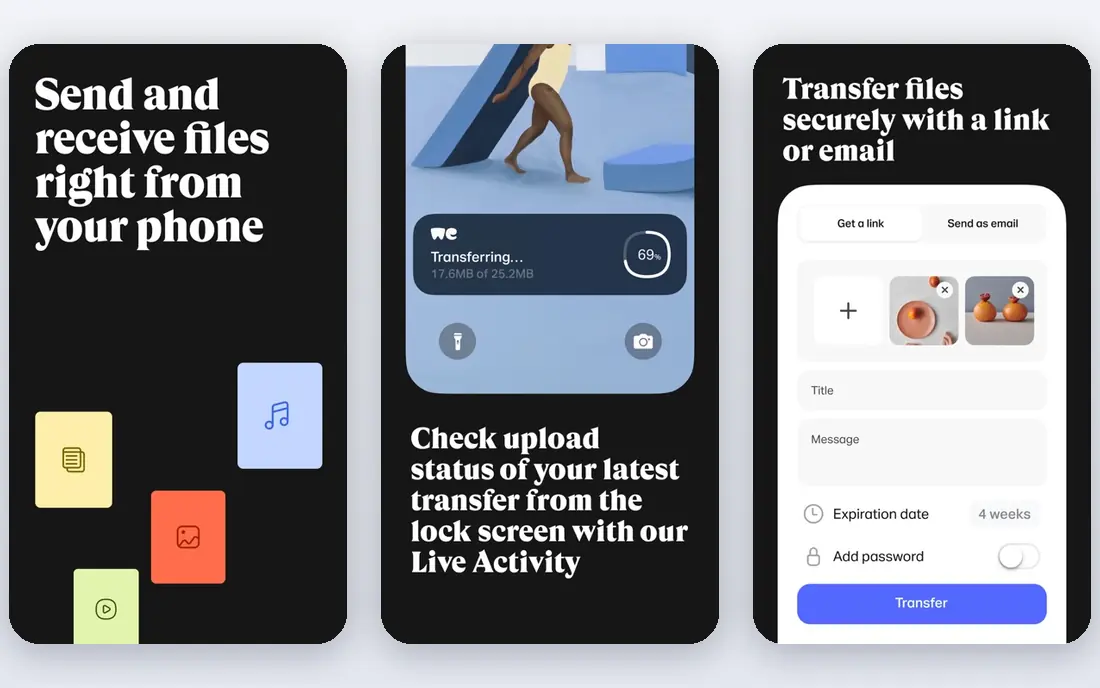
WeTransfer is the classic tool for sending a file once, without setting up shared folders or accounts. You upload files, enter an email or copy a link, and the recipient downloads from a clean page. That simplicity makes it ideal for sending a video, a design file, or a large document to a client who does not want to install anything.
The free plan is limited, with a file size cap around 2 GB to 3 GB in recent summaries and a seven-day link expiry, and password protection sits behind paid plans. For a quick, one-off send, WeTransfer is still the easiest option. For files that must stay available longer, or for sensitive work, use a storage service or an encrypted transfer tool instead.
- Very simple send flow with no account needed for basic transfers
- Link or email delivery
- Widely recognised by recipients
- Free plan limits file size and link expiry
- No password protection on the free plan in summaries
Send Anywhere is built for moving files between your own devices or to another person quickly, with or without an account. You can send with a six-digit key for a direct transfer, or share a link, and free transfers cover up to 10 GB in recent summaries, which is generous for videos and large archives. The apps work across Android, iOS, Windows, and Mac.
It is a transfer tool, not a storage and collaboration platform, so files expire and there is no shared folder workflow for ongoing team work. For sending a large video or a set of files once, especially between phones and computers, Send Anywhere is one of the best free tools available.
- Free transfers up to 10 GB in summaries
- Six-digit key for direct device sends
- Apps for mobile and desktop
- Link expiry on free transfers
- Less suited to long-term storage and collaboration
OneDrive is the natural file sharing choice for Microsoft 365 users, because it is built into Word, Excel, PowerPoint, and Teams. You can share files and folders by link, co-author documents in real time, and access files from Windows, Mac, mobile, and the web. Paid plans support very large single files, up to 250 GB in recent summaries, which suits video and design work.
Free storage is 5 GB, less than Google Drive, and the best value comes with a Microsoft 365 subscription that adds Office apps and far more storage. If your work already lives in Microsoft apps, OneDrive saves time and friction. If you use Google apps, Drive is the equivalent pick.
- 5 GB free storage
- Deep Word, Excel, and Teams integration
- File transfers up to 250 GB on paid plans in summaries
- Free storage is smaller than Google Drive
- Best value sits inside a Microsoft 365 subscription
Proton Drive, from the maker of Proton Mail, is the best file sharing service for privacy-conscious users. Files are end-to-end encrypted, so only you and your recipients can read them, and shared links can carry passwords and expiry dates. That makes it a strong choice for sensitive documents, legal files, and personal records that should not sit in a lightly protected folder.
Free storage is limited, and collaboration features such as real-time document editing are thinner than Google Drive or OneDrive. For private sharing and storage, though, Proton Drive offers a level of encryption the mainstream services do not match by default, and its free tier lets you try that model at no cost.
- End-to-end encryption for files
- Password protection and expiry dates on shared links
- Swiss-based privacy focus
- Free storage is limited
- Collaboration features are thinner than Google Drive or OneDrive
pCloud Transfer is a standalone, free transfer tool from pCloud, separate from its storage service. You can send files up to 5 GB without an account, with optional encryption for sensitive sends, and the recipient downloads from a link. That makes it a clean, free alternative to WeTransfer for medium-size files, especially when you want encryption without paying.
It is transfer-only, so there is no shared folder or collaboration workflow, and links expire after a set period. For a free, encrypted one-off send up to 5 GB, pCloud Transfer is one of the best options in this list.
- Free standalone transfers up to 5 GB
- Optional encryption
- No account needed for basic sends
- Transfer-only, not full storage
- Link expiry applies
- Larger sends need a pCloud plan
Smash stands out because its free tier does not impose a file size limit in recent summaries, which is unusual among free transfer tools. You upload a file, share a link, and the recipient previews or downloads it, without creating an account. That makes Smash a good fallback when a video or archive is too large for WeTransfer free or Send Anywhere free.
Free transfers have link expiry and speed considerations, and custom branding, password protection, and longer availability sit behind paid plans. For a very large one-off send where size matters more than long-term storage, Smash is worth trying first.
- No file size limit on free transfers in summaries
- No account needed
- Simple link sharing with preview
- Free link expiry and speed limits apply
- Branding and advanced controls sit behind paid plans
SwissTransfer, from the Swiss host Infomaniak, offers free transfers up to 50 GB in recent summaries, with a 30-day link expiry and no account required. That combination of size and expiry is generous for a free tool, and it suits large video projects, photo sets, and archives that exceed most free transfer limits. Swiss hosting is also a plus for users who prefer European data handling.
Like Smash and pCloud Transfer, SwissTransfer is a transfer tool, not a storage platform, so there are no shared folders or team collaboration features. For sending a very large file once, free, with a month for the recipient to download it, SwissTransfer is one of the strongest options available.
- Free transfers up to 50 GB in summaries
- 30-day link expiry
- No account needed
- Swiss hosting
- Transfer-only, not storage
- Interface is simpler than storage platforms
- No collaboration tools
How we picked these
We compared file sharing services and transfer tools that are actively available in 2026, offer a free tier, and cover the core jobs readers ask for: storage with sharing, collaboration, and one-off large sends, including video. We checked official service pages and recent published comparisons for free storage, transfer limits, expiry, and encryption, and we kept a mix of storage platforms and transfer-only tools. We excluded services with a poor security history or heavy adware associations where a safer alternative covered the same job.
How to choose a file sharing service
Start with how long the file needs to live. For ongoing team work, choose Google Drive, Dropbox, or OneDrive, because shared folders, version history, and permissions matter more than a single transfer limit. For a one-off send, choose WeTransfer, Send Anywhere, Smash, or SwissTransfer based on file size and how long the link must last. For sensitive files, add Proton Drive or pCloud Transfer with encryption and a password, and set a short expiry.
Check the recipient experience too. A link that requires an account, a download of a new app, or a confusing page will delay your work, especially for clients. Test a send with a large video before you rely on a service for a deadline, and keep a local backup until the recipient confirms the download. For the best app to send videos specifically, SwissTransfer and Smash handle the largest free files, while Send Anywhere is best for direct phone-to-computer transfers.
Sources
Frequently asked questions
What is the best file sharing app?
Google Drive is best for most people, because it combines free storage, sharing, and collaboration. Dropbox is best for simple sync, OneDrive is best for Microsoft users, and WeTransfer or SwissTransfer are best for one-off large sends.
What is the best app to send videos?
SwissTransfer, with free transfers up to 50 GB in summaries, and Smash, with no free size limit, are best for very large videos. Send Anywhere, with free transfers up to 10 GB, is best for direct device-to-device video sends, while Google Drive works well when the video must stay available for a team.
Are file sharing apps free?
Yes, all the services in this list offer a free tier, with free storage from 2 GB on Dropbox to 15 GB on Google Drive, and free transfer limits from 5 GB on pCloud Transfer to 50 GB on SwissTransfer. Paid plans add storage, longer link expiry, and advanced controls.
Is file sharing safe?
It depends on the service and your settings. Use password-protected links, short expiry dates, and view-only permissions for sensitive files, and prefer end-to-end encrypted services such as Proton Drive for private documents. Avoid sharing sensitive files through public links, and verify the recipient address before you send.
What is the best file sharing service for teams?
Google Drive and Dropbox are the strongest team choices, with shared folders, permissions, and version history, while OneDrive is best for teams already using Microsoft 365. For creative teams sending large media files, add a transfer tool such as Smash or SwissTransfer for client delivery.