Best Food Tracking Apps in 2026: 9 Apps Compared
By ToolNimba Editorial Team October 28, 2026 11 min read

- Top pick
 MyFitnessPal
Largest food database
Starting priceFreeCheck out MyFitnessPalRead our review - Runner-up
 Cronometer
Detailed nutrient tracking
Starting priceFreeCheck out CronometerRead our review - Also great
 Lose It
Simple beginner diary
Starting priceFreeCheck out Lose ItRead our review
How we researched this
We compared official pricing and feature pages, app store listings, privacy policies and public user reviews. Prices change, so check the provider's site before you pay.
Key takeaways
- Cronometer and MyNetDiary offer the most generous free nutrient tracking, while MyFitnessPal still has one of the largest food databases.
- Most paid plans cost between about $40 and $80 per year, so the yearly price matters less than whether you will keep logging after week two.
- Barcode scanning, photo logging and fasting tools are often paid features now, so check the free plan before you commit to an app.
- MacroFactor suits lifters who want adaptive targets, while Lose It suits beginners who want a simple daily diary.
- Food tracking apps are tools for awareness, not medical advice. Talk to a clinician or dietitian about targets linked to a health condition.
Quick comparison
| Name | Best for | Starting price | Free plan | |
|---|---|---|---|---|
| MyFitnessPal | Largest food database | Free | Yes | Visit |
| Cronometer | Detailed nutrient tracking | Free | Yes | Visit |
| Lose It | Simple beginner diary | Free | Yes | Visit |
 MyNetDiary | Fast logging with verified foods | Free | Yes | Visit |
 MacroFactor | Adaptive macro coaching | $11.99 per month | Free trial (7 days) | Visit |
 Yazio | Calorie plus fasting tracking | Free | Yes | Visit |
 FatSecret | Free barcode scanning | Free | Yes | Visit |
 Carb Manager | Low-carb and keto tracking | Free | Yes | Visit |
 Lifesum | Meal plans and habit scores | Free | Yes | Visit |
The best food tracking apps
We compared official app pages, pricing pages, app store listings and public reviews for apps that log food, calories and nutrients in 2026. Every app below is live on iOS and Android, with a working free plan or trial, except MacroFactor, which uses a trial instead of a free tier.

MyFitnessPal remains the default food diary for many people because it is the easiest place to find a packaged food or a restaurant item. The database runs to tens of millions of entries, and integrations with fitness trackers and health apps keep step and exercise data in the same place. If your main frustration is searching for foods, that breadth is a real advantage.
The honest catch is that the free plan is thinner than it used to be. Barcode scanning, voice logging and meal scanning are Premium features, with Premium listed at $79.99 per year and Premium+ at $99.99 per year in recent comparisons. Check entries against the label when accuracy matters, since crowd-sourced foods are not all verified.
- Very large food database
- Broad device and app integrations
- Recipe import and meal planning on Premium
- Barcode and faster scanning tools now sit behind Premium
- Free plan includes ads
- Crowd-sourced entries can vary in accuracy
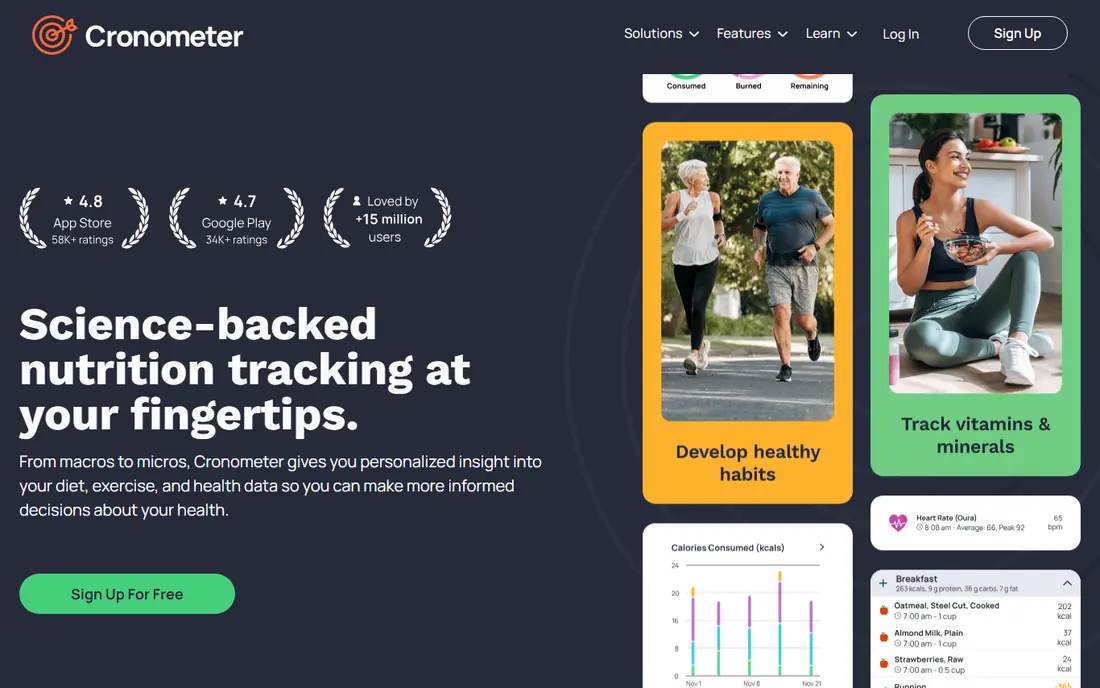
Cronometer is our pick for anyone who cares about nutrients beyond calories and protein. The free plan tracks a wide set of micronutrients from verified sources, which makes it popular with dietitians, researchers and people managing specific nutrient goals. Barcode scanning stays free, which is a welcome contrast to several rivals.
The trade-off is feel. Cronometer looks more like a nutrition record than a habit app, and logging can take a few more taps than a photo-first rival. Gold, listed at $59.99 per year in recent comparisons, adds fasting, custom charts and no ads. If you only need calories and macros, the depth may be more than you use.
- Lab-verified data for up to 84 nutrients on the free plan
- Barcode scanning included free
- Clear charts for vitamins, minerals and macros
- Interface feels clinical rather than playful
- Photo logging is less central than in newer apps
- Gold adds features many casual users will not need
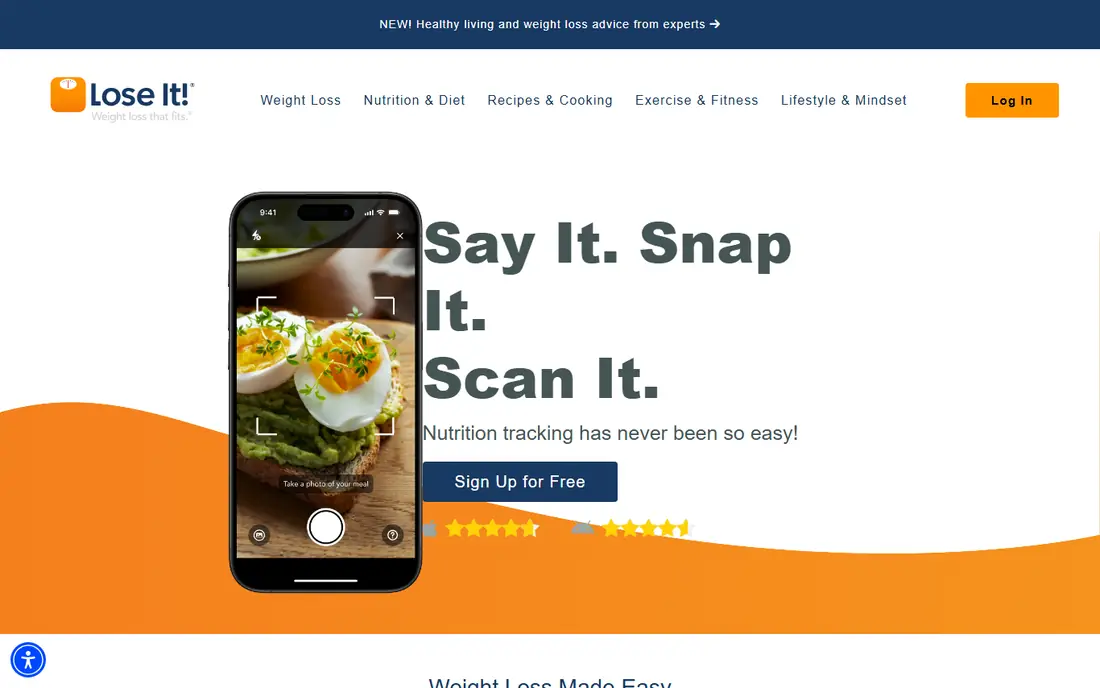
Lose It wins on simplicity. The setup asks for your goal, sets a calorie budget, and then stays out of your way while you log meals. Streaks and a clear daily remaining figure help beginners build the habit without learning nutrition science first. That low friction is why it still ranks highly for new trackers.
Premium now costs more than it did a few years ago, with recent comparisons listing Premium at $79.99 per year, so check the current price in the app before upgrading. Casual users may never need it, since free logging covers the core diary. Serious macro trackers should compare Cronometer or MacroFactor first.
- Clean, beginner-friendly interface
- Simple calorie budget and streaks
- Large food database for everyday foods
- Detailed macro targets sit behind Premium
- Premium pricing rose during 2026 in some comparisons
- Fewer micronutrient details than Cronometer
MyNetDiary earns its place through speed and data quality. In a published logging test of 127 identical entries, it needed fewer actions than rival apps, which matters when you log three meals a day for months. Its database leans on verified entries, so you spend less time fixing wrong calorie figures.
Premium is listed at $59.99 per year, with Premium Plus at $99.99 per year in October 2026 comparisons. The free plan covers core logging without ads, which is generous. If you have tried tracking before and quit because logging felt slow, MyNetDiary is the app to test first.
- Fast logging in independent speed tests
- Verified food database
- Tracks 108 nutrients on higher plans
- Smaller community than MyFitnessPal
- Some advanced coaching sits behind Premium
- Brand recognition is lower outside the US
MacroFactor is built for lifters and athletes who want targets that move with real data. Instead of a fixed calorie number, it estimates your expenditure from what you log and how your weight trends, then adjusts macros over time. That feedback loop is genuinely different from a static diary, and it suits structured training phases.
There is no free tier, only a trial, and the annual price is listed at $71.99 per year in recent comparisons. Photo-first users may prefer a different app, since MacroFactor rewards consistent manual logging. If you train seriously and want coaching logic rather than just a diary, the cost is easier to justify.
- Adaptive targets that adjust to your actual intake and weight trend
- Strong support for cuts, bulks and maintenance
- Detailed macro and expenditure estimates
- No permanent free plan
- Photo logging is not its main strength
- Price is higher than simple diaries
Yazio combines two apps into one for people who track both food and fasting windows. You can log meals, see macros at a glance, and follow a fasting schedule without switching apps. The recipe library is also strong, which helps when home cooking makes up most of your meals.
Pro is listed at $47.90 per year in mid-2026 comparisons, which undercuts several rivals. The free plan covers basic logging, but fasting plans and deeper reports are paid. If fasting is central to your routine, Yazio saves you a second subscription. If it is not, Cronometer or MyNetDiary may offer deeper nutrition data for a similar price.
- Built-in intermittent fasting tracker
- Large recipe library
- Clean daily overview for calories and macros
- Some fasting and recipe features sit behind Pro
- Free plan includes limits on advanced reports
- Database depth varies by region
FatSecret is the budget pick that does not hide its core tools behind a paywall. Barcode scanning, food search and the diary are free, which makes it a strong choice for anyone who only needs reliable basic logging. The community features, including journals and groups, add accountability without a coaching fee.
The design will not win beauty awards, and the app leans on manual entry rather than photo AI. Premium pricing varies by region, with recent comparisons placing it roughly between $38.99 and $59.99 per year. If you want a free, no-frills tracker and you do not mind a plain interface, FatSecret is hard to beat on value.
- Barcode scanning and full database free
- Simple diary with community support
- Low-cost Premium option in many regions
- Interface feels dated next to newer apps
- Photo logging is limited
- Premium pricing varies by region
Carb Manager is the clear choice for low-carb and keto eating because net carbs are central, not an afterthought. It tracks total and net carbs, offers keto recipes, and lets you set custom macro targets free. That focus saves keto trackers from workarounds in general apps.
Premium is listed at $39.99 per year in recent comparisons, which is low for the category. The catch is fit: if you eat a standard balanced diet, the keto-first layout may feel less relevant, and the database is smaller than the biggest rivals. For keto, though, no general tracker in this list matches its daily workflow.
- Net carb tracking built in
- Keto recipes and meal plans
- Custom macro targets free, by grams or percentages
- Non-keto users may find keto framing distracting
- Some meal plans and reports are Premium
- Database is smaller than MyFitnessPal
Lifesum suits people who want guidance, not just a blank diary. Meal plans, a simple Life Score and habit tracking give structure to the first weeks, when many trackers quit. The design is friendly, and the setup asks about goals in plain language rather than nutrition terms.
Premium pricing is promotion-sensitive, with recent comparisons placing it around $50 per year. That variability means you should check the in-app price rather than trust a roundup figure. If you want deep micronutrient charts, Cronometer is stronger. If you want a plan to follow, Lifesum is the more supportive start.
- Guided meal plans for common goals
- Life Score gives a simple habit snapshot
- Clean design that suits beginners
- Deeper tracking detail is thinner than Cronometer
- Premium price varies with promotions
- Some plans feel generic for specific diets
How we picked these
We compared official app and pricing pages, app store listings, privacy policies and public reviews for food tracking apps live in 2026. We kept apps with a working diary, a searchable food database, and a free plan or trial, and we favored apps with verified or large databases and clear pricing. We left out single-purpose fasting apps, photo-only AI apps without a full diary, and apps that had shut down or lost core logging features.
We did not test every app hands-on for a full month, and calorie estimates from any app are approximate. That is why we highlight database verification and logging speed alongside price: the app you keep using gives better data than the most detailed app you abandon.
How to choose without quitting in week two
Pick the app that makes your most common meal fastest to log. If you eat packaged foods, barcode scanning matters most. If you cook at home, recipe import and custom foods matter more. If you eat out often, a large restaurant database matters more than micronutrient charts. Match the tool to your meals, not to a feature list.
Set a realistic logging window
Logging every bite for a year is a big commitment, and most people do better with a short, clear window. Try two weeks of full logging to learn portion sizes and patterns, then move to logging only the meals that tend to push you over your target. An app that supports partial logging, custom foods and quick repeats will serve that pattern better than one that demands perfection.
Treat estimates as estimates
No app weighs your food for you, and photo estimates in particular can be off by a wide margin. Use a kitchen scale for a week if accuracy matters, compare app figures with package labels, and look at weekly averages rather than single-day totals. If you have a history of disordered eating, skip calorie tracking and talk to a clinician first. This article is general information only and is not medical advice.
Check data and privacy before you pay
Food logs are personal health data. Read the privacy policy for data sharing, ad tracking and export options before you subscribe, and check whether you can export your history if you switch apps. A yearly plan is cheaper, but start monthly or on a free plan until you know the app fits your routine.
Sources
- https://www.myfitnesspal.com
- https://cronometer.com
- https://www.loseit.com
- https://www.mynetdiary.com
- https://macrofactorapp.com
- https://www.yazio.com
- https://www.fatsecret.com
- https://www.carbmanager.com
- https://lifesum.com
- https://www.mynetdiary.com/best-food-tracking-app.html
- https://www.mynetdiary.com/best-macro-tracking-apps.html