Best Free Keyword Tools in 2026: 9 Tools Compared
By ToolNimba Editorial Team October 28, 2026 10 min read

- Top pick
 Google Keyword Planner
Volume ranges straight from Google
Starting priceFreeCheck out Google Keyword PlannerRead our review - Runner-up
 Google Trends
Seasonality and rising topics
Starting priceFreeCheck out Google TrendsRead our review - Also great
 Google Search Console
Queries your own site already ranks for
Starting priceFreeCheck out Google Search ConsoleRead our review
How we researched this
We compared official pricing and feature pages, app store listings, privacy policies and public user reviews. Prices change, so check the provider's site before you pay.
Key takeaways
- Google Keyword Planner is the best free starting point, because its volume data comes straight from Google.
- Google Search Console is the most useful free tool once you own a site, because it shows queries you already rank for.
- Ahrefs Free Keyword Generator gives fast idea lists with no login, while Semrush free accounts give deeper intent and difficulty data in small daily doses.
- Free limits are the real story, so plan around daily caps rather than expecting unlimited research.
- Pair two free tools, one for discovery and one for checking your own performance, instead of collecting six half-used accounts.
Quick comparison
| Name | Best for | Starting price | Free plan | |
|---|---|---|---|---|
| Google Keyword Planner | Volume ranges straight from Google | Free | Yes | Visit |
| Google Trends | Seasonality and rising topics | Free | Yes | Visit |
| Google Search Console | Queries your own site already ranks for | Free | Yes | Visit |
 Ahrefs Free Keyword Generator | Fast keyword ideas with no login | Free | Yes | Visit |
 Semrush | Sampling difficulty and intent | $139.95 per month | Yes | Visit |
 Ubersuggest | Beginner-friendly volume and difficulty | $29 per month | Yes | Visit |
 AnswerThePublic | Questions people actually ask | $20 per month | Yes | Visit |
 KeywordTool.io | Long-tail autocomplete ideas | See website | Yes | Visit |
 Moz Keyword Explorer | Quick difficulty checks | $49 per month | Yes | Visit |
The best free keyword tools
We compared official tool pages, free plan limits, and public guides checked in 2026, and we focused on what each free tier actually lets you do. Volume figures from different tools are estimates, except for Google data, so treat them as a guide rather than a promise of traffic.
Google Keyword Planner
Best for: Volume ranges straight from Google
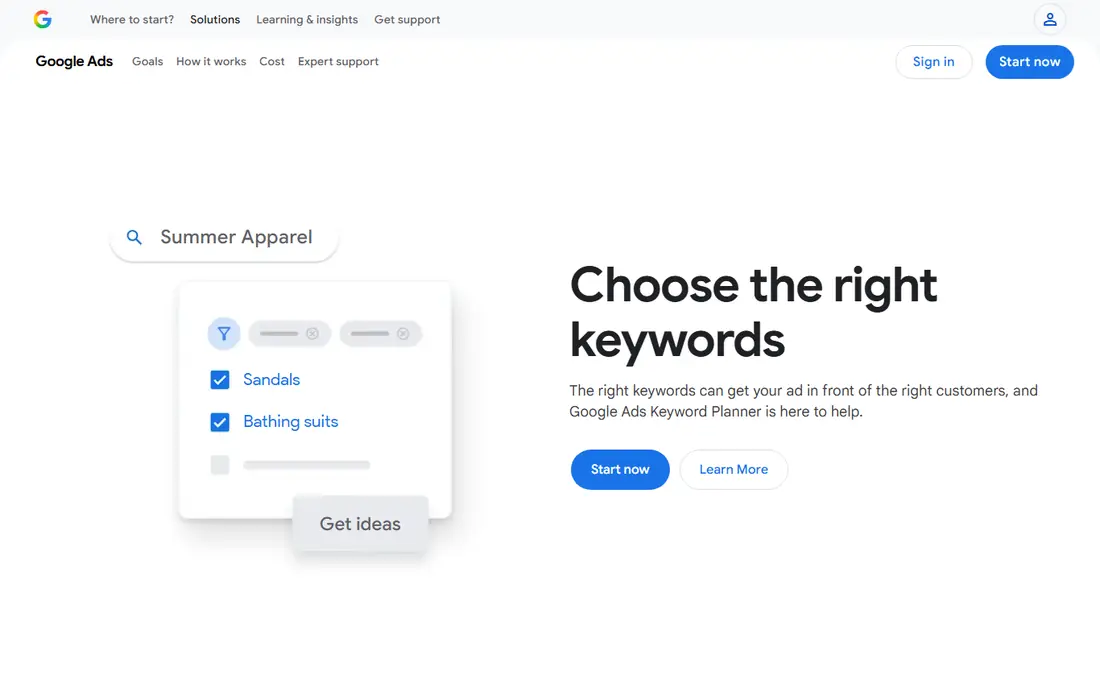
Keyword Planner remains the first tool most SEOs open, and for good reason. It gives monthly search volume ranges, keyword ideas, and cost-per-click estimates from Google itself, rather than a third-party estimate. That makes it a solid base for both SEO and paid search planning.
The setup is the main friction. You need a Google Ads account, and Google asks for billing information to use basic idea features, even though the tool itself has no separate fee. Volumes also arrive as ranges, so use Planner for direction and relative size, then cross-check difficulty elsewhere. For a free, first-party view of demand, nothing else on this list matches it.
- Data comes directly from Google
- Keyword ideas from a term or a URL
- Bid estimates for paid search
- Needs a Google Ads account with billing details for full use
- Volumes show as ranges, not exact counts
Trends answers a different question from Planner: is interest rising, falling, or seasonal. Each data point is scaled relative to all searches in that place and time, so a score of 100 means peak interest for that term, not a fixed number of searches. That makes it ideal for timing content and for choosing between two phrasings.
Use it before you commit to a topic. A term with steady or rising interest is a safer bet than one that peaked last year, and regional breakdowns can shape local pages. Pair Trends with Planner, and you get both direction and a rough sense of size, all for free.
- Fully free with no account needed for basic use
- Shows rising queries and regional interest
- Easy term comparisons
- Scores are relative, from 0 to 100, not search volumes
- No difficulty or ranking data
Google Search Console
Best for: Queries your own site already ranks for
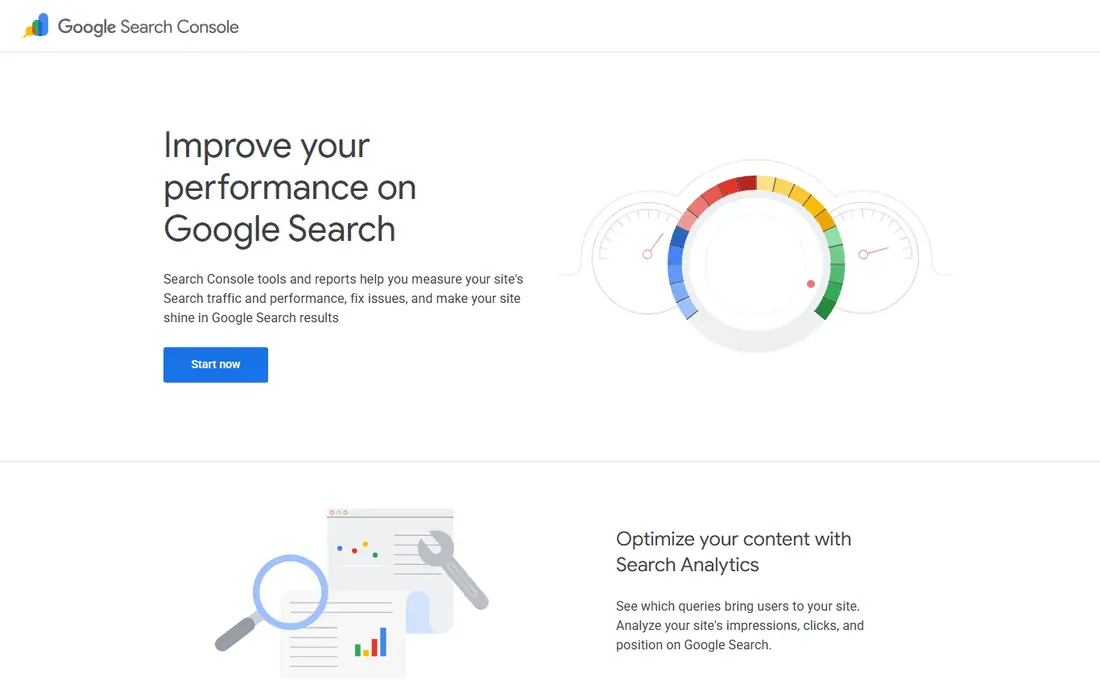
Search Console is the only tool here that shows what people actually typed before finding your site. Look for queries with many impressions where you sit on page two or three, because those pages are often one round of improvement away from real traffic. It also shows clicks and average position by page, country, and device.
The limit is scope. You cannot research a competitor or a new niche with it, since it only reports on sites you verify. That is also its strength, since the data is real rather than estimated. Every site owner should check it before buying a paid keyword tool.
- Shows real impressions, clicks, and positions for your site
- Free with no usage cap for verified sites
- Useful for finding near-miss rankings
- Only covers your own verified site
- Gives no competitor keyword data
Ahrefs Free Keyword Generator
Best for: Fast keyword ideas with no login
When you need ideas quickly, this generator is hard to beat. Type a seed term, pick a search engine and country, and you get a list of related keywords with volume and difficulty estimates. There is no account setup for the basic tool, which makes it handy for brainstorming sessions.
Depth is where it stops. You will not get full SERP analysis, competitor gaps, or tracking, and heavy users will hit the limits of a free sampler. Use it to build a first list, then check the best candidates in Planner, Search Console, or a free Semrush account. For speed alone, it earns its place here.
- No login needed for basic use
- Around 100 ideas per search in recent guides
- Volume and difficulty shown
- Limited depth compared with paid Ahrefs
- No full competitor or rank tracking in the free generator
Semrush is a full SEO suite, and its free account is best treated as a sampler. You get limited daily reports, including keyword overviews with intent, trend, and difficulty, plus a taste of competitor research and site audits. That is enough to validate a shortlist before you pay.
The paid SEO Toolkit starts at $139.95 per month, which is a lot for a hobby site. For a business that also needs rank tracking, audits, and competitor work, the bundle can make sense, but casual researchers should stay on the free tier and combine it with Google tools. Use the free reports carefully, since the daily cap runs out fast on a big list.
- Keyword Magic Tool with intent and difficulty
- Competitor and SERP data
- Free account allows limited daily reports
- Paid plans are expensive for solo users
- Free account caps reports at about 10 per day
Ubersuggest suits beginners because it puts the essentials on one screen: volume, difficulty, seasonal trend, and top-ranking pages. You can see at a glance whether a keyword is realistic for a new site, and content ideas help turn a keyword into a page outline. The free plan allows about 3 searches per day on the web, with more through the extension in some guides.
Paid plans start at about $29 per month, with lifetime options also listed by the vendor in the past, so check the live pricing page. The main weakness is depth for competitive niches, where larger suites give better competitor data. For a small site getting started, Ubersuggest is a friendly, low-cost step up from Google tools alone.
- Clear volume, difficulty, and content ideas in one view
- SERP previews
- Browser extension for extra lookups
- Free web searches are limited to about 3 per day
- Data is less deep than Ahrefs or Semrush
AnswerThePublic turns a seed keyword into the questions people ask around it, grouped by who, what, where, when, and why. That is gold for article titles, FAQ sections, and content that matches real search intent. A single search can spark ten page ideas that a plain volume list would miss.
The free tier is tight, at about 3 searches per day, so save it for topics you plan to write about soon. Paid plans start at about $20 per month, with lower annual rates reported. Pair it with Planner for volumes, and you get both the question and a sense of how many people ask it.
- Visual maps of questions, prepositions, and comparisons
- Great for FAQ and article angles
- Simple to read
- Free searches limited to about 3 per day
- No volume or difficulty in the free view for every term
KeywordTool.io is built for breadth. It pulls autocomplete suggestions across search engines and platforms, so one seed term can return 750 or more long-tail ideas. That is useful when you want every phrasing variation, including YouTube or shopping-style queries, rather than only the head terms.
The free version is a brainstorming tool, not a measurement tool, since volume and competition sit behind paid plans. Use the free list to expand your ideas, then measure the best ones in Planner or Ubersuggest. For content teams that need many angles fast, that two-step workflow works well.
- Generates hundreds of autocomplete suggestions
- Covers Google, YouTube, and other platforms
- No volume needed for brainstorming
- Free version hides volume and competition data
- Paid pricing varies by plan and should be checked live
Moz Keyword Explorer is worth keeping for one job: a second opinion on difficulty. Its score weighs the sites already ranking, which helps you judge whether a new or small site can realistically compete. The interface is clean, and suggestions are easy to scan.
Free access is limited, and the entry paid plan is about $49 per month, so this is not the tool for bulk research on a free budget. Use it to validate a shortlist, especially for terms where Ahrefs and Semrush disagree. That cross-check can save you from targeting a keyword that looks easy but is not.
- Difficulty score that factors in ranking sites
- Clean keyword suggestions
- Free tool for quick checks
- Free use is limited
- Entry paid plan starts at about $49 per month
How we picked these
We compared official tool pages, free plan limits, and public guides checked in 2026, and we favored tools that offer a genuinely usable free tier rather than a demo that blocks every result. We checked each vendor homepage to confirm it loads and belongs to the product named. We did not claim hands-on testing, and we treated volume and difficulty figures as estimates, except for Google first-party data. Where free limits differed between guides, we used the figure most often reported and advised readers to check the live page, since caps change.
How to use free tools without hitting the wall
Start with Google tools for size and for your own performance, then add one discovery tool for ideas and one checker for difficulty. That stack covers most needs without paying. Keep a simple sheet of keywords, volumes, and difficulty scores, so you do not waste free searches re-checking the same terms.
Plan your searches around daily caps
Free tiers cap searches per day, so batch your work. Do discovery one day, validation the next, and save AnswerThePublic and Semrush searches for topics you will actually publish. Also save exports where offered, since a saved list beats a repeated search.
Judge keywords by intent, not just volume
A high-volume term with the wrong intent will not convert or rank well for your page. Check the top-ranking pages for each term, read their titles, and ask whether your page can match what searchers want. A smaller term with clear intent often beats a broad term that brings the wrong visitors.