Best Instant Cash Apps in 2026: 10 Apps Compared
By ToolNimba Editorial Team November 13, 2026 11 min read

- Top pick
 Cash App
Everyday peer payments and borrowing for eligible users
Starting priceFreeCheck out Cash AppRead our review - Runner-up
 Venmo
Splitting bills and social payments
Starting priceFreeCheck out VenmoRead our review - Also great
 Zelle
Fast bank to bank transfers
Starting priceFreeCheck out ZelleRead our review
How we researched this
We compared official pricing and feature pages, app store listings, privacy policies and public user reviews. Prices change, so check the provider's site before you pay.
Key takeaways
- For sending money to friends fast, Cash App, Venmo, Zelle, and PayPal are the most widely accepted options in the US.
- For a short advance before payday, Dave, EarnIn, Brigit, MoneyLion, and Albert cover different limits and fee models.
- Instant transfer fees and limits vary by app, bank, and amount, so check the fee shown at checkout before you confirm.
- Free standard transfers usually take one to three business days, while instant transfers cost extra in most apps.
- This is not financial advice. Treat advances as a short bridge, not a regular source of income, and compare the total cost first.
Quick comparison
| Name | Best for | Starting price | Free plan | |
|---|---|---|---|---|
| Cash App | Everyday peer payments and borrowing for eligible users | Free | Yes | Visit |
| Venmo | Splitting bills and social payments | Free | Yes | Visit |
| Zelle | Fast bank to bank transfers | Free | Yes | Visit |
 PayPal | Sending money and paying online | Free | Yes | Visit |
 Chime | Early pay and fee free overdraft cover | Free | Yes | Visit |
 Dave | Small advances with budgeting tools | Free | Yes | Visit |
 EarnIn | Advances with no mandatory fee | Free | Yes | Visit |
 Brigit | Advances with overdraft prediction | $8.99 per month | No | Visit |
 MoneyLion | No interest advances with banking tools | Free | Yes | Visit |
 Albert | Larger advances up to 1,000 dollars | Free | Yes | Visit |
The best instant cash apps
Instant can mean two different things: sending money to another person in minutes, or getting an advance on money you have already earned. This list covers both, so check which job you need done before you pick.
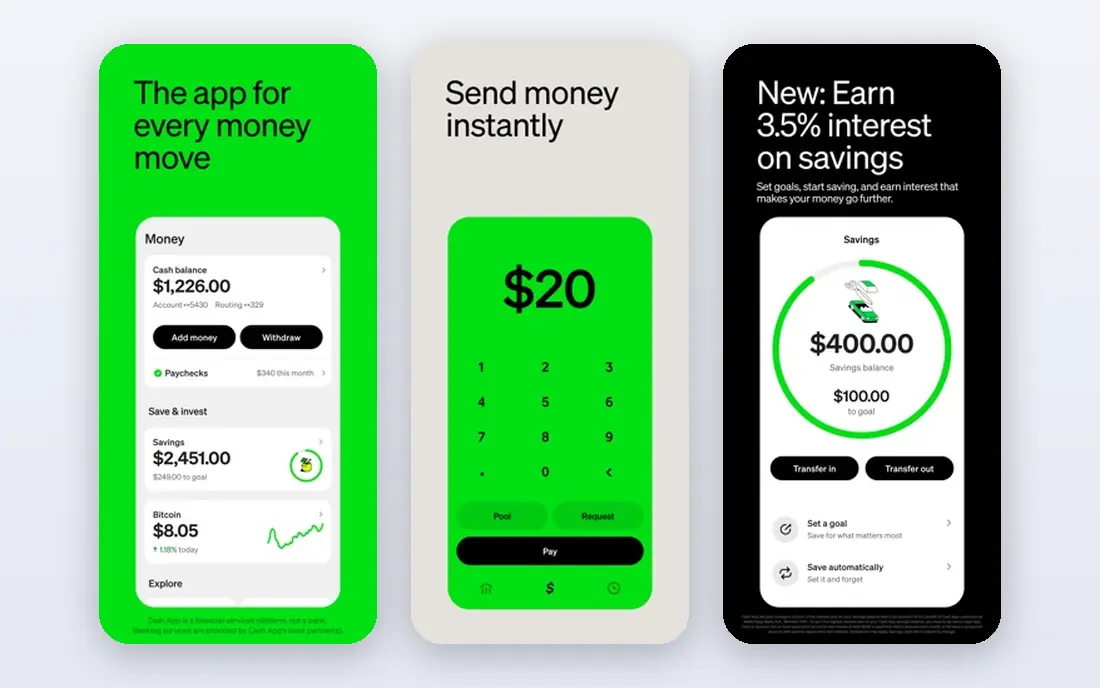
Cash App is one of the most common ways people in the US send money to friends and family. Standard transfers are free in most cases, while instant transfers to a linked debit card usually carry a fee. The app also offers a Borrow feature to eligible users, with amounts reported up to 500 dollars, plus savings and card features for people who use it as a main account.
The catch is eligibility and fees. Borrow is offered only to some users based on their account history, and instant transfer costs vary, so the amount you see at confirmation is the number that matters. If your friends already use Cash App, its network effect alone makes it hard to skip.
- Widely used for peer payments
- Optional Borrow feature for eligible users
- Linked debit card available
- Instant transfer fees apply to some transfers
- Borrow is not available to everyone
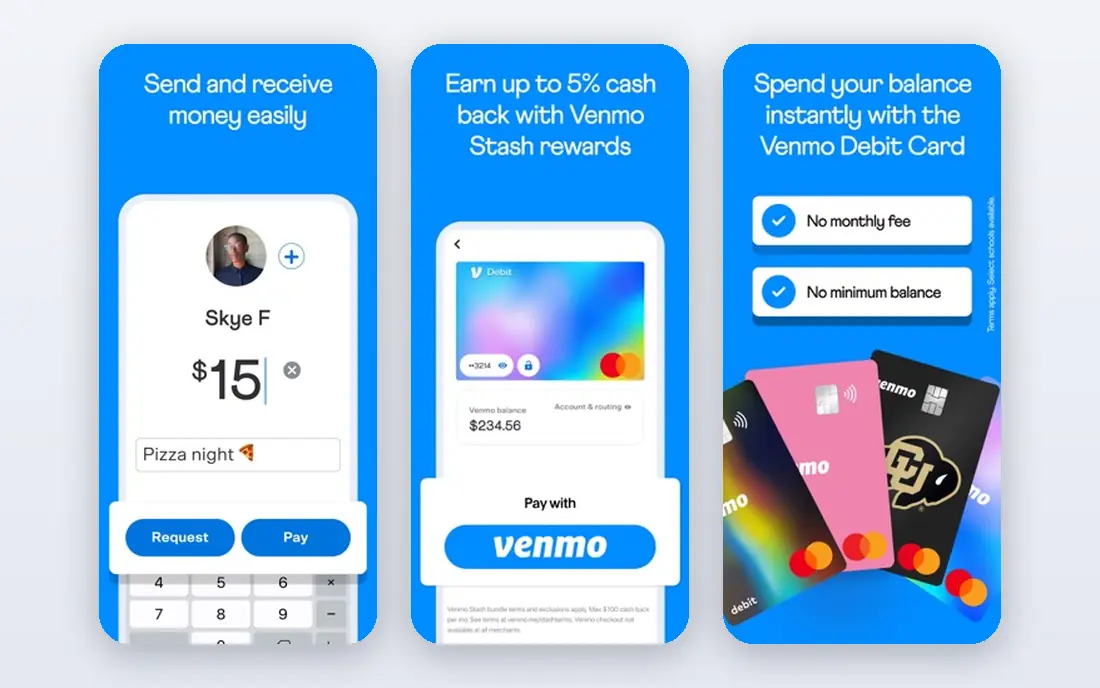
Venmo remains a go to app for splitting rent, dinner, and group costs, because the request and split flow is simple and most people already have an account. Standard bank transfers are free, while instant transfers to a debit card carry a fee that varies by amount. It also works for paying some businesses, which widens its use beyond friends.
The honest weakness is speed versus cost. If you need money in minutes, you will pay for that speed, and the fee is shown before you confirm. For non urgent transfers, the free standard option is the better deal.
- Very widely used among friends and roommates
- Simple split and request flow
- Linked bank and card options
- Instant transfer fee applies
- Some features require a linked bank account
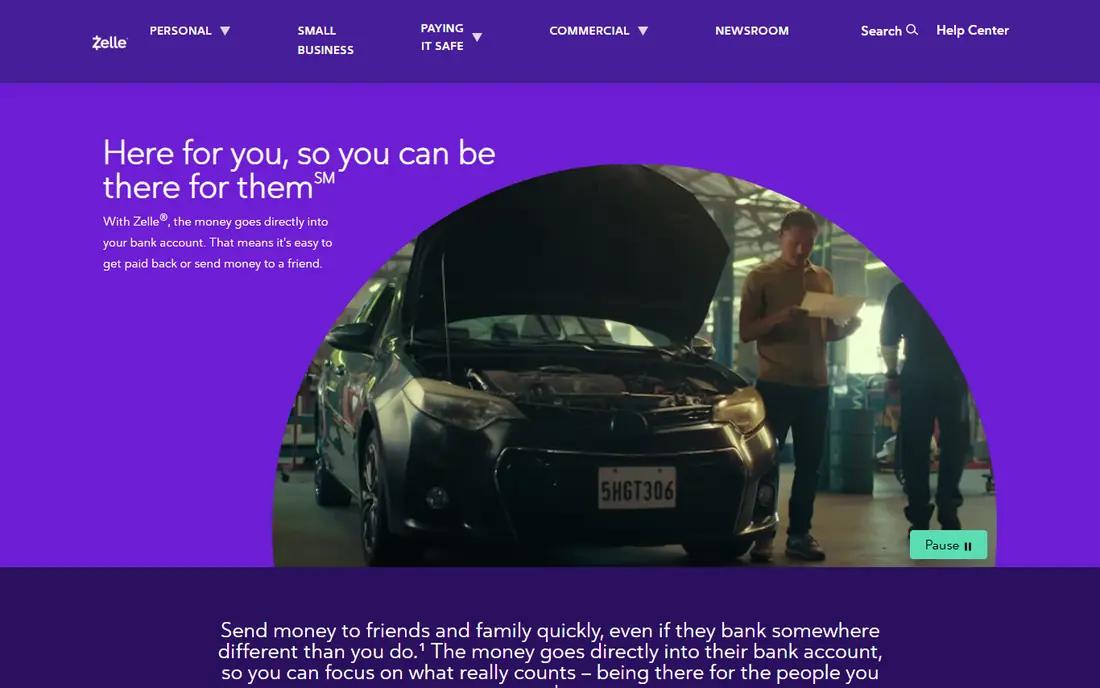
Zelle is different from most apps here because it moves money directly between US bank accounts, usually in minutes, with no separate app balance to cash out. Many banks build it into their own apps, so you may already have access without downloading anything new. For sending money to someone you trust, that direct path is hard to beat.
The limit is scope. Zelle is for sending money to people you know, not for cash advances, and it does not offer the same purchase protection as a card network. Sending to the wrong address can be hard to reverse, so double check the recipient before you send.
- Money moves directly between bank accounts
- Often arrives in minutes
- No separate balance to manage
- Requires a participating bank or the Zelle app
- No purchase protection for most payments
PayPal is the most widely accepted option for online payments, and it also handles peer transfers in the US. Friends and family payments from a bank account or PayPal balance are often free, while instant transfers to a card carry a fee. Its international reach also helps if you need to send money abroad, including to Mexico, though fees and exchange rates vary by route.
The trade off is cost on the fast and international options. Always check the fee and exchange rate shown before you confirm, because the headline free transfer does not cover every path. For domestic peer payments, though, PayPal is a safe default.
- Accepted by many online sellers
- Friends and family transfers available
- International sending options
- Instant transfer fees apply
- Currency conversion fees apply on international payments
Chime is a banking app rather than a pure cash advance app, but it belongs here because its early pay and SpotMe features solve the same short gap problem. Eligible users can get direct deposits early and get fee free overdraft cover up to a limit that grows with account history. There is no monthly fee for the basic account.
The catch is that Chime works best as a main account, not as a side app you open once. SpotMe limits and early pay timing depend on your deposit history, so new users should not expect the top limits on day one.
- No monthly account fee
- Early direct deposit for eligible users
- SpotMe overdraft feature for eligible users
- It is a banking app, not a standalone advance app
- Advance style features depend on eligibility
Dave offers advances up to 500 dollars to eligible users, with no interest charged on the advance itself. The app pairs advances with budgeting tools, spending alerts, and a linked checking account option. That combination suits people who want help spotting the next shortfall, not just a one off payment.
Costs are the part to read closely. Dave charges a service fee on advances and a fee for express transfers to an external card, and some features sit behind a monthly subscription. Add those together before you compare Dave with a no mandatory fee option.
- Advances up to 500 dollars for eligible users
- Budgeting and alerts included
- No interest on advances
- Monthly subscription for some features
- Express transfer fee applies
- Service fee on advances
EarnIn lets eligible workers access part of pay they have already earned, with advances reported up to 150 dollars per day and 1,000 dollars per pay period. There is no mandatory fee, and the app runs on an optional tip model for standard use. That makes it one of the cheapest options if you qualify and can wait for standard delivery.
The limits are eligibility and speed. You need a regular pay schedule that EarnIn can verify, so it does not fit gig or irregular income as well. Instant transfers also carry a fee, so the free path takes one to three business days.
- No mandatory monthly fee
- Advances based on hours already worked
- Optional tip model
- Requires verifiable employment and pay schedule
- Instant transfer fee applies
Brigit pairs advances up to 500 dollars with account monitoring that warns you before an overdraft hits. That prediction feature is genuinely useful for people who get caught by timing gaps between bills and paydays. The app also includes budgeting tools and credit building features on higher plans.
The downside is the membership cost. Advances require a paid plan starting at 8.99 dollars per month, and express transfers cost extra on top. If you use the alerts every month, that cost may pay for itself. If you only need one advance, a no subscription app may be cheaper.
- Advances up to 500 dollars
- Alerts that predict overdrafts
- Budgeting and credit tools
- Monthly membership required for advances
- Express transfer fee applies
MoneyLion offers Instacash advances up to 500 dollars, or up to 1,000 dollars with a MoneyLion spending account, with no interest charged. Standard delivery is free, which makes it a solid pick if you can plan a few days ahead. The wider app also covers banking, investing, and credit tools for people who want one money app.
Express delivery is where the cost appears, with fees that vary by amount. MoneyLion is best when you treat the free standard path as the default and only pay for speed when the timing truly matters.
- Instacash advances with no interest
- Standard delivery is free
- Wider banking and investing tools
- Express delivery fee applies
- Higher limits may require a MoneyLion account
Albert offers instant advances from 25 to 1,000 dollars, with instant delivery to an Albert Cash account and delivery within minutes to external accounts for a fee. That higher ceiling helps when a 500 dollar advance is not enough to cover the gap. The app also includes budgeting, savings, and investing tools.
The honest catch is repayment timing. Advances are typically due in a short window, so a larger advance means a larger repayment coming out of your next pay. Only take what you can repay without creating a second gap.
- Advances from 25 to 1,000 dollars
- Instant delivery to an Albert account
- Budgeting and savings tools
- Express fee for external accounts
- Repayment window is short
How we picked these
We compared official app pages, fee disclosures, and help pages for widely used US money apps that offer instant transfers, cash advances, or both. We favored apps that are available in the US today, that state their fees and limits plainly, and that cover both peer payments and advances. We did not claim hands-on testing, and we treated fees as variable, because the exact fee depends on amount, bank, and delivery speed.
What to check before you use an instant cash app
Separate sending from borrowing
Peer payment apps move money you already have, while advance apps lend against future pay. They look similar on a phone screen, but the costs and risks are different. Decide which job you need, then compare only apps that do that job.
Add up the total cost
A free app can still cost money through instant transfer fees, express fees, subscriptions, or tips. Before you confirm, add the fee to the advance and check what you will repay in total. If that total surprises you, the free standard delivery path is usually the better choice.
Check eligibility before you rely on a limit
Headline limits such as 500 or 1,000 dollars apply to eligible users, not to every new account. Employment verification, direct deposit history, and account age all affect what you can actually get. Do not plan a bill payment around a limit you have not yet qualified for.
Watch the repayment date
Most advances are repaid automatically on your next payday or within days. Put that date on your calendar and check that the repayment will not leave you short again. If it will, a smaller advance, or a different way to cover the bill, is safer.
Sources
Frequently asked questions
What is the best app for instant cash?
It depends on the job. For sending money to friends in minutes, Zelle, Cash App, and Venmo are the most direct options. For a payday advance, EarnIn and MoneyLion are strong if you can use standard delivery, while Dave and Brigit suit people who want budgeting help alongside the advance.
Do instant cash apps charge fees?
Most charge for speed, even when the app itself is free. Instant transfers to a debit card, express delivery, subscriptions, and service fees all vary by app and amount. Standard transfers, which take one to three business days, are often free, so speed is usually what you pay for.
Can I send money to Mexico with these apps?
PayPal supports international sending, including to Mexico, with fees and exchange rates that vary by payment method and amount. Cash App and Venmo are mainly US focused for peer payments, so check the app for your specific route before you rely on it for an international transfer.
Do cash advance apps check credit?
Most of the advance apps listed here do not run a hard credit check for an advance. They verify employment, income, or bank activity instead. That does not mean the advance is free, and it does not mean approval is guaranteed.
How fast is instant delivery really?
Instant usually means minutes to a linked debit card, but it depends on your bank, the time of day, and the app. Some transfers that are called instant can still take up to an hour. If timing is critical, confirm the delivery window shown in the app before you send.
Are cash advance apps safe?
Reputable apps use bank level security and state their fees in their terms, but you should still read the fee schedule, check what data the app accesses, and avoid apps that hide costs. This article is not financial advice, and advances should not replace a budget or emergency fund.