Best Inventory Management Software in 2026: 8 Tools Compared
By ToolNimba Editorial Team October 28, 2026 9 min read

- Top pick
 Zoho Inventory
Small multichannel sellers
Starting price$29 per monthCheck out Zoho InventoryRead our review - Runner-up
 Square for Retail
Shops using Square payments
Starting priceFreeCheck out Square for RetailRead our review - Also great
 Sortly
Simple visual stock tracking
Starting price$49 per monthCheck out SortlyRead our review
How we researched this
We compared official pricing and feature pages, app store listings, privacy policies and public user reviews. Prices change, so check the provider's site before you pay.
Key takeaways
- Zoho Inventory is the best value start for small sellers, with a free plan for 50 orders a month and paid plans from $29 per month billed annually.
- Square for Retail suits shops that already take payments with Square, since stock, sales, and payments sit in one system.
- Cin7 Core and Fishbowl suit larger operations, but their higher prices only make sense once order volume and warehouse needs grow past basic tools.
- Watch the caps that force an upgrade: order limits, user limits, location limits, and SKU limits often matter more than the headline price.
Quick comparison
| Name | Best for | Starting price | Free plan | |
|---|---|---|---|---|
| Zoho Inventory | Small multichannel sellers | $29 per month | Yes | Visit |
| Square for Retail | Shops using Square payments | Free | Yes | Visit |
| Sortly | Simple visual stock tracking | $49 per month | Yes | Visit |
 inFlow Inventory | Wholesale and B2B sellers | $99 per month | Free trial | Visit |
 Cin7 Core | Scaling multichannel brands | $349 per month | Free trial | Visit |
 Katana | Makers and light manufacturers | $299 per month | Yes | Visit |
 Odoo Inventory | Flexible open-source workflows | Free | Yes | Visit |
 Fishbowl | QuickBooks users with warehouse needs | $229 per month | No | Visit |
The best inventory management software
We compared official feature pages, pricing pages, and public reviews for tools that still serve small and mid-sized sellers in October 2026. The list mixes low-cost tools for new sellers with deeper systems for warehouses and manufacturers, so you can match the tool to your sales channels and order volume.
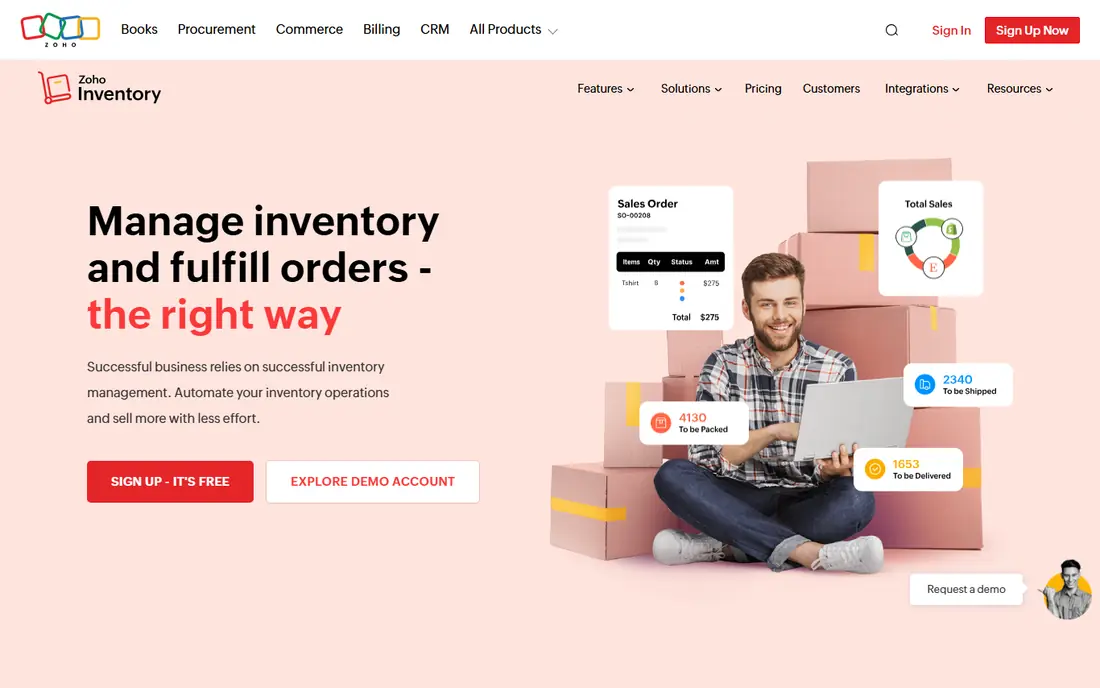
Zoho Inventory is the first tool most small sellers should test. The free plan covers 50 orders a month for one user at one location, which is enough for a new store to run properly. The Standard plan, billed annually, raises that to more orders, more users, and more locations, while still charging per organization rather than per seat.
The catch is the tier structure. As orders grow, you move to higher plans for more capacity, automation, and fulfillment features. That is normal, but it means a fast-growing seller should budget for the next tier early. If you already use Zoho Books or Zoho CRM, the shared data makes the case even stronger.
- Low-cost paid plans
- Free plan for small sellers
- Strong Zoho app integrations
- Order, user, and location caps rise only with higher plans
- Advanced automation sits higher up

Square for Retail fits a shop that already rings up sales with Square. Stock counts update as you sell in store or online, and the free plan covers basic inventory for a small shop. Paid plans add purchase orders, vendor management, and more locations, which helps as a shop adds stock and staff.
The limit is depth. Square is not a full warehouse system, and businesses with complex assembly, multi-warehouse routing, or heavy B2B pricing will outgrow it. For a boutique, cafe, or small retailer, though, the link between sales and stock is a real time saver, and the free start keeps risk low.
- Stock and payments in one system
- Simple setup for shops
- Free plan for basic needs
- Advanced warehouse tools are limited
- Purchase orders need a paid plan
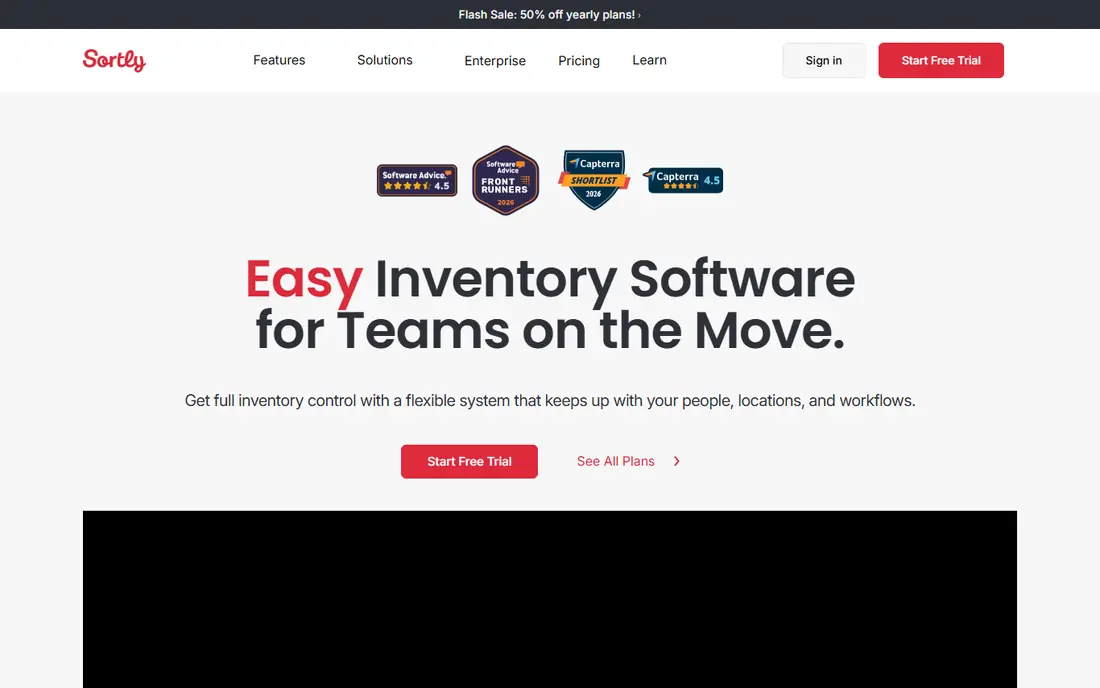
Sortly takes a visual approach that suits teams tracking equipment, supplies, and materials rather than thousands of retail SKUs. You add photos, scan barcodes or QR codes with a phone, and log items in and out with a clear history. That simplicity helps staff who do not want a full accounting-style system.
High-volume sellers may find the limits tight. Lower plans cap items, and order management is not as deep as Zoho Inventory or Cin7 Core. Pick Sortly when your main job is knowing what you have, where it is, and who last moved it, rather than processing hundreds of orders a day.
- Photo-based item lists
- Mobile barcode and QR scanning
- Easy check-in and check-out
- Item caps on lower plans
- Weaker for high-volume order management
inFlow Inventory suits product businesses that sell wholesale as well as direct. It handles sales orders, purchase orders, stock across locations, and customer-specific pricing, plus a B2B showroom where trade customers can order at their own prices. Barcode scanning and reporting round out a system that feels built for real stockrooms.
Price is the main barrier. Entry plans cost more than Zoho Inventory, and order caps on lower tiers can add overage costs in a busy month. For a wholesaler that needs structured orders and trade pricing, inFlow is worth the step up, but a tiny retailer may not need its depth yet.
- Strong order and purchase order tools
- B2B showroom features
- Barcode support
- Higher entry price than Zoho or Square
- Some plans cap monthly orders
Cin7 Core is for brands that sell on several channels at once and need one true stock count across them. It syncs inventory with online stores, marketplaces, and accounting apps, and it adds warehouse, manufacturing, and B2B features that simpler tools lack. With hundreds of integrations, it can grow with a brand from a busy online store to a multi-warehouse operation.
That power costs money and setup time. At $349 per month, Cin7 Core is a serious commitment, and smaller sellers will not use most of its features. Choose it when stock errors across channels are already costing sales, and when a cheaper tool keeps forcing manual fixes.
- Wide channel and app integrations
- Multi-location stock control
- Built-in warehouse tools
- High entry price
- Setup takes more time than simpler tools
Katana is built for businesses that make what they sell. It tracks raw materials, work in progress, and finished goods, and it plans production from bills of materials and sales orders. That view is hard to get from a pure reselling tool, and it helps makers avoid running out of a key part mid-batch.
Pure resellers should look elsewhere, since they will pay for manufacturing features they never use. The free plan also caps SKUs at a low number, so most makers move to a paid plan quickly. If you produce goods in-house, Katana gives you a clear link between stock, production, and sales.
- Production planning with bills of materials
- Raw material and finished goods tracking
- Unlimited users on paid plans
- Free plan caps SKUs at 30
- Overkill for pure resellers
Odoo Inventory appeals to teams that want to shape the system around their own process. The free single-app option covers inventory for unlimited users, and the wider Odoo suite adds sales, accounting, manufacturing, and more as separate modules. Warehouse features, forecasting, and automated purchase suggestions are strong for the price.
Flexibility has a cost in setup time. Odoo can feel complex at first, and teams that add many modules move to per-user suite pricing. It suits a business with someone willing to configure workflows, or a partner to help. For a team that wants a tool that grows into a full operations system, Odoo is a strong long-term pick.
- Free single-app option
- Highly flexible modules
- Strong warehouse and forecasting tools
- Steeper learning curve
- Full suite pricing is per user
Fishbowl is the pick for manufacturers and distributors that run QuickBooks and need warehouse depth. It syncs stock, orders, and assembly with QuickBooks, tracks parts and finished goods in real time, and supports barcode scanning across warehouse locations. That link keeps accounting and stock in step without double entry.
The entry price is higher than Zoho or Sortly, and there is no free plan, only a demo. Advanced manufacturing features also sit on a higher tier. If your books already live in QuickBooks and your warehouse is your bottleneck, Fishbowl is a proven fit, but small sellers should start cheaper.
- Deep QuickBooks integration
- Real-time assembly and warehouse tracking
- Barcode support
- No free plan
- Advanced manufacturing needs a higher tier
How we picked these
We compared official feature pages, pricing pages, and public reviews for inventory tools that are still sold in October 2026. We kept tools with a clear official homepage and a current plan, and we favored a mix of low-cost sellers tools and deeper warehouse systems. We paid close attention to caps on orders, users, locations, and SKUs, since those caps often decide the real cost.
How to choose the right inventory tool
Start with your sales channels
List every place you sell, from a shop till to online stores and marketplaces, and check that the tool syncs stock across all of them. A tool that only covers one channel will leave you counting by hand. Multichannel sellers should shortlist Zoho Inventory, Cin7 Core, or inFlow Inventory first.
Count what the caps really allow
Check order limits, SKU limits, user limits, and location limits against your next twelve months, not just today. A free plan that covers 50 orders a month is fine for a new store, but a busy season can push you into a paid tier fast. Ask what happens at the cap: a hard stop, an overage fee, or a forced upgrade.
Test the daily workflow
Run a trial with real tasks: receive stock, sell an item, process a return, and run a stock count. The best tool is the one your team will actually use on a busy day. If scanning, photos, or mobile access matter to your staff, weight those features as heavily as price.
Sources
- https://www.zoho.com/inventory
- https://squareup.com
- https://www.sortly.com
- https://www.inflowinventory.com
- https://www.cin7.com
- https://katanamrp.com
- https://www.odoo.com
- https://www.fishbowl.com
- https://www.cin7.com/blog/best-inventory-management-software-solutions/
- https://rankite.com/blog/best-value-inventory-management-software