Best Investment Apps in 2026: 9 Apps Compared
By ToolNimba Editorial Team October 28, 2026 10 min read

- Top pick
 Fidelity
Most investors
Starting priceFreeCheck out FidelityRead our review - Runner-up
 Charles Schwab
Research and service
Starting priceFreeCheck out Charles SchwabRead our review - Also great
 Robinhood
Mobile-first trading
Starting priceFreeCheck out RobinhoodRead our review
How we researched this
We compared official pricing and feature pages, app store listings, privacy policies and public user reviews. Prices change, so check the provider's site before you pay.
Key takeaways
- Fidelity is our pick for most people, because it pairs $0 stock and ETF commissions with a wide range of accounts and strong research tools.
- Robinhood and Webull suit mobile-first traders, while Acorns suits people who want investing to happen automatically in small steps.
- Most apps here charge $0 commission for online US stock and ETF trades, so the real differences are account types, research, and extra fees.
- This is not financial advice; investing carries risk, and you can lose money, so start with an amount you can afford to leave invested.
Quick comparison
| Name | Best for | Starting price | Free plan | |
|---|---|---|---|---|
| Fidelity | Most investors | Free | Yes | Visit |
| Charles Schwab | Research and service | Free | Yes | Visit |
| Robinhood | Mobile-first trading | Free | Yes | Visit |
 Webull | Active traders | Free | Yes | Visit |
 Vanguard | Long-term index investors | Free | Yes | Visit |
 SoFi Invest | All-in-one finance | Free | Yes | Visit |
 E*TRADE | Experienced investors | Free | Yes | Visit |
 Acorns | Automatic small investing | $4 per month | No | Visit |
 Public | Learning while investing | Free | Yes | Visit |
The best investment apps
The best app for stocks depends less on the logo and more on how you invest. Some people want a simple place to buy an index fund every month. Others want charts, options, and fast mobile orders. We compared official pricing pages, account features, app store listings, and public reviews to sort out which app fits which style.
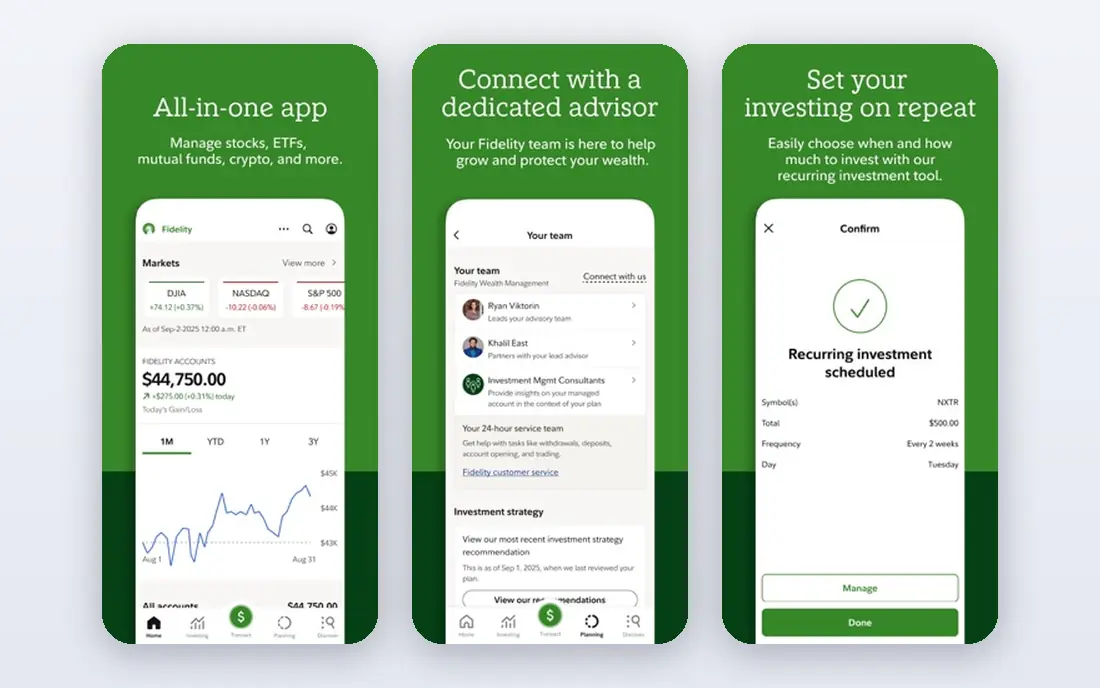
Fidelity is the app we suggest first to most new and intermediate investors. Online US stock and ETF trades carry $0 commission, fractional shares start at $1, and there is no account minimum for a retail brokerage account. You can also open IRAs, HSAs, 529 plans, and managed accounts in the same place, which helps as your goals change over time.
Research is another reason Fidelity stands out. Screeners, analyst reports, and learning content are built in, and the desktop platform suits investors who later want deeper tools. The downside is density: the app packs in a lot, so beginners may need time to find what they need. For a low-cost, full-featured starting point, Fidelity is hard to beat.
- $0 online US stock and ETF commissions
- $0 account minimum
- Broad account and fund choices
- App and site can feel busy for new users
- Options carry a per-contract fee
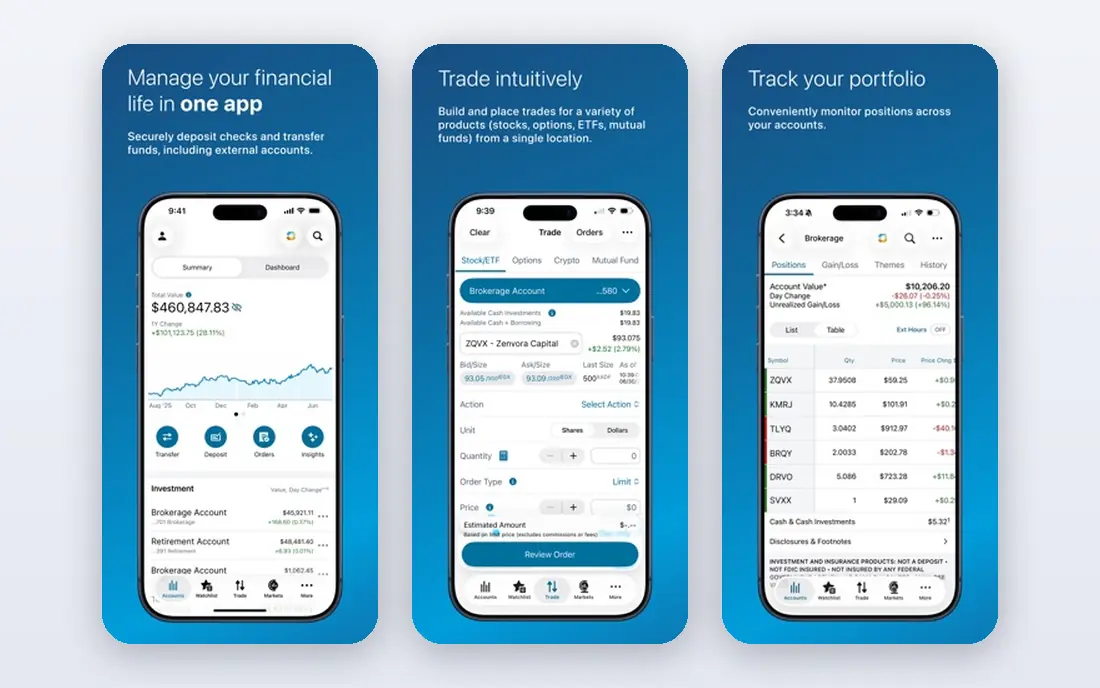
Schwab is a strong alternative to Fidelity, especially if you value research and human help. Online stock and ETF trades are $0, there is no account minimum for a standard brokerage account, and fractional share investing is available through its stock slices feature. Its research, screeners, and education library are among the most complete in this list.
The app also benefits from Schwab branches and phone support for investors who want help in person or by phone. The trade-off is similar to Fidelity: there is a lot here, and casual users may use only a small part of it. If you plan to research companies before you buy, Schwab deserves a close look.
- $0 online stock and ETF trades
- Strong research and education
- Wide branch network
- Options carry a per-contract fee
- Platform can feel large for casual users
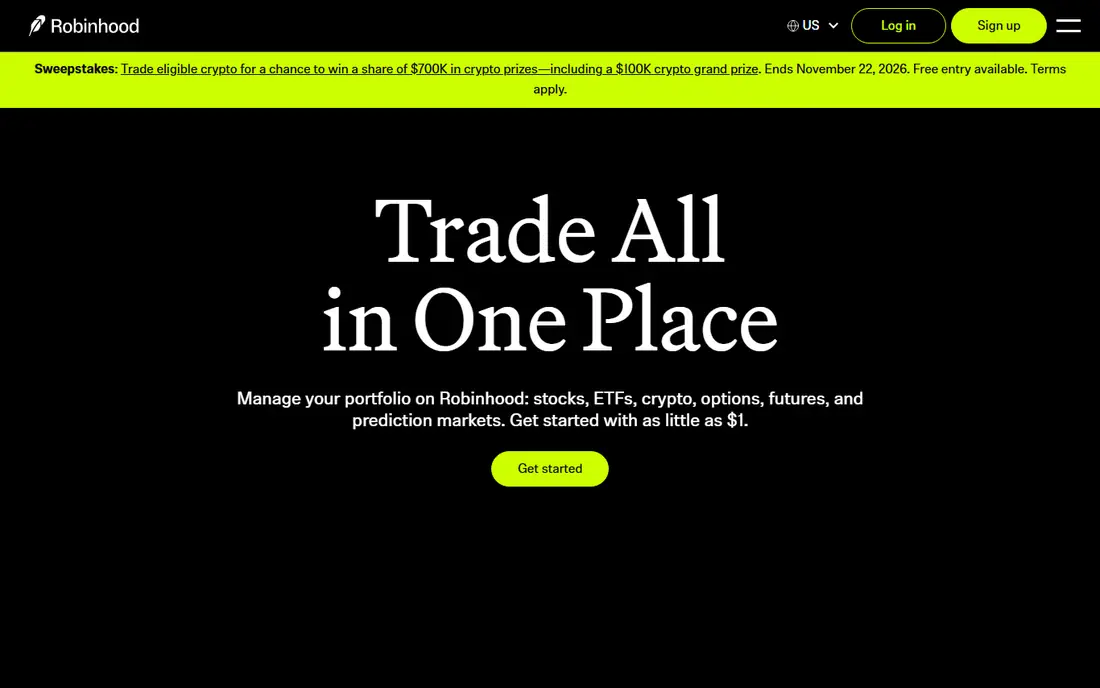
Robinhood remains the simplest mobile app for buying stocks and ETFs. The interface is clean, orders take only a few taps, and fractional shares from $1 make it easy to start small. It also offers crypto, options, futures, and IRAs with a contribution match, plus a desktop platform called Legend for more active traders.
The limits matter. Robinhood does not offer mutual funds or bonds, and research tools are thinner than at Fidelity or Schwab. Gold, at $5 per month, adds a higher IRA match, higher cash interest, and other perks, so check whether you would actually use them before subscribing. For phone-first stock investing, Robinhood is a clear fit.
- $0 stock, ETF, and options commissions on standard trades
- Fractional shares from $1
- Simple mobile design
- No mutual funds or bonds
- Gold at $5 per month is needed for some extras
Webull is built for people who trade often and like data on screen. It charges $0 commission for stocks, ETFs, and listed equity options, offers extended hours trading, and includes paper trading so you can practice without risking real money. Charts, indicators, screeners, and Level 2 data give active traders far more depth than a simple beginner app.
That depth is also the drawback for new investors. The app can feel crowded, and features such as margin, futures, and complex options carry real risk and extra fees. A paid Premium tier adds perks such as a higher IRA match, but the core trading app is free to use. If you want a trader-focused app without paying commissions, Webull is a strong choice.
- $0 stock, ETF, and equity options commissions
- Deep charts and paper trading
- Extended hours trading
- No mutual funds
- Interface can overwhelm beginners
Vanguard suits investors who want to buy broad index funds and hold them for years. The company built its name on low-cost index investing, and its own ETFs and mutual funds remain a natural core holding for many portfolios. Online US stock and ETF trades are $0, and retirement accounts are a central part of the offering.
Vanguard is less appealing for frequent traders. Its app and website are simpler and, to some users, dated, and its trading tools are thinner than those at Schwab or Webull. If your plan is steady, low-cost, long-term investing rather than daily trading, that simplicity is a plus, not a flaw.
- Low-cost index funds and ETFs
- $0 online stock and ETF trades
- Investor-owned structure
- App and site feel dated to some users
- Fewer trading tools than rivals
SoFi Invest fits people who want banking, saving, and investing in one place. Stock and ETF trades are commission free, fractional shares are available, and you can choose self-directed investing or an automated portfolio. The wider SoFi app also covers checking, savings, loans, and credit cards, which appeals to users who prefer fewer financial apps.
The catch is depth. Research and trading tools are lighter than at Fidelity, Schwab, or E*TRADE, and some SoFi products outside investing carry their own fees. If you want a simple, bundled financial app and you do not need advanced trading tools, SoFi is a practical pick.
- $0 stock and ETF commissions
- Banking, loans, and investing in one app
- Automated portfolios available
- Research is lighter than at large brokerages
- Some products carry separate fees
ETRADE, now part of Morgan Stanley, is a good fit for investors who have outgrown a basic app. Online stock and ETF trades are $0, and its Power ETRADE platform offers advanced charts, options tools, and research for more active users. Retirement accounts, managed portfolios, and banking features round out the offering.
Beginners may find the range of platforms and account choices confusing at first. Options trades also carry a per-contract fee, so check the current fee schedule if you trade options often. For experienced investors who want solid tools without paying stock commissions, E*TRADE remains a dependable choice.
- $0 online stock and ETF trades
- Strong desktop and mobile platforms
- Good options tools
- Options carry a per-contract fee
- Account features can feel complex for beginners
Acorns is different from the brokers above, because it is built around habit rather than stock picking. Link a card, and Round-Ups invest your spare change into a diversified ETF portfolio. Recurring deposits, an IRA on higher tiers, and a checking account on some plans help turn small, regular amounts into a longer-term habit.
The fee needs honest math. New pricing reported in 2026 puts Bronze at $4 per month, with Silver and Gold higher, so a $100 balance would pay a large share in fees each year. Acorns makes more sense once recurring deposits grow the balance, or if automation is the only way you will invest at all. Check the current pricing page before you sign up, because tiers and prices have changed before.
- Round-Ups invest spare change automatically
- Diversified ETF portfolios
- IRA included on higher tiers
- Monthly fee is steep on small balances
- Limited control over individual investments
Public combines a brokerage account with social and learning features, which suits new investors who like context with their trades. Stock and ETF trades are commission free, fractional investing is available, and you can follow other investors, read company context, and explore themes without leaving the app. It also offers crypto, bonds, and retirement accounts.
Public is smaller than Fidelity or Schwab, and its research library is not as deep. Crypto and some other assets involve spreads or fees, so read the fee disclosures for anything beyond stocks and ETFs. If you want a friendly app that explains investing as you go, Public is worth trying alongside a larger broker.
- $0 stock and ETF commissions
- Fractional shares
- Community and learning features
- Smaller research library than large brokerages
- Some asset types carry fees or spreads
How we picked these
We compared official pricing pages, account types, and app store listings, along with public reviews and fee disclosures. We favored apps that are available in the US, still actively maintained, and clear about commissions and account minimums. We left out apps that only serve one narrow asset type, or whose pricing was not clear enough to describe honestly. This is not financial advice; trading carries risk, and past returns do not predict future results.
How to choose the right investing app
Start with how often you plan to trade and what you plan to buy. A long-term index investor needs low fund costs and a good retirement account, while an active trader needs charts, fast orders, and clear options fees. A beginner who struggles to save may benefit more from automation than from a wider stock list.
Watch the costs beyond commissions
Zero commission does not mean zero cost. Options contracts, margin interest, wire transfers, and fund expense ratios can all add up. Check the fee schedule on the broker site, and look at the expense ratio of any fund you buy, because that yearly charge applies even when you do not trade.
Keep it simple at the start
One brokerage account is enough for most beginners. Open it, set up a recurring deposit you can sustain, and learn how orders, dividends, and taxes work before adding a second app. You can always move or add accounts later, once you know what features you actually use.