Best Invoice Software in 2026: 9 Products Compared
By ToolNimba Editorial Team October 28, 2026 10 min read

- Top pick
 QuickBooks Online
Full accounting plus invoicing
Starting price$38 per monthCheck out QuickBooks OnlineRead our review - Runner-up
 FreshBooks
Service billing and time tracking
Starting price$23 per monthCheck out FreshBooksRead our review - Also great
 Xero
Growing teams and accountants
Starting price$27 per monthCheck out XeroRead our review
How we researched this
We compared official pricing and feature pages, app store listings, privacy policies and public user reviews. Prices change, so check the provider's site before you pay.
Key takeaways
- Zoho Invoice and Wave are the strongest free starting points, with Wave offering unlimited invoices and Zoho Invoice offering strong recurring billing.
- FreshBooks is our pick for service businesses that bill by time or project, while QuickBooks Online suits owners who want invoicing inside full accounting.
- Xero is a good middle option for growing teams, thanks to unlimited users and clean bank reconciliation.
- Square and PayPal Invoicing suit sellers whose clients already pay through those platforms, while Stripe suits online-first businesses.
- Payment processing fees are separate from subscription prices, so compare card and bank transfer fees before you choose.
Quick comparison
| Name | Best for | Starting price | Free plan | |
|---|---|---|---|---|
| QuickBooks Online | Full accounting plus invoicing | $38 per month | Free trial | Visit |
| FreshBooks | Service billing and time tracking | $23 per month | Free trial | Visit |
| Xero | Growing teams and accountants | $27 per month | Free trial | Visit |
 Zoho Invoice | Free invoicing for small firms | Free | Yes | Visit |
 Wave | Free invoicing plus bookkeeping | Free | Yes | Visit |
 Square Invoices | Fast card payments | Free | Yes | Visit |
 Stripe Invoicing | Online and recurring billing | See website | No | Visit |
 Invoice Ninja | Flexible and self-hosted option | Free | Yes | Visit |
 PayPal Invoicing | Clients who already use PayPal | Free | Yes | Visit |
The best invoice software
Good invoicing software does three jobs: it makes a professional invoice in minutes, it makes payment easy for the client, and it reminds clients who have not paid. We compared official pricing pages, feature pages, and public reviews, focusing on small businesses, freelancers, and service firms in the US.
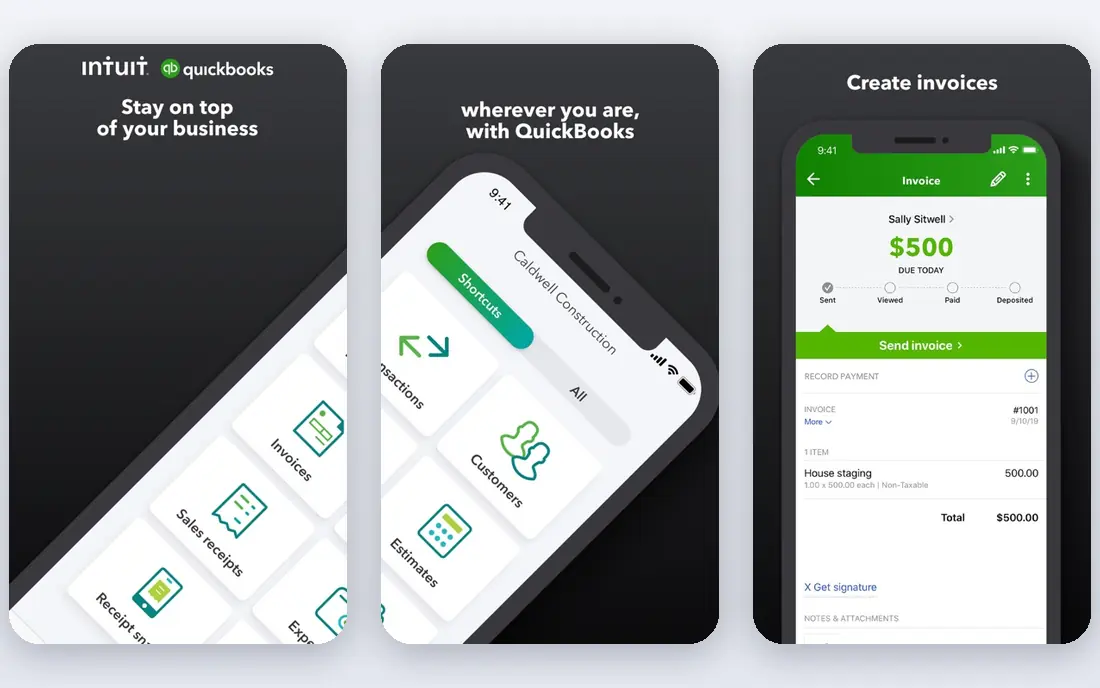
QuickBooks Online is the safe default when invoicing is part of a larger accounting job. An invoice flows into accounts receivable, reports, and tax preparation without re-entering data, and most US accountants already know the system. That matters at year end, when a clean set of books saves time and fees. For a freelancer who only sends a few invoices a month, QuickBooks can feel heavy and pricey. The entry plan starts at $38 per month for Simple Start in recent pricing, and payroll and other features are add-ons. Choose it if you want accounting and invoicing together, not if you only need a simple invoice tool.
- Invoicing linked to accounting, expenses, and reports
- Widely used by US accountants
- Recurring invoices and payment reminders
- Highest learning curve here for simple invoicing
- Entry plan limits users
- Price rises with higher tiers
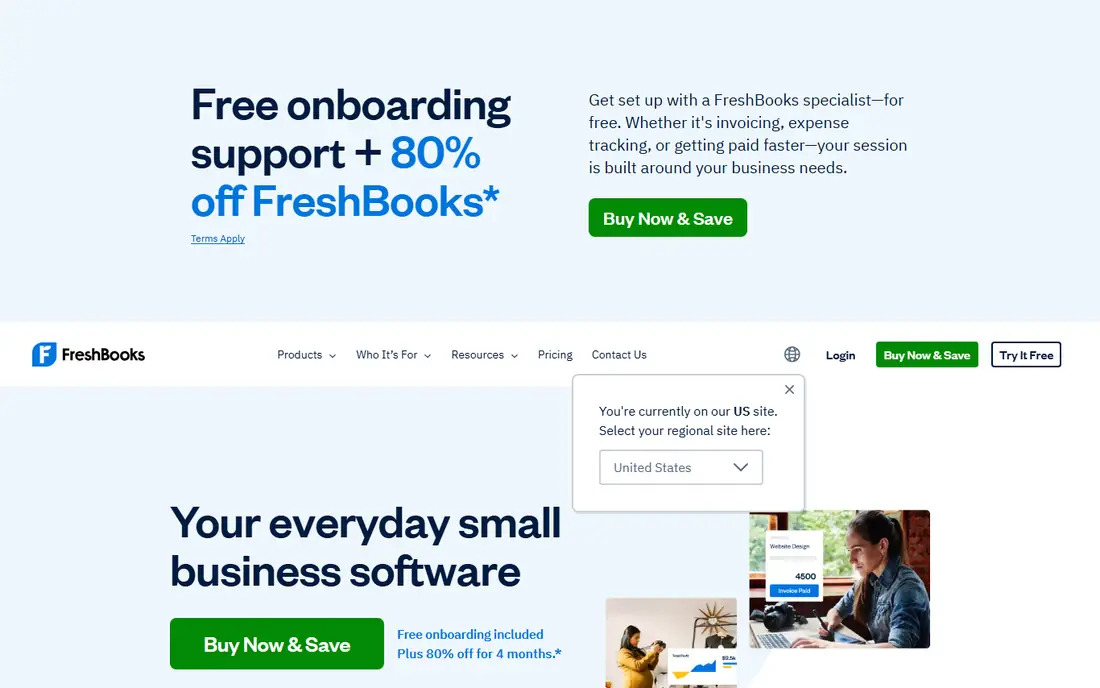
FreshBooks is built around getting service businesses paid, and that focus shows in the workflow. You track time, log expenses, and turn both into an invoice with little extra work. Clients get a clear payment page, and automatic reminders reduce the awkward follow-up emails that many owners put off. The Lite plan starts at $23 per month and covers five billable clients in recent pricing, so larger client lists need a higher tier. It also lacks the full double-entry accounting depth of QuickBooks. For consultants, designers, agencies, and other service firms, however, its invoicing speed often outweighs those limits.
- Clean invoice templates
- Time and expenses flow directly to invoices
- Automatic reminders and late fees
- No free plan, only a trial
- Entry plan limits billable clients
- Not built for complex inventory
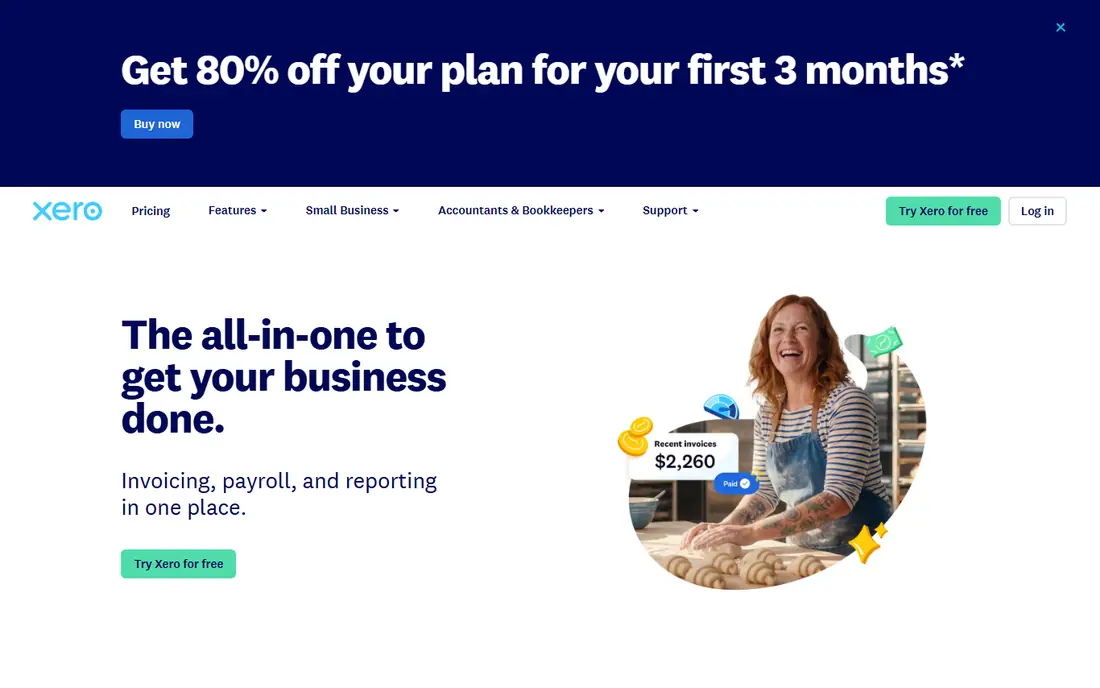
Xero suits a business that is growing past a solo setup and needs a team or bookkeeper in the books. Unlimited users mean you do not pay per seat for staff or an accountant, and bank reconciliation is clear enough that many owners actually keep up with it. Invoicing, quotes, and purchase orders sit inside the same accounting system. The entry Early plan caps invoices at 20 per month in recent pricing, with the price rising to $27 per month from October 2026 in some listings, so high-volume invoicers need a higher tier. If you send fewer invoices but want room for a team, Xero is a strong, modern alternative to QuickBooks.
- Unlimited users on all plans
- Clean bank reconciliation
- Strong multi-currency and reporting tools
- Entry plan caps monthly invoices and bills
- Payroll in the US runs through a partner
Zoho Invoice is the most generous free invoicing tool for many small businesses. You can send recurring invoices, set automatic reminders, give clients a portal to view and pay, and track time, all without a monthly fee. For a freelancer or micro business with a stable client list, that covers the core job well. The free plan caps the number of invoices per year, with recent listings ranging from 500 to 1,000 depending on the source, so check the current limit on the Zoho site. You will also need a payment gateway such as Stripe or PayPal for card payments. If you later need full accounting, Zoho Books is the natural next step in the same ecosystem.
- Free plan with recurring invoices, reminders, and a client portal
- Professional templates
- Integrates with Zoho Books and CRM
- Free plan caps annual invoices
- Payment processing depends on your gateway
- Limited accounting depth on its own
Wave is the best zero-budget option for owners who want invoicing and basic bookkeeping together. Unlimited invoices, expense tracking, and receipt tools come free, and Wave earns money mainly from payment processing and payroll, not from a subscription. That model suits side businesses and new firms with irregular income. Its limits are clear: there is no built-in time tracking, and some automation features sit behind the paid Pro plan. Card processing fees also apply when clients pay by card. If you bill by the hour, FreshBooks or Zoho Invoice may fit better. If you send many simple invoices and want free bookkeeping, Wave is hard to beat.
- Unlimited free invoices
- Basic accounting and expense tracking included
- No revenue cap on the free plan
- No time tracking
- Paid Pro plan needed for automatic reminders and bank feeds in some cases
- Card fees apply
Square Invoices fits sellers who already use Square for card payments, whether online, in person, or both. You can create an invoice, send it by email, and let a client pay by card or bank transfer from the same system, with deposits and milestone billing available on higher plans. That single payment flow is a real advantage for retail, trades, and service sellers. The free plan covers basic invoicing, but card fees apply to each payment, and the paid Plus plan lowers those rates and adds more automation. Square is not a full accounting suite, so growing firms may still need QuickBooks, Xero, or Wave for books. For fast payment collection, it is one of the simplest options here.
- Free plan for basic invoicing
- Fast card and bank payments
- Useful for sellers who also take in-person payments
- Card fees apply
- Advanced features and lower card rates sit behind the paid Plus plan
- Less accounting depth
Stripe Invoicing suits online-first businesses that already sell through Stripe or plan to. There is no monthly subscription for basic invoicing, and you pay a small percentage on paid invoices instead, with recent listings starting at 0.4 percent per paid invoice for the standard option. Recurring billing, multi-currency payments, and subscription management are strong. The trade is technical setup and accounting depth. Stripe is a payments platform first, so you will still need accounting software for books, taxes, and reports. If your clients are global, your billing is recurring, or your team is comfortable with a developer-friendly tool, Stripe is a powerful choice. If you want a simple app with built-in bookkeeping, Wave or Zoho Invoice will feel easier.
- No monthly fee for basic invoicing
- Strong recurring billing and international payments
- Detailed payment and revenue tools
- Per-invoice fee on paid invoices
- Setup is more technical
- Not a full bookkeeping system
Invoice Ninja appeals to owners who want control and a low price. The free cloud plan covers a small number of clients, the Pro plan adds unlimited clients and more automation, and a self-hosted version lets technical users run it on their own server. Quotes, invoices, recurring billing, and client portals are included. It is less polished out of the box than FreshBooks or Square, and you need to connect your own payment gateway. For developers, agencies, and cost-conscious firms that like to customize, that flexibility is worth the extra setup. For owners who want the simplest possible invoice in two minutes, a more guided tool may be better.
- Free cloud plan for small client lists
- Pro adds unlimited clients
- Self-hosted version available for technical users
- Interface is less polished than FreshBooks
- Setup takes more time for self-hosting
- Payment gateway setup required
PayPal Invoicing is the lowest-friction option when your clients already pay through PayPal. Creating an invoice is free, sending it takes minutes, and many clients can pay without learning a new system. That familiarity can speed up payment, especially for international clients and one-off projects. Fees apply when a client pays, and the tool lacks the recurring automation, time tracking, and accounting depth of FreshBooks, QuickBooks, or Xero. Use PayPal Invoicing for occasional invoices and clients who prefer PayPal, and move to a dedicated invoicing or accounting tool when volume, recurring billing, or bookkeeping becomes the main job.
- Free to create invoices
- Clients can pay with PayPal or card without a new account in many cases
- Familiar and trusted by buyers
- Card and transaction fees apply
- Less automation than dedicated invoicing apps
- Limited accounting features
How we picked these
We compared official pricing pages, feature pages, and public reviews, and we kept only tools that are available in October 2026 and that a US small business can actually use to send and collect invoices. We included free tools, service-focused apps, full accounting suites, and payment-first options, because a freelancer, a shop, and a growing firm need different things from the same category. Prices change with promos and billing cycles, so confirm the current plan, client limits, and processing fees before you buy.
How to choose the right invoice tool
Start with volume and billing style. A freelancer with five clients and simple invoices needs a different tool than a firm with fifty clients, recurring retainers, and milestone billing. Count your monthly invoices, recurring invoices, and billable clients, then check those numbers against free and entry plan limits, because client caps are the most common reason for a forced upgrade. Next, test payment from the client side. Send yourself a test invoice, pay it by card and by bank transfer if offered, and check how long the deposit takes and what fee you pay. A tool that looks cheap on subscription price can cost more if card fees are high or if clients abandon a confusing payment page.
Free, paid, or accounting suite
Free tools suit new and low-volume businesses. Paid invoicing apps suit service firms that bill often and need reminders, time tracking, and polished templates. Accounting suites suit firms that want invoicing, expenses, payroll connections, and tax reports in one place. Start free or on a trial, and upgrade only when a limit or a missing feature actually slows down your billing.
Sources
- https://quickbooks.intuit.com/pricing/
- https://www.freshbooks.com/pricing
- https://www.xero.com/pricing/
- https://www.zoho.com/invoice/pricing/
- https://www.waveapps.com/pricing
- https://squareup.com/invoices/pricing
- https://stripe.com/invoicing
- https://invoiceninja.com/pricing/
- https://www.paypal.com/invoicing