Best Job Search Apps in 2026: 10 Apps Compared
By ToolNimba Editorial Team October 28, 2026 12 min read

- Top pick
 Indeed
Widest range of listings
Starting priceFreeCheck out IndeedRead our review - Runner-up
 LinkedIn
Professional roles and networking
Starting priceFreeCheck out LinkedInRead our review - Also great
 ZipRecruiter
Fast applications and matched alerts
Starting priceFreeCheck out ZipRecruiterRead our review
How we researched this
We compared official pricing and feature pages, app store listings, privacy policies and public user reviews. Prices change, so check the provider's site before you pay.
Key takeaways
- Most job search apps are free for job seekers, and employers pay to post jobs, so a paid upgrade is rarely needed to search and apply.
- Indeed and LinkedIn give you the widest coverage, while Handshake, Snagajob, and Dice work better for a specific kind of role.
- Glassdoor is the strongest add-on for checking pay and company reviews before you apply.
- FlexJobs is the only pick here that charges for full access, and that cost buys screened remote and flexible listings.
- A one-click apply button saves time, but a short tailored resume still matters more than the number of applications you send.
Quick comparison
| Name | Best for | Starting price | Free plan | |
|---|---|---|---|---|
| Indeed | Widest range of listings | Free | Yes | Visit |
| LinkedIn | Professional roles and networking | Free | Yes | Visit |
| ZipRecruiter | Fast applications and matched alerts | Free | Yes | Visit |
 Glassdoor | Company research and salary data | Free | Yes | Visit |
 Handshake | Entry-level and student roles | Free | Yes | Visit |
 Snagajob | Hourly and part-time work | Free | Yes | Visit |
 Dice | Technology roles | Free | Yes | Visit |
 Monster | General job search with salary tools | Free | Yes | Visit |
 CareerBuilder | Broad search with career resources | Free | Yes | Visit |
 FlexJobs | Screened remote and flexible jobs | $2.95 for a 14-day trial | Free trial | Visit |
The best job search apps
These apps cover general roles, hourly work, tech jobs, and remote work, so you can pick one main app and add a second for a narrower search.
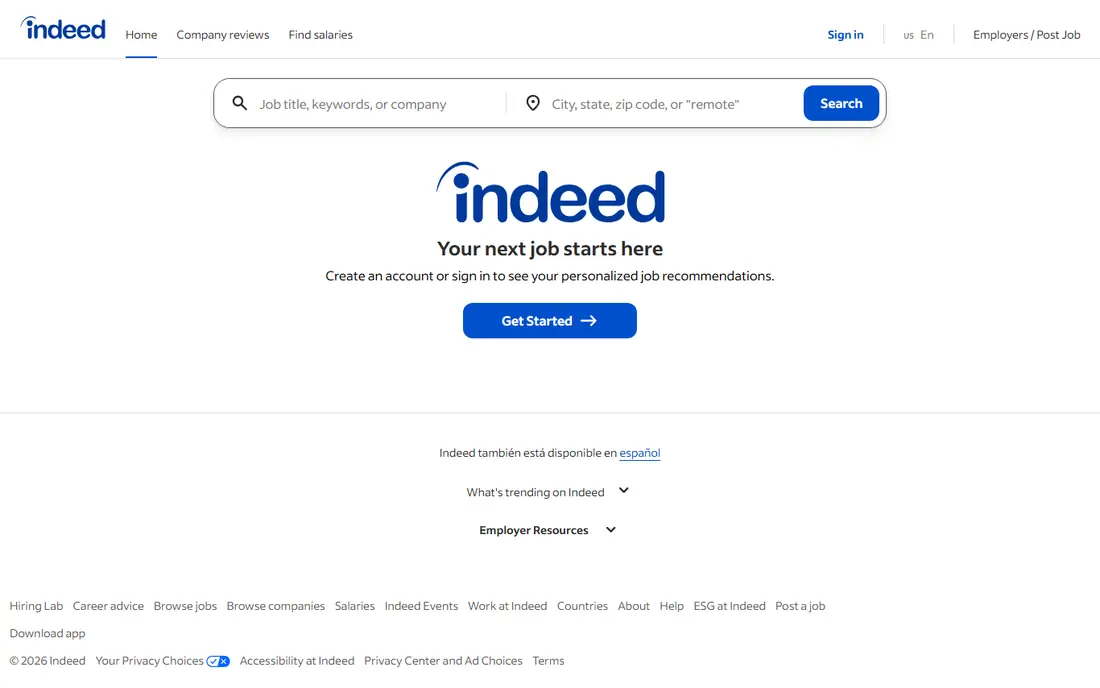
Indeed is our pick for most people because it pulls in listings from many employers and job boards in one place. You can filter by salary estimate, date posted, and remote or on-site work, and you can set alerts so new matches arrive by email. The app also lets you upload a resume and apply to many roles without retyping the same details each time.
The trade-off is volume. A broad search can return older or duplicate listings, so it helps to sort by date and read the full posting before you apply. Salary estimates are useful as a starting point, but they are estimates, not an offer, and the employer posting is the final word. For a first search, Indeed is hard to beat, and it pairs well with a more focused app for your field.
- Very large listing pool
- Strong filters for pay, location, and job type
- Saved searches and alerts
- Listing quality varies
- Some postings lead to an employer site to finish the application
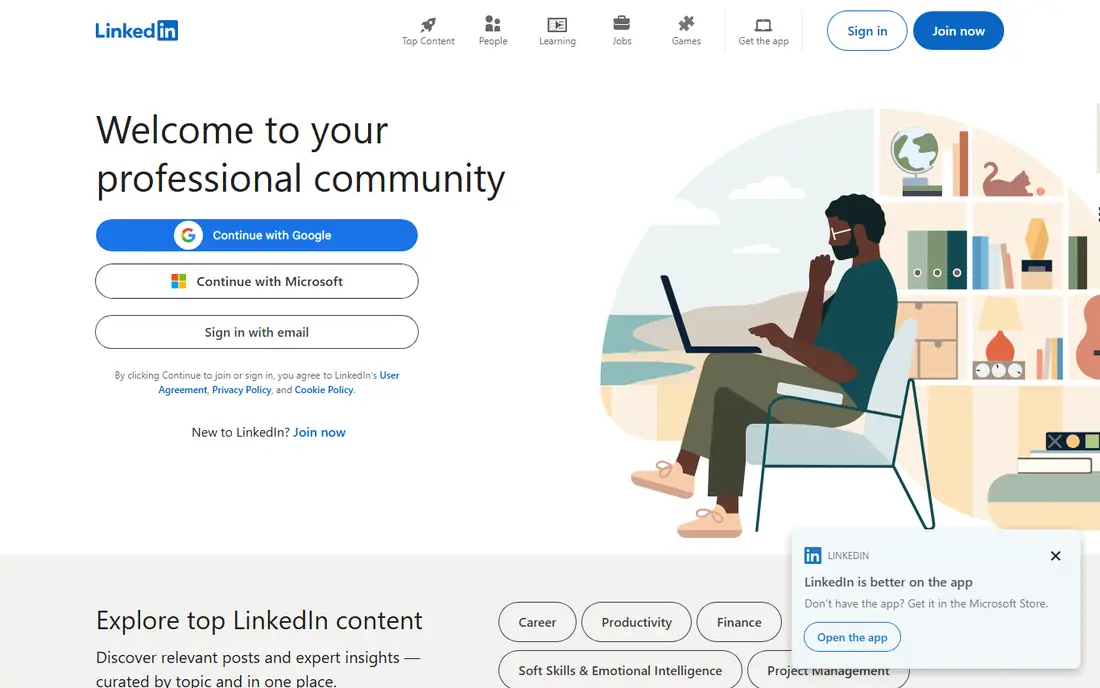
LinkedIn works as both a job board and a professional profile, which is why recruiters use it to find candidates who are not actively applying. You can search by company, role, and location, and many employers accept an Easy Apply submission from your profile. Turning on the Open to Work setting can also bring recruiter messages to you, though you can limit who sees it.
The free version covers searching and applying well. Premium adds features such as seeing who viewed your profile and extra applicant insights, but it is not required to land interviews. Keep your profile current, with a clear headline and recent roles, because that profile often acts as a second resume. For office, management, and professional roles, LinkedIn deserves a place next to Indeed.
- Large professional network
- Easy Apply on many listings
- Recruiter outreach through your profile
- Premium features cost extra
- The feed can distract from the actual job search
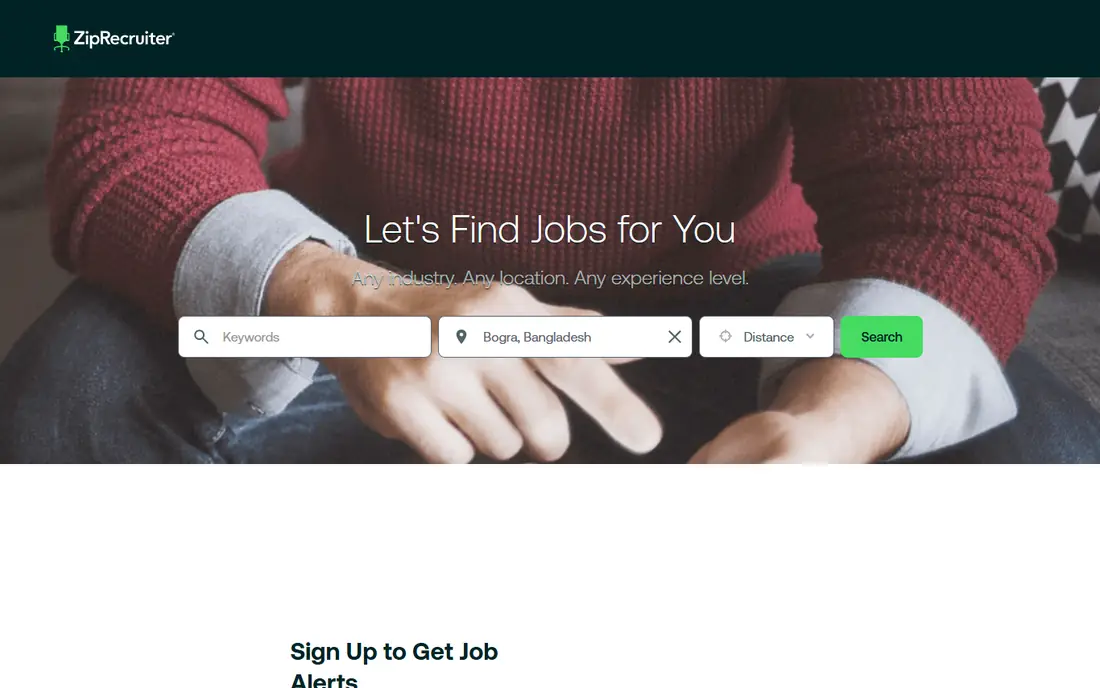
ZipRecruiter puts speed first. You build one profile, then apply to matching jobs with a short flow, and the app sends alerts when employers post roles that fit. Employers can also invite candidates to apply, which can put your application in front of a hiring team sooner than a cold application.
That speed is a strength and a limit. Applying fast is only useful when the role truly fits, so check the location, pay range, and requirements before you tap apply. ZipRecruiter is a strong choice if you want to apply to a lot of suitable roles in a short window, especially in general and mid-level work. Use it with a second app for research, since it has less company review depth than Glassdoor.
- Quick application flow
- Job matches sent to you
- Employers can invite you to apply
- Match quality varies by field
- Some alerts repeat similar roles
Glassdoor earns its place because a job search is not only about finding openings. It is about avoiding a bad fit. The site pairs listings with employee reviews, salary reports, and interview accounts, so you can check pay ranges and common interview topics before you apply. That context can change which roles you pursue and what you ask for in negotiation.
Reviews need a careful read. One unhappy former employee does not define a company, and one glowing review does not hide a real problem. Look for patterns across many reviews, such as repeated comments about management, hours, or growth. Use Glassdoor to research roles you found elsewhere, and you will apply with clearer expectations.
- Employee reviews and salary reports
- Interview questions shared by candidates
- Job listings alongside research
- Full access can require contributing a review or salary
- Reviews reflect individual experience, not a whole company
Handshake is built for the start of a career. Employers post internships, part-time roles, and entry-level jobs aimed at students and recent graduates, and the app matches you with roles based on your school, major, and interests. That focus makes it easier to find roles that actually welcome limited experience, rather than listings that ask for five years for a junior title.
If you are a student or recent graduate, create a full profile and answer the matching questions honestly. A thin profile gets thin matches. If you are mid-career or senior, Handshake is less useful, and Indeed or LinkedIn will serve you better. For first jobs and internships, though, it is one of the best places to start.
- Roles aimed at students and recent graduates
- Employers recruiting from schools
- Internships alongside full-time roles
- Best for people connected to a participating school
- Less useful for senior roles
Snagajob focuses on hourly work in retail, food service, hospitality, warehouses, and health care support. That focus shows in the search filters, which fit shift work, part-time hours, and local jobs better than a general board does. Applications are short, and many employers respond quickly because hourly hiring often moves fast.
The limit is scope. If you want a salaried office role, look elsewhere. If you want hourly work near home, Snagajob is a strong first stop, and it works well alongside Indeed for local coverage. Check the posting for hours, shift times, and pay before you apply, since hourly roles vary a lot on those details even within the same employer.
- Strong hourly and shift-based listings
- Quick applications
- Local focus
- Limited professional and salaried roles
- Pay details depend on the employer posting
Dice has focused on technology jobs for decades, and that focus still shows. You can filter by programming language, skill, role, and location, and the site includes tech salary information that general boards handle less well. Recruiters in technology also search Dice profiles, so a complete profile with your core skills can bring inbound interest.
Contract and staffing agency roles appear often, so read whether a posting is direct hire or contract, and who the employer is. For software, data, security, and infrastructure roles, Dice is a better second app than a second general board. Pair it with LinkedIn, where many tech hiring managers also search, and you cover both specialist and general tech hiring.
- Tech-only listings
- Filters for skills, clearance, and work authorization
- Salary data for tech roles
- Not useful outside technology
- Some roles are contract or agency postings
Monster is one of the oldest job boards, and it still covers a wide range of industries. You can search, upload a resume, set alerts, and use salary tools to compare pay for a role in your area. Career articles and resume help sit alongside the listings, which can help if you are returning to work or changing fields.
The honest catch is scale. Monster does not match Indeed for sheer listing count, so treat it as a useful extra source rather than your only app. It can surface roles that other boards miss, especially from employers that have posted there for years. If you already use Indeed and LinkedIn, Monster is worth a weekly check for gaps.
- Long-running general board
- Resume and career resources
- Salary comparison tools
- Listing volume is smaller than Indeed
- Interface feels older than newer rivals
CareerBuilder covers general roles across many industries, with recommendations based on your resume and search history. Its career resources, including resume tips and salary information, help if you are polishing an application rather than just browsing. The app is simple to use, and alerts keep a search moving without daily manual checks.
Niche fields may find thinner coverage here than on a specialist board such as Dice or Handshake. The best use is as a broad second source: run your main search on Indeed or LinkedIn, then check CareerBuilder for employers and roles you missed. It costs nothing for job seekers, so the only cost is a few minutes of checking.
- Broad listings across industries
- Resume and career advice resources
- Job recommendations
- Some listings redirect to employer sites
- Less strong for niche or tech roles
FlexJobs is different from the rest of this list because it charges job seekers, and that charge is the point. Staff screen listings to remove scams and misleading postings, which matters a lot in remote work, where fake listings are common. Filters for remote, hybrid, part-time, and freelance work are detailed, and the site includes skills tests and career coaching resources.
Before paying, use the trial to check whether your field has enough listings to justify it. If you want a fully remote role, the screening alone can save hours of sorting through dubious posts. If you want any job, including on-site roles, the free apps above will cover you. For remote-first job seekers, FlexJobs is worth the trial.
- Every listing is screened for legitimacy
- Strong remote, part-time, and freelance filters
- Career resources included
- Full access requires a paid subscription
- No permanent free tier for full listings
How we picked these
We compared official feature pages, pricing pages, and app store listings for the major job platforms, and we checked that each homepage loads and belongs to the product named. We favored apps that are free for job seekers, cover a clear kind of role, and are still actively used in the United States in 2026. We left out apps that only serve employers, tools that charge job seekers for basic search, and platforms with no working job search.
We did not claim hands-on testing of hiring outcomes, since those depend on the employer and the candidate as much as on the app. Instead, we weighed listing coverage, application flow, filters, and any extra research tools such as salary data or company reviews.
How to get more replies from fewer applications
Start with one main app and one specialist app, not ten apps at once. A scattered search produces scattered applications, and employers notice generic ones. Pick roles where you meet most of the listed requirements, then tailor the top of your resume to the posting, using the same job title and core skills the employer lists.
Make one-click apply work for you
One-click apply is best for roles that clearly fit. For a role you really want, skip the quick button and apply through the employer site with a short cover note when the posting allows it. Keep a simple tracker of where you applied, when, and what version of your resume you sent, so a callback does not catch you off guard.
Watch for scams
Real employers do not ask you to pay for a job, buy equipment before starting, or move a conversation to a personal messaging app before any interview. Check the company on Glassdoor and on its own website, and be wary of vague postings that promise high pay for little detail. If a posting feels wrong, skip it and report it in the app.
Use alerts, but control them
Alerts save time, but too many alerts train you to ignore all of them. Set two or three saved searches with tight filters for title, location, and pay, and check them once a day. Turn off broad alerts that send roles you would never take.
Sources
- https://www.indeed.com
- https://www.linkedin.com
- https://www.ziprecruiter.com
- https://www.glassdoor.com
- https://joinhandshake.com
- https://www.snagajob.com
- https://www.dice.com
- https://www.monster.com
- https://www.careerbuilder.com
- https://www.flexjobs.com
- https://learn.g2.com/best-job-search-sites
- https://www.apollotechnical.com/best-job-search-websites/