Best Meeting Recording Apps in 2026: 8 Apps Compared
By ToolNimba Editorial Team November 13, 2026 9 min read

- Top pick
 Otter
Live transcription
Starting price$8.33 per monthCheck out OtterRead our review - Runner-up
 Fireflies
Team meeting library
Starting price$10 per monthCheck out FirefliesRead our review - Also great
 Fathom
Generous free recording
Starting priceFreeCheck out FathomRead our review
How we researched this
We compared official pricing and feature pages, app store listings, privacy policies and public user reviews. Prices change, so check the provider's site before you pay.
Key takeaways
- Otter is our pick for individuals who want live transcripts, while Fireflies suits teams that need a shared, searchable library.
- Fathom offers the most generous free starting point for people who mainly record video calls.
- Bot-free capture, from Granola and Fellow, helps when guests dislike a visible notetaker joining the call.
- Recording laws differ by place, so always get consent before you record, even when the app makes it easy.
- Free plans differ sharply on minutes, storage, and history, so check those limits before you rely on one tool.
Quick comparison
| Name | Best for | Starting price | Free plan | |
|---|---|---|---|---|
| Otter | Live transcription | $8.33 per month | Yes | Visit |
| Fireflies | Team meeting library | $10 per month | Yes | Visit |
| Fathom | Generous free recording | Free | Yes | Visit |
 tl;dv | Shareable clips | $18 per month | Yes | Visit |
 Fellow | Meeting notes with consent controls | $7 per month | Yes | Visit |
 Notta | Multilingual transcription | See website | Yes | Visit |
 Granola | Bot-free capture | See website | Yes | Visit |
 Grain | Conversation highlights | $15 per month | Yes | Visit |
The best meeting recording apps
A good meeting recording app does more than press record. It transcribes speech, pulls out action items, and lets you find one decision weeks later without replaying an hour of video. We compared official pricing pages, feature pages, and platform support for Zoom, Google Meet, Microsoft Teams, and in-person meetings.
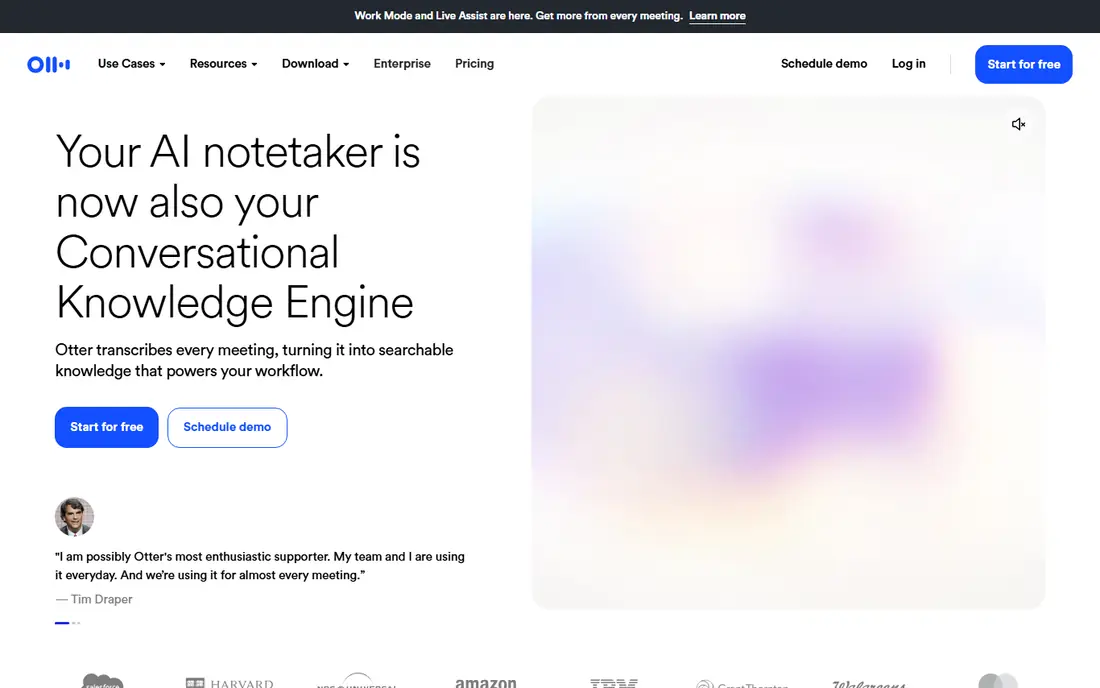
Otter is strongest when you want words on screen while people are still talking. The live transcript helps in fast meetings, for note-takers, and for anyone who joins late and needs to catch up. After the call, search across transcripts, summaries, and action items, which makes Otter useful as a personal meeting memory rather than a single-call recorder.
The free plan gives 300 minutes a month with a 30 minute limit per conversation, which covers light use but not a heavy meeting week. Pro, at $8.33 per user per month billed annually, raises the cap to 1,200 minutes and 90 minutes per conversation. If your main need is a reliable transcript you can search later, Otter is a safe first choice.
- Live transcript during calls
- Searchable history
- AI summaries and chat over notes
- Free plan caps minutes and meeting length
- Per-user pricing adds up for large teams
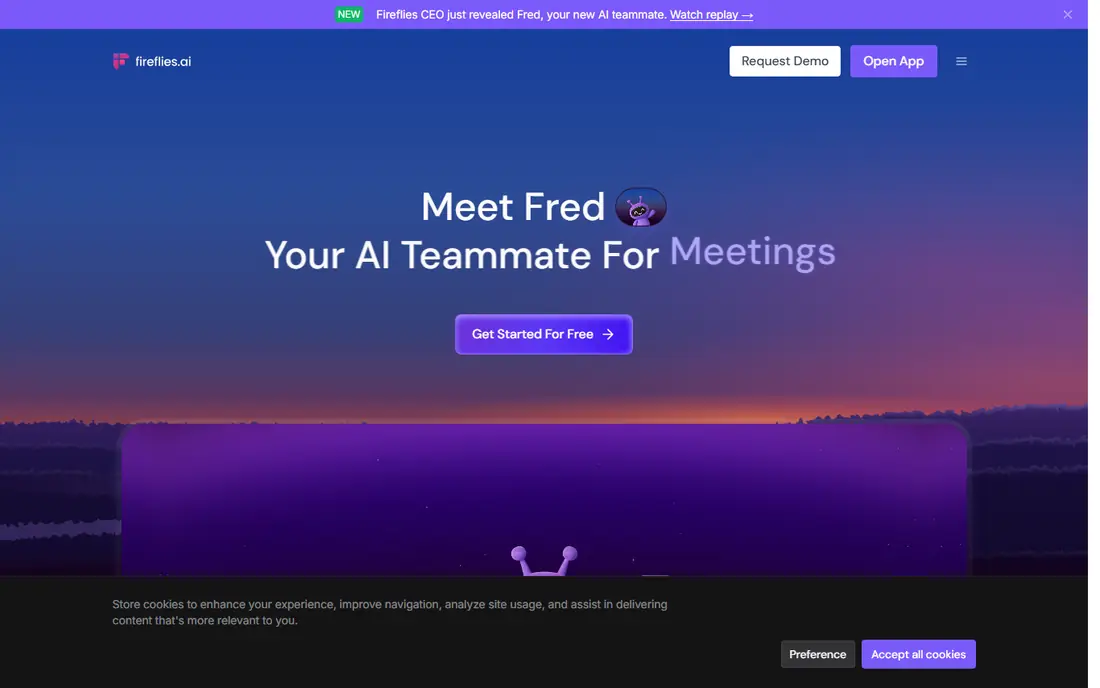
Fireflies treats meetings as a team library, not a private notebook. Recordings, transcripts, summaries, and topic search live in one shared space, and integrations push notes into CRMs and project tools. Its AI assistant can answer questions across past meetings, which helps when a decision from last month suddenly matters again.
The free plan offers unlimited transcription with limited storage and AI summaries, so it works well for evaluation. Pro costs $10 per seat per month billed annually, with 8,000 minutes of storage per seat. Teams that record a lot, share notes widely, and want CRM follow-up will get more from Fireflies than from a solo-focused recorder.
- Unlimited transcription on paid plans
- Wide integrations
- AI chat over meeting history
- Free plan limits storage and AI credits
- Four tiers make feature checks necessary
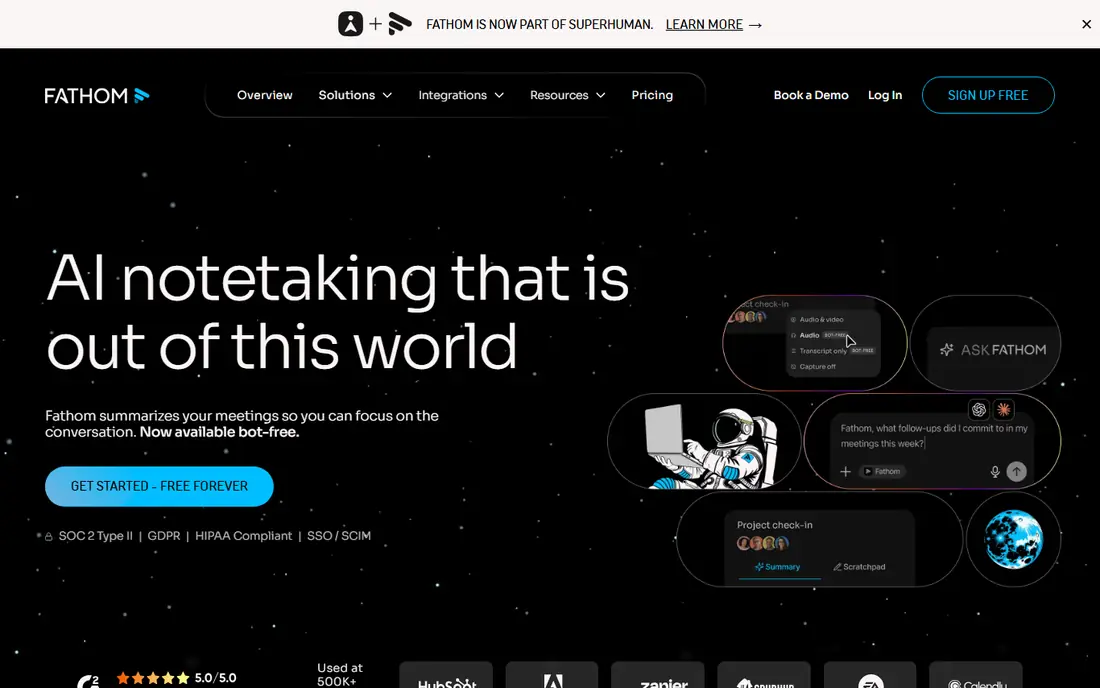
Fathom stands out because its free plan does not ration recordings in the way rivals do. Users get unlimited recordings and transcription, with advanced AI features limited, which makes it a strong pick for individuals and small teams on a tight budget. Setup is simple, and the tool joins Zoom, Google Meet, and Microsoft Teams calls as a recorder.
Paid team plans add shared workspaces, deeper AI features, and admin controls, with team pricing listed at $15 per user per month billed annually in recent comparisons. If you record mostly scheduled video calls and want to start free without counting minutes, Fathom is hard to beat.
- Unlimited recordings and transcription on the free plan
- Simple setup
- Works with major video platforms
- Advanced team features sit on paid plans
- In-person recording is less central
tl;dv is built for people who share meetings, not just store them. You can mark moments during a call, turn them into short clips, and send a timestamped highlight to a colleague who missed the meeting. That clip workflow suits managers, sales teams, and anyone who needs to pass on one decision without sharing a full hour of video.
The free plan covers basic recording and sharing, while Pro, at $18 per user per month billed annually, adds fuller AI summaries and integrations. If your team already complains that nobody watches full recordings, tl;dv gives them a shorter, clearer alternative.
- Easy clip sharing
- Timestamps and highlights
- Works across major meeting platforms
- Paid plan is pricier than some rivals
- Free plan limits advanced AI features
Fellow combines agendas, notes, recordings, and action items in one meeting workspace, which helps teams that want structure before and after the call. Its consent capture and retention controls matter for regulated teams, where recording without a clear record of permission creates risk. Bot-free capture options also help when guests prefer not to see a notetaker bot join.
The free plan includes a small number of AI notes per user, while the team plan costs $7 per user per month billed annually. Fellow is the pick for teams that want meetings run from an agenda, with follow-up tracked in the same place as the recording.
- Agenda and action tracking alongside recording
- Consent and retention controls
- Bot-free options
- Free plan limits AI notes
- Best value shows in team use, not solo use
Notta suits teams that meet across languages or record in more than one language. It transcribes Zoom, Meet, Teams, and Webex calls, and it also handles uploaded audio and video files, which helps with interviews and recorded webinars. The interface is straightforward, with transcripts you can edit, search, and export.
The free plan offers 120 minutes a month with a short per-conversation limit, so it fits occasional use. Paid plans raise minutes and add longer conversations and more features. If language range is your main need, Notta is worth testing against Otter and Fireflies before you commit.
- Broad language support
- Transcription for meetings and uploaded files
- Simple web and mobile apps
- Free plan caps minutes and conversation length
- Pricing and limits need a close check
Granola takes a different approach to capture. Instead of sending a bot into the call, it records from your own device audio, so guests do not see an extra participant. That matters in sales calls, interviews, and sensitive meetings where a bot can change how people speak. It also works for in-person conversations and Slack Huddles, not only scheduled video calls.
The free plan covers meeting notes with limited history, while business plans add longer history and team features. Granola is our pick for people who dislike bot joiners, value privacy in how capture works, and want notes that feel like their own, not a bot transcript.
- Captures from system audio without a bot joining
- Clean notes
- Good for in-person meetings
- Free plan limits history
- Paid plans are needed for full team features
Grain focuses on the moments that matter inside a conversation. Record, highlight key passages, and share short clips with context, rather than passing on a full transcript and hoping colleagues read it. That workflow suits user research, sales coaching, and hiring interviews, where one quote often carries the decision.
Paid plans start at $15 per user per month, with a free plan for basic recording and highlights. Grain is less of a general team library than Fireflies, and more of a highlight tool. If clips and quotes are how your team actually uses meeting content, Grain fits that habit well.
- Highlight and clip workflow
- Conversation insights
- No-bot recording options
- Paid plans start higher than some rivals
- Smaller integration range than Fireflies
How we picked these
We compared official pricing pages, free-plan limits, platform support, and capture methods, and we kept only tools that record and transcribe meetings in 2026. We favored clear free plans, support for Zoom, Meet, and Teams, searchable transcripts, and honest limits on minutes and storage. We did not claim hands-on testing, and we did not invent ratings, accuracy figures, or user counts.
Recording meetings legally and politely
Recording laws differ by state and country, and some places require every participant to consent while others require only one party to consent. Do not rely on the app to handle this for you. Tell participants at the start that you are recording, what you will use the recording for, and how long you will keep it, and stop if someone does not agree. Many tools show a notice when a bot joins, but a spoken announcement is clearer and kinder.
Keep recordings as short-lived as you need them to be. Delete routine internal calls on a schedule, limit who can view sensitive calls, and avoid recording private health, HR, or legal discussions unless your policy clearly allows it. For customer calls, check your company policy and any contract terms first. A simple habit helps: announce, record, summarize, share the summary, and delete the raw file when the notes are settled.
Sources
Frequently asked questions
What is the best free meeting recording app?
Fathom is a strong free starting point, because it offers unlimited recordings and transcription on its free plan. Otter and Fireflies also have usable free plans, but their minute, storage, and AI limits are tighter.
Do I need consent to record a meeting?
In many places, yes, and the safest practice everywhere is to tell everyone and get clear agreement before you record. Check the law where you and your participants are located, and follow your company policy for customer and HR calls.
Which app works best for Zoom, Meet, and Teams?
Otter, Fireflies, Fathom, and tl;dv all support those three platforms. Granola and Fellow add bot-free or in-person options, which help when a bot joiner is not welcome.
Can these apps record in-person meetings?
Granola and Otter support in-person capture from a device, and Notta and Fireflies handle uploaded files. For a room meeting, use a phone or laptop close to speakers and check audio quality before relying on the transcript.
How accurate are AI meeting transcripts?
Accuracy varies with audio quality, accents, background noise, and overlapping speech. Treat transcripts as a strong draft, check names, numbers, and decisions before sharing, and keep the recording until notes are confirmed.
Should I choose a bot or bot-free recorder?
A bot is simple and visible, which helps with consent notices. Bot-free capture feels more natural for guests but puts more responsibility on you to announce recording clearly. Pick based on your guests and your policy, not only on convenience.