Best Messaging Apps in 2026: 10 Apps Compared
By ToolNimba Editorial Team November 13, 2026 8 min read

- Top pick
 WhatsApp
Most people, everyday chat
Starting priceFreeCheck out WhatsAppRead our review - Runner-up
 Signal
Private conversations
Starting priceFreeCheck out SignalRead our review - Also great
 Telegram
Large groups and channels
Starting priceFreeCheck out TelegramRead our review
How we researched this
We compared official pricing and feature pages, app store listings, privacy policies and public user reviews. Prices change, so check the provider's site before you pay.
Key takeaways
- WhatsApp is our pick for most people, since it is the app your friends, family and colleagues are most likely to already use.
- Signal is the best pick for private conversations, with end-to-end encryption on by default and minimal data collection.
- Telegram suits large groups, channels and multi-device use, though not every chat type has the same encryption.
- Discord and Slack are the best picks for communities and work teams, rather than one-to-one private chat.
- The best app is usually the one your contacts already use, so check that before switching for features alone.
Quick comparison
| Name | Best for | Starting price | Free plan | |
|---|---|---|---|---|
| WhatsApp | Most people, everyday chat | Free | Yes | Visit |
| Signal | Private conversations | Free | Yes | Visit |
| Telegram | Large groups and channels | Free | Yes | Visit |
 iMessage | Apple users | Free | Yes | Visit |
 Facebook Messenger | Facebook users | Free | Yes | Visit |
 Discord | Communities and voice rooms | Free | Yes | Visit |
 Slack | Work teams | Free | Yes | Visit |
 Google Messages | Android SMS and RCS chat | Free | Yes | Visit |
 Viber | International calls and chat | Free | Yes | Visit |
 WeChat | All-in-one chat in China | Free | Yes | Visit |
The best messaging apps
Messaging apps are only useful if the people you need to reach are on them. That is why this list mixes global defaults, privacy-first apps, community platforms and work tools, rather than ranking features in isolation. Pick by audience first, then by privacy, groups, calls and device support.
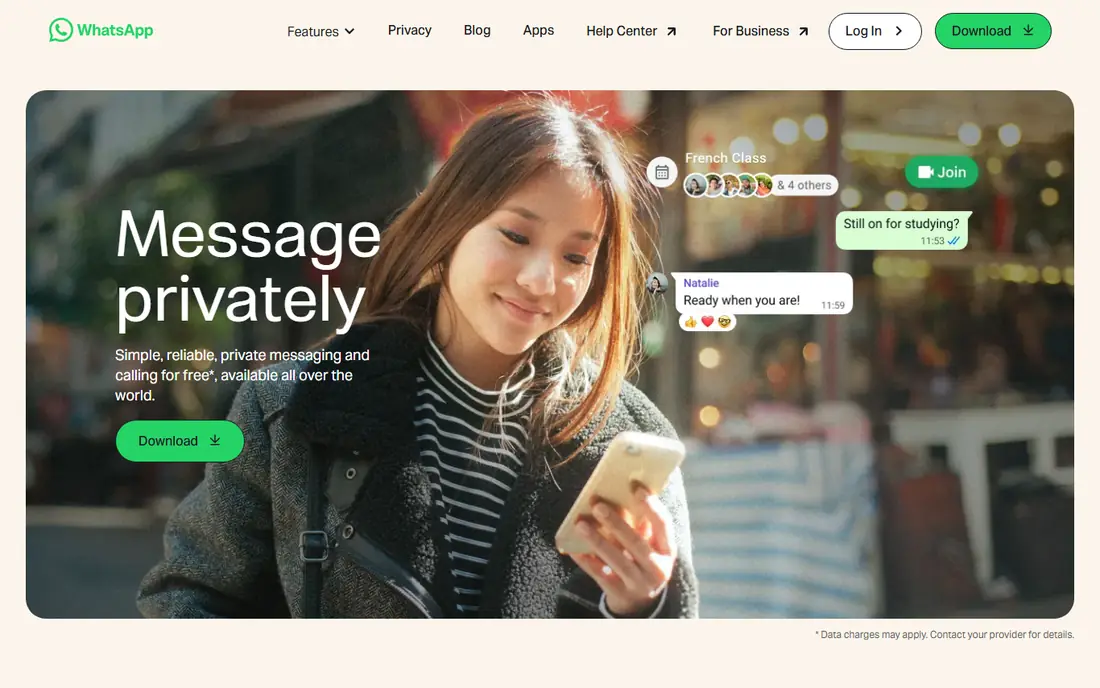
WhatsApp is the global default for everyday chat. Families, schools, small businesses and friend groups use it daily, so you rarely need to convince anyone to install it. Chats are end-to-end encrypted, and voice and video calls, groups, status updates and Channels cover most daily needs.
The phone-number link and Meta ownership put some privacy-focused users off, even with encryption in place. For reach and simplicity, though, WhatsApp remains the first app to install.
- Huge global user base
- End-to-end encrypted chats
- Voice, video, groups and Channels in one app
- Tied to a phone number
- Owned by Meta, which raises data questions for some users
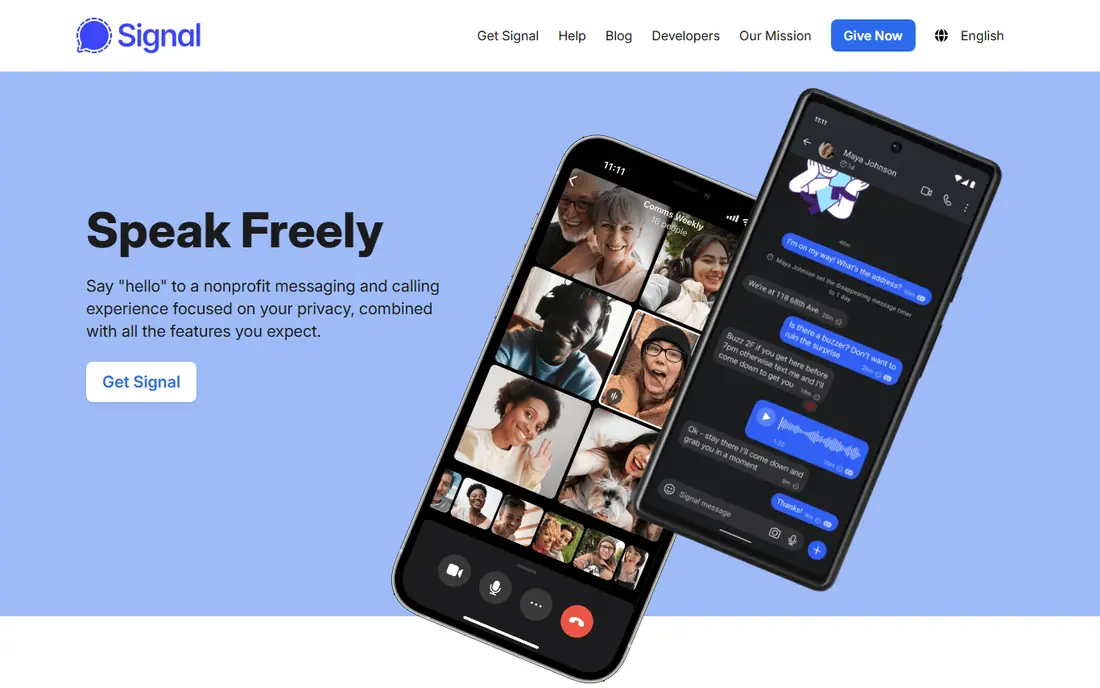
Signal is the privacy pick. Every conversation is end-to-end encrypted by default, the nonprofit behind it collects minimal metadata, and features like disappearing messages and sealed sender support private chat. It is the app many security experts recommend for sensitive conversations.
The trade-off is reach. Fewer friends and colleagues use Signal, so you may still need WhatsApp for everyday groups. For private one-to-one chats, Signal is the best choice here.
- End-to-end encryption on by default
- Nonprofit model with minimal data collection
- Disappearing messages
- Smaller user base than WhatsApp
- Fewer social and business features
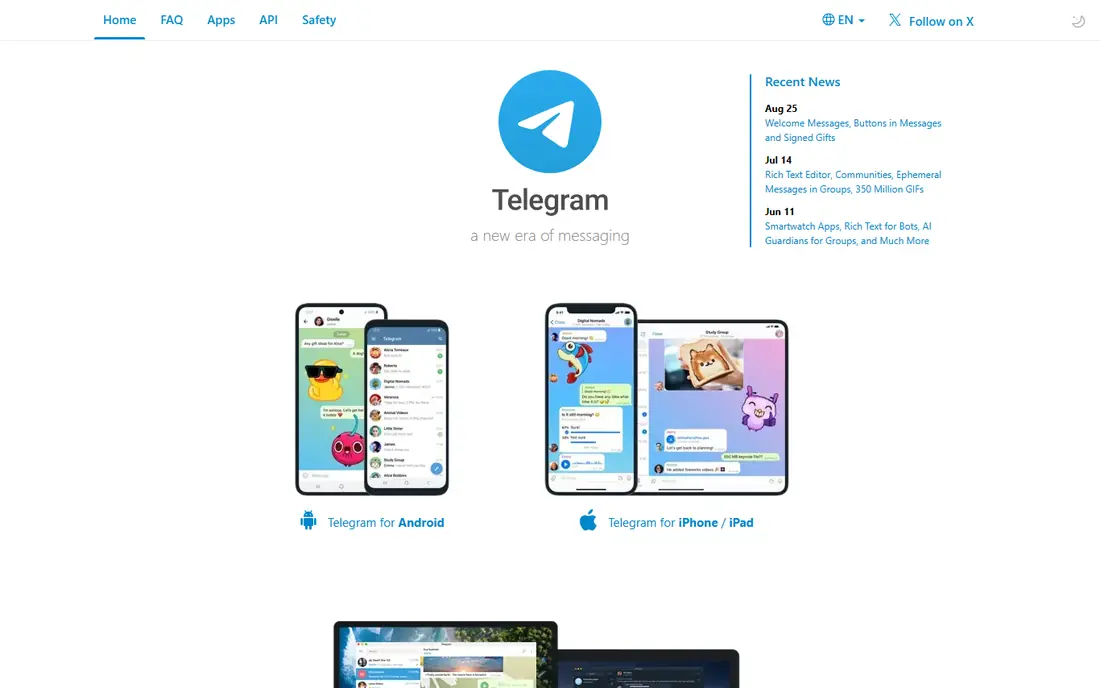
Telegram is the power-user app. Groups can hold huge numbers of members, channels broadcast to large audiences, and cloud sync means your chats follow you across phone, tablet and desktop without fuss. Bots, large file sharing and deep customisation add to its appeal.
Check the encryption model before assuming privacy: standard cloud chats use server-client encryption, while Secret Chats are end-to-end encrypted and device-specific. For communities and broadcast, Telegram is excellent; for private chats, Signal is stronger.
- Huge groups and channels
- Cloud sync across many devices
- Bots, files and customisation
- Cloud chats are not end-to-end encrypted by default
- Only Secret Chats use that stronger model
iMessage is the best messaging experience if your circle is mostly on Apple devices. It is built in, so there is nothing to install, and Apple-to-Apple chats are end-to-end encrypted with rich media, reactions, Tapbacks and app integrations. It blends with SMS and RCS for non-Apple contacts.
Android users cannot use iMessage, which limits it as a universal app. If most of your contacts use iPhones, it may be all you need; otherwise, pair it with WhatsApp or Signal.
- Built into iPhone, iPad and Mac
- End-to-end encrypted Apple-to-Apple chats
- Rich media, reactions and apps
- Apple-only, so Android friends get SMS or RCS instead
- Some features do not cross platforms
Messenger suits anyone whose friends and family already live on Facebook. You can message Facebook contacts, make video calls, run groups and share media without needing a phone number in many cases. Its reach is its main strength.
Meta ownership and data practices concern some users, and the app packs in stories, shops and other features beyond chat. For Facebook-centred social life, though, Messenger is convenient and widely used.
- Huge Facebook-linked user base
- Video calls, groups and games
- Works without a phone number for many users
- Privacy concerns tied to Meta data practices
- App can feel busy with stories and ads
Discord is built for communities, not private chats. Servers organise channels by topic, voice rooms let people hang out live, and bots and roles help moderators run large groups. Gamers, study groups, hobby clubs and creator communities all use it heavily.
It is not the best pick for sensitive one-to-one conversations, and new users can find servers confusing at first. For group life and live voice, Discord is in a class of its own.
- Servers, channels and voice rooms for communities
- Bots and roles
- Free core use with Nitro as an option
- Not a private messenger by design
- Learning curve for new users
Slack is the work messaging standard for many teams. Channels organise projects, threads keep discussions tidy, search finds old decisions, and integrations connect docs, code, calendars and support tools. It replaces much internal email for teams that adopt it well.
The free plan limits searchable history, and Slack feels heavy for personal use. For work teams that need organised, searchable communication, it remains a top pick.
- Channels, threads and search for work
- Huge integration library
- Paid plans from $8.75 per user per month in current listings
- Free plan limits message history
- Best for work, not personal chat
Google Messages is the default texting app for many Android users. It handles SMS where needed and RCS where supported, bringing typing indicators, read receipts and better media to carrier messaging. Web access lets you text from a computer too.
RCS depends on carrier support and on the other person using a compatible app, so experience varies. For Android users who mainly text phone contacts, Google Messages is the natural starting point.
- Built into many Android phones
- RCS brings typing indicators and high-quality media
- Works on the web
- RCS availability depends on carrier and contact
- Not a full social app like WhatsApp
Viber remains popular for international communication, especially in Eastern Europe and parts of the Middle East and Asia. Free app-to-app chats and calls, plus Viber Out for calling non-users at low rates, make it useful for cross-border families and teams.
In the US its user base is smaller than WhatsApp, so reach depends on your contacts. If your circle uses Viber, its call quality and international tools are a real plus.
- Free chats and calls
- Viber Out for cheap international calls
- Groups and communities
- Smaller user base in the US
- Some features vary by region
WeChat is an everything app in China, combining chat, payments, shopping, services and official accounts in one place. For anyone communicating with contacts in China, it is often essential, not optional. Its mini-programs replace many separate apps for daily tasks.
Outside China, adoption is limited, and users should review its privacy terms carefully. If your contacts are in China, WeChat is a must-have; otherwise, it is a niche pick here.
- Chat, payments, mini-programs and services in one app
- Huge user base in China
- Moments and official accounts
- Limited use outside China
- Privacy and data practices need careful review
How we picked these
We compared official app pages, store listings and current messaging roundups for apps available in 2026. We favoured apps with a large active user base, a distinct audience or use case, and a live product today, and we noted encryption differences where they matter. We did not claim hands-on testing; this reflects published features and listings.
How to choose the right app
Start with your contacts. Ask which app your family, friends or team already use daily, since a feature-rich app with no contacts is useless. Then weigh privacy: Signal for private chats, WhatsApp for encrypted everyday chats, and Telegram with care for its chat types.
Also check device support and calls. Multi-device users benefit from Telegram and WhatsApp web and desktop apps, while Apple users get the smoothest ride from iMessage. For work, Slack or a dedicated team tool beats a personal chat app, and for communities, Discord beats them all.
Privacy checklist
Check whether encryption is on by default, which chats it covers, how backups work, and what metadata the provider keeps. Turn on disappearing messages for sensitive chats, verify safety numbers or security codes with important contacts, and review privacy settings after major app updates.
Sources
Frequently asked questions
What is the best messaging app overall?
WhatsApp is the best overall pick for most people because of its reach, encrypted chats and simple calls. Signal is best for privacy, Telegram for large groups, and Discord for communities.
Which messaging app is most secure?
Signal is the most secure pick here, with end-to-end encryption on by default, minimal data collection and disappearing messages. WhatsApp also encrypts chats, while Telegram only encrypts Secret Chats end-to-end by default.
Is WhatsApp better than Telegram?
WhatsApp is better for everyday chats with people you know, thanks to reach and default encryption. Telegram is better for large groups, channels, bots and multi-device cloud sync.
Do I need a phone number for these apps?
WhatsApp, Signal and Viber need a phone number. Messenger, Discord, Slack and Telegram can work with usernames or accounts in many cases, though setup details vary.
Can I use these apps on a computer?
Yes. WhatsApp, Telegram, Signal, Messenger, Discord, Slack, Google Messages and iMessage on Mac all offer web or desktop access, though linking and feature details differ by app.