Best Money Making Apps in 2026: 10 Apps Compared
By ToolNimba Editorial Team October 28, 2026 11 min read

- Top pick
 Swagbucks
Surveys, shopping, and tasks
Starting priceFreeCheck out SwagbucksRead our review - Runner-up
 Rakuten
Online shopping cashback
Starting priceFreeCheck out RakutenRead our review - Also great
 Ibotta
Grocery and retail rebates
Starting priceFreeCheck out IbottaRead our review
How we researched this
We compared official pricing and feature pages, app store listings, privacy policies and public user reviews. Prices change, so check the provider's site before you pay.
Key takeaways
- Cashback apps such as Rakuten and Ibotta are the most reliable earners, since they pay you back for shopping you already do.
- Survey and task apps such as Swagbucks and Prolific pay small amounts for time, so treat them as pocket money, not income replacement.
- Gig apps such as TaskRabbit pay far more per hour than survey apps, but they need skills, transport, or time on site.
- Payout minimums and payment timing vary widely, so check them before you spend hours earning points you cannot yet cash out.
- This is not financial advice. Earnings vary by location, activity, and offers, and most users earn small amounts from these apps.
Quick comparison
| Name | Best for | Starting price | Free plan | |
|---|---|---|---|---|
| Swagbucks | Surveys, shopping, and tasks | Free | Yes | Visit |
| Rakuten | Online shopping cashback | Free | Yes | Visit |
| Ibotta | Grocery and retail rebates | Free | Yes | Visit |
 Fetch Rewards | Receipt scanning | Free | Yes | Visit |
 Prolific | Paid research studies | Free | Yes | Visit |
 FreeCash | Offers and surveys | Free | Yes | Visit |
 Survey Junkie | Simple surveys | Free | Yes | Visit |
 InboxDollars | Surveys, videos, and offers | Free | Yes | Visit |
 Upside | Gas and grocery cashback | Free | Yes | Visit |
 TaskRabbit | Local paid tasks | Free | Yes | Visit |
The best money making apps
Money making apps fall into three groups: cashback for shopping, small tasks and surveys for spare minutes, and gig work for real hourly pay. The apps below are free to join and still active in 2026, but their earnings differ sharply. We compared official app listings, payout terms, and public guides to build this list, and we focus on realistic use rather than headline claims.
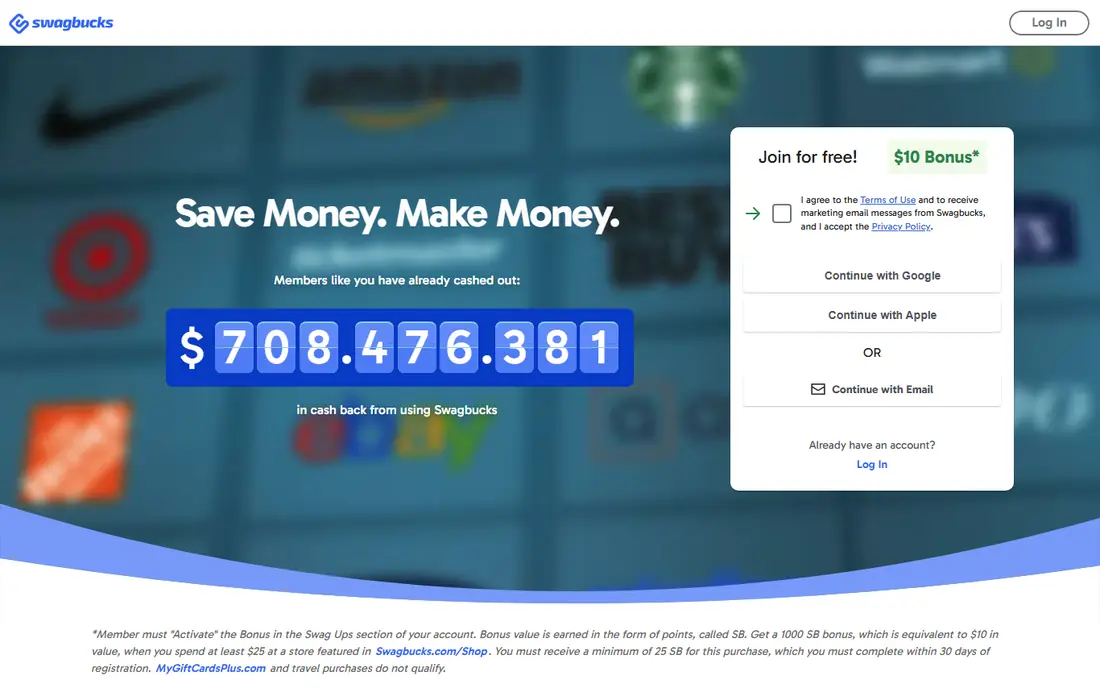
Swagbucks is the most versatile app on this list. You can earn points, called SB, for surveys, online shopping, watching videos, and completing offers, then redeem them for gift cards or PayPal cash. Gift card redemptions can start at $3 in some cases, which makes it easier to test whether the app pays you before you invest much time.
The honest catch is hourly pay. Surveys often pay a few dollars per hour at best, and disqualifications waste time. Use Swagbucks in spare minutes, not as a work shift, and focus on shopping cashback and higher-paying surveys rather than low-value videos. As pocket money, it is reliable, but it will not replace a job.
- Many ways to earn in one app, including surveys, shopping, and searches
- Low payout minimum for gift cards
- Long track record of payouts
- Survey pay per hour is low
- Some surveys disqualify you partway through
- Points values can be confusing at first
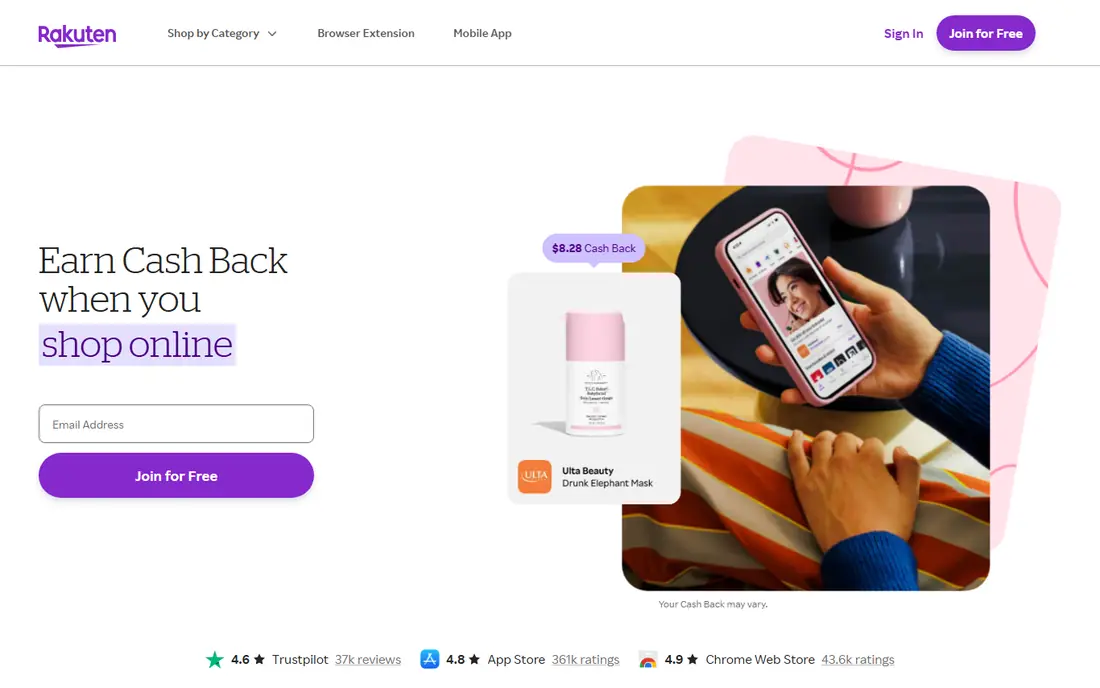
Rakuten pays you back a percentage of online purchases at participating retailers, which makes it the easiest earner for people who already shop online. Activate an offer through the app or extension before checkout, and the cashback tracks to your account. Rates vary by store, with some stores offering higher rates during promotions.
Rakuten does not pay for time, it pays for spending, so it only makes sense if you were going to buy anyway. Do not buy extra items to chase cashback. Payouts arrive quarterly, so this is a slow, steady saver rather than quick cash. For regular online shoppers, it is the most painless app here.
- Cashback at thousands of online retailers
- Browser extension and app remind you to activate offers
- Quarterly payouts by PayPal or check
- You only earn when you shop
- Cashback rates vary by store and change often
- Payouts are quarterly, not instant
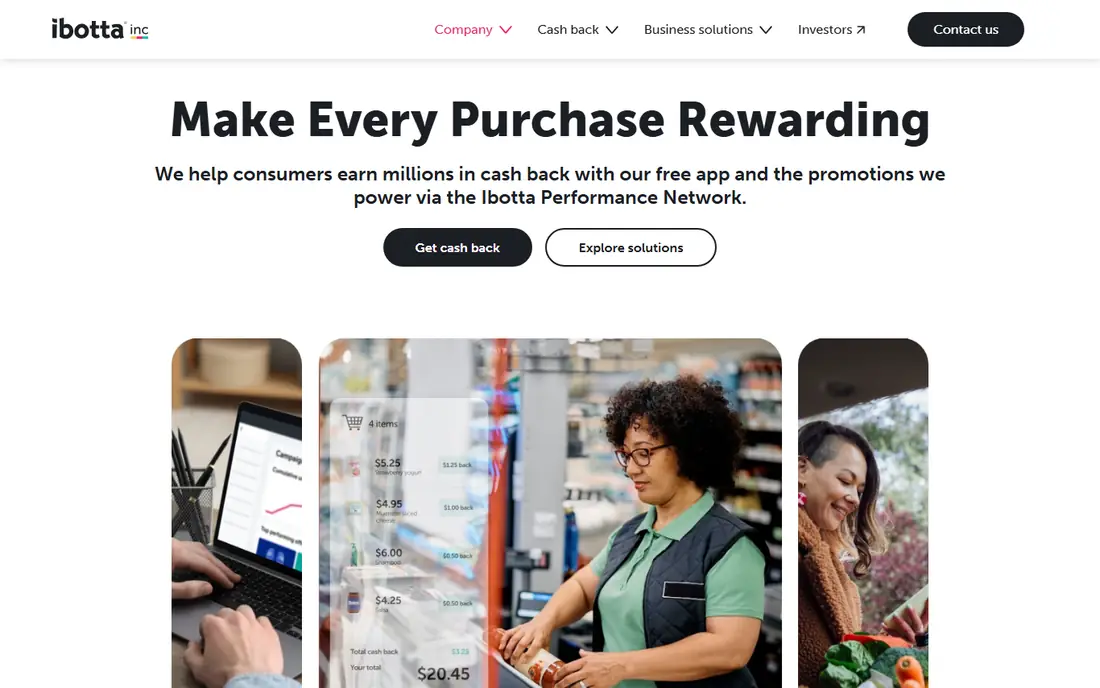
Ibotta suits weekly grocery shoppers. You activate offers for brands and items before you shop, then scan your receipt or link a loyalty card to claim the rebate. That routine can add up over a year for a household that buys the same staples each week, especially when combined with store sales.
The effort is real: offers change weekly, and you need to remember to activate them. Cashout minimums have been reported around $20 for some methods, so small shoppers may wait a while for a payout. If you shop for a family and already use a grocery list, Ibotta is worth the few minutes per trip.
- Rebates on groceries and household items
- Works with receipts or linked loyalty accounts
- Cash out by PayPal, Venmo, or gift card
- You must activate offers before shopping
- Cashout minimum is higher than some rivals
- Offers vary by store and week
Fetch Rewards is the simplest receipt app here. You photograph any grocery or retail receipt, earn points automatically, and redeem them for gift cards from many retailers. There is no need to pick offers in advance, which makes it easy to keep using week after week.
Each receipt earns only a small number of points, so Fetch alone will not pay much. Its value comes from stacking: scan the same receipt in Fetch and in Ibotta where offers allow, and use Rakuten for online orders. Treat Fetch as a low-effort bonus, not a main earner.
- Snap any grocery receipt, with no offer matching needed
- Points redeem for gift cards
- Brand offers boost points on some items
- Points are for gift cards, not direct cash in most cases
- Receipt values are small per trip
- Some receipts expire if not scanned promptly
Prolific is a favorite among survey users because its studies come from researchers, and pay and time estimates are shown before you start. That transparency makes it easier to judge whether a study is worth your time, and disqualifications are less common than on general survey panels.
The limit is supply. Studies appear in waves, and popular studies fill fast, so earnings depend on how often you check and whether you match study criteria. Prolific still pays small amounts per hour compared with gig work, but for survey-style earning, it is one of the fairest options.
- Academic and research studies with clearer pay rates
- Studies show estimated time and pay upfront
- Lower disqualification frustration than many survey apps
- Study availability varies
- You need to check often for new studies
- Payout minimum and payment timing depend on the platform
FreeCash pays for completed offers, surveys, and tasks, with coins that convert to cash or gift cards. Some users earn faster here than on survey-only apps, because game and app offers can pay more than a single survey. Payout minimums are low on some methods, which helps you test the platform early.
Read offer terms closely. Some offers require reaching a level in a game, signing up for a trial, or making a purchase, and those conditions affect whether the reward is worth it. Never pay for an offer unless you already wanted the product. Used carefully, FreeCash is a flexible spare-time earner.
- Offers, surveys, and tasks in one place
- Low payout minimums on some methods
- Fast payouts reported for many users
- Offer terms need careful reading
- Some offers require purchases or trials
- Earnings vary sharply by offer
Survey Junkie keeps things simple: answer surveys, earn points, cash out. That focus suits users who do not want offers, games, or shopping features. Its interface is clean, and point values are easy to understand compared with apps that mix many earning methods.
The same survey limits apply: pay per hour is modest, and screening can waste time. Survey Junkie works best as a second survey app beside Prolific or Swagbucks, used in short gaps rather than long sessions. Set a low payout goal and cash out early to confirm it works for you.
- Simple, survey-only interface
- Points redeem for PayPal or gift cards
- Clear point values on most surveys
- Survey pay per hour is low
- Availability depends on your profile
- Some surveys screen you out after starting
InboxDollars shows earnings in cash amounts rather than points, which some users prefer. You can earn from surveys, videos, shopping, and offers, and redeem by PayPal, check, or gift card once you reach the minimum. Its long history makes it a known name in this space.
The payout minimum and slow tasks are the drawbacks. Videos and small tasks pay cents, so focus on surveys and shopping if you use this app. Like other survey apps, treat InboxDollars as occasional pocket money, and cash out as soon as you reach the minimum to avoid leaving a balance stuck.
- Earns in dollars rather than points, which is easier to track
- Surveys, videos, shopping, and offers in one app
- Long-running platform
- Payout minimum is higher than some rivals
- Video and email tasks pay very little
- Processing time can take days
Upside helps drivers and grocery shoppers earn back a small amount per trip. At gas stations, you claim an offer in the app, check in or pay with a linked card, and earn cashback per gallon. Grocery and restaurant offers work in a similar way, which makes Upside a useful add-on for routine spending.
Per-trip amounts are small, often cents per gallon, so Upside alone will not change a budget. Its value is stacking with other cashback and rewards from your payment card. If you drive regularly, the few taps per fill-up add up over a year without much extra effort.
- Cashback on gas, groceries, and restaurants without receipt matching in many cases
- Check-in at the station or store
- Payouts by PayPal or gift card
- Cashback per gallon is modest
- Offers vary by location and station
- You must claim offers before purchase in many cases
TaskRabbit is in a different league from survey apps because it pays for real work. Taskers set rates for assembly, moving, cleaning, mounting, yard work, and errands, and clients book them through the app. Hourly earnings can be far higher than survey pay, especially for skilled tasks in busy cities.
The trade-offs are effort and variability. You need to travel, bring tools for some jobs, and handle client communication and reviews. Work is not guaranteed, and platform fees reduce take-home pay. If you want meaningful money from an app, TaskRabbit is the most realistic path on this list, but it is work, not passive earning.
- Real hourly pay for furniture assembly, moving help, cleaning, and errands
- You set your rates and schedule
- Clients in many US cities
- You need skills, tools, or transport for many tasks
- Work availability varies by city
- Platform fees and taxes apply to earnings
How we picked these
We compared official app pages, payout terms, and public guides, and we favored free apps that are still active in the US in 2026, state a payout method, and do not require an upfront fee to join. We left out apps that require buying a phone, paying for access, or sharing bandwidth or personal data in risky ways. Earnings claims vary widely, so we focus on payout minimums and realistic use rather than best-case monthly figures.
How to earn without wasting time
Stack cashback first, since it pays for spending you already do. Use Rakuten for online orders, Ibotta and Fetch for groceries, and Upside for gas, and do not change what you buy to chase a rebate. That stack costs minutes per week and beats hours of low-paid surveys.
Use surveys in gaps, not shifts
Surveys suit waiting rooms, commutes, and short breaks, not full workdays. Pick one or two survey apps, cash out early, and stop using any app where disqualifications eat most of your time. If an app pays less than a dollar per hour after a week of honest use, drop it.
Price gig work properly
For TaskRabbit, set rates that cover travel, tools, platform fees, and taxes, not just the hour on site. A low rate that wins jobs but loses money after costs is worse than fewer jobs at a fair rate. Track mileage and expenses from the start.
Sources
- https://www.swagbucks.com
- https://www.rakuten.com
- https://www.ibotta.com
- https://www.fetch.com
- https://www.prolific.com
- https://freecash.com
- https://www.surveyjunkie.com
- https://www.inboxdollars.com
- https://www.upside.com
- https://www.taskrabbit.com
- https://walletgrower.com/blog/best-cashback-apps-that-actually-pay-in-2026
- https://www.eneba.com/hub/play-to-earn/top-apps-to-make-money-with-0/