Best No Code App Builder in 2026: 9 Builders Compared
By ToolNimba Editorial Team October 28, 2026 10 min read

- Top pick
 Bubble
Complex full-stack web apps
Starting price$59 per monthCheck out BubbleRead our review - Runner-up
 Glide
Spreadsheet to internal app
Starting price$19 per monthCheck out GlideRead our review - Also great
 Adalo
Native mobile apps
Starting price$36 per monthCheck out AdaloRead our review
How we researched this
We compared official pricing and feature pages, app store listings, privacy policies and public user reviews. Prices change, so check the provider's site before you pay.
Key takeaways
- Bubble is our pick for complex web apps because its visual logic editor handles custom workflows that simpler builders cannot.
- Glide is the fastest route from a spreadsheet to a working internal tool, while Adalo is the simplest path to native app store apps.
- FlutterFlow is the best choice if you want code export and a way out, since Bubble and Glide keep you on their platform.
- AI prompt builders like Lovable and Bolt are fastest for a first prototype, but they need review and testing before a real launch.
- Free tiers are for learning and prototypes in almost every case, and going live almost always means a paid plan.
Quick comparison
| Name | Best for | Starting price | Free plan | |
|---|---|---|---|---|
| Bubble | Complex full-stack web apps | $59 per month | Yes | Visit |
| Glide | Spreadsheet to internal app | $19 per month | Yes | Visit |
| Adalo | Native mobile apps | $36 per month | Yes | Visit |
 FlutterFlow | Apps with code export | $39 per month | Yes | Visit |
 Softr | Portals on existing data | $19 per month | Yes | Visit |
 Lovable | Prompt to full-stack web app | $25 per month | Yes | Visit |
 Bolt | Browser-based AI building | $25 per month | Yes | Visit |
 AppSheet | Data apps in Google Workspace | $5 per user per month | Yes | Visit |
 Thunkable | Beginner native mobile apps | $19 per month | Yes | Visit |
The best no code app builders
No code builders split into two groups in 2026. Visual builders give you drag-and-drop screens and logic you can maintain over time. AI prompt builders turn a written description into a working app in minutes, but you still need to check the result. Pick from the group that matches how you want to maintain the app, not just how fast the first version appears.
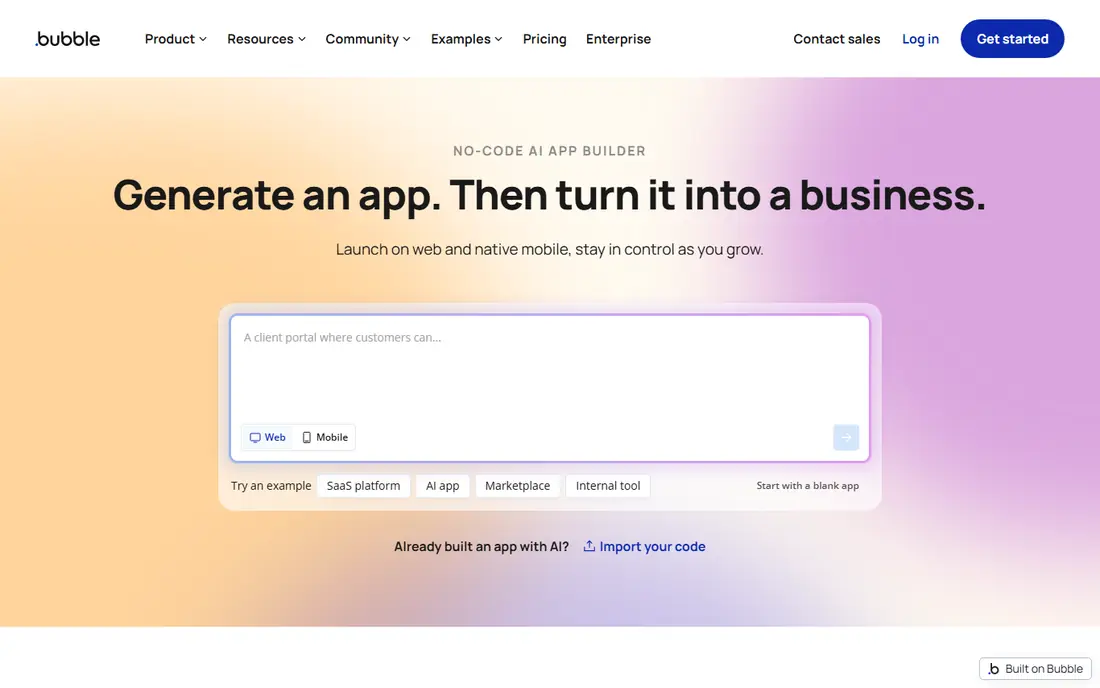
Bubble is the most capable visual builder for a full web app with accounts, payments, and custom workflows. You design screens, define data types, and build multi-step logic with conditions, all without writing code for the core app. That depth is why startups and internal tools teams keep choosing it for products that outgrow a simple form or portal.
The cost model needs care. Plans use workload units, so a busy app can cost more than the headline plan price, and record limits apply on some tiers. There is also no code export, so leaving Bubble means rebuilding. If you need a complex web product and you accept staying on the platform, Bubble is still the strongest visual choice.
- Visual workflow editor for custom logic
- Built-in database
- Large plugin and template library
- Usage-based workload pricing can be hard to predict
- No code export
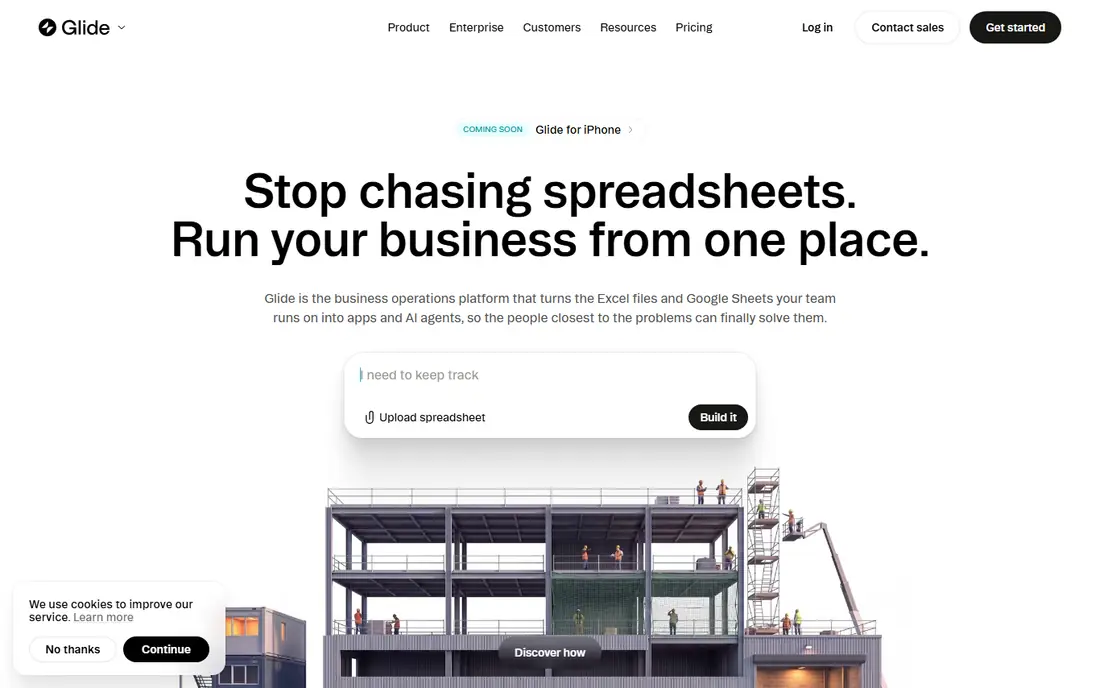
Glide turns a spreadsheet into a working app faster than any other builder here. Point it at Google Sheets, Excel, or a Glide table, pick a layout, and you have a searchable, filterable tool for inventory, orders, or field teams. The layouts look polished with little effort, which matters for internal tools people actually use.
The limit is publishing. Glide apps are web and progressive web apps, not native iOS or Android store apps, so they do not fit a consumer app store launch. Row and usage limits also shape which plan you need. For internal business tools, though, Glide gives the best speed to value in this list.
- Very fast build from Sheets or Excel
- Clean mobile layouts
- AI help for building screens
- Web and progressive app focus, not native store apps
- Row limits on lower plans
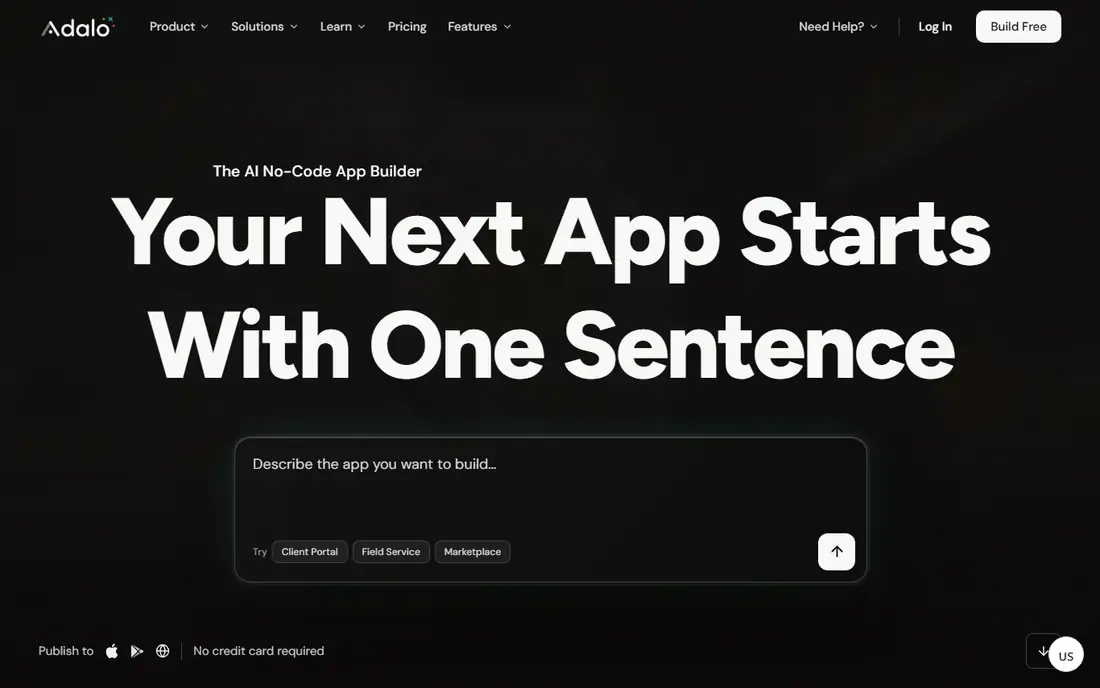
Adalo is the simplest route to a real native mobile app without code. You build screens once and publish the same app to the web and to both app stores, without rebuilding for each platform. Paid plans include unlimited usage, which avoids the bill shock that usage-based rivals can produce, and the marketplace adds ready components.
It is not the best pick for a complex web SaaS product with heavy custom logic, where Bubble wins. Large data sets can also feel slower than on a database-first tool. If your goal is a phone-first app for customers or staff, Adalo balances simplicity, store publishing, and predictable pricing well.
- Publishes to iOS, Android, and web from one build
- Flat pricing with unlimited usage on paid plans
- Component marketplace
- Less suited to very complex web logic
- Performance can lag on large data sets
FlutterFlow is the builder to pick if exit options matter. It builds cross-platform apps in Flutter and lets you export the code, so you can hand a project to developers later or host it yourself. Design controls are strong, and you can add custom code where the visual tools run out.
That flexibility comes with a learning curve. Beginners will take longer to ship than with Glide or Adalo, and a full app usually needs a separate database such as Firebase or Supabase. If you want a serious mobile product with a path to developer ownership, FlutterFlow is worth the extra learning time.
- Exports Flutter code you can keep
- Builds for mobile, web, and desktop
- Strong design controls
- Steeper learning curve
- Needs a separate database setup for full apps
Softr is built for portals, directories, and internal tools that sit on data you already keep. Connect Airtable or Google Sheets, choose a template, set who can see and edit each record, and you have a client portal or team hub in a day. Permissions are a genuine strength, which matters when clients should only see their own records.
It is a web tool, not a native app builder, so it does not fit an app store launch. Record limits on lower plans also matter for large directories. For agencies and small teams that need a polished portal fast, Softr is one of the easiest wins on this list.
- Fast portals from Airtable or Google Sheets
- Strong permissions
- Clean client-facing layouts
- Not for native mobile apps
- Record limits shape larger projects
Lovable turns a written prompt into a full-stack web app with a database and hosting, which makes it one of the fastest ways to test an idea. You describe the product, review the generated screens, and iterate in plain language. Because it gives you code, you can also edit or hand off the result, unlike closed visual builders.
The risk is quality. AI-generated apps can include broken flows, weak security defaults, or rough edges that only show up in testing. Budget time to test user accounts, payments, and edge cases before launch, and watch credit use if you iterate a lot. For a prototype or a simple web product, Lovable is a strong, fast start.
- Very fast prompt to working web app
- Full-stack setup included
- Code can be exported and edited
- AI output needs testing and fixes
- Credit use can rise with heavy iteration
Bolt, from StackBlitz, builds web apps in the browser from a prompt, with live preview and code you can keep. It suits founders and developers who want to move from idea to a shareable link in an afternoon, then refine the result. The browser setup removes install friction, which helps for quick demos and hackathons.
Like Lovable, it runs on credits, so loose prompting and repeated rebuilds can burn through a plan. Complex logic, auth, and payments still need careful review. Use Bolt for speed and ownership on a web prototype, and plan a testing pass before you invite real users or take payments.
- Builds entirely in the browser
- Fast iteration
- Code export for ownership
- Credit-based pricing rewards careful prompting
- Complex apps need manual fixes
AppSheet, from Google, is the budget pick for data-driven business apps. It builds mobile and web apps from spreadsheets and databases, with forms, approvals, and automation for field work and operations. The per-user price is far lower than most rivals, which helps when many staff need access.
The free side is for building and testing with a small group, not for a full public launch. Designs also look functional rather than consumer-polished, so it suits internal tools more than customer apps. If your team already lives in Google Workspace and you need a practical operations app, AppSheet is hard to beat on price.
- Very low per-user starting price
- Strong for forms and workflows
- Fits Google Workspace teams
- Prototype testing limits
- Design is functional rather than polished
Thunkable is a friendly entry point for a first native app, and it is widely used in education for that reason. You drag blocks and components into place, test on your phone, and publish to both stores. That loop is encouraging for a beginner, and the starting price is lower than Adalo or FlutterFlow.
Power users will hit limits sooner, especially for complex back-end logic or large data handling. Some features also require higher plans. If you are learning, building a simple customer app, or teaching a team, Thunkable gives a gentle path to a real store app without a steep start.
- Beginner-friendly drag-and-drop builder
- Native iOS and Android publishing
- Live testing on your phone
- Less power for complex back-end logic
- Advanced features sit on higher plans
How we picked these
We compared official pricing pages, product documentation, and public reviews for builders that are live in 2026 and that truly let a non-developer ship a working app. We included both visual builders and AI prompt builders, since readers now search for both under the same term, and we noted code export where it exists because lock-in shapes long-term cost. Prices are starting paid prices from recent vendor listings, and billing terms vary, so confirm the plan page for your use case before you commit. We did not claim hands-on testing we did not do.
What to check before you commit
Start by naming the app type. A customer store app points to Adalo, FlutterFlow, or Thunkable. An internal tool points to Glide, Softr, or AppSheet. A complex web product points to Bubble, Lovable, or Bolt. That one choice removes most of the list and saves weeks of comparison.
Next, test the limits that matter. Check row or record caps, user counts, storage, and how pricing changes with usage. Build a small version with real data, not demo rows, and test on a phone as well as a desktop. Check publishing too, since a web app, a progressive web app, and a native store app are not the same product, even when a builder offers all three words on its home page.
Lock-in and data
Ask how you leave. FlutterFlow, Lovable, and Bolt give you code, while Bubble and Glide keep your app on their platform. Even with code export, your database and user accounts may need migration work. Export your data regularly, keep your domain and payment setup separate where you can, and read the terms for data portability before you grow.
AI builder caution
AI builders are fast, but speed is not a launch check. Test sign-up, password reset, payments, and permission rules, and have a developer review security settings if the app handles personal data or money. A prototype that looks finished can still fail on an edge case a real user hits on day one.
Sources
- https://www.bubble.io
- https://www.glideapps.com
- https://www.adalo.com
- https://www.flutterflow.io
- https://www.softr.io
- https://www.lovable.dev
- https://www.bolt.new
- https://www.appsheet.com
- https://www.thunkable.com
- https://rankite.com/blog/best-no-code-ai-app-builders-for-startups
- https://www.cluboo.com/best-no-code-app-builders
- https://replit.com/discover/best-no-code-app-builder