Best OSINT Tools in 2026: 9 Tools Compared
By ToolNimba Editorial Team November 13, 2026 9 min read

- Top pick
 Maltego
Visual link analysis
Starting priceFreeCheck out MaltegoRead our review - Runner-up
 Shodan
Exposed devices and services
Starting price$49 one-timeCheck out ShodanRead our review - Also great
 SpiderFoot
Automated recon scans
Starting priceFreeCheck out SpiderFootRead our review
How we researched this
We compared official pricing and feature pages, app store listings, privacy policies and public user reviews. Prices change, so check the provider's site before you pay.
Key takeaways
- Maltego is the strongest choice for visual link analysis, because it maps links between people, domains, infrastructure, and accounts in one graph.
- Shodan and Censys cover internet-facing exposure, while SpiderFoot, theHarvester, and Recon-ng cover automated domain and infrastructure recon.
- Several of the best OSINT tools are free and open source, including SpiderFoot, theHarvester, Recon-ng, and Sherlock.
- Have I Been Pwned is the simplest breach check, and it is best used on your own addresses and domains.
- Use these tools only lawfully and with respect for privacy, never for stalking, harassment, or unauthorized access.
Quick comparison
| Name | Best for | Starting price | Free plan | |
|---|---|---|---|---|
| Maltego | Visual link analysis | Free | Yes | Visit |
| Shodan | Exposed devices and services | $49 one-time | Free trial | Visit |
| SpiderFoot | Automated recon scans | Free | Yes | Visit |
 theHarvester | Email and domain gathering | Free | Yes | Visit |
 Recon-ng | Scripted web recon | Free | Yes | Visit |
 Have I Been Pwned | Breach exposure checks | Free | Yes | Visit |
 Censys | Internet asset discovery | Free | Yes | Visit |
 Intelligence X | Leak and archive search | Free | Yes | Visit |
 Sherlock | Username searches | Free | Yes | Visit |
The best OSINT tools
Open source intelligence, or OSINT, means gathering information from public sources. The tools below help security teams, journalists, researchers, and investigators do that work in an organized way. They must be used lawfully and with respect for privacy, never for stalking or unauthorized access, and only on targets you have a legitimate right to research.
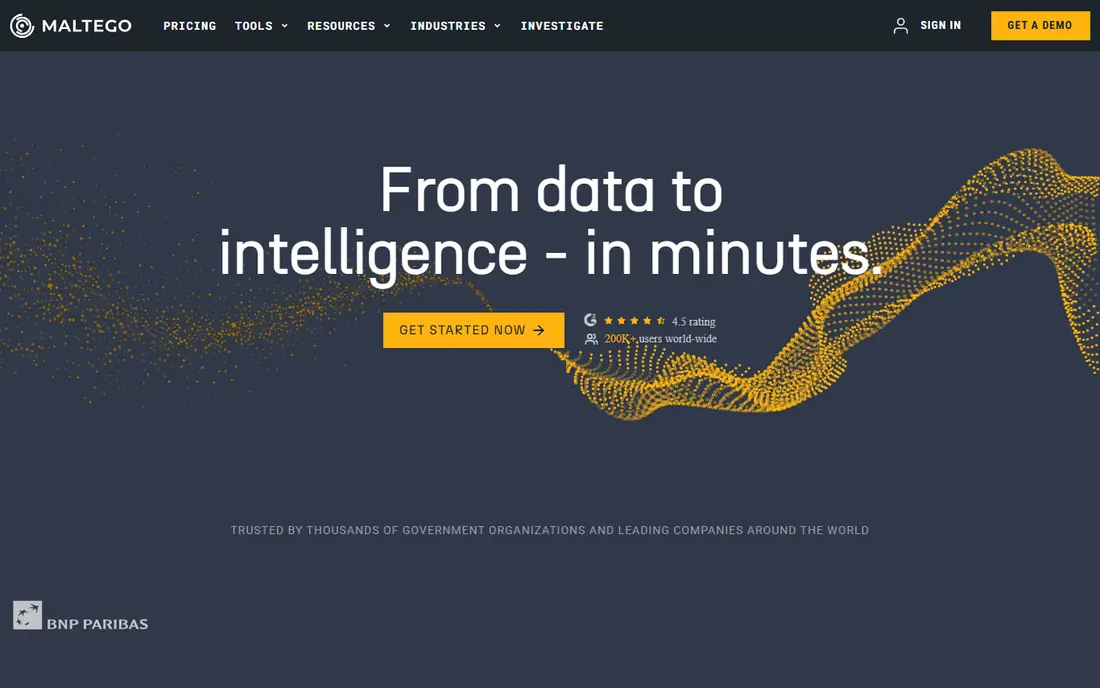
Maltego turns scattered findings into a graph. An analyst starts with a domain, an email address, a company, or an IP address, then expands outward to linked infrastructure, accounts, and records. That visual approach helps a team see patterns that a flat list of results hides, such as shared hosting, reused contact details, or linked social profiles.
The free basic tier lets a new analyst learn the workflow, with a monthly credit limit. Paid tiers remove those limits and add more data sources, but the cost puts them out of reach for casual users. Maltego is best for investigators and security teams who regularly work cases with many linked entities and need to present findings clearly.
- Clear graph views of links
- Many data connectors
- Good for complex cases
- Paid tiers are costly
- Learning curve for new analysts
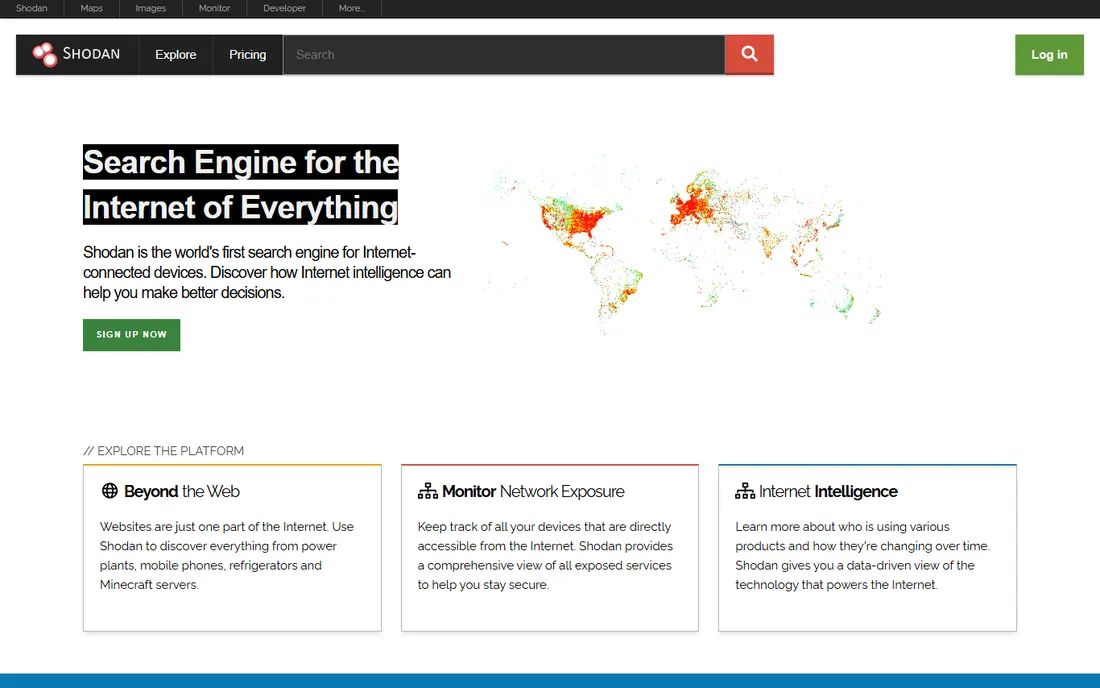
Shodan is a search engine for internet-connected devices and services. Instead of indexing web pages, it indexes banners, open ports, and service details from devices across the internet. Security teams use it to find their own exposed servers, cameras, databases, and industrial systems before an attacker does.
A one-time membership is listed at $49, with additional credits for heavier use. The key caution is interpretation: an open port is not proof of a flaw, and scanning or probing a system you do not own can cross legal lines. Used on your own assets, or with clear permission, Shodan is a fast way to check public exposure.
- Searches internet-connected devices
- Useful for exposure checks
- Simple query language
- Results need careful interpretation
- Paid features sit behind membership and credits
SpiderFoot automates the slow part of recon. Give it a domain, IP address, email, or username, and it queries many public sources, then links the results together. The open source version can be self-hosted, which appeals to teams that want control over their data and scans. A hosted commercial version adds managed infrastructure and support.
The trade-off is noise. Automated scans return many leads, and some will be stale, partial, or unrelated. An analyst still needs to verify each finding before acting on it. For teams that run recon often, that automation saves hours, as long as the review step is not skipped.
- Automates many public sources at once
- Self-hosted option
- Clear result correlation
- Setup and tuning take time
- Results need manual review
theHarvester is a lightweight command-line tool for passive gathering on a domain. It pulls email addresses, subdomains, hostnames, and related details from public search sources, without directly probing the target. That passive approach suits early recon, when an analyst wants a picture of public exposure before any deeper work.
It is not a polished desktop app. Users need comfort with a terminal, and some sources need API keys to return full results. For a security professional who wants a fast, free first pass on a domain, it remains one of the most practical tools available.
- Free and open source
- Fast passive gathering
- Simple command-line use
- Command-line only
- Source coverage depends on API keys
Recon-ng is a full-featured recon framework written in Python, with a modular design similar in style to other security frameworks. Analysts pick modules for tasks such as subdomain enumeration, contact gathering, or host profiling, then chain them into repeatable workflows. Results land in a local database that can be queried and exported.
The strength is repeatability. A team can run the same workflow on each new assessment and compare results over time. The cost is setup time, since modules often need API keys and some configuration. It suits analysts who are comfortable on the command line and who value a structured, scripted approach.
- Free and open source
- Modular design
- Good for repeatable workflows
- Command-line only
- Module setup takes effort
Have I Been Pwned lets anyone check whether an email address or phone number appears in a known data breach. Domain owners can monitor their own domains for exposed addresses, which helps a security team spot accounts that need password resets. The basic lookup is free, and paid tiers cover larger monitoring use.
Its limit is scope. It reports breaches in its own data set, so a clean result does not prove an address was never exposed elsewhere. It is best used as a quick hygiene check and a prompt to reset passwords and turn on multi-factor authentication, not as proof of safety.
- Simple breach checks
- Domain monitoring for owners
- Widely trusted data
- Covers breaches it knows about only
- Not a full investigation tool
Censys scans the internet across all ports and publishes structured data on exposed services, certificates, and hosts. Security teams use it to build an inventory of their public-facing assets, spot forgotten servers, and check certificate details. A free tier with monthly credits covers light use, and credit packs cover heavier queries.
Like Shodan, Censys is most valuable on your own assets. Searching for your own domains and IP ranges gives a clear outside-in view of what the internet can see. Large networks need filtering and triage, since the raw data set is huge.
- Broad internet scanning data
- Good for asset inventory
- Free credit tier
- Paid use can grow costly
- Data needs filtering for large networks
Intelligence X, often written as IntelX, searches across leaks, pastes, darknet sources, and historical data. Investigators use it to check whether credentials, documents, or identifiers linked to a case appear in leaked data sets. A free tier covers a limited number of searches per day, and paid researcher plans raise those limits.
Handling matters here. Leaked data can include personal details, so analysts should limit access, avoid sharing sensitive findings, and work within their legal authority. Used properly, it is a strong tool for breach research and for confirming whether a known exposure is real.
- Searches leaks, pastes, and archives
- Useful for breach research
- Free tier available
- Paid tiers are costly
- Sensitive results need careful handling
Sherlock checks whether a username exists across many social networks and websites. A researcher enters one username, and the tool reports which sites return a matching profile. That simple check helps with identity verification, brand protection, and early case work, where a reused username links accounts together.
False positives happen, since two people can share a username on different sites, and site coverage changes as platforms update their pages. Every hit needs manual confirmation before it is treated as the same person. For a free, fast first check, though, Sherlock is hard to beat.
- Free and open source
- Checks many sites at once
- Simple to run
- Results include false positives
- Site coverage changes over time
How we picked these
We compared official project pages, vendor pricing pages, and current comparison guides for tools that are available now and truly fit OSINT work. We favored tools with clear public-source methods, active maintenance, and a mix of free and paid options, from visual analysis to breach checks. We did not claim hands-on testing. Where pricing was quoted in another currency or behind a sales process, we used the free tier or See website logic and kept the starting price conservative.
How to use OSINT tools lawfully
Start with scope and permission. Research your own organization, your own accounts, or a target you have a clear legal basis to investigate, such as a client engagement, a journalistic inquiry, or an academic study. Keep a log of sources, dates, and queries, so findings can be checked and repeated by someone else.
Respect privacy and platform rules
Stick to public information. Do not log in to accounts that are not yours, bypass access controls, or collect private messages. Avoid gathering sensitive personal details about private individuals unless you have a legitimate, lawful reason and a clear handling plan. If a finding looks private, stop and check the legal basis before going further.
Verify before you act
OSINT results are leads, not conclusions. Cross-check names, dates, and identifiers across at least two independent sources before reporting a link. Watch for reused usernames, old records, and lookalike domains, all of which create false matches. A careful verification step protects both the investigation and the people named in it.
Sources
- https://www.maltego.com
- https://www.shodan.io
- https://www.spiderfoot.net
- https://github.com/laramies/theHarvester
- https://github.com/lanmaster53/recon-ng
- https://haveibeenpwned.com
- https://www.censys.io
- https://intelx.io
- https://github.com/sherlock-project/sherlock
- https://marketintelligencetools.com/rankings/open-source-intelligence-tools/
- https://www.webasha.com/blog/top-7-osint-tools-every-cybersecurity-professional-should-know-the-complete-guide
Frequently asked questions
What is the best OSINT tool for beginners?
Have I Been Pwned and Sherlock are the easiest starting points, since both are free and simple to use. Maltego is the best next step for visual analysis, and SpiderFoot is a good choice once you want automated scans. Beginners should start with one tool, learn its limits, and add others as cases grow more complex.
Are OSINT tools legal?
Using public sources is lawful in general, but the details matter. Problems arise when someone accesses accounts without permission, breaks platform terms in a harmful way, harasses a person, or misuses personal data. Use these tools only within legal scope, on targets you have a right to research, and with respect for privacy.
What is the best free OSINT tool?
It depends on the task. SpiderFoot covers automated recon, Maltego covers visual link analysis on its free tier, theHarvester covers domain gathering, and Sherlock covers username searches. Most investigators combine three or four free tools rather than relying on one.
Can OSINT tools find personal information?
They can surface information that is already public, such as profiles, posts, domain records, and breach data. That is why privacy hygiene matters, including strong passwords, multi-factor authentication, and data broker removal where available. Never use OSINT findings to stalk, threaten, or harass anyone.
Do I need paid OSINT tools?
Not always. Free and open source tools cover most recon tasks well. Paid tiers help when you need higher limits, more data sources, managed hosting, or support. Start free, track which limits you actually hit, and pay only for the capacity your work requires.