Best Parental Control App in 2026: 10 Apps Compared
By ToolNimba Editorial Team October 28, 2026 11 min read

- Top pick
 Qustodio
Detailed reports and screen time
Starting price$59.95 per yearCheck out QustodioRead our review - Runner-up
 Bark
Teen social media monitoring
Starting price$14 per monthCheck out BarkRead our review - Also great
 Net Nanny
Real-time web filtering
Starting price$39.99 per yearCheck out Net NannyRead our review
How we researched this
We compared official pricing and feature pages, app store listings, privacy policies and public user reviews. Prices change, so check the provider's site before you pay.
Key takeaways
- Qustodio is the best all-round pick for detailed reports and screen-time control across devices.
- Bark is the best pick for teens on social media, because it flags concerning messages rather than showing parents every message.
- Google Family Link and Apple Screen Time are free and built in, so try them before paying for anything.
- Norton Family and Mobicip offer strong value for families on a budget, with multi-device coverage at lower prices.
- Tell your child what you monitor and why, and prefer tools with clear privacy policies that limit data collection and retention.
Quick comparison
| Name | Best for | Starting price | Free plan | |
|---|---|---|---|---|
| Qustodio | Detailed reports and screen time | $59.95 per year | Yes | Visit |
| Bark | Teen social media monitoring | $14 per month | Free trial | Visit |
| Net Nanny | Real-time web filtering | $39.99 per year | No | Visit |
 Norton Family | Budget controls for Windows and Android | $49.99 per year | Free trial | Visit |
 Aura | Family security bundle | $8.25 per month | Free trial | Visit |
 Google Family Link | Free Android controls | Free | Yes | Visit |
 Apple Screen Time | Free Apple controls | Free | Yes | Visit |
 Mobicip | Affordable mixed-device filtering | $2.99 per month | Free trial | Visit |
 Kaspersky Safe Kids | Free basic filtering | See website | Yes | Visit |
 FamilyTime | Location tracking on a budget | $29 per year | Free trial | Visit |
The best parental control apps
These apps cover screen time, web filtering, location, and message monitoring, so match the tool to your child age and the devices your family actually uses.
We favor products with clear privacy practices in this list, and we note where a tool collects message content or location data. No parental control app replaces a conversation with your child about online safety, and monitoring should be transparent within your family wherever possible.
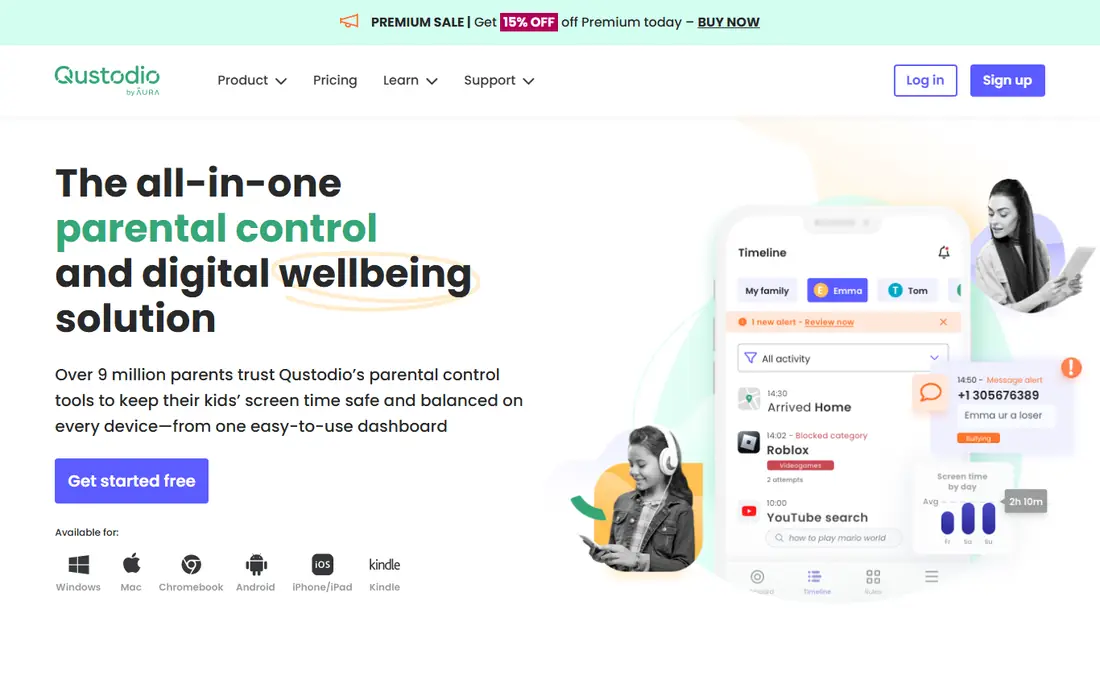
Qustodio is our pick for most families because it covers the daily controls well: time limits, app blocking, web filtering, and clear reports that show where time actually goes. The free plan covers one device, which is enough to test whether the reports and limits help your family before paying. Paid plans expand to more devices and add location and deeper reporting.
The honest limit is social monitoring. Qustodio does not read teen social messages as deeply as Bark, so if that is your main worry, Bark fits better. For screen-time discipline, homework routines, and web safety across Android, Windows, and other devices, Qustodio gives the clearest dashboard in this list.
- Detailed activity reports
- Screen-time limits per app
- Free plan for one device
- Web filtering and location tracking
- Social media monitoring is thinner than Bark
- Premium plans cost more for many devices
- IOS limits some features
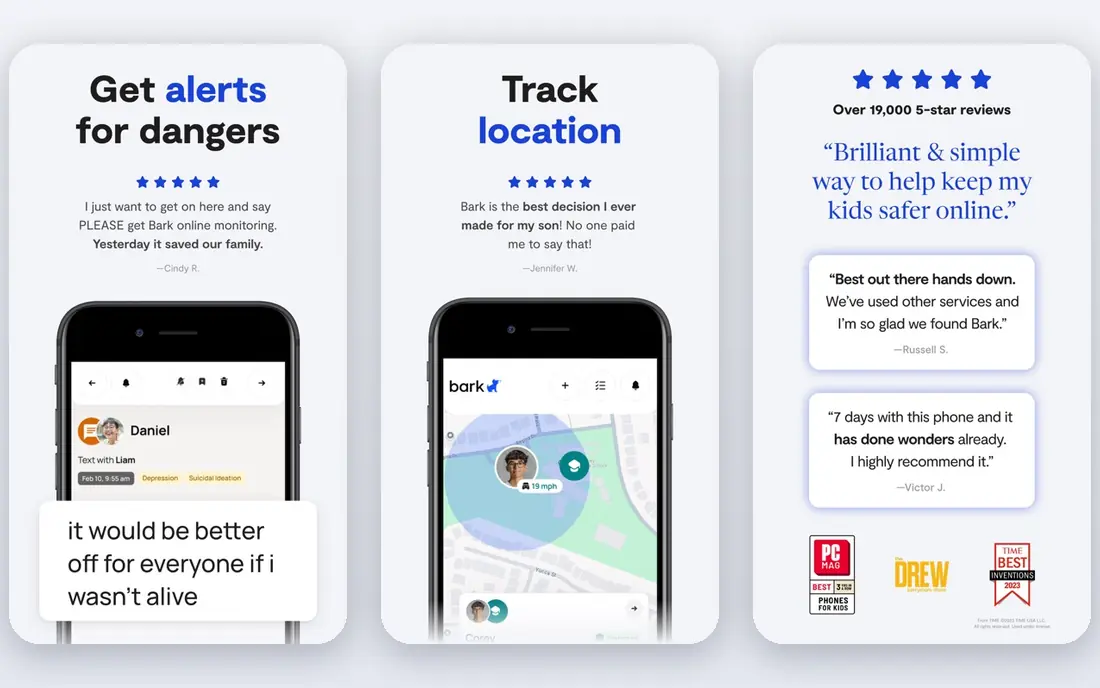
Bark is the best parental control app for teenagers because of how it handles privacy. Instead of showing parents every message, it scans texts, email, and social apps for signs of bullying, self-harm, predatory contact, and other risks, then alerts parents to the flagged item. That design preserves more teen privacy than tools that expose full message history, while still catching serious issues.
The Premium app plan is listed at $14 per month or $99 per year, with a 7-day free trial, and Bark also sells a phone and watch with controls built in. On iPhone, Apple limits mean deeper monitoring needs the Bark Sync charger or the Bark Phone, so check iOS coverage for your child device before buying. For families whose main worry is social media, Bark is the strongest pick.
- Monitors texts, email, and many social apps for concerning content
- Alerts parents only to flagged issues
- Screen time and location included
- Costs $14 per month or $99 per year for Premium
- IOS monitoring needs extra setup
- Web filtering is less detailed than Qustodio
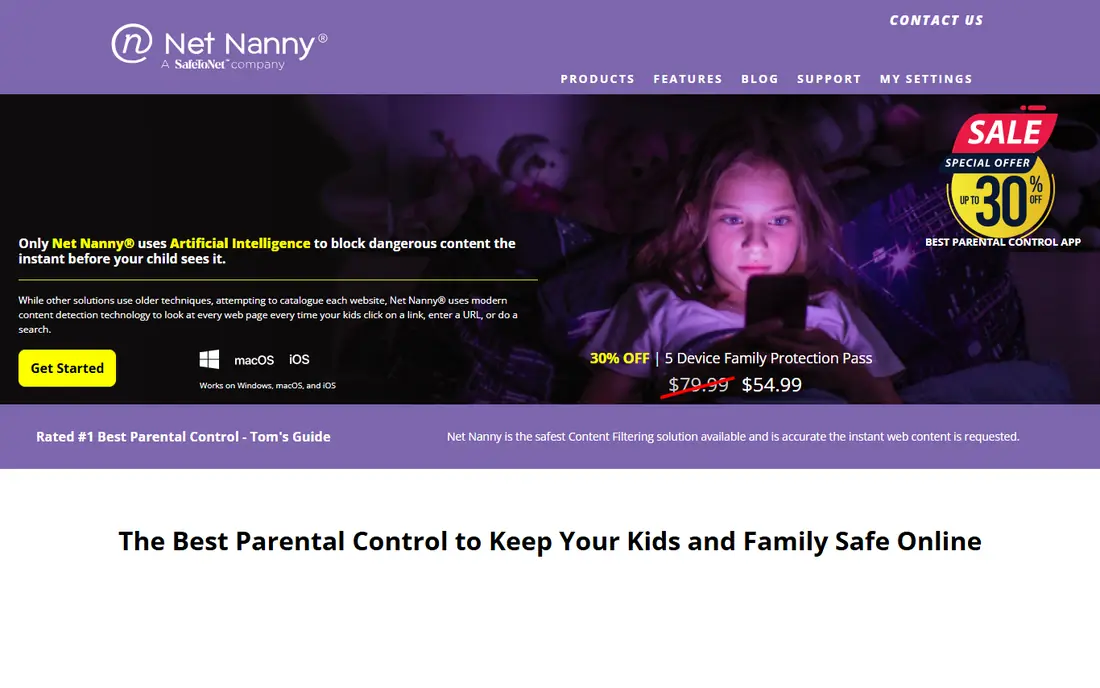
Net Nanny still leads for families whose main concern is what a younger child can open in a browser. Its filtering works in real time as pages load, rather than only blocking a fixed list of sites, which helps with new or obscure pages. Screen-time schedules and app controls sit alongside filtering in a fairly simple dashboard.
The limits are platform-based. Recent comparisons note no Android support and limited macOS support, so Net Nanny fits Windows and iOS households better than mixed Android homes. At $39.99 per year for one desktop in recent guides, it is not the cheapest option, but for strict web filtering for younger kids, it remains a strong specialist.
- Strong real-time web filtering
- Screen-time schedules
- App blocking and alerts
- No Android support in recent comparisons
- MacOS support is limited
- No free plan
Norton Family is a value pick, especially for Windows and Android households. For $49.99 per year, it covers web supervision, search monitoring, time limits, and location features, with a 30-day free trial to test it. Families that already pay for Norton 360 may get Family included or at a lower extra cost, depending on the bundle.
iOS coverage is thinner, since Apple restricts what third-party apps can supervise on iPhone and iPad. If your kids use Android phones, Chromebooks, and Windows PCs, Norton Family gives a lot for the price. If they use iPhones, Apple Screen Time plus Bark or Qustodio may serve you better.
- Low annual price for up to 10 devices in some plans
- Web supervision and time limits
- Location tracking
- No iOS app supervision in the same depth
- Interface feels dated
- Best value if you already use Norton products
Aura bundles parental controls with a wider family security suite, including VPN, antivirus, and identity theft protection. That bundle suits families that want one bill for device security and child safety, rather than separate subscriptions for each. Parental controls cover screen time, web and app filtering, and location, with a 14-day free trial.
Aura does not monitor inside social apps the way Bark does. If you allow an app, Aura generally cannot see what happens inside it, so it blocks or allows rather than flagging messages. If your priority is social monitoring, choose Bark. If you want security plus basic controls in one plan, Aura is a convenient bundle.
- Parental controls plus VPN, antivirus, and identity protection
- Screen time and location
- Unlimited devices on family plans
- Social media monitoring is limited to allow or block
- Total family cost is higher than a controls-only app
- Controls are less detailed than Qustodio
Google Family Link is the first tool Android families should try, because it is free and already built in. Parents can approve app installs, set daily limits and bedtimes, lock a device remotely, and see location for a supervised account. For younger kids on Android phones, tablets, or Chromebooks, that covers the basics without a subscription.
It does not monitor messages or social content, and web filtering is basic compared with Net Nanny or Qustodio. As kids grow into teens with social accounts, you will likely need Bark or Qustodio alongside it. Start free with Family Link, learn what limits actually help, and pay only for the gaps you find.
- Free and built into Android
- App approvals and screen-time limits
- Location sharing for supervised accounts
- Limited web filtering depth
- No message monitoring
- Best only for Android and Chromebook families
Apple Screen Time is the free starting point for Apple-only households. Through Family Sharing, parents set app limits, downtime, content restrictions, and purchase approvals, all without installing a third-party app. For younger kids on iPad or iPhone, that is often enough to set healthy routines and block unsuitable content categories.
Screen Time does not scan messages or social feeds, and a tech-savvy teen can find workarounds, as with any consumer control. It also does nothing for Android or Windows devices in the same household. Use it as the base layer for Apple devices, then add Bark or Qustodio if you need monitoring or cross-platform coverage.
- Free and built into iPhone, iPad, and Mac
- App limits, downtime, and content restrictions
- Family Sharing setup
- No message monitoring
- Controls can be bypassed by a determined teen
- Only for Apple devices
Mobicip is the budget pick for families with mixed devices. The Lite plan at $2.99 per month billed annually covers filtering and basic controls, and higher plans add more devices and features. It works across iOS, Android, Windows, and Mac, which helps families that do not standardize on one platform.
Reports and controls are simpler than Qustodio, and Mobicip does not match Bark for social monitoring. If your main needs are web filtering, time limits, and app control at a low price, Mobicip is excellent value. If you need detailed reports or teen message alerts, pay more for Qustodio or Bark.
- Low price at $2.99 per month billed annually for Lite
- Covers iOS, Android, Windows, and Mac
- Web filtering and time limits
- Social monitoring is limited
- Reports are simpler than Qustodio
- Some features need higher plans
Kaspersky Safe Kids offers a genuinely useful free tier for basic web filtering, app management, and screen-time limits, which makes it a good test before paying for a parental control app. Location tracking and activity reports help parents see patterns without a subscription, and the app covers Android, iOS, Windows, and Mac.
Premium pricing varies by region and plan, so check the official site for current US pricing before committing. Social monitoring is limited compared with Bark, and the design feels less polished than Qustodio. For a free starting point beyond the built-in Apple and Google tools, Kaspersky Safe Kids is worth trying.
- Free tier for basic filtering and screen time
- Location tracking
- Works on major platforms
- Premium features and pricing vary by region
- Social monitoring is limited
- Interface is less modern than rivals
FamilyTime suits families whose main need is knowing where a child is and setting basic limits, without paying for a full monitoring suite. Location tracking with geofence alerts, plus screen-time schedules and app blocking, covers the core safety job at a low annual price. Higher plans add more devices and features.
The cheapest plan covers one device, so a multi-device family will pay more, and the 3-day trial is short. Reports are also simpler than Qustodio. If location is your priority and your budget is tight, FamilyTime is a practical pick. If you need social monitoring or detailed reports, choose Bark or Qustodio instead.
- Low annual price from $29 for one device
- Location tracking and geofencing
- Screen-time and app controls
- Short 3-day free trial
- Reports are basic
- Fewer devices covered on the cheapest plan
How we picked these
We compared official pricing pages, feature pages, and recent parental control comparisons, and we checked that each homepage loads and belongs to the product named. We favored apps with clear privacy policies, a free plan or trial where offered, and coverage for the devices families actually use. We gave extra weight to tools that alert on flagged content rather than exposing full message history, since that approach better balances safety and teen privacy. Prices can change, so check the vendor site before buying.
Talking about monitoring with your child
The best control is one your child understands. Explain what the app monitors, what it does not, and what happens when it flags something. Agree on screen-time rules together where possible, and review the rules as your child grows, loosening controls that no longer fit.
Privacy checks before you pay
Read the privacy policy for what data the app collects, how long it keeps location and message data, and whether it sells data or uses it for advertising. Prefer apps that limit collection to safety features, allow you to delete data, and explain retention clearly. Avoid any app that hides its ownership, offers no privacy policy, or asks for far more access than its features need.
What no app can do
No app can stop a determined teen from using a friend device, a school computer, or a new account. Router-level filtering, school controls, and open conversations matter as much as a phone app. If you see signs of bullying, self-harm, or predatory contact, talk to your child and, where needed, to a school counselor or clinician promptly.
Sources
- https://www.qustodio.com
- https://www.bark.us
- https://www.netnanny.com
- https://us.norton.com
- https://www.aura.com
- https://families.google
- https://www.apple.com
- https://www.mobicip.com
- https://www.kaspersky.com
- https://familytime.io
- https://rankite.com/blog/best-parental-control-software
- https://allaboutcookies.org/best-parental-control-apps