Best Payroll Software in 2026: 9 Software Compared
By ToolNimba Editorial Team October 28, 2026 11 min read

- Top pick
 Gusto
Small business payroll plus HR
Starting price$49 per monthCheck out GustoRead our review - Runner-up
 OnPay
One plan with everything included
Starting price$40 per monthCheck out OnPayRead our review - Also great
 Patriot Software
Lowest-cost payroll
Starting price$17 per monthCheck out Patriot SoftwareRead our review
How we researched this
We compared official pricing and feature pages, app store listings, privacy policies and public user reviews. Prices change, so check the provider's site before you pay.
Key takeaways
- Gusto is the most complete starting point for most US small businesses, with full-service tax filing, benefits and onboarding in one system.
- OnPay offers the simplest pricing story, with one plan that includes most features at $40 per month plus $6 per person.
- Patriot Software is the cheapest full-service route in this list, starting at $17 per month plus $4 per worker on its basic tier.
- Square Payroll fits shops already using Square, since hours flow in from Square timecards without a separate export.
- Payroll tax rules vary by state, so confirm filing coverage, fees and contract terms with the vendor or your accountant before you switch. This article is general information, not tax or legal advice.
Quick comparison
| Name | Best for | Starting price | Free plan | |
|---|---|---|---|---|
| Gusto | Small business payroll plus HR | $49 per month | No | Visit |
| OnPay | One plan with everything included | $40 per month | No | Visit |
| Patriot Software | Lowest-cost payroll | $17 per month | Free trial (30 days) | Visit |
 Square Payroll | Retail and restaurant teams on Square | $35 per month | No | Visit |
 QuickBooks Payroll | Teams already on QuickBooks | See website | No | Visit |
 Rippling | Payroll inside HR and IT | See website | No | Visit |
 ADP RUN | Growing companies that will scale | See website | No | Visit |
 Paychex Flex | Compliance-heavy employers | See website | No | Visit |
 SurePayroll | Very small teams and solopreneurs | See website | No | Visit |
The best payroll software
We compared official pricing pages, feature pages and public reviews for payroll services live in the US in 2026. Every service below runs payroll for employees, handles direct deposit, and offers contractor payments, though tax filing depth and per-person pricing differ.
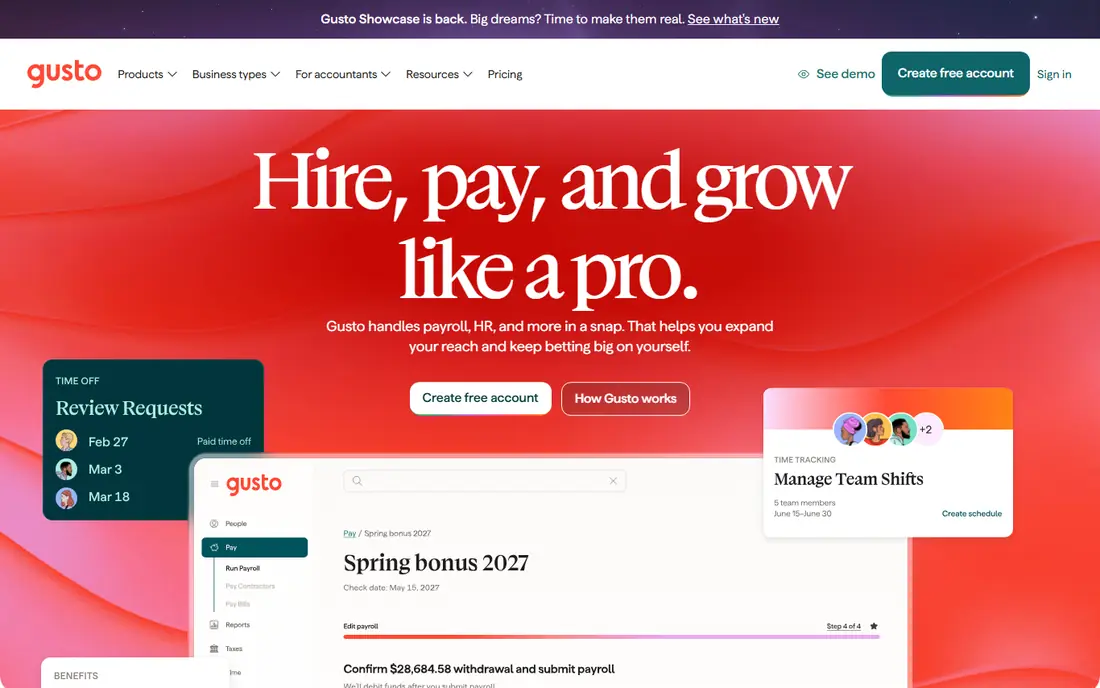
Gusto is our overall pick for a typical US small business because it covers the full payroll job without a second system. The Simple plan, at $49 per month plus $6 per person, includes tax filing, contractor payments, direct deposit and employee self-service onboarding. Staff enter their own tax and bank details, which saves owners from chasing forms.
The downside is the floor price. A two-person company pays $61 per month for a small payroll run, which feels high next to Patriot. Higher tiers add benefits administration, time tracking and multi-state support, so growing teams get room to expand. If your team is domestic and between about five and 100 people, Gusto is the safest default.
- Full-service federal, state and local tax filing
- Benefits, onboarding and time tracking in one login
- Clear published pricing tiers
- Price adds up for a two-person team
- International payroll is limited compared with global platforms
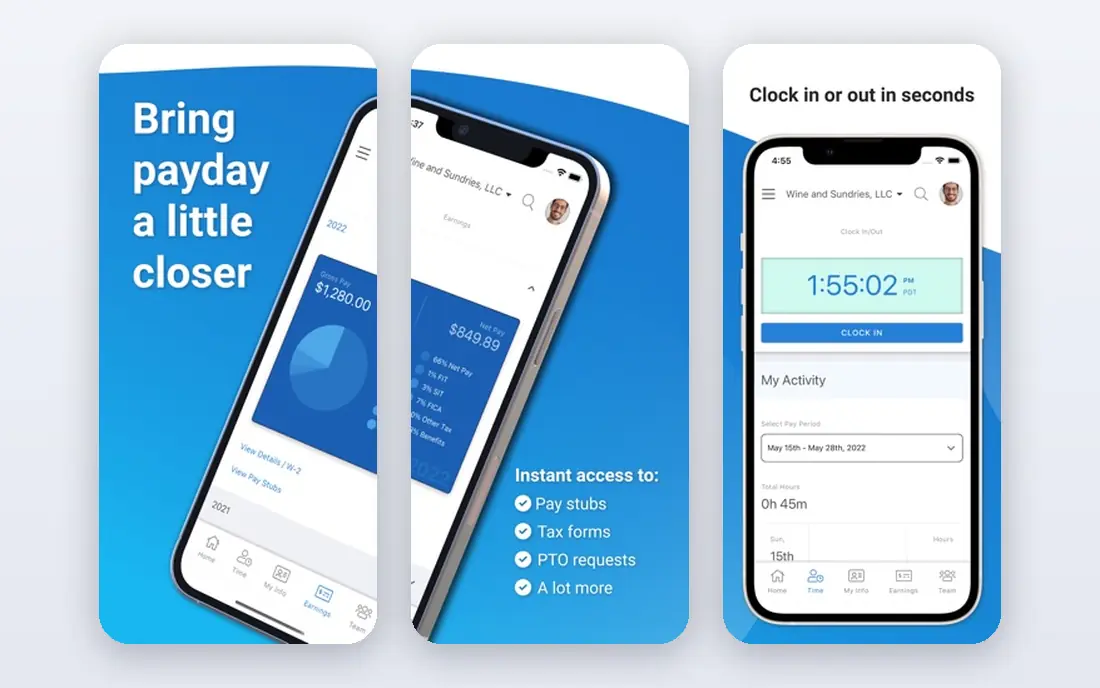
OnPay wins on pricing clarity. Instead of three tiers with features gated behind upgrades, it offers one plan that includes payroll, tax filing, benefits administration basics and integrations. That simplicity helps owners who do not want to work out which tier covers a feature they need in six months.
At $40 per month plus $6 per person, OnPay undercuts Gusto at the entry level while covering a similar core job. The trade-off is polish: the interface is functional rather than beautiful, and HR depth is moderate. For owners who value a single predictable bill, that trade is easy to accept.
- Single plan at $40 plus $6 per person, with no tier upgrades
- Full-service tax filing included
- No extra per-state fees in published pricing
- No lower-priced basic tier for very simple payroll
- HR features are solid rather than extensive
- Interface is plain next to Gusto
Patriot Software is the budget champion, and the pricing gap is real. Basic Payroll starts at $17 per month plus $4 per worker, while Full Service, which files your payroll taxes, is listed at $37 per month plus $5 per worker before promotions in recent comparisons. For a small team with simple payroll, that saving adds up over a year.
Read the tier difference carefully. Basic calculates payroll taxes but leaves filing to you, which only suits owners comfortable with tax forms. Most small businesses should choose Full Service. Patriot is less of an HR suite than Gusto or Rippling, but if payroll is the job, it does that job for less.
- Lowest entry price in this list
- Full Service tier files taxes for you
- Simple setup for small, single-state teams
- Basic tier calculates taxes but does not file them
- Benefits and HR features are thinner than Gusto
- Support is online-first
Square Payroll makes sense in one specific situation: you already run Square for sales and scheduling. Hours from Square timecards flow into payroll without retyping, which cuts the most common error for hourly teams in shops and restaurants. Setup stays inside a system staff already know.
The $35 per month plus $6 per person price is competitive, and contractor-only teams can pay $6 per contractor with no monthly base fee if they have no W-2 employees, according to recent comparisons. If you do not use Square, that advantage disappears, and Gusto or OnPay will give you broader HR tools for a similar price.
- Hours import directly from Square timecards
- Simple pricing at $35 plus $6 per person
- Contractor-only option with no base fee for contractor-only teams
- HR and benefits depth is limited
- Best value depends on already using Square
- Multi-state complexity suits larger platforms better
QuickBooks Payroll, now sold as QuickBooks Workforce in many listings, is the natural pick if your books already live in QuickBooks Online. Payroll entries post to your accounts without manual journals, which saves time at month end and reduces reconciliation errors. Accountants who already work in QuickBooks will also find the workflow familiar.
The catch is total cost. Payroll pricing sits alongside a QuickBooks subscription, so the headline payroll figure alone can mislead. Recent comparisons list entry payroll pricing around $45 to $50 per month plus a per-person fee, but bundles change often. Price the full QuickBooks plus payroll total before comparing it with Gusto or OnPay.
- Payroll journals post to QuickBooks without an export step
- Contractor payments fit neatly beside bookkeeping
- Familiar workflow for accountants
- Pricing is bundled with QuickBooks plans, so compare the total cost
- Entry pricing has varied between comparisons
- Payroll depth is tied to the QuickBooks ecosystem
Rippling suits tech-forward teams that want payroll as part of a wider system, not a standalone task. One onboarding flow sets up pay, benefits, app access and device management, which removes repeated admin when hiring. Automation rules can handle approvals, policy changes and offboarding in the same place.
That breadth comes with a quoted price, with recent comparisons citing around $8 per user per month plus a base fee on small business pages, but you should get a written quote for your headcount. A five-person shop that only needs payroll will find Gusto or OnPay simpler. A growing company that already juggles HR and IT tools will get more value from Rippling.
- One onboarding flow covers payroll, HR and device access
- Strong automation and workflow tools
- Scales well as headcount and systems grow
- Pricing is quoted rather than published as a single figure
- Can be more platform than a small team needs
- Setup takes longer than a payroll-only tool
ADP RUN is built for businesses that expect to outgrow small-business tools. It handles multi-state payroll, complex pay rules and compliance reporting with a depth that smaller platforms cannot match, and the upgrade path to larger ADP systems means you do not need to migrate later. That future-proofing matters if you plan to pass 50 employees.
The trade-off is buying experience. Pricing is quoted after a sales conversation, and the platform can feel formal for a tiny team. If you are under ten people with simple payroll, start with Gusto or OnPay. If you operate in several states or expect fast growth, ADP RUN is worth the quote process.
- Deep compliance coverage across states
- Clear upgrade path to larger ADP platforms
- Strong support for complex pay rules
- Pricing is quoted, not published
- Can feel heavy for a very small team
- Add-ons can raise the total cost
Paychex Flex fits employers in compliance-heavy industries who want a dedicated specialist alongside software. Payroll, HR, benefits and time tracking sit in one platform, with reporting that helps with audits and labor rules. For businesses with shift workers, multiple locations or detailed compliance needs, that support is valuable.
Smaller teams should weigh the quoted price and the learning curve. Paychex Flex is a full HR platform, not a light payroll app, so a simple five-person payroll may cost more in time and money than it needs to. Get a quote that lists every included module and fee, then compare it with a payroll-only option.
- Extensive HR, benefits and compliance features
- Dedicated payroll specialist options
- Strong reporting for regulated industries
- Pricing is quoted
- Platform breadth can overwhelm small teams
- Contract terms need careful reading
SurePayroll, by Paychex, targets solopreneurs and micro businesses that want payroll handled without a large HR suite. The workflow is straightforward: enter hours or salaries, review the run, and let the service handle tax filing on full-service plans. That simplicity suits owners who run payroll themselves alongside everything else.
The main weakness is transparency. Pricing is less clearly published than Gusto, OnPay or Patriot, so you will need a quote to compare fairly. It also offers less room to grow into benefits and HR than Gusto. For a one-to-ten-person team that wants simple, supported payroll, it remains a credible option.
- Simple workflow for micro businesses
- Full-service tax filing options
- Backed by Paychex, with payroll support
- Pricing is not as transparent as Gusto or OnPay
- Features are thinner than larger Paychex Flex
- Growth beyond a small team may need a move
How we picked these
We compared official pricing and feature pages, tax filing claims, contractor support and public reviews for payroll services live in the US in 2026. We kept services that run employee payroll, support direct deposit, and offer full-service or clearly labeled tax filing, and we favored published pricing where available. We left out global-only employer-of-record platforms, accounting software without payroll, and services without a current US product page.
We did not run payroll for a real company on each platform, and payroll rules change by state and by employee type. Prices here reflect published or widely compared figures from 2026, so confirm the current base fee, per-person fee, filing coverage and contract length before you sign.
What to check before you switch payroll providers
Start with your headcount math, not the headline price. A $17 base fee with a $4 per-person rate beats a $49 base fee for a tiny team, but the gap narrows as you grow. Model the total monthly cost at your current headcount and at your expected headcount in a year, including contractors, because per-person fees drive the long-term bill.
Confirm tax filing coverage in your states
Full-service filing should cover federal, state and local returns, but coverage varies by state and by tier. Ask which forms are filed, whether new-hire reporting is included, and what happens if a filing is late. A penalty guarantee, where offered, is worth reading in full, since terms and caps differ.
Test onboarding and time tracking together
Payroll errors often start outside payroll, in hours, onboarding forms or benefit deductions. Run a trial payroll with real hours, a new hire and a contractor payment, and check how employee self-service works. If staff cannot enter their own details cleanly, you will carry that admin every pay run.
Check exit terms and data export
Ask how to export payroll history, tax forms and employee records if you leave, and whether there is a contract minimum or a cancellation fee. Payroll history matters for audits and loan applications, so a clean export is not a minor detail. Keep at least a year of prior payroll records accessible before you migrate.
Sources
- https://gusto.com
- https://onpay.com
- https://www.patriotsoftware.com
- https://squareup.com
- https://quickbooks.intuit.com
- https://www.rippling.com
- https://www.adp.com
- https://www.paychex.com
- https://www.surepayroll.com
- https://fitsmallbusiness.com/best-payroll-software-reviews/
- https://bizstackpicks.com/best-payroll-software-small-business/