Best Period Tracker Apps in 2026: 9 Apps Compared
By ToolNimba Editorial Team October 28, 2026 11 min read

- Top pick
 Clue
Science-based cycle tracking
Starting priceFreeCheck out ClueRead our review - Runner-up
 Flo
Health content and community
Starting priceFreeCheck out FloRead our review - Also great
 Natural Cycles
Temperature-based fertility tracking
Starting priceSee websiteCheck out Natural CyclesRead our review
How we researched this
We compared official pricing and feature pages, app store listings, privacy policies and public user reviews. Prices change, so check the provider's site before you pay.
Key takeaways
- Clue and Flo offer the broadest free starting points, while Natural Cycles is the most medical in its approach and is paid only.
- Privacy policies differ a lot, so read how each app stores, shares, and deletes cycle data before you log sensitive details.
- Predictions are estimates based on past cycles, not guarantees, and they work best when you log consistently for several months.
- If you want to conceive, avoid pregnancy, or manage irregular cycles, choose an app built for that goal rather than a general calendar.
Quick comparison
| Name | Best for | Starting price | Free plan | |
|---|---|---|---|---|
| Clue | Science-based cycle tracking | Free | Yes | Visit |
| Flo | Health content and community | Free | Yes | Visit |
| Natural Cycles | Temperature-based fertility tracking | See website | No | Visit |
 Glow | Trying to conceive and community support | Free | Yes | Visit |
 Ovia | Pregnancy and cycle tracking in one place | Free | Yes | Visit |
 Stardust | Private, astrology-inspired tracking | Free | Yes | Visit |
 Euki | Private tracking without an account | Free | Yes | Visit |
 Drip | Open-source, local-only tracking | Free | Yes | Visit |
 Period Calendar | Simple, low-cost daily logging | Free | Yes | Visit |
The best period tracker apps
We compared official feature pages, app store listings, pricing pages, privacy policies, and public reviews for apps that still work on iOS and Android in 2026. The list below covers free trackers, paid fertility tools, and privacy-focused options, so you can match the app to your goal.
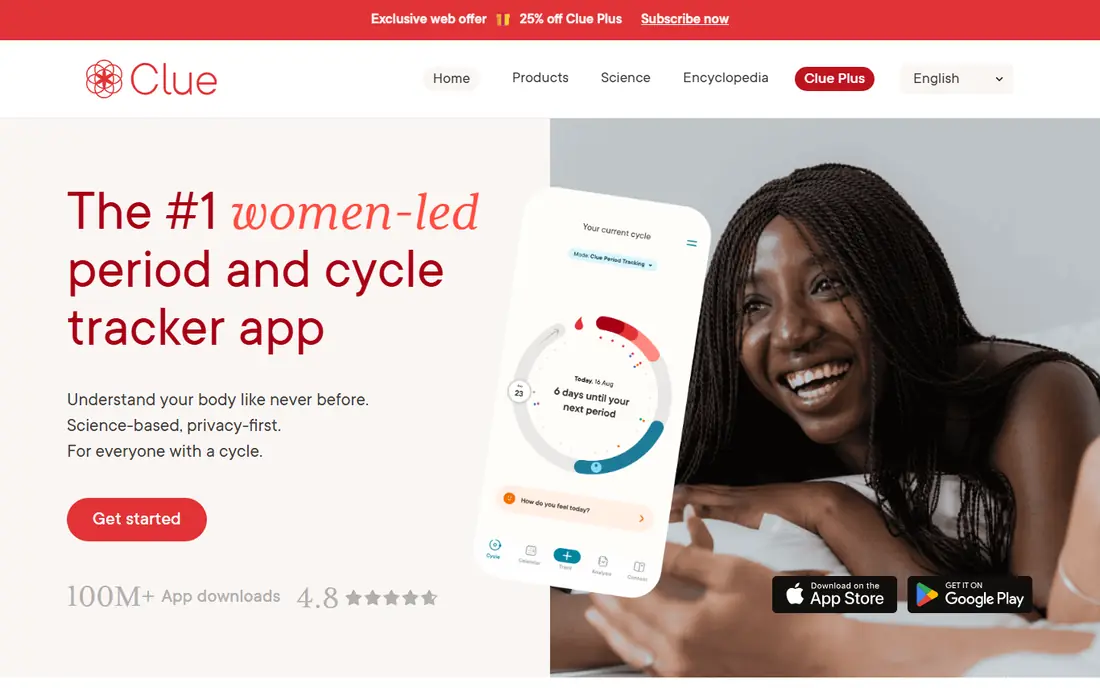
Clue suits people who want a calm, data-first tracker without a lot of social features. You can log bleeding, pain, mood, sleep, exercise, and many other symptoms, then review cycle length and variation over time. That history view helps you spot patterns instead of relying on a single predicted date.
The catch is that the most useful analysis tools require Clue Plus. The free tier covers essential tracking and basic predictions, which is enough for many users. Before you commit, check the current Plus price in the app store, since prices vary by region and plan length. This app is not medical advice, and it should not be used as a contraceptive unless you are using a separately cleared feature and understand its limits.
- Wide symptom and cycle tracking
- Clear cycle analysis views
- Berlin-based company with GDPR-focused privacy pages
- Advanced insights sit behind a paid plan
- Predictions still depend on regular logging
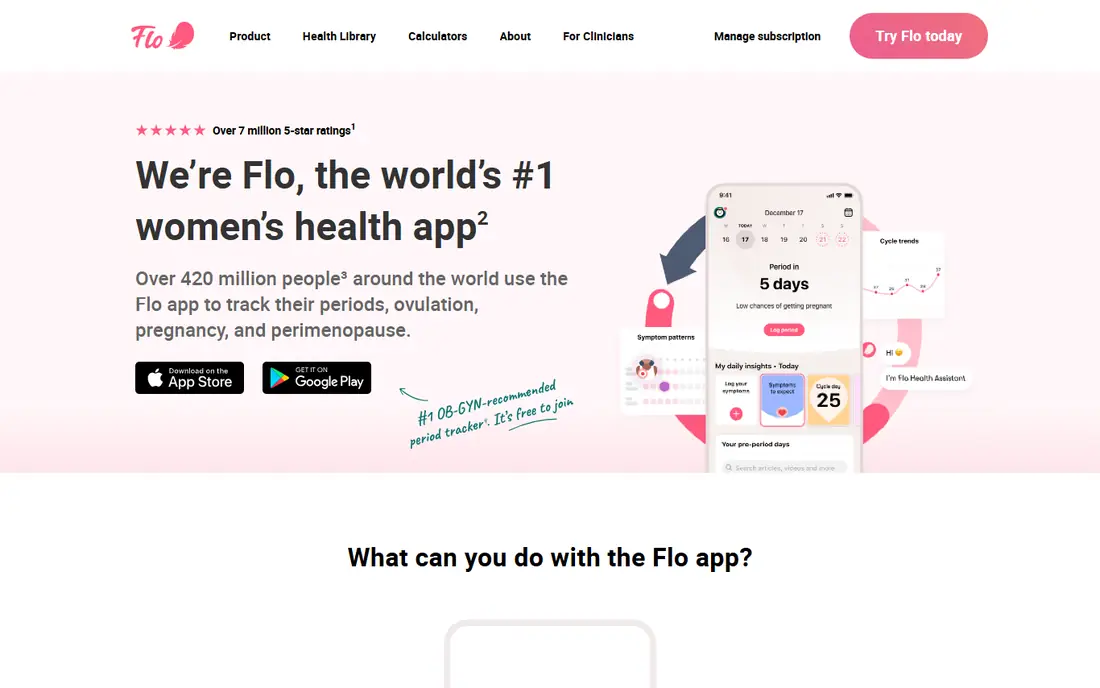
Flo is a good fit if you want tracking plus a lot of reading material in one place. The app covers periods, ovulation, pregnancy, and general health topics, and it includes community discussions for people who want peer support. Daily logging is quick, and the health insights can help you learn what changes across your cycle.
The downside is the frequent push toward Premium. Core tracking works without paying, but many insights and programs sit behind the subscription. Flo also faced regulatory scrutiny in the past over data sharing, so we suggest checking its current privacy settings and Anonymous Mode options before entering sensitive information. Predictions remain estimates, not medical diagnoses.
- Large library of health articles and videos
- Symptom, mood, and sleep tracking
- Optional Anonymous Mode
- Premium content is heavily promoted
- Past privacy concerns mean you should read the current policy carefully
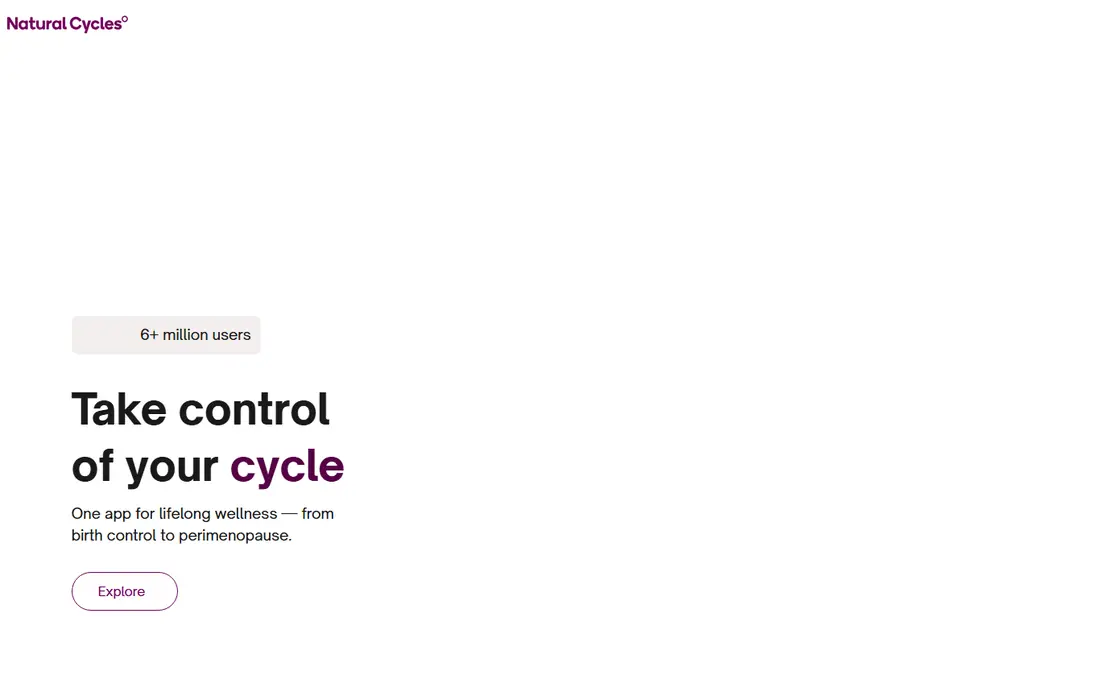
Natural Cycles is different from a simple calendar app because it uses basal body temperature, and optionally wearable data, to estimate fertility each day. For users who want a hormone-free, app-based method, that medical clearance and structured approach set it apart. The app gives a daily status and explains which days it classes as fertile or not fertile.
That structure comes with real work. You need to measure temperature regularly, follow the app instructions closely, and accept that missed readings reduce accuracy. It is also a paid product, so check the current annual price and what is included, such as a thermometer or wearable band, before you subscribe. This is not a casual tracker, and anyone with irregular cycles, recent childbirth, or a medical condition should talk to a clinician first.
- FDA-cleared algorithm for contraception in the United States
- Temperature-based daily fertility status
- Clear red and green day system
- No lasting free tier
- Requires consistent temperature measurement
- Less suited to very irregular cycles
Glow works well for people who are trying to conceive and want both tracking and community in one app. You can log basal temperature, cervical mucus, ovulation tests, symptoms, and medications, and the app builds fertility charts from that data. Its forums cover trying to conceive, pregnancy, and parenting, which some users find reassuring during a long process.
The free version includes ads and repeated Premium prompts, which can feel distracting. Premium adds more detailed insights and removes some limits, but it does not make predictions certain. If you prefer a quieter, more private tracker, Glow may feel busy. Still, for fertility-focused logging, its depth is hard to match at the free starting price.
- Fertility, ovulation, and pregnancy modes
- Active community forums
- Partner app options for shared tracking
- Ads and Premium upsells in the free tier
- Predictions depend on detailed daily input
Ovia is best for people who want one family of apps that follows them from cycle tracking into pregnancy and early parenting. The fertility app covers periods, ovulation, and symptoms, while the pregnancy app adds week-by-week milestones, kick counting, and symptom logs. That continuity is useful if you do not want to move your history to a new app later.
The trade-off is scope. Ovia covers a lot, so the app can feel less focused than a single-purpose period tracker. Some coaching and program features depend on an employer or health plan, so availability varies. Read the privacy policy for the specific Ovia app you download, since data handling can differ across its products.
- Separate apps for fertility, pregnancy, and parenting
- Milestone and symptom guidance
- Free core tracking
- Some features are tied to employer or health plan programs
- Interface can feel broad rather than focused
Stardust appeals to users who want privacy controls plus a lighter, more personal tone. The app tracks periods, symptoms, mood, and sexual activity, and it pairs cycle phases with astrology content for people who enjoy that angle. Its privacy pages describe encryption and anonymous use, which is a strong point in a category where trust matters.
If you have no interest in horoscopes, you can ignore that layer and use Stardust as a straightforward tracker. The main limit is that Premium adds more detailed insights, so free users get a simpler view. Check the current Premium price and privacy settings in the app before you rely on it for fertility decisions, since predictions are still estimates.
- End-to-end encryption options and anonymous mode
- Cycle and symptom tracking with horoscope content
- Clean, modern design
- Astrology features will not appeal to everyone
- Some advanced features require Premium
Euki is a strong choice for privacy-first users who do not want to create an account to track a period. The app was built with reproductive health organizations, and it stores data locally on the device rather than in a cloud account. It also includes plain information about contraception, abortion, and sexual health, which is useful for people who want education alongside tracking.
The simplicity is also the limit. You will not get the same prediction charts, community, or wearable sync found in larger apps. If you lose your phone without a backup, your history may be lost. For users who rank privacy above advanced features, that trade is often worth it.
- No account required
- Data stays on your device
- Includes sexual health information and resources
- Smaller feature set than mainstream apps
- No cloud sync if you change phones without a backup
Drip is the pick for people who want full transparency about how a tracker works. Because the code is open source and data stays on the device, you do not need to trust a company privacy promise in the same way. It covers period dates, symptoms, and fertility estimates in a simple calendar view.
That focus means Drip feels plain next to Flo or Clue. There is no community, no content library, and no automatic sync across devices. If you want a private, no-cost log and you are comfortable managing your own backups, Drip does that job well. If you want rich predictions, choose a larger app instead.
- Open-source code anyone can inspect
- Local-only storage with no account
- No ads or tracking in the app itself
- Basic interface
- Limited predictions and no cloud backup by design
Period Calendar by Abvio suits people who want a tracker that just works, without lessons, forums, or social features. You open the app, log your period, add symptoms and notes, and check upcoming dates at a glance. Reminders help if you often forget to log, and the app works well for users who only need basic predictions.
The app is not the best choice for fertility charting or deep cycle analysis. Its charts and insights are simpler than Clue or Glow, and some features sit behind a paid tier. For straightforward daily logging, though, that simplicity is the point, and the free tier covers the basics.
- Simple calendar and symptom log
- Reminders for periods and ovulation
- Low learning curve for new users
- Design feels dated next to newer apps
- Advanced insights require a paid upgrade
How we picked these
We started with apps that are live on iOS or Android in 2026, then checked official feature pages, app store listings, pricing, and privacy policies. We kept apps that truly track periods or fertility, and we left out general health apps that only mention cycles in passing. Where prices vary by region or plan, we list the starting price as free or direct you to the vendor site rather than quoting a figure we could not verify.
How to choose the right period tracker for you
Start with your main goal
If you only want to know when your next period may start, a free calendar app is enough. If you are trying to conceive, look for temperature, ovulation test, and cervical mucus logging. If you want to avoid pregnancy, do not rely on a general tracker, and consider a cleared method or advice from a clinician.
Check privacy before you log
Read how the app stores data, whether it sells or shares data, how you can delete your history, and whether you can use it without an account. Privacy policies change, so the settings inside the app matter as much as the marketing page. For sensitive health data, a local-only or encrypted option may be a better fit than a community-heavy app.
Give predictions time
Most apps improve after three to six months of consistent logging. Log start and end dates first, then add symptoms that matter to you, such as pain, mood, or sleep. If your cycles are irregular, focus on history and ranges rather than a single predicted day, and seek medical advice for sudden changes, very heavy bleeding, or cycles that stop without explanation.
Sources
- https://www.helloclue.com
- https://flo.health
- https://www.naturalcycles.com
- https://www.glows.org
- https://www.oviahealth.com
- https://www.stardust.app
- https://eukiapp.org
- https://bloodyhealth.gitlab.io
- https://www.abvio.com
- https://www.go-go-gaia.com/blog/clue-vs-flo-vs-natural-cycles.html
- https://www.go-go-gaia.com/blog/how-to-choose-period-tracker-app.html