Best Pregnancy App in 2026: 8 Apps Compared
By ToolNimba Editorial Team October 28, 2026 9 min read

- Top pick
 What to Expect
Week-by-week guides and community
Starting priceFreeCheck out What to ExpectRead our review - Runner-up
 BabyCenter
Free community and birth clubs
Starting priceFreeCheck out BabyCenterRead our review - Also great
 Flo
Cycle-to-pregnancy continuity
Starting priceFreeCheck out FloRead our review
How we researched this
We compared official pricing and feature pages, app store listings, privacy policies and public user reviews. Prices change, so check the provider's site before you pay.
Key takeaways
- What to Expect and BabyCenter are the strongest free starting points for week-by-week reading and community groups.
- Ovia is the best choice if you want kick counting, contraction timing, and food safety lookups in one free app.
- Pregnancy+ stands out for 3D baby visuals, while Flo suits owners who already track cycles in Flo and want to switch to pregnancy mode.
- Most core features are free, but premium tiers, ads, and data sharing differ, so check privacy settings before you log health details.
- No pregnancy app replaces medical care, and any worrying symptom should be raised with a clinician promptly.
Quick comparison
| Name | Best for | Starting price | Free plan | |
|---|---|---|---|---|
| What to Expect | Week-by-week guides and community | Free | Yes | Visit |
| BabyCenter | Free community and birth clubs | Free | Yes | Visit |
| Flo | Cycle-to-pregnancy continuity | Free | Yes | Visit |
 Ovia Pregnancy Tracker | Tracking tools and food safety | Free | Yes | Visit |
 Pregnancy+ | 3D baby visuals | Free | Yes | Visit |
 Sprout Pregnancy | Simple visual tracking | Free | Yes | Visit |
 The Bump | Daily content and checklists | Free | Yes | Visit |
 Glow Nurture | Detailed health logging | Free | Yes | Visit |
The best pregnancy app
We compared official app store listings, feature pages, privacy policies, and public reviews to find apps that cover week-by-week growth, symptom tracking, kick counts, and community without overstating what an app can do.
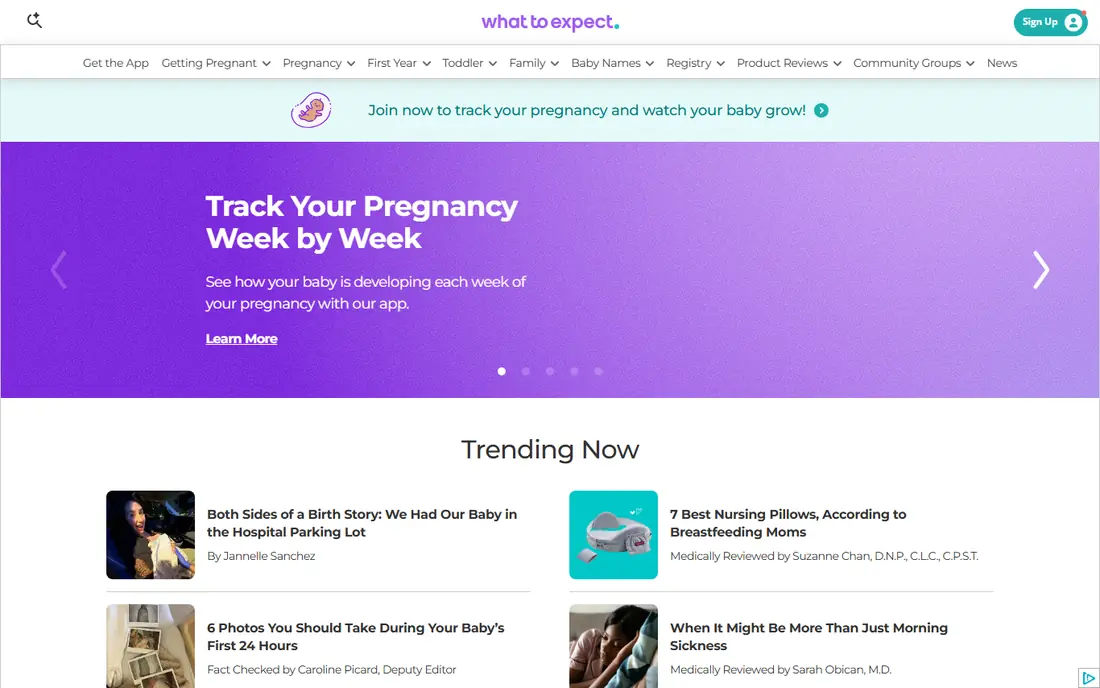
What to Expect is the most familiar name in pregnancy content, and its app carries that strength into daily use. You get week-by-week guides tied to your due date, daily tips, growth videos, and community groups for parents due in the same month. After birth, the app also covers feeding and milestone tracking, so it does not stop at delivery.
The catch is the same as with most free apps: ads and data collection. Take a few minutes to review privacy settings, limit optional data sharing where you can, and decide what health details you are comfortable logging. For clear, steady reading and a large community, What to Expect is a strong first download.
- Book-based week-by-week content
- Due date community groups
- Daily tips and growth videos
- Ad-supported free version
- Privacy settings need a careful review before logging personal details
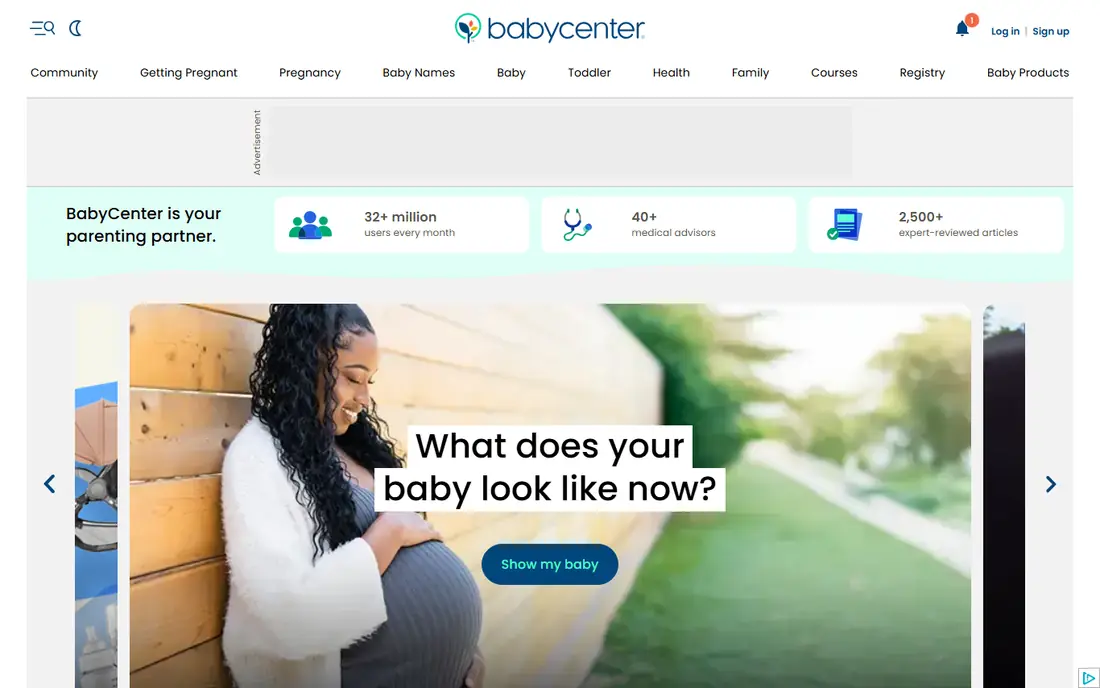
BabyCenter is the best free community option for many parents. Birth Clubs group parents by due month, which makes it easy to find people at the same stage, ask questions, and compare notes on symptoms, appointments, and preparation. The app also covers week-by-week development, 3D videos, a kick counter, and a contraction timer.
The trade-off is that community groups are only as good as their members, and advice in a forum is not medical advice. Use Birth Clubs for support and shared experience, and check health questions with your clinician. For a free, social, week-by-week tracker, BabyCenter is hard to beat.
- Free Birth Clubs grouped by due month
- 3D fetal videos and week-by-week updates
- Kick counter and contraction timer
- Ad-supported
- Content and community quality vary by group
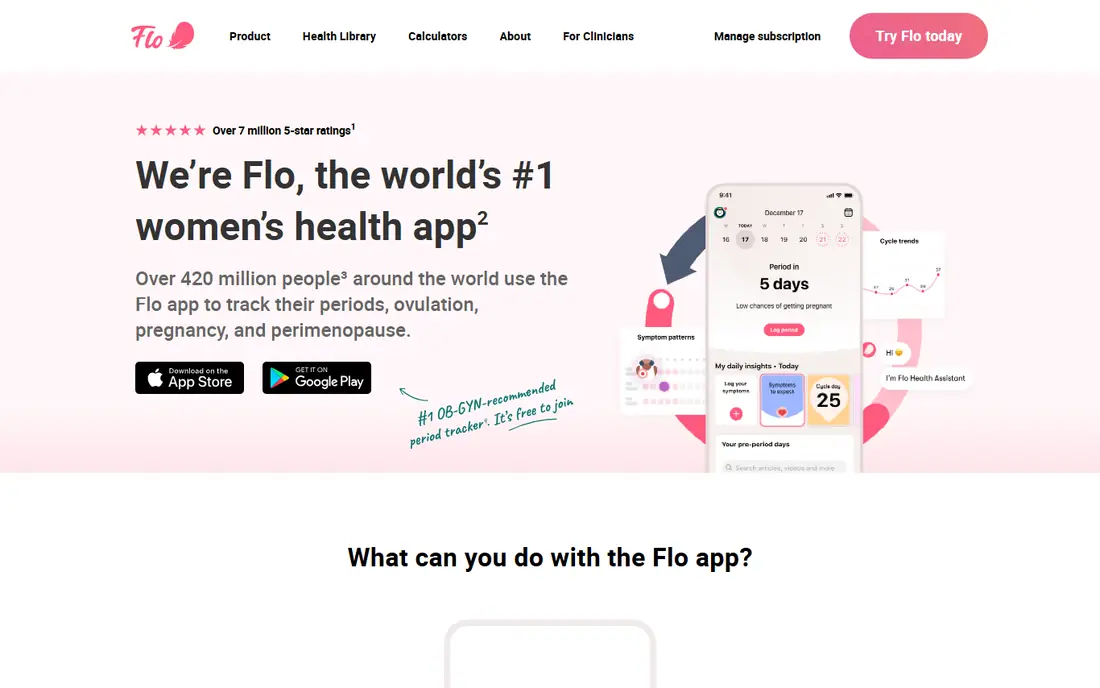
Flo suits parents who already track cycles, symptoms, and health data in Flo and do not want to start over in a new app. Switching to pregnancy mode keeps your history in one place, adds week-by-week pregnancy content, and lets you log symptoms, mood, weight, and sleep over time. That continuity helps when you review patterns at appointments.
The catch is the Premium tier. Flo Premium, listed up to about $59.99 per year in app store listings we checked, adds extra tools and content, while some tracking tools are limited on the free tier. Flo also has a public privacy history that is worth reading before you log sensitive health data. If you already use Flo, it is a natural pick. If you do not, a pregnancy-first app may be simpler.
- Pregnancy mode inside a familiar cycle app
- Symptom, mood, and sleep logging
- Large community and health content
- Some features, including advanced tools and chats, sit behind Premium
- Free version includes ads
Ovia is the tracking-tools pick in this list. It covers the practical tools parents use most: a kick counter, a contraction timer, symptom tracking, and lookups for food safety and medications. You can also choose themes for fetal size comparisons, track health data, and sync with a watch in some setups, which helps you bring a clear record to appointments.
The detail to check is access. Ovia is free to download, but some premium tools are offered through an employer or health plan, and employer-linked versions can involve data sharing with that plan. If you prefer to keep work out of your pregnancy tracking, download the regular version and review privacy settings first. For practical, daily tracking, Ovia is excellent.
- Kick counter and contraction timer
- Food safety, medication, and symptom lookup tools
- Health tracking with watch sync options
- Premium tools may need employer or health plan access
- Employer-linked versions can share data with a plan, so check settings
Pregnancy+ is the app to pick if visuals help you connect with each week. Its interactive 3D baby models show development by week in a way that text alone does not, and it adds practical tools such as a kick counter, contraction timer, weight log, and appointment tracker. That mix of visuals and tools makes it easy to open daily without feeling like homework.
The limit is community and depth. Pregnancy+ is less social than What to Expect or BabyCenter, and some tools need a premium upgrade. If you want a visual, personal tracker and you get community support elsewhere, Pregnancy+ is a lovely daily companion.
- Interactive 3D baby models by week
- Kick counter and contraction timer
- Weight and appointment logging
- Some advanced tools sit behind a premium tier
- Visual focus means less community depth than BabyCenter
Sprout Pregnancy suits parents who want a calm, visual tracker without a busy feed. It shows week-by-week development, lets you log symptoms and weight, and keeps the layout simple enough to check in a minute. That simplicity matters in early pregnancy, when many apps feel crowded with content, ads, and prompts.
The trade-off is depth. Sprout has less community and less long-form content than What to Expect or BabyCenter, and some features sit behind a paid tier. Pair it with a community app if you want group support, or use it alone if a quiet tracker is what you actually open each day.
- Clear week-by-week visuals and timelines
- Simple symptom and weight tracking
- Easy to use without a long setup
- Fewer community features than larger apps
- Some features require a paid upgrade
The Bump is a good daily-content app for parents who like checklists and short, practical articles. It covers week-by-week development, daily tips, and preparation checklists, and it adds baby name browsing and registry tools for later in pregnancy. That structure helps parents who want a clear next step each day, rather than a large library to search through.
The catch is commercial content. Registry and product suggestions are part of the experience, so you will see shopping prompts alongside health content. If you can ignore those prompts, The Bump is a useful, free daily guide. If you prefer a quieter tracker, Ovia or Sprout may fit better.
- Daily personalized content and checklists
- Week-by-week guides
- Baby name and registry tools
- Ad-supported
- Content can feel commercial around registry and product suggestions
Glow Nurture fits parents who like detailed logging and who already use Glow for cycle or fertility tracking. It covers symptoms, mood, weight, appointments, and health patterns in more detail than a simple week-by-week app, and it can share selected data with a partner. That detail helps at appointments, when a clear log is easier to discuss than a memory of the past month.
The drawback is complexity. New users may find the interface busy, and the most useful premium features need a paid subscription. If you log little and want simple visuals, Pregnancy+ or Sprout will feel easier. If you log a lot and want patterns over time, Glow Nurture is a strong choice.
- Detailed symptom, mood, weight, and health logging
- Cycle and fertility continuity for Glow users
- Partner sharing options
- Interface can feel busy for new users
- Premium features require a paid subscription
How we picked these
We compared official app store listings, feature pages, pricing and premium terms, privacy policies, and public reviews for each app. We favored apps that are still maintained, that clearly state free and premium features, and that cover a distinct need, from reading and community to tracking and visuals. We did not claim hands-on testing, and we did not rank apps on download counts alone.
Pregnancy apps are for tracking and information only, not medical advice. Talk to a clinician about health concerns, symptoms that worry you, medication questions, and any change in fetal movement, and do not delay care because an app looks reassuring.
How to choose a pregnancy app without overload
Pick one tracker and one community, at most
Most parents need one app for tracking and, if wanted, one app for community. Installing five trackers means logging the same symptom five times, which quickly becomes a chore. Start with one, use it for two weeks, and add a second only if a clear gap remains.
Check privacy before you log health data
Read the privacy policy and app store privacy label, review ad and data sharing settings, and decide what you will log. Avoid logging details you would not want stored on a company server, use a strong unique password, and check whether an employer-linked version changes who can see your data.
Use the log at appointments
A simple log of symptoms, weight, kick counts, and questions is more useful at an appointment than a perfect app. Bring the log, ask about patterns you noticed, and keep the app as a notebook, not as a source of medical decisions.