Best Project Management Software in 2026: 9 Tools Compared
By ToolNimba Editorial Team October 28, 2026 12 min read

- Top pick
 Asana
Cross-team task coordination
Starting price$10.99 per user per monthCheck out AsanaRead our review - Runner-up
 monday.com
Visual boards and custom workflows
Starting price$9 per seat per monthCheck out monday.comRead our review - Also great
 ClickUp
Most features per dollar
Starting price$7 per user per monthCheck out ClickUpRead our review
How we researched this
We compared official pricing and feature pages, app store listings, privacy policies and public user reviews. Prices change, so check the provider's site before you pay.
Key takeaways
- ClickUp at $7 per user per month and Trello at $5 per user per month are the cheapest paid starting points in this list, while Asana and monday.com cost more but are easier for many teams to adopt.
- Free plans differ a lot: ClickUp and Trello cover whole small teams, while Asana and monday.com free plans are now limited to about two users.
- Basecamp breaks the per-seat pattern with a flat $299 per month unlimited plan, which beats per-seat pricing once a team passes about 20 people.
- The best tool is the one your team actually updates, so test views, mobile apps, and guest access before you pay for a full year.
Quick comparison
| Name | Best for | Starting price | Free plan | |
|---|---|---|---|---|
| Asana | Cross-team task coordination | $10.99 per user per month | Yes | Visit |
| monday.com | Visual boards and custom workflows | $9 per seat per month | Yes | Visit |
| ClickUp | Most features per dollar | $7 per user per month | Yes | Visit |
 Trello | Simple kanban boards | $5 per user per month | Yes | Visit |
 Notion | Docs, wikis, and tasks together | $10 per user per month | Yes | Visit |
 Wrike | Structured marketing and agency work | $10 per user per month | Yes | Visit |
 Smartsheet | Spreadsheet-style planning | $9 per user per month | Free trial (30 days) | Visit |
 Basecamp | Flat-rate simplicity for larger teams | $15 per user per month | Free trial (30 days) | Visit |
 Jira | Agile software teams | $7.91 per user per month | Yes | Visit |
The best project management software
We compared official pricing pages, feature pages, app store listings, and public reviews for tools that small and midsize teams use every day. The list below covers simple boards, visual workflows, docs-plus-tasks workspaces, and agile tools, so you can match the tool to how your team already works.
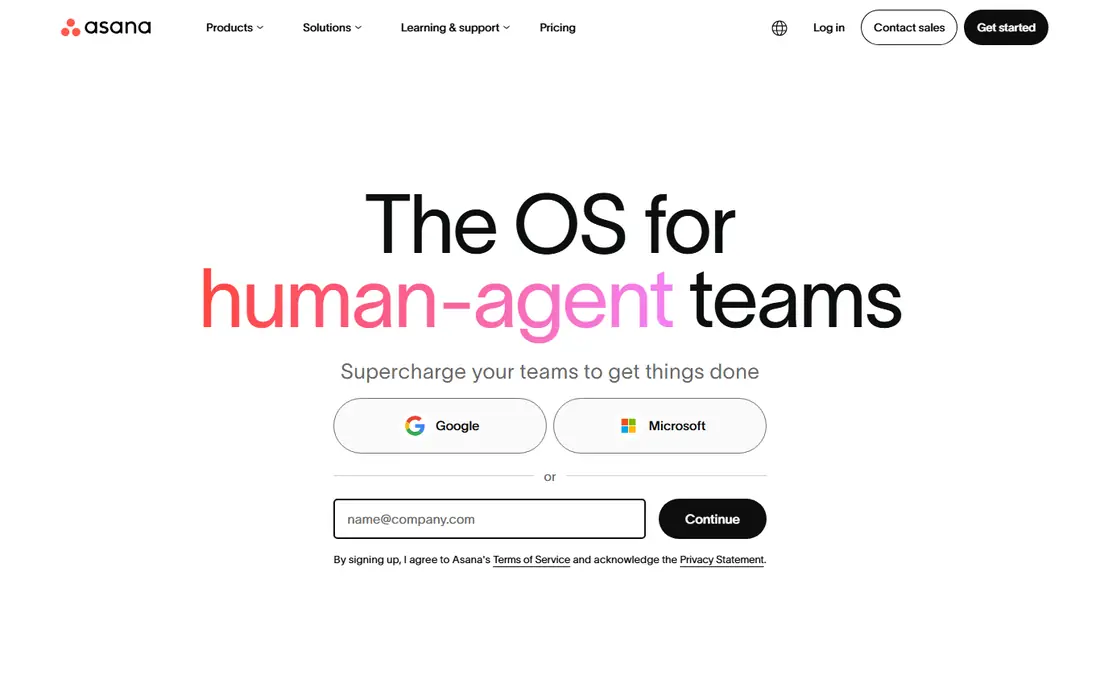
Asana is the safest pick when a team needs structure without a steep learning curve. Tasks, projects, timelines, calendars, and boards live in one workspace, and most people understand the layout within a day. The Starter plan at $10.99 per user per month on annual billing adds timelines, dashboards, custom fields, and automation that the free plan lacks, which is where Asana starts to feel like a real project system rather than a shared list.
The honest catch is cost at scale and tier gating. Per-user pricing adds up for a 30-person team, and the features managers often want first, such as portfolios and workload views, require the Advanced plan at $24.99 per user per month. For cross-functional teams that need everyone aligned on who owns what and when it is due, Asana remains a strong default, especially for marketing, operations, and launch work.
- Clear task ownership, due dates, and timelines
- Portfolios and goals on higher tiers
- Strong automation and a large integration library
- Free plan is limited to about two users
- Advanced features such as portfolios sit on higher, pricier tiers
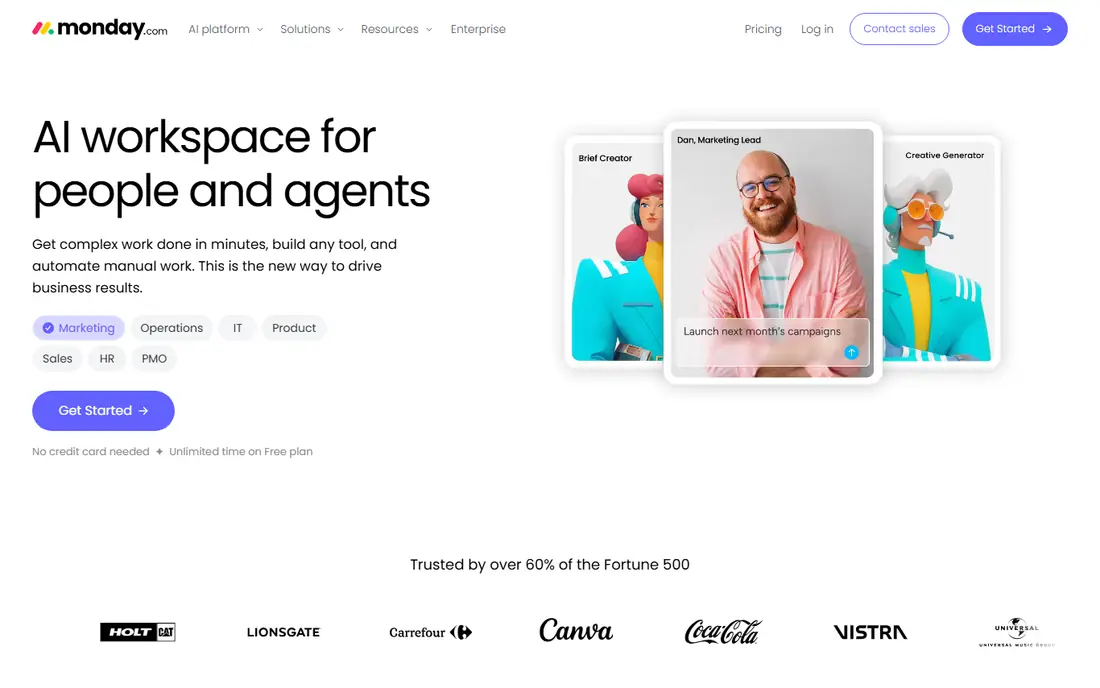
Monday.com suits teams that think in boards and colors rather than in lists. You can build a board for a campaign, a hiring pipeline, or a product launch, add status columns, owners, dates, and files, then switch between kanban, timeline, calendar, and dashboard views. The template library helps new teams start from a working structure instead of a blank page, and automations can move items, notify owners, and update statuses without manual chasing.
Pricing needs careful reading. Basic starts at $9 per seat per month on annual billing, but with a three-seat minimum, a solo user or a pair still pays for three seats. Standard and Pro add timeline, guest access, and more automation. If your team likes visual planning and will keep boards tidy, monday.com is often the easiest tool to get adopted. If you need strict, simple task lists, a plainer tool may fit better.
- Highly visual, color-coded boards
- Large template library
- Strong automation builder and dashboard views
- Paid plans have a three-seat minimum on the entry tier
- Visual freedom can turn messy without agreed board standards
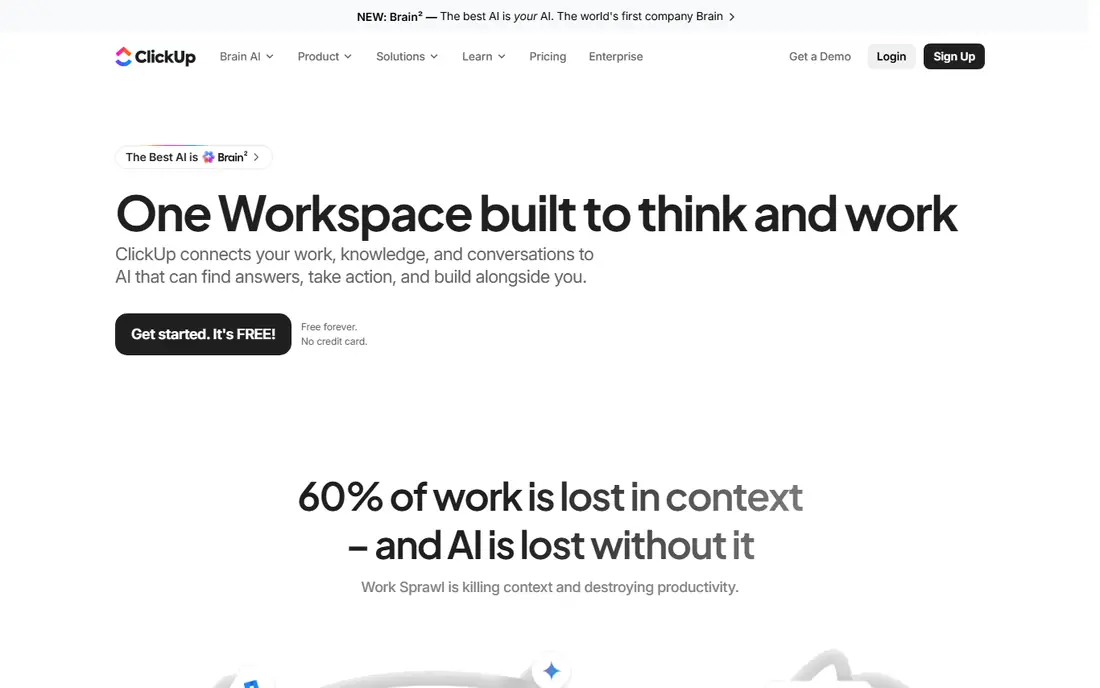
ClickUp is the value pick in this list, and it is not close on paper. The free plan covers unlimited tasks and members, which makes it usable for a whole small team at no cost. The Unlimited paid plan at $7 per user per month on annual billing adds more storage, integrations, and dashboards, and higher tiers add goals, portfolios, and advanced automation.
That breadth is also the risk. ClickUp can be a task list, a doc system, a whiteboard, a goal tracker, and a time tracker at once, and teams that turn everything on without a plan end up with a messy workspace. Assign one person to own the structure, start with one or two views, and add features only when a real need appears. Done that way, ClickUp gives small teams the most capability for the least money in this roundup.
- Generous free plan with unlimited tasks and members
- Many views, docs, goals, and time tracking in one app
- Lowest paid entry price in this list for a full-featured tool
- Flexibility can become clutter without an owner for setup
- Some advanced features and AI tools cost extra
Trello is the right tool when your whole plan fits on a board. Lists, cards, labels, due dates, checklists, and attachments cover most small projects, from content calendars to hiring pipelines, without training. The free plan is genuinely useful, and Standard at $5 per user per month on annual billing adds unlimited boards, advanced checklists, and more automation.
Trello is not a full project system, and that is the point. It lacks the deep reporting, workload planning, and dependency management found in Asana, Wrike, or Smartsheet. For a small team, a freelancer, or a single department that wants visible progress at a glance, Trello is often enough, and it is the cheapest paid option here. Graduate to a larger tool when you need timelines, portfolios, or formal approvals.
- Easiest board to learn in this list
- Free plan covers up to 10 collaborators per workspace
- Fast mobile app and simple automation
- Limited reporting and workload views
- Complex projects with dependencies outgrow boards quickly
Notion fits teams that live in documents as much as in tasks. A project page can hold the brief, the timeline, the task database, and the meeting notes in one place, so context does not get lost across apps. The Plus plan at $10 per user per month on annual billing adds larger file uploads, longer version history, and more automation, while the free plan covers personal use and small team trials.
The trade-off is discipline. Notion is flexible, which means a team can build a brilliant system or a confusing one, depending on who designs it. It also lacks some native project controls, such as advanced workload management, that Asana and Wrike include. Choose Notion when docs and tasks must live together, and pair it with a simple process for owners, dates, and status updates.
- Docs, databases, wikis, and tasks in one workspace
- Flexible templates for meeting notes, roadmaps, and briefs
- Free plan for individuals and small teams
- Project views are less structured than dedicated PM tools
- Large workspaces need careful database design to stay fast
Wrike suits teams that handle a high volume of requests and need a clear intake-to-delivery path. A request form can create a task, route it to the right team, collect proofing comments on a design or document, and track approvals without a chain of emails. The Team plan at $10 per user per month on annual billing covers core project views and collaboration, while higher tiers add advanced reporting and resource management.
That structure comes with a learning curve. Wrike has more settings and views than a simple board tool, so small teams may find it heavy for basic task lists. For marketing, creative, and agency teams that juggle many clients, deadlines, and approvals, that structure pays off. Start with one intake form and one project template, and expand only after the team uses those consistently.
- Strong intake forms, proofing, and approvals
- Gantt charts and workload views
- Good fit for marketing and creative operations
- Setup takes longer than Trello or Asana
- Some reporting and proofing features sit on higher tiers
Smartsheet is the natural pick for teams that already run projects in spreadsheets. The grid view looks like a sheet, with rows for tasks, columns for owners, dates, status, and budgets, and formulas that calculate totals and flag overdue work. The Pro plan at $9 per user per month on annual billing adds Gantt views, dashboards, and more automation, and you can switch the same data to card or calendar views for different team members.
The main limits are price model and polish. There is no free plan, only a 30-day trial, so you need to commit after testing. The interface is functional rather than beautiful, and creative teams may prefer monday.com visuals. For operations, construction, finance, and other spreadsheet-heavy teams, Smartsheet often feels like the shortest path from a messy sheet to a managed project.
- Familiar grid layout for spreadsheet users
- Gantt, card, and calendar views on the same data
- Strong formulas and automated workflows
- No lasting free plan, only a trial
- Interface can feel dated next to monday.com and Asana
Basecamp takes a different approach from every other tool here. Instead of selling power features, it sells simplicity: one place for messages, to-do lists, schedules, docs, and files, with a calm interface that most teams learn quickly. The Plus plan is $15 per user per month, but the Pro Unlimited plan at $299 per month on annual billing covers unlimited users and projects, which makes it cheaper than per-seat tools once a team passes about 20 people.
That simplicity is also the ceiling. Basecamp lacks Gantt charts, workload views, and deep automation, so teams that need formal project controls will outgrow it. For small businesses, agencies, and remote teams that want one shared home for client work without a complex system, Basecamp is a refreshing and predictable choice. Check the trial carefully, because the lack of advanced views is a dealbreaker for some managers.
- Flat $299 per month unlimited plan for larger teams
- Simple tools for messages, to-dos, schedules, and files in one place
- No per-seat surprise as headcount grows
- Fewer views and automations than Asana or ClickUp
- No native Gantt chart or advanced reporting
Jira is the standard pick for software and IT teams that work in sprints. Issues, epics, sprints, backlogs, and roadmaps are native concepts, not add-ons, and the Standard plan at $7.91 per user per month on annual billing adds more storage, permissions, and support than the free tier. The free plan covers up to 10 users, which makes it cheap for a small dev team to start.
Non-technical teams should think twice. Jira terminology and settings can confuse marketers, operations staff, and clients who just want a task list. It shines when developers, product managers, and QA already speak agile, and when it connects with tools such as Confluence and Bitbucket. For a mixed business team, Asana or monday.com will usually be easier to adopt.
- Built for scrum, kanban, and agile workflows
- Strong issue tracking, sprints, and roadmaps
- Free for up to 10 users
- Configuration takes time and can feel complex for non-technical teams
- Best value requires Atlassian ecosystem familiarity
How we picked these
We compared official pricing pages, feature pages, and app store listings, then checked public reviews for recurring themes on adoption, setup time, and missing features. We favored tools with a real free plan or trial, a clear paid entry price, and a track record with small teams, not only enterprise buyers. We also weighed how each tool handles guests and clients, because small businesses often work with people outside their own team. Prices reflect US annual billing where stated, and vendors change tiers often, so confirm the current plan before you buy.
How to choose the right tool for a small team
Start with team size and work type, not with a feature list. A five-person content team needs a board and a calendar. A 25-person agency needs intake, approvals, and workload views. A software team needs sprints and issue tracking. Write down the three workflows you run every week, then test each candidate against those workflows during a trial.
Test adoption, not just features
Invite two or three real team members to use the trial for actual work, not for a demo project. Check whether they update tasks without reminders, whether the mobile app works for them, and whether clients or guests can comment without a paid seat. A tool with fewer features that everyone updates beats a powerful tool that only the manager opens.
Sources
- https://asana.com
- https://monday.com
- https://clickup.com
- https://trello.com
- https://www.notion.so
- https://www.wrike.com
- https://www.smartsheet.com
- https://basecamp.com
- https://www.atlassian.com/software/jira
- https://rankite.com/blog/top-10-project-management-software
- https://rankite.com/blog/best-task-management-app-for-teams