Best Rank Tracker Tool in 2026: 9 Tools Compared
By ToolNimba Editorial Team October 28, 2026 11 min read

- Top pick
 SE Ranking
Best overall value
Starting price$103.20 per monthCheck out SE RankingRead our review - Runner-up
 Semrush
Full SEO suite users
Starting price$139 per monthCheck out SemrushRead our review - Also great
 Ahrefs
Backlink-led SEO teams
Starting price$129 per monthCheck out AhrefsRead our review
How we researched this
We compared official pricing and feature pages, app store listings, privacy policies and public user reviews. Prices change, so check the provider's site before you pay.
Key takeaways
- SE Ranking gives the most daily tracked keywords at its entry price, which makes it a strong pick for most small teams.
- Google Search Console is free and should sit beside any paid tracker, since it shows real clicks and impressions for your own site.
- Dedicated trackers such as AccuRanker and Nightwatch suit agencies that need on-demand updates, local tracking, or client reporting.
- Full SEO suites cost more, but they make sense when you also need backlink, audit, and keyword research tools in one place.
- Prices below are the entry paid prices we found in vendor and comparison sources in October 2026, so check the vendor page before you buy.
Quick comparison
| Name | Best for | Starting price | Free plan | |
|---|---|---|---|---|
| SE Ranking | Best overall value | $103.20 per month | Free trial (14 days) | Visit |
| Semrush | Full SEO suite users | $139 per month | Free trial | Visit |
| Ahrefs | Backlink-led SEO teams | $129 per month | Yes | Visit |
 AccuRanker | Agencies and large keyword sets | $224 per month | No | Visit |
 Nightwatch | Local and AI search tracking | 79 euros per month | Free trial (14 days) | Visit |
 Wincher | Simple daily tracking | $49 per month | Free trial | Visit |
 Mangools SERPWatcher | Beginners on a budget | $29.90 per month | Free trial | Visit |
 Serpstat | Suite tools on a budget | See website | Free trial | Visit |
 Google Search Console | Free baseline data | Free | Yes | Visit |
The best rank tracker tools
A rank tracker answers one plain question: where does a page sit in search results for the keywords that matter. The tools below differ in how often they check, how many keywords they allow, and whether they also track local results or AI answers. We compared official feature pages, pricing pages, and public reviews to put this list together.
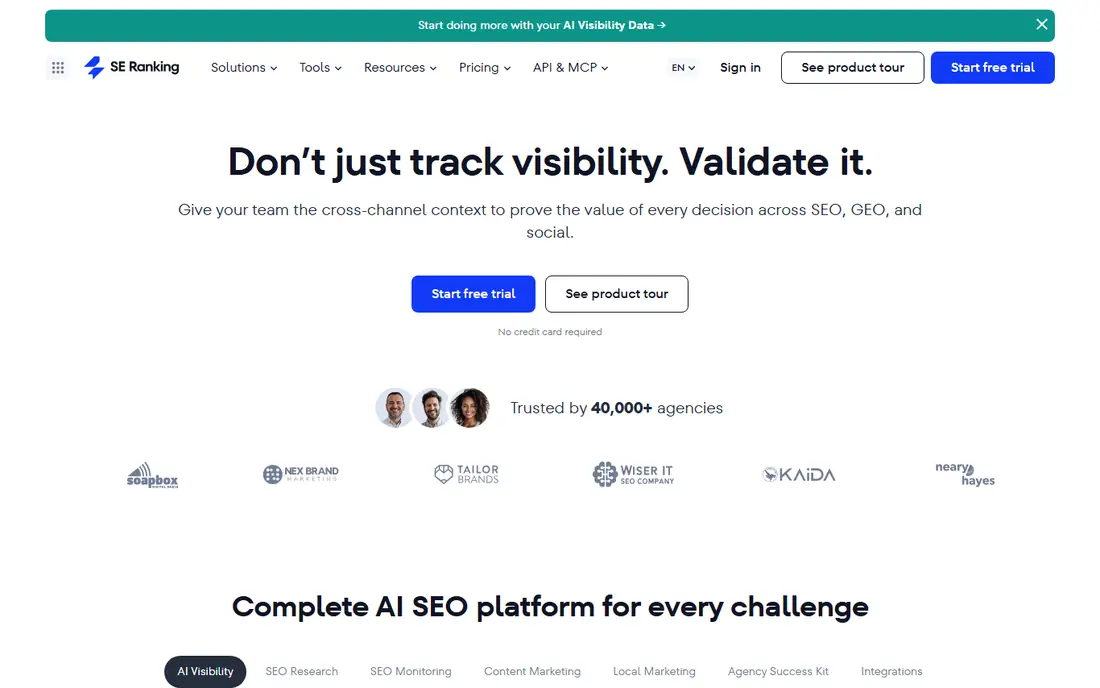
SE Ranking is our pick for most people because its entry plan covers daily tracking for a large keyword set, plus site audits and keyword research. That mix matters when a small team wants one tool rather than three separate subscriptions. Its dashboard also makes it easy to group keywords by page, location, or client, which keeps reporting tidy.
The catch is scope. If you only need to watch 50 keywords for a single site, you may pay for tools you never open. Start with the trial, load your real keyword list, and check whether the daily updates and reports match how you work. For agencies, the white-label options and API access add real value, but they sit on higher tiers.
- Daily tracking with a large keyword allowance
- Audit, research, and AI visibility tools in the same platform
- White-label reporting on plans that suit agencies
- The full feature set can feel large for a one-person site
- Higher plans climb quickly as keyword limits grow
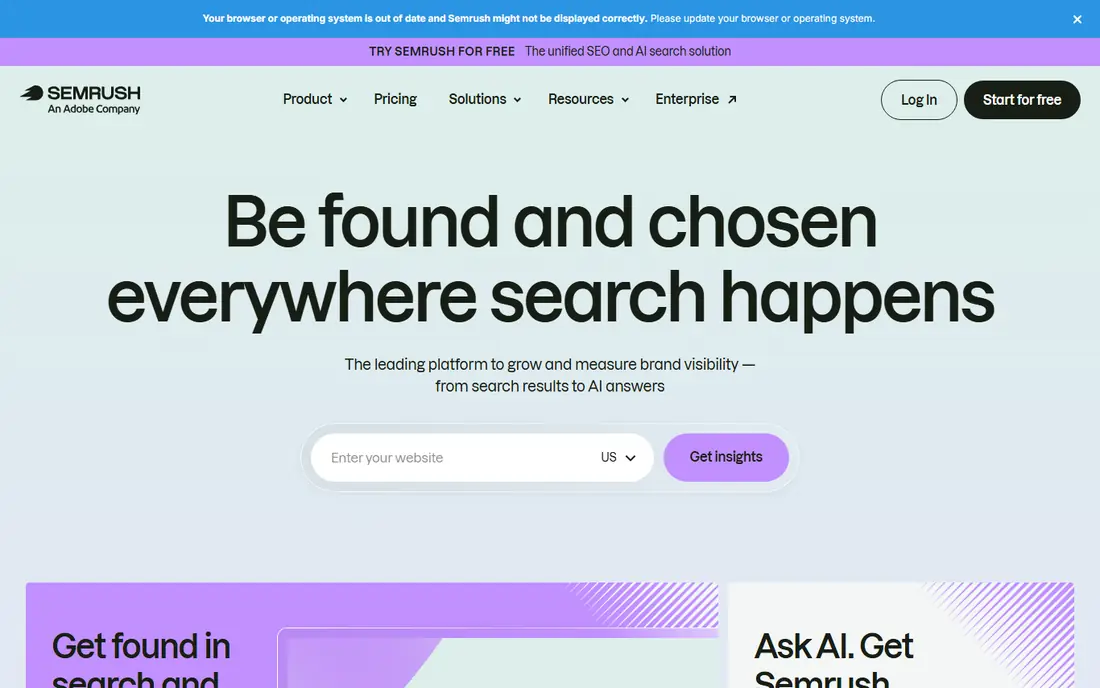
Semrush suits teams that already plan to use keyword research, site audits, and competitor analysis. Its position tracking tool checks rankings daily and ties each keyword to a page, a search feature, and a competitor set. That context helps when a ranking drops and you need to know whether a competitor gained ground or a search feature changed.
The trade-off is cost and complexity. A solo blogger who only tracks rankings will find cheaper dedicated tools. Semrush makes sense when the rest of the suite gets used every week. Check the keyword allowance on the entry plan before you sign up, since larger lists push you to a higher tier.
- Daily position tracking inside a broad SEO and marketing suite
- Strong competitor and keyword research
- AI visibility tracking as an add-on
- Entry price is high if you only want rank tracking
- Some advanced features require higher plans or add-ons
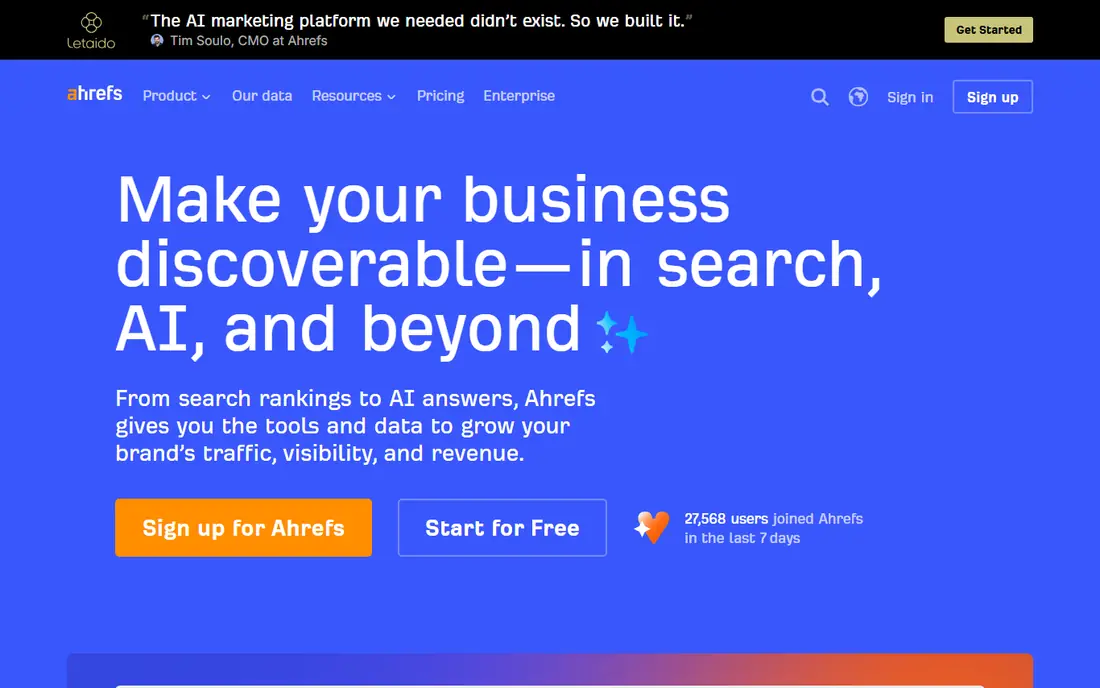
Ahrefs is best known for backlinks, and that strength carries into rank tracking. You can see which pages rank, which links point to them, and which keywords a competitor ranks for, all in one workflow. For content-led teams, that link between rankings and links is more useful than a bare position number.
The honest limit is update speed. Weekly tracking on standard plans is fine for content sites that change slowly, but it feels slow for competitive or news-driven pages. Ahrefs also has a lower-priced Starter plan in some regions, so check the current pricing page for the plan that matches your keyword count.
- Large backlink and keyword databases
- Rank tracking tied to content and link data
- Free Webmaster Tools for verified sites
- Rank tracking updates weekly on standard plans unless you add daily tracking
- Entry plan keyword allowance is modest for agencies
AccuRanker focuses on one job and does it fast. Agencies like it because they can refresh rankings on demand, tag thousands of keywords, and build client reports without hitting a per-user fee. The platform also tracks AI search visibility, which matters as more answers come from chat tools and AI overviews.
Small sites will struggle to justify the price. There is no free tier to test over months, although a refund policy may apply, so read the terms before you commit. If you track a few hundred keywords and need speed and clean reports, the cost can still pay for itself in saved time.
- On-demand and daily updates
- Unlimited users, domains, and API calls on its platform
- Strong tagging, filtering, and reporting for agencies
- No free plan and a high entry price for small sites
- It is a tracker first, not a full SEO suite
Nightwatch stands out for local businesses and agencies with many locations. You can track rankings by city or postcode, which matters when a business serves one town and not the next. Its AI tracking adds ChatGPT and AI overview visibility, so you can watch both classic search and AI answers in one report.
The entry plan covers fewer keywords than some rivals, so count your locations times your keywords before you choose a tier. Unlimited seats soften the cost for teams, since you do not pay per user. Try the trial with your real local keyword set to see whether the coverage fits.
- Daily tracking plus on-demand updates
- Local tracking by postcode or area
- AI search tracking and unlimited seats on plans
- Prices are in euros, so US buyers should check the converted cost
- Entry keyword allowance is smaller than SE Ranking
Wincher appeals to people who want rankings without a learning curve. You add a site, add keywords, and get daily positions in a clean dashboard. It also allows tracking across many sites, which helps freelancers who manage several small clients and do not want a complex suite.
The limit is depth. Wincher will not replace a full audit or backlink tool, and its keyword research is lighter than Semrush or Ahrefs. If your main need is a reliable daily position check and a simple report to send to a client, that simplicity is a strength, not a flaw.
- Daily updates on all plans
- Simple setup with unlimited sites on some plans
- Clear, uncluttered reports
- Fewer research and audit tools than full suites
- AI tracking is more limited than dedicated AI tools
SERPWatcher, from Mangools, is a gentle first tracker for bloggers and freelancers. The interface is simple, the price is low, and it pairs with Mangools keyword research tools so you can find keywords and track them in one place. For a small site with a short keyword list, that is enough.
The basic plan updates weekly, not daily, and covers a modest number of keywords. That is fine for a personal blog, but agencies or competitive niches will outgrow it fast. Check whether your plan includes daily updates before you rely on it for fast-moving rankings.
- Low entry price and easy setup
- Daily tracking on higher plans
- Part of the Mangools suite with keyword research included
- Weekly updates on the basic plan
- Small keyword allowance at entry level
- Limited agency reporting
Serpstat packs rank tracking into a wider SEO and PPC research suite at a lower price than the biggest suites. That makes it a practical choice for small agencies that need tracking, audits, and competitor data without paying for the top tier of a larger platform. Batch checking also helps when you need to test a long keyword list quickly.
The downside is a busier interface and pricing that shifts between plan versions. Read the current pricing page closely, especially for keyword limits and update frequency. If you only need tracking, a dedicated tool may be simpler, but Serpstat offers more tools per dollar for teams that use them.
- Daily tracking plus keyword, audit, and backlink tools
- Batch checking for large lists
- Useful for teams that also run paid search research
- Pricing and limits have changed often, so confirm the current plan
- Interface takes time to learn
Every site owner should use Google Search Console, even if they also pay for a tracker. It is the only free source that shows actual clicks and impressions from Google for your own pages, plus the queries that brought people in. That makes it the best check against any paid tool, since paid tools estimate positions from sampled searches.
Search Console cannot track competitors, local map grids, or AI chat answers, and its position figures are averages over time. Use it as your baseline, then add a paid tracker for competitor data, daily checks, and local or AI visibility. Together they give a fuller picture than either alone.
- Free first-party data on clicks, impressions, and average position
- Shows real queries people used
- No keyword limit in the same way paid trackers impose
- Only covers your own verified sites, not competitors
- Data lags by a couple of days
- Average position is not the same as a daily rank check
How we picked these
We compared official pricing pages, feature pages, and app and review listings, and we favored tools that track rankings daily or on demand, state their keyword limits clearly, and still work for US sites in October 2026. We left out tools that only estimate traffic, tools with no clear pricing, and tools that had stopped offering rank tracking. Prices change often, so treat the figures here as a starting point and confirm them on the vendor site before you buy.
What to check before you pay
Start with your keyword count, not the feature list. Multiply keywords by locations and devices, since a list of 100 keywords tracked in five cities on desktop and mobile can use far more slots than it first appears. Then check update frequency: daily suits competitive niches, while weekly suits slow-moving content sites.
Match the tool to the job
A local business needs postcode-level tracking and map visibility, while a content site needs competitor tracking and search feature data. An agency needs tagging, white-label reports, and API access more than a single-site owner does. Write down those needs before a trial, and test them with real keywords during the trial period.
Watch the total cost
Entry prices rarely tell the full story. Keyword overages, extra users, AI tracking add-ons, and higher tiers for daily updates can double a bill. Add those costs for a realistic year-one total, and compare that figure across tools, not just the headline monthly price.
Keep a free baseline
Keep Google Search Console running even after you buy a paid tracker. It catches indexing problems, shows real query data, and gives you a second source when a paid tracker and your traffic disagree. That cross-check saves many wrong conclusions about why traffic moved.
Sources
- https://www.seranking.com
- https://www.semrush.com
- https://ahrefs.com
- https://moz.com
- https://www.accuranker.com
- https://nightwatch.io
- https://www.wincher.com
- https://mangools.com
- https://serpstat.com
- https://search.google.com/search-console
- https://www.spotsaas.com/blog/best-rank-tracker-tools
- https://geekflare.com/guides/best-rank-tracking-software/