Best Recipe Apps in 2026: 9 Apps Compared
By ToolNimba Editorial Team October 28, 2026 11 min read

- Top pick
 Paprika Recipe Manager
Buy once recipe library
Starting price$4.99 one timeCheck out Paprika Recipe ManagerRead our review - Runner-up
 Plan to Eat
Calendar meal planning
Starting price$5.95 per monthCheck out Plan to EatRead our review - Also great
 Recipe Keeper
Scanning family recipes
Starting priceFreeCheck out Recipe KeeperRead our review
How we researched this
We compared official pricing and feature pages, app store listings, privacy policies and public user reviews. Prices change, so check the provider's site before you pay.
Key takeaways
- Paprika and Recipe Keeper suit cooks who want a buy once library, while Plan to Eat suits calendar led meal planning.
- Samsung Food, Yummly, and BigOven offer large recipe libraries and free starting points for discovery.
- Copy Me That is the cheapest subscription option for unlimited imports, at $0.99 per month after a 40 recipe free limit.
- Import quality matters more than library size, so test the clipper with a messy blog recipe before you commit.
- Check whether you pay per platform, since Paprika and Recipe Keeper sell each platform version separately.
Quick comparison
| Name | Best for | Starting price | Free plan | |
|---|---|---|---|---|
| Paprika Recipe Manager | Buy once recipe library | $4.99 one time | No | Visit |
| Plan to Eat | Calendar meal planning | $5.95 per month | Free trial (14 days) | Visit |
| Recipe Keeper | Scanning family recipes | Free | Yes | Visit |
 Samsung Food | Recipe discovery and planning | Free | Yes | Visit |
 Yummly | Personalized recipe ideas | Free | Yes | Visit |
 BigOven | Large community library | Free | Yes | Visit |
 Copy Me That | Cheap unlimited imports | $0.99 per month | Yes | Visit |
 Crouton | Apple focused cooking | Free | Yes | Visit |
 eMeals | Done for you meal plans | $4.99 per month | Free trial (14 days) | Visit |
The best recipe apps
We compared official pricing pages, app store listings, and public reviews to find apps that save recipes cleanly, plan meals, and build useful shopping lists. Some apps are libraries you fill yourself, while others suggest what to cook, so the right pick depends on how you plan meals.
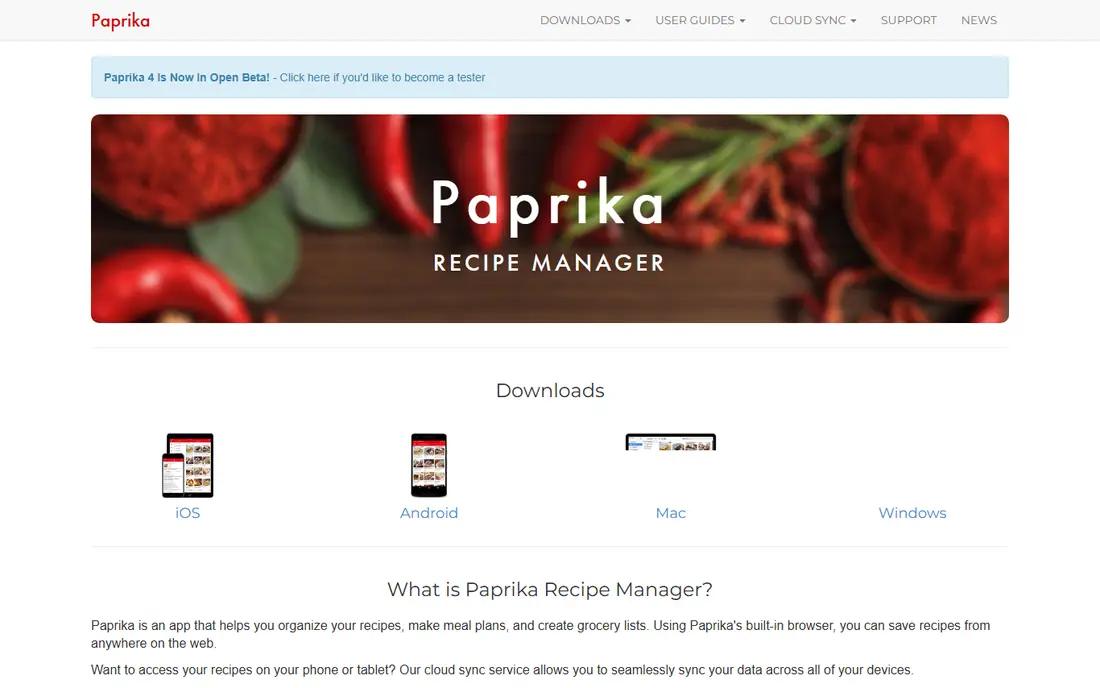
Paprika is the veteran choice for cooks who save recipes from food blogs and want them clean, searchable, and offline. Its built in browser strips ads and long introductions, leaving ingredients and steps in a clear format. Serving sizes scale with one tap, timers are detected in directions, and the pantry tracker notes quantities and expiry dates.
The price is $4.99 on mobile and $29.99 on Mac or Windows, with each platform sold separately. That adds up if you use a phone, tablet, and computer, but there is no monthly fee for the core Paprika 3 features. Paprika 4 entered beta in 2026, and its new features are expected to need a subscription, so existing owners should read the upgrade terms before switching.
- One tap web import
- Offline access
- Grocery lists sorted by aisle
- Each platform is sold separately
- New version 4 features may need a subscription after beta
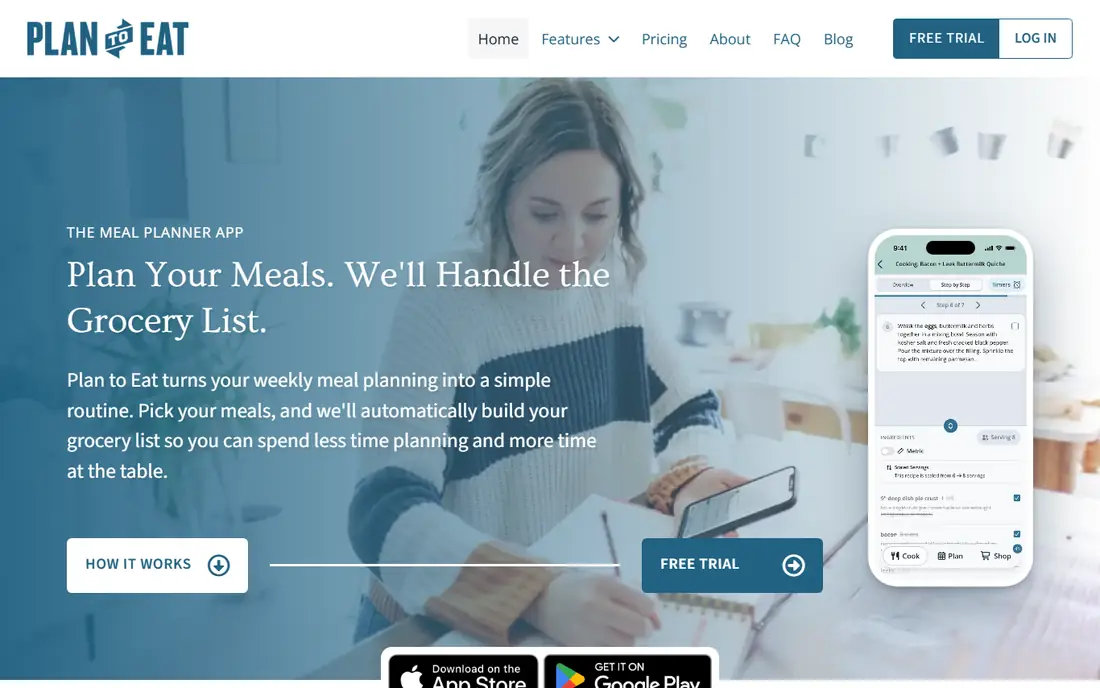
Plan to Eat is for planners who already know what they like to cook and want a calendar to hold it together. You clip recipes from websites, Instagram, TikTok, and Pinterest, drag them onto a week or month, and the shopping list builds itself by store and aisle. Saved menus, leftovers, and freezer meals make repeat weeks easy.
Pricing is $5.95 per month or $49 per year on its website, with a 14 day trial that needs no card. One household account works on iPhone, Android, and the web, and every feature is included. The tradeoff is effort: Plan to Eat does not plan the week for you, so it suits cooks who enjoy choosing meals rather than browsing suggestions.
- Drag and drop meal calendar
- Clipper for web and social recipes
- Export for your whole library
- No ongoing free plan
- No auto generated meal plans
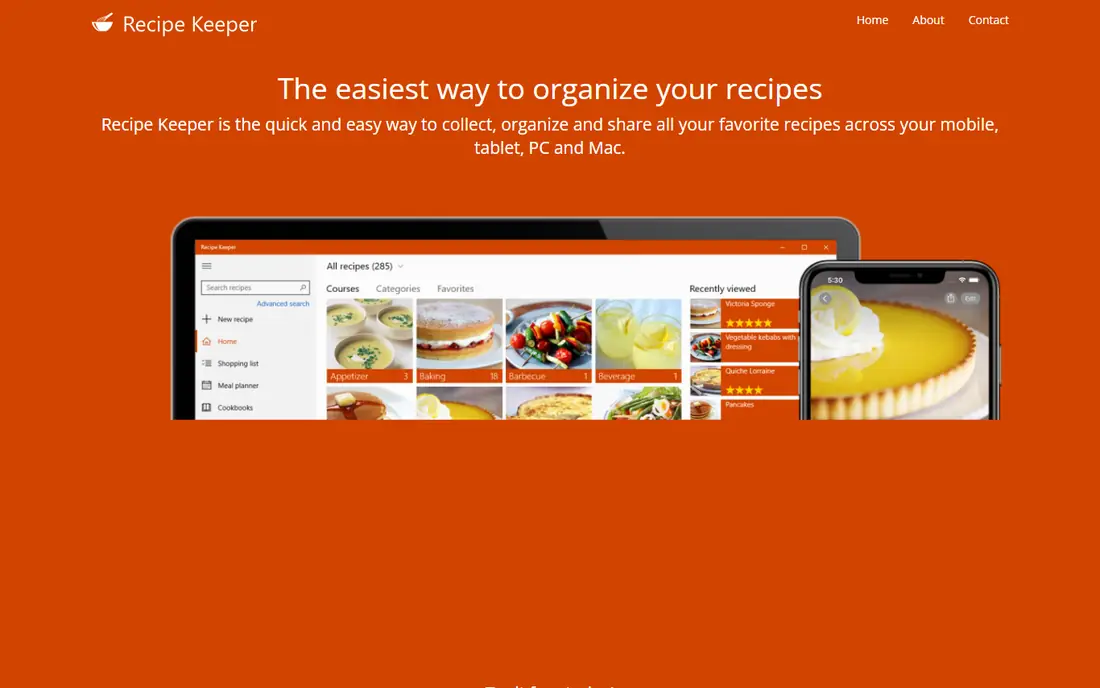
Recipe Keeper stands out for family recipes that live on cards, in magazines, or as photos. Its scanning tool reads printed and handwritten recipes, and you can edit each section before saving. The cookbook builder turns your collection into a printable PDF with a cover, chapters, and a table of contents, which is a thoughtful gift option.
The app is free to download, with 20 imports on the free tier. Pro costs $19.99 as a one time purchase on iPhone and iPad, and $29.99 on Mac, with other platforms sold separately. If your recipes are mostly online, Paprika imports faster, but if your box of family cards matters most, Recipe Keeper is the better home for them.
- OCR scanning for handwritten recipes
- Printable cookbook builder
- Wide platform support
- Pro is sold per platform
- Free version limits imports to 20 recipes
Samsung Food, formerly Whisk, mixes discovery with planning. You can browse recipes, save your own, plan meals, and build a shopping list in one app. Communities help you find ideas from other cooks, and the app works on iOS, Android, and the web, which makes it easy to try without buying a Samsung device.
The core app is free, while Food Plus costs $6.99 per month or $59.99 per year. Food Plus adds pantry management, nutrition tracking, full week plans, and AI recipe personalization, and it removes ads. Start with the free tier and only upgrade if a specific paid feature, such as the pantry list, solves a weekly problem for you.
- Large recipe library
- Meal planner and shopping list
- Communities for sharing recipes
- Full week plans and pantry tools need Food Plus
- Free tier includes ads
Yummly is best when the question is what to cook tonight, not where to store a recipe you already love. Tell it your diets, allergies, and tastes, and it suggests recipes from a large database, with filters for cook time, cuisine, and ingredients on hand. Saved recipes, meal plans, and shopping lists keep the ideas in one place.
Recent app store notes state that Yummly membership is now free, with premium tools included at no charge. That makes it a low risk trial, though offers can change, so check the current listing before you rely on it. The main limit is curation: because recipes come from many sources, you should still read reviews and check steps before cooking for guests.
- Personalized recommendations
- Filters for diet, time, and ingredients
- Meal planning and shopping tools
- Recipe quality varies across sources
- Discovery focus is weaker for building a private archive
BigOven suits cooks who like browsing a community library and finding ideas from other home cooks. You can search by ingredient, season, or collection, save favorites in folders, and plan meals from the same app. The Use Up Leftovers search helps turn fridge items into dinner, which cuts waste on busy weeks.
The basic app is free, while Pro costs $2.99 per month or $24.99 per year and removes ads, adds nutrition facts, and allows unlimited uploads and custom folders. RecipeScan can transcribe a photo of a recipe, though free users get a limited number of scans. If you enjoy community recipes and leftovers cooking, BigOven is a strong free start.
- Library of more than one million recipes
- Use Up Leftovers search
- Recipe scanning and clipping
- Free version includes ads
- Custom folders and nutrition need Pro
Copy Me That is the simplest low cost manager in this list. Save a recipe from a website or app, and you get your own copy with ingredients, steps, and your edits, even if the original page changes. The meal planner and shopping list sync across devices, and the app keeps your phone awake while you cook.
The free version allows 40 recipes, and unlimited recipes cost $0.99 per month, with annual and lifetime options also listed. One membership covers all devices, which is a clear advantage over per platform purchases. The design is plain compared with Paprika, but for clipping and cooking, plain and cheap is often enough.
- One membership covers all devices
- Clean recipe copies with edits
- Export in HTML and text
- Free tier caps at 40 recipes
- Detection works best in English
Crouton is a polished option for households that live on Apple devices. It imports recipes from websites, plans meals, tracks pantry items, and offers a clear cook mode with step by step views. Support for iPhone, iPad, Mac, Apple Watch, and Vision Pro makes it feel at home across Apple hardware.
The app is free with a recipe limit, and Crouton Plus costs $24.99 as a one time purchase. An optional Discover subscription is also listed for extra content. The obvious limit is platform: if anyone in the household uses Android or Windows, a cross platform app such as Plan to Eat or Copy Me That will cause fewer arguments.
- Clean cook mode for iPhone, iPad, and Mac
- Meal planning and pantry tracking
- One time Plus upgrade
- Apple only, so Android and Windows users should skip it
- Free tier limits recipe count
eMeals is for people who want dinner decided for them. Pick a plan type, such as keto, vegetarian, or family meals, and each week brings recipes plus a shopping list matched to your store. Grocery pickup integration can save a trip, and the plans reduce the daily question of what to cook.
Pricing starts at $4.99 per month on a twelve month term, with a 14 day trial. Shorter terms cost more per month, so check the checkout total before signing up. eMeals is not a general recipe archive, so pair it with Paprika or Copy Me That if you also want to save recipes you find elsewhere.
- Ready made weekly plans by diet and store
- Shopping list with grocery pickup options
- Family friendly menus
- Less suited to cooks who want to import their own archive
- Grocery costs are separate
How we picked these
We compared official pricing pages, app store listings, and public reviews, and we kept only apps that are available now and truly fit recipe saving, planning, or discovery. We checked import and planning features, free tiers, and whether pricing is per platform or per account. We did not claim hands on testing, and where prices differed by store or term, we used the vendor site or app store figure and noted the difference.
We also left out Mealime, even though it appears in older lists, because its shutdown was announced for October 21, 2026. Listing a closing app would waste a reader's time and risk losing saved recipes. Readers should still export or screenshot important recipes from any app, since plans and ownership can change.
How to choose a recipe app
Start by naming your main job. If you save recipes from blogs, pick Paprika, Recipe Keeper, or Copy Me That. If you plan by calendar, pick Plan to Eat. If you want ideas and a shopping list, pick Samsung Food, Yummly, BigOven, or eMeals. Apple only households can add Crouton to that shortlist.
Test before you pay
Import five recipes you actually cook, including one messy blog page and one handwritten card if that matters to you. Check serving scaling, shopping list sorting, and offline access in the kitchen. A clean import and a list sorted by aisle will save more time than a large library you never open.
Watch the total cost
A one time purchase looks cheap until you buy it on three platforms, while a subscription looks dear until one account covers the whole household. Add up the first year for your devices, then compare that total, not the headline monthly figure. Free tiers are useful, but note their recipe limits before you build a large collection.
Sources
- https://www.paprikaapp.com
- https://www.plantoeat.com/pricing/
- https://www.recipekeeperonline.com
- https://www.samsungfood.com
- https://www.yummly.com
- https://www.bigoven.com
- https://support.bigoven.com/hc/en-us/articles/208182786-What-s-the-difference-between-a-Pro-and-basic-subscription
- https://www.copymethat.com
- https://www.crouton.app
- https://www.emeals.com