Best Remote Desktop Software in 2026: 8 Tools Compared
By ToolNimba Editorial Team October 28, 2026 9 min read

- Top pick
 TeamViewer
All-round remote support
Starting price$24.90 per monthCheck out TeamViewerRead our review - Runner-up
 AnyDesk
Fast, low-latency access
Starting price$22.90 per monthCheck out AnyDeskRead our review - Also great
 Splashtop
Low-cost remote work access
Starting price$6 per monthCheck out SplashtopRead our review
How we researched this
We compared official pricing and feature pages, app store listings, privacy policies and public user reviews. Prices change, so check the provider's site before you pay.
Key takeaways
- TeamViewer and AnyDesk remain the best known names, but Splashtop and RemotePC often cost far less for the same everyday access.
- Chrome Remote Desktop is the clear pick if you only need free access to your own computers and do not need support tools.
- Support teams should weigh per-technician pricing against per-computer pricing, since the cheaper headline price can change with team size.
- Security basics matter more than extra features: look for two-factor authentication, encryption, and clear controls over unattended access.
Quick comparison
| Name | Best for | Starting price | Free plan | |
|---|---|---|---|---|
| TeamViewer | All-round remote support | $24.90 per month | Yes | Visit |
| AnyDesk | Fast, low-latency access | $22.90 per month | Yes | Visit |
| Splashtop | Low-cost remote work access | $6 per month | Free trial | Visit |
 Chrome Remote Desktop | Free personal access | Free | Yes | Visit |
 Zoho Assist | Small support teams on a budget | $10 per month | Yes | Visit |
 RemotePC | Low-cost access to many computers | $22.12 per year | Free trial | Visit |
 RealVNC Connect | Lightweight cross-platform access | $8.25 per month | Free trial | Visit |
 ConnectWise ScreenConnect | IT teams and managed service providers | $30 per month | Free trial | Visit |
The best remote desktop software
We compared official feature pages, pricing pages, app store listings, and public reviews to find tools that cover personal access, remote work, and paid support work. These eight cover that range without asking you to pay for tools you will never open.
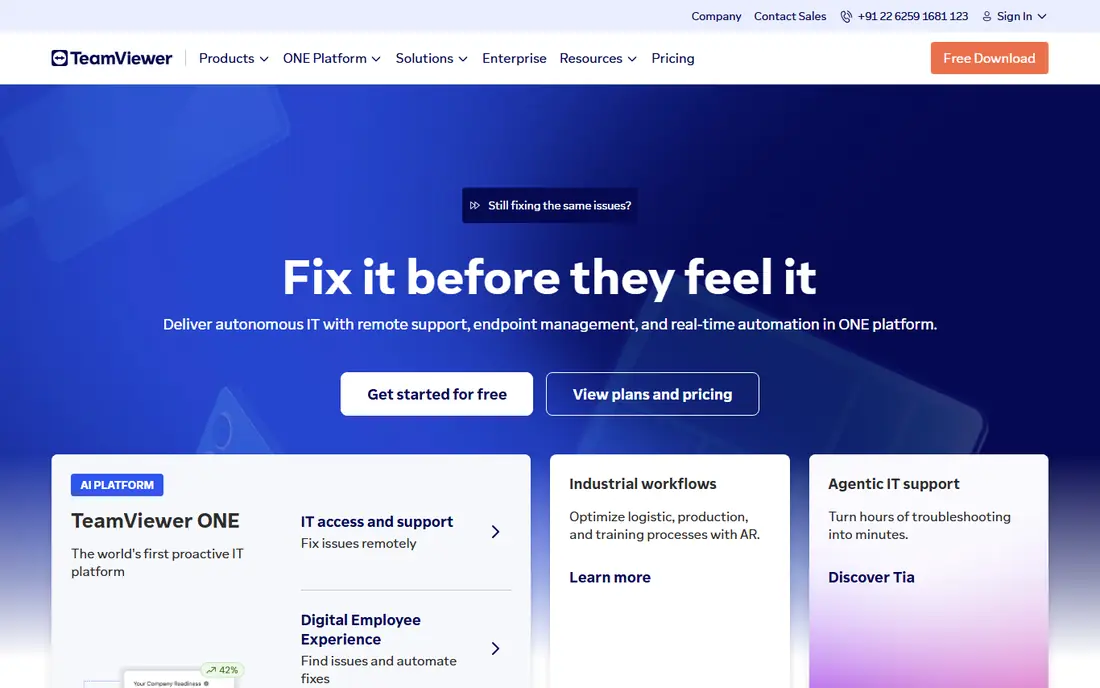
TeamViewer is the safe default when you need a tool that works on almost any device and that other people already know how to use. It covers Windows, Mac, Linux, iOS, and Android, and it handles attended support, unattended access, file transfer, and remote printing in one account. That breadth is why many IT teams keep it even when cheaper options exist.
The catch is price and licensing. The entry business price is higher than Splashtop or RemotePC, and costs rise fast as you add users or managed devices. The free plan is for personal use only, so a small business should not plan around it. Pick TeamViewer if wide compatibility and a familiar support workflow matter more than the lowest bill.
- Wide platform support
- Strong unattended access
- Useful meeting and file transfer tools
- Higher price than most rivals
- Free personal use can be flagged for commercial use
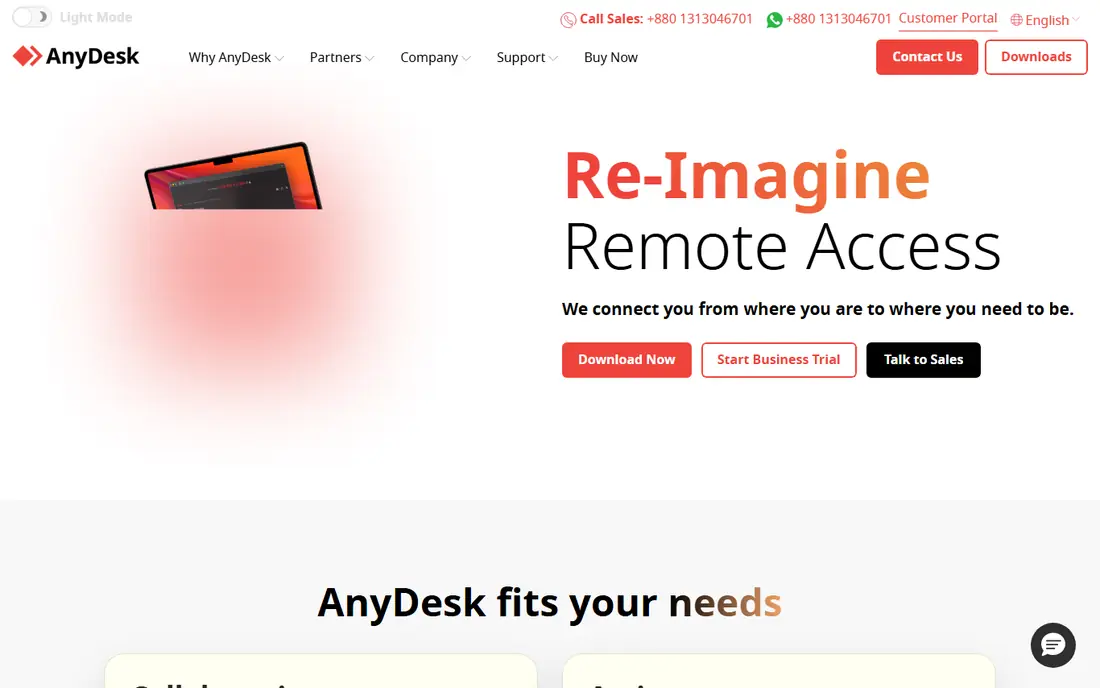
AnyDesk has built its name on speed. Its small download and low-latency codec make it a good fit for design work, video playback, and sessions over weaker connections. Connections start with a short address code, so helping a relative or a client does not require a long setup call.
Pricing is the part to check carefully before you buy. AnyDesk moved to connection-based licensing in late 2025, and the price you see can vary by region and plan. The free plan covers personal use. For a single user who values responsiveness, AnyDesk is still a strong pick, but teams should confirm the exact plan limits first.
- Lightweight app
- Good performance on slower connections
- Simple ID-based connections
- Pricing has become more complex
- Advanced management features sit on higher plans
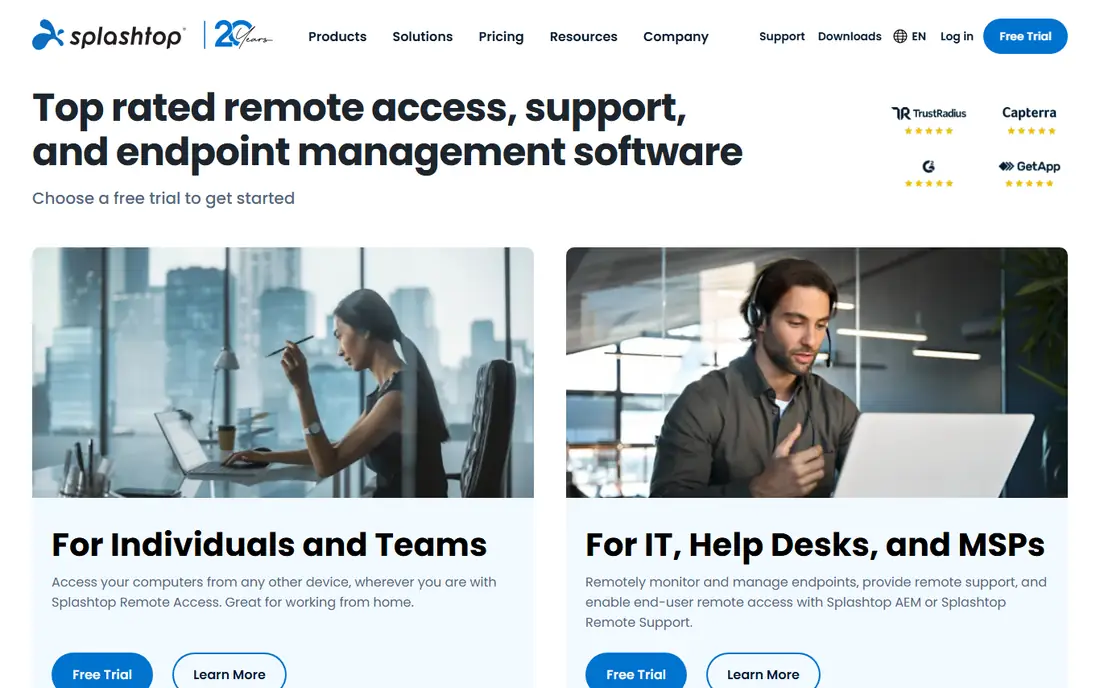
Splashtop is our pick for most people who mainly want to reach their own work computer from home or while traveling. The Solo plan, billed annually, costs far less than TeamViewer or AnyDesk, and it still gives high-quality streaming and multi-monitor support. Setup is simple, and the apps cover the main desktop and mobile platforms.
Support teams need a different Splashtop plan, and those plans cost more than Solo. Session recording, compliance tools, and some admin controls also sit higher up the range. If your job is remote work rather than paid support, though, Splashtop gives you the best value in this list.
- Low Solo price
- High-quality video streaming
- Multi-monitor support
- No permanent free plan
- Some support and compliance features need higher plans
Google offers the simplest free option here, and for many home users it is all they need. You install a browser extension, link a computer to your Google account, and connect from another computer or phone. There is no subscription, no per-computer fee, and no trial clock to watch.
What you give up is depth. Chrome Remote Desktop has no ticket system, no session recording, and little in the way of team management. It is also tied to a Google account, which may not suit a workplace with strict IT rules. Use it for your own machines, and choose a paid tool when you support other people for work.
- Completely free
- Simple browser-based setup
- Works with a Google account
- Few support tools
- No built-in file transfer focus
- Limited admin controls
Zoho Assist suits a small team that wants real support tools without an enterprise bill. The free plan covers one technician and a small number of unattended computers, which is enough to test the workflow properly. Paid plans add more technicians, unattended computers, and integrations with Zoho Desk and other Zoho apps.
The trade-off is polish and depth at the entry level. Voice and video chat, custom branding, and session recording appear on higher tiers, so check the plan table against the features you actually use. If your business already uses Zoho Books or Zoho CRM, the shared data makes Zoho Assist an easy shortlist pick.
- Useful free plan
- Browser-based support sessions
- Links to other Zoho apps
- Some chat and recording features need higher plans
- Interface feels plain next to rivals
RemotePC wins on a simple idea: you pay by computer, not by user. That makes it cheap for a household with several machines, or a small business where many staff share access to a smaller set of computers. The consumer plan starts at a low annual price for one computer, and larger plans cover more machines at a modest step up.
It is not a full IT management platform. You will not get the same depth of ticketing, patching, or endpoint tools that a managed service provider expects. For plain, always-on access to your own computers, though, RemotePC is hard to beat on price, and the trial lets you test speed before you commit.
- Very low price per computer
- Unlimited users on some plans
- Simple always-on access
- No permanent free plan
- Fewer IT management tools than ScreenConnect
RealVNC Connect comes from the team behind the VNC standard, and it shows in its focus on a stable, lightweight connection. It works across Windows, Mac, Linux, and Raspberry Pi, plus mobile apps, which makes it useful for mixed setups and older hardware. You can connect through the cloud service or, on some plans, directly between devices.
The downside is that the product feels less modern than TeamViewer or Splashtop, and the free options are limited. Higher plans add the team and security controls that businesses need. Pick RealVNC Connect if you value a proven, light client and cross-platform reach over a slick interface.
- Long track record
- Lightweight client
- Direct and cloud connections
- Free options are limited
- Interface looks dated next to newer rivals
ConnectWise ScreenConnect
Best for: IT teams and managed service providers
ScreenConnect is built for people who support many machines every day. It gives technicians a clear session list, unattended access, remote commands, and integrations with ticketing and management tools. Managed service providers like it because it scales from one technician to a full support desk without changing products.
That power comes with a learning curve. New users may need time to set up permissions, groups, and access rules properly. Pricing also depends on technicians and endpoints, so a small team should model its real size before signing up. For serious support work, ScreenConnect is the most capable tool in this list.
- Strong unattended access
- Session management for many endpoints
- Useful integrations
- Higher learning curve
- Price rises with technicians and endpoints
How we picked these
We compared official feature pages, pricing pages, app store listings, privacy and security pages, and public reviews for tools that are still sold and supported in October 2026. We kept only tools with a clear official homepage, a current paid or free plan, and a real fit for remote access or remote support. We favored a mix of low-cost personal tools and business support platforms, and we noted where a headline price depends on annual billing or team size.
What to check before you pay
Attended or unattended access
Attended access means someone is at the far computer to approve the session. Unattended access lets you connect any time, which is handy for your own machines but riskier if permissions are loose. Decide which one you need, then check that your plan includes it, since some low-cost plans limit unattended computers.
Security settings to turn on
Turn on two-factor authentication on your account, use a strong and unique password, and review the list of trusted devices from time to time. For unattended machines, set a separate access password and limit who can connect. If you support clients, ask how sessions are encrypted and whether session logs are kept.
Pricing traps to avoid
Check whether the price is per user, per technician, or per computer, and whether it requires annual billing. A low monthly headline can hide a higher annual total, and a per-technician plan can cost more than a per-computer plan for a large team. Use the free plan or trial to test speed on your own connection before you pay for a year.
Sources
- https://www.teamviewer.com
- https://anydesk.com
- https://www.splashtop.com
- https://remotedesktop.google.com
- https://www.zoho.com/assist
- https://www.remotepc.com
- https://www.realvnc.com
- https://screenconnect.com
- https://rankite.com/blog/top-10-remote-access-software
- https://rankite.com/blog/best-remote-control-software