Best Scheduling App in 2026: 9 Apps Compared
By ToolNimba Editorial Team October 28, 2026 9 min read

- Top pick
 Calendly
General scheduling
Starting price$10 per monthCheck out CalendlyRead our review - Runner-up
 Acuity Scheduling
Service businesses and payments
Starting price$16 per monthCheck out Acuity SchedulingRead our review - Also great
 Cal.com
Flexible team scheduling
Starting price$12 per monthCheck out Cal.comRead our review
How we researched this
We compared official pricing and feature pages, app store listings, privacy policies and public user reviews. Prices change, so check the provider's site before you pay.
Key takeaways
- Calendly is the best general scheduling app for most people, with a free plan and paid plans from $10 per seat per month.
- Acuity Scheduling is the best pick for service businesses that need payments, packages and intake forms at booking.
- Cal.com suits teams that want open, flexible scheduling with strong integrations and a free plan for individuals.
- Setmore is the best budget team option, with a free plan for up to four users and Pro from $5 per user per month.
- The right tool depends on whether you book meetings, sell services, or run a team calendar, so test with your real booking flow before paying.
Quick comparison
| Name | Best for | Starting price | Free plan | |
|---|---|---|---|---|
| Calendly | General scheduling | $10 per month | Yes | Visit |
| Acuity Scheduling | Service businesses and payments | $16 per month | Free trial | Visit |
| Cal.com | Flexible team scheduling | $12 per month | Yes | Visit |
 Setmore | Budget staff teams | $5 per month | Yes | Visit |
 SimplyBook.me | Service booking with many features | $11.90 per month | Yes | Visit |
 Doodle | Group scheduling and polls | $11 per month | Yes | Visit |
 SavvyCal | Polished one-to-one booking | $10 per month | Free trial | Visit |
 YouCanBookMe | Calendar-driven booking pages | $8 per month | Yes | Visit |
 Zoho Bookings | Zoho users and small teams | $6 per month | Yes | Visit |
The best scheduling apps
The best app for scheduling is the one that matches your booking type. A sales team routing leads needs different features than a salon taking paid appointments or a coach booking one-to-one sessions. We compared official pricing pages, feature lists and recent comparisons for tools that serve US users in October 2026.
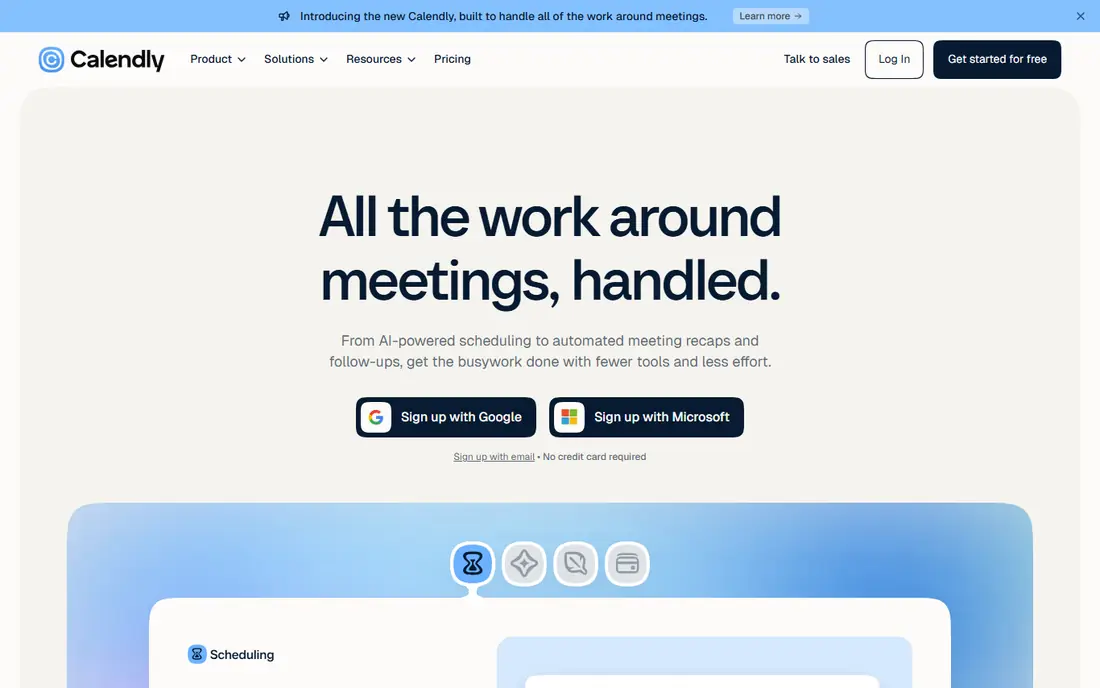
Calendly is our pick for most individuals and teams. Setup takes minutes, booking links look professional, and integrations with Google Calendar, Outlook, Zoom, Stripe and PayPal cover most workflows. The free plan is enough for a solo consultant with one meeting type.
Limits appear as needs grow. Round-robin routing sits on the Teams plan from $16 per user per month, and payment collection needs a paid plan. For general meetings, sales calls and interviews, Calendly remains the simplest reliable default.
- Clean booking links
- Wide calendar and CRM integrations
- Easy team routing on higher plans
- Free plan allows only one event type
- Payments need a paid plan
- Per-seat pricing adds up
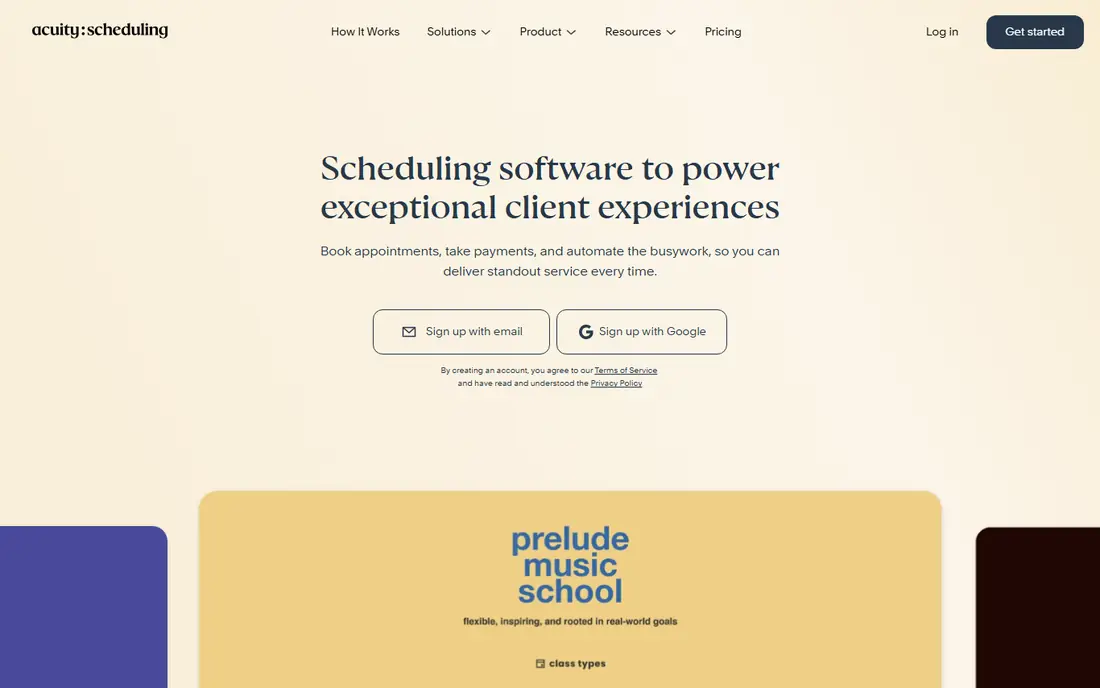
Acuity Scheduling, part of Squarespace, is built for businesses that sell time. Salons, clinics, fitness studios and coaches can take payment at booking, sell packages, offer gift certificates and collect intake forms before the appointment. That commerce layer is why service businesses pick it over a simple meeting tool.
It is overkill for plain meetings. There is no permanent free plan, setup needs more configuration, and the interface can feel crowded. If you charge for appointments and need forms and packages, Acuity earns its price. If you only book calls, Calendly is simpler.
- Payments, packages and gift certificates
- Detailed intake forms
- Multi-staff calendars
- No free plan, only a 7-day trial
- Setup takes longer
- Interface feels busy for simple meetings
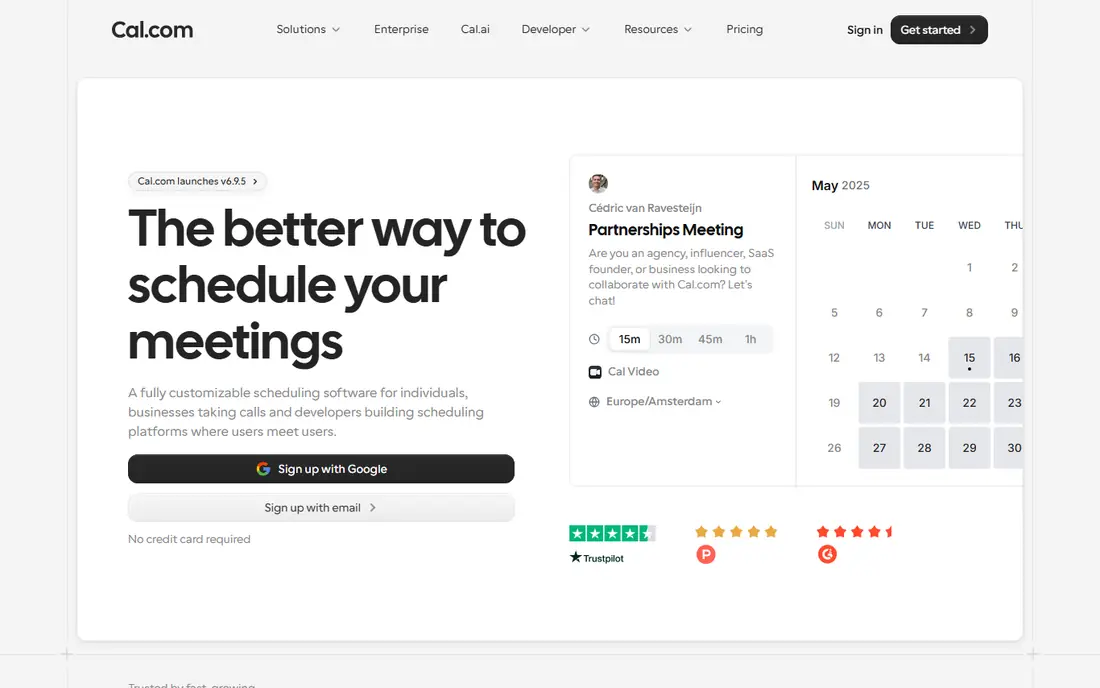
Cal.com appeals to teams that want control without enterprise cost. It offers booking pages, team scheduling, round-robin and routing, with a wide integration list and an open-source core that technical teams can self-host. The free plan for a single user makes it easy to test.
Non-technical users may find setup less guided than Calendly, and Teams pricing from $12 per seat per month still adds up for large groups. For startups, agencies and technical teams that value flexibility and integrations, Cal.com is a strong, modern alternative.
- Open and flexible platform
- Strong integrations
- Free plan for individuals
- Setup can be more technical
- Team pricing per seat
- Some features need configuration
Setmore is the budget pick for small staff teams. The free plan covers up to four users, which suits a small salon, clinic or studio, and Pro from $5 per user per month on annual billing adds features without a big jump. Staff calendars, a booking page and reminders cover the basics well.
It lacks the payment depth and polish of Acuity and Calendly. If you need packages, complex forms or advanced routing, you will outgrow Setmore. If you need a reliable, low-cost team calendar, it is excellent value.
- Free plan for up to four users
- Low Pro price
- Staff calendars and booking page
- Features are simpler than Acuity
- Design feels basic
- Advanced automation is limited
SimplyBook.me suits service businesses that want many features without Acuity pricing. It covers booking, memberships, coupons, classes and staff management, with a free plan that includes 50 bookings. That breadth helps studios, clinics and schools that sell more than single appointments.
The breadth is also the drawback. Menus can feel busy, and full setup takes time to learn. For a business that will use memberships, classes or coupons, SimplyBook.me offers strong value. For simple meeting links, a lighter tool is faster.
- Free plan with 50 bookings
- Wide feature set for services
- Membership and coupon tools
- Interface can feel crowded
- Learning curve for full setup
- Pricing tiers need care
Doodle solves a different problem: finding a time that suits a group. Instead of sending a link with your availability, you send a poll and let participants vote, which works well for team meetings, interviews and social events. It also offers booking pages and Stripe payments on paid plans.
It is not a service business tool. There is no round-robin routing, and packages and intake depth trail Acuity. If your main pain is group coordination, Doodle is the fastest fix. If you sell appointments, pick Acuity or SimplyBook.me instead.
- Group polls make finding a time easy
- Simple interface
- Booking pages for one-to-one meetings
- No round-robin routing
- Payment and commerce tools are thinner
- Team features need higher plans
SavvyCal is the polish pick for one-to-one meetings. Booking pages feel personal, with custom links, overlays and a clean flow that impresses clients and prospects. For consultants, coaches and salespeople who live on calls, that experience is a real advantage.
It is not built for service commerce or large teams. There is no permanent free plan, and features for staff, packages and classes are thinner than Acuity. If one-to-one booking quality matters most, SavvyCal is worth its $10 per seat per month. If you need team routing, Calendly or Cal.com fit better.
- Polished booking experience
- Personalised links and overlays
- Good calendar sync
- No free plan
- Team features are narrower
- Less suited to service commerce
YouCanBookMe is a solid, affordable choice for calendar-driven users, especially on Google Calendar. Booking pages sync closely with your calendar, forms and notifications are flexible, and the entry price is lower than Calendly. Small businesses and educators often pick it for reliable, no-fuss booking.
The interface is less modern than rivals, and team and CRM features are lighter. If you want the widest integration list or advanced routing, Calendly leads. If you want a dependable Google Calendar booking page at low cost, YouCanBookMe delivers.
- Strong Google Calendar integration
- Flexible booking pages
- Affordable entry price
- Interface feels dated
- Team features are basic
- Fewer CRM integrations than Calendly
Zoho Bookings is the natural pick if your business already runs on Zoho. It connects booking pages and staff schedules to Zoho CRM, Calendar and other Zoho apps, with an entry price around $6 per user per month in recent comparisons. For a Zoho household, that integration saves duplicate work.
Outside Zoho, it is less compelling. The interface and integration list trail Calendly, and pricing details should be confirmed on the vendor page for your plan. If you are not a Zoho user, start with Calendly or Cal.com. If you are, Zoho Bookings is a low-cost, well-integrated add-on.
- Low price for Zoho users
- Booking pages plus staff scheduling
- Fits Zoho CRM and apps
- Less polished outside Zoho
- Integrations narrower than Calendly
- Pricing details vary by plan
How we picked these
We compared official pricing pages, free plan limits and feature lists, and checked them against recent comparisons from 2026. We kept only tools that offer real booking pages, calendar sync and reminders for US users today, and we mixed general schedulers, service tools, group tools and budget options so different booking types can find a fit.
We did not claim hands-on testing that did not happen. Prices are entry paid rates on annual billing where reported, and per-seat models change totals for teams, so confirm the price for your user count and check trial limits before you switch.
How to choose a scheduling app
Start with your booking type. Meetings need links, calendar sync and routing. Services need payments, forms, staff calendars and reminders. Group events need polls. Pick the category first, then compare tools inside it, or you will pay for features you never use.
Next, test the full booking flow as a customer. Book a slot, reschedule it, cancel it, and check the emails and calendar invites at each step. A tool that looks good in a dashboard can still confuse customers at booking, and that confusion costs appointments.
Finally, check integrations and reminders. Calendar sync must be two-way, video links should generate automatically, and reminders should cut no-shows without spamming customers. Also confirm time zone handling if you book across regions, since a wrong time zone is the most common scheduling failure.
Check payments and no-shows
If you charge for appointments, confirm payment methods, refund handling and no-show fees before launch. Stripe, Square and PayPal support varies, and processing fees sit on top of the subscription. A deposit at booking often cuts no-shows more than any reminder setting.
Plan for team growth
A solo tool can strain when you add staff, locations or services. Check how pricing scales per user, whether calendars can be grouped by team or location, and whether permissions keep staff from seeing each other's private bookings. Switching tools with live bookings is painful, so choose with a year of growth in mind.
Sources
- https://www.calendly.com
- https://www.acuityscheduling.com
- https://www.cal.com
- https://www.setmore.com
- https://www.simplybook.me
- https://www.doodle.com
- https://www.savvycal.com
- https://www.youcanbook.me
- https://www.zoho.com/bookings/
- https://www.blazeo.com/blog/best-business-scheduling-software-2026/
- https://professionalstoolkit.com/articles/tidycal-alternatives