Best Social Media Management Tools in 2026: 9 Tools Compared
By ToolNimba Editorial Team October 28, 2026 10 min read

- Top pick
 Hootsuite
All-in-one teams
Starting price$99 per monthCheck out HootsuiteRead our review - Runner-up
 Sprout Social
Analytics and reporting
Starting price$199 per monthCheck out Sprout SocialRead our review - Also great
 Buffer
Small teams and creators
Starting price$6 per monthCheck out BufferRead our review
How we researched this
We compared official pricing and feature pages, app store listings, privacy policies and public user reviews. Prices change, so check the provider's site before you pay.
Key takeaways
- Buffer is the best low-cost start for creators and small teams, with a free plan and paid plans from $6 per channel per month.
- Hootsuite suits larger teams that need scheduling, inbox, listening and analytics in one place, from $99 per user per month.
- Sprout Social leads on analytics and reporting depth, but its Standard plan from $199 per seat per month puts it out of reach for small teams.
- Agorapulse is the strongest inbox-first choice for teams that spend their day replying to comments and messages.
- Per-seat and per-channel pricing change the real cost fast, so model the price for your actual team size and profile count before you buy.
Quick comparison
| Name | Best for | Starting price | Free plan | |
|---|---|---|---|---|
| Hootsuite | All-in-one teams | $99 per month | Free trial | Visit |
| Sprout Social | Analytics and reporting | $199 per month | Free trial | Visit |
| Buffer | Small teams and creators | $6 per month | Yes | Visit |
 Agorapulse | Inbox and engagement | $79 per month | Yes | Visit |
 Later | Visual Instagram and TikTok planning | $25 per month | Free trial | Visit |
 Sendible | Agencies and white-label | $29 per month | Free trial | Visit |
 SocialPilot | Budget agency scheduling | $30 per month | Free trial | Visit |
 Metricool | Analytics on a budget | $20 per month | Yes | Visit |
 Planable | Content approvals | $39 per month | Yes | Visit |
The best social media management tools
The best social media management platform is rarely the one with the longest feature list. It is the one that matches how your team actually works, whether that is scheduling posts, answering messages, proving results to a client, or all three. We compared official pricing pages, feature lists and public reviews for tools that serve US teams and creators in October 2026.
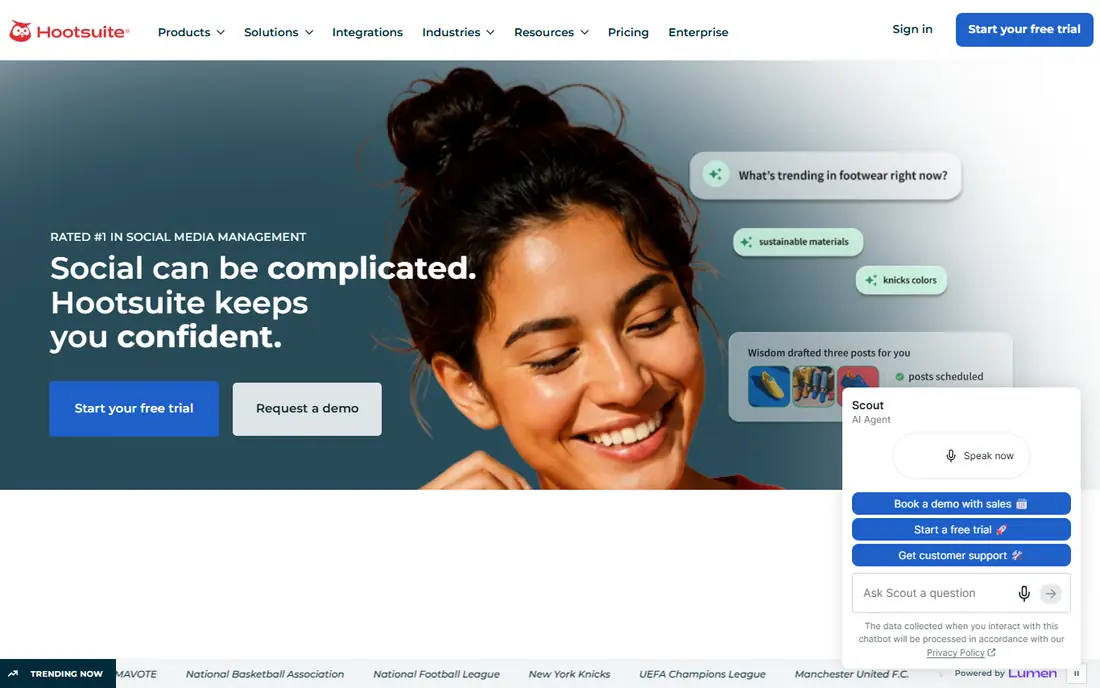
Hootsuite is the veteran all-in-one choice, and it shows in breadth. You can plan, publish, reply, listen for brand mentions and report results without leaving the platform, across Instagram, Facebook, LinkedIn, TikTok, X, Pinterest, YouTube and Threads. New AI tools help draft and repurpose posts from your own social data.
The price is the main barrier. At $99 per user per month, a team of five pays far more than the headline figure suggests, and there is no free tier, only a 30-day trial. For mid-market and enterprise teams that need one system, it is worth it. For a solo creator, Buffer is a better value.
- Covers scheduling, inbox, listening and analytics
- Broad network support
- Strong AI and reporting tools
- Per-user pricing adds up fast
- No free plan
- Can feel heavy for solo creators

Sprout Social is the pick when reporting decides the purchase. Its dashboards and exports are built for stakeholders, with cross-channel comparisons that make it easy to show what worked and why. The Smart Inbox also handles messages and comments at a level that simpler schedulers cannot match.
Cost keeps it out of small-team budgets. Standard pricing from $199 per seat per month on annual billing is a serious commitment, and an Essentials plan from $79 per seat per month covers fewer needs. If you present results to clients or executives regularly, Sprout earns its fee. If you only schedule posts, it is overkill.
- Deep, client-ready analytics
- Strong unified inbox
- Listening and influencer tools
- Expensive for small teams
- Profile limits on lower plans
- Listening is an add-on
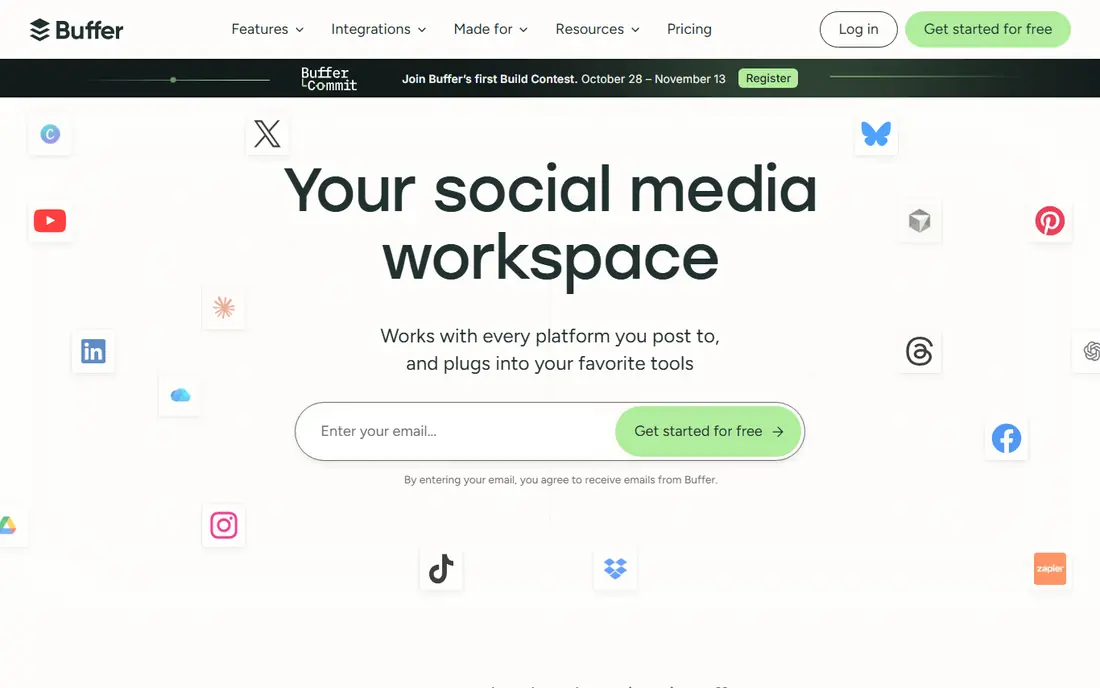
Buffer is our pick for most small teams and creators. Scheduling is fast, the queue is easy to read, and pricing per channel rather than per seat keeps costs predictable for a small team running a few profiles. The free plan lets you test the core workflow before paying.
You give up depth. Analytics are simpler than Sprout or Hootsuite, there is no listening tool, and approval workflows are basic. If your day is mostly publishing and light reporting, Buffer is ideal. If your day is inbox work or listening, look at Agorapulse or Hootsuite instead.
- Simplest scheduling workflow
- Free plan to start
- Affordable per-channel pricing
- Analytics are basic
- No social listening
- Collaboration tools are light
Agorapulse is built for teams that live in replies. Its unified inbox pulls comments, messages and mentions into one queue, with assignment, labelling and resolution tracking that keep nothing unanswered. Scheduling and reporting are solid, so it works as a main tool, not just an inbox add-on.
It does not match Sprout on analytics depth or Hootsuite on integrations, and per-user pricing still adds up for large teams. For community managers, support teams and agencies that judge success by response time and engagement, Agorapulse is the most focused choice here.
- Excellent unified inbox
- Clear assignment and tracking
- Solid scheduling and reporting
- Reporting trails Sprout
- Fewer integrations than Hootsuite
- Price rises with users
Later suits creators and brands that plan visually. The drag-and-drop calendar, media library and link-in-bio tool make Instagram and TikTok planning feel natural, and auto-publish saves time on routine posts. For a visual brand, that workflow beats a generic scheduler.
Outside its core networks, Later is less strong, and team features sit on higher plans. If LinkedIn, X and YouTube matter as much as Instagram, Hootsuite or Buffer may fit better. If Instagram and TikTok drive your growth, Later is a natural home.
- Visual calendar and drag-and-drop planning
- Strong link-in-bio tool
- Good for visual creators
- Weaker outside Instagram and TikTok
- Analytics are lighter
- Higher plans needed for teams
Sendible is an agency favourite for a practical reason: white-label reporting. You can send clients reports under your own brand, manage multiple clients from one dashboard, and add team members without the per-seat shock of enterprise tools. The Creator plan from $29 per month is a friendly entry point.
The interface is less modern than Buffer or Later, and listening features are thinner than Hootsuite. For agencies that need client-ready reports and predictable pricing, those trade-offs are acceptable. For a single brand, a simpler tool may feel cleaner.
- White-label reports and dashboards
- Unlimited users on some plans
- Good agency pricing
- Interface feels dated in places
- Listening is limited
- Analytics trail Sprout
Metricool is the value analytics pick. It tracks social performance, ads and website data in one dashboard, which helps small teams see the full picture without paying Sprout prices. The free plan is useful for a single brand, and paid plans from $20 per month on annual billing stay affordable.
Scheduling and collaboration are not its strengths, so heavy publishing teams may prefer Buffer or Sendible. For a marketer who needs credible reports on a budget, Metricool punches above its price and is easy to recommend as a second tool beside a scheduler.
- Good analytics for the price
- Covers social plus ads and web data
- Free plan to start
- Scheduling is less polished than Buffer
- Team features are basic
- Smaller integration list
Planable solves a specific pain: getting content approved without endless email threads. Clients and teammates can comment, approve and request changes on visual previews, with multi-stage workflows that suit agencies and regulated brands. That clarity saves hours for teams with many stakeholders.
It is not an all-in-one tool. There is no listening, and analytics are basic, so most teams pair Planable with a scheduler or analytics tool. If approvals are your bottleneck, Planable is worth its price. If you only need scheduling, a cheaper tool will do.
- Clear multi-stage approvals
- Visual preview for clients
- Good for agency collaboration
- No listening
- Analytics are basic
- Price is per workspace, so large teams pay more
How we picked these
We compared official pricing pages and feature lists, and checked them against recent independent comparisons from August and October 2026. We kept only tools that support major US networks, offer real scheduling and reporting, and serve teams or creators today. We mixed all-in-one platforms, budget schedulers, inbox tools and approval tools so readers can match a tool to their workflow.
We did not claim hands-on testing that did not happen. Prices are entry-tier list rates on annual billing unless noted, and per-seat or per-channel models change the total, so confirm the price for your team size and profile count before buying.
How to choose a social tool
Start with your daily workflow, not a feature checklist. Count how many profiles, team members and posts per week you actually handle, then model the price for that reality. A tool that looks cheap per user can be costly for a team of ten, while a per-channel tool can be costly for a brand with twenty profiles.
Next, decide which job matters most. If it is publishing, prioritise calendar, bulk scheduling and mobile apps. If it is engagement, prioritise inbox, assignment and response tracking. If it is reporting, prioritise dashboards, exports and white-label options. One tool rarely leads on all three at a low price.
Finally, run a trial with real content, not a demo. Schedule a full week, reply to real comments, and build one report for a stakeholder. That week reveals friction that a feature page hides, and it is cheaper than a year on the wrong platform.
Check network and feature limits
Confirm each tool supports the networks and post types you use, including Stories, Reels, carousels and Threads, since support varies. Check limits on scheduled posts, users, profiles and historical data, and confirm whether AI features, listening or extra reports cost extra.
Plan for growth
A tool that fits today may strain in a year if pricing scales per seat or per profile. Ask how the price changes at double your current size, and how easy it is to export scheduled content and reports. Portability matters, because switching social tools mid-campaign is disruptive.
Sources
- https://www.hootsuite.com
- https://www.sprout.com
- https://www.buffer.com
- https://www.agorapulse.com
- https://www.later.com
- https://www.sendible.com
- https://www.socialpilot.com
- https://www.metricool.com
- https://www.planable.com
- https://blog.hootsuite.com/social-media-management-tools/
- https://www.comparebiztech.com/best-social-media-management-tools/
SocialPilot
Best for: Budget agency scheduling
SocialPilot is the budget agency scheduler. It covers many accounts at a low monthly price, with bulk scheduling and client workflows that suit small agencies and freelancers managing several brands. The entry plan covers seven accounts in recent comparisons, which is generous for the price.
Depth is the compromise. Analytics and inbox features are simpler than Agorapulse or Sprout, and the design feels practical rather than delightful. If your main job is publishing reliably across many accounts at low cost, SocialPilot delivers. If reporting sells your service, pair it with a stronger analytics tool.