Best Software for Onboarding Training Videos in 2026: 10 Tools Compared
By ToolNimba Editorial Team November 12, 2026 10 min read

- Top pick
 Guidde
Fast workflow guides
Starting priceSee websiteCheck out GuiddeRead our review - Runner-up
 Loom
Quick async messages
Starting priceFreeCheck out LoomRead our review - Also great
 Camtasia
Polished screen tutorials
Starting priceSee websiteCheck out CamtasiaRead our review
How we researched this
We compared official pricing and feature pages, app store listings, privacy policies and public user reviews. Prices change, so check the provider's site before you pay.
Key takeaways
- Guidde is our pick for fast onboarding videos, because it turns a recorded workflow into a polished guide with voiceover and steps automatically.
- Loom is best for quick, personal onboarding messages, while Camtasia suits polished screen tutorials that need detailed editing.
- Synthesia and Vyond help teams that cannot film presenters, with AI avatars and animation instead of a camera.
- iSpring Suite and Articulate 360 are best when training must plug into a learning system with quizzes and completion tracking.
- The right tool depends on the video type: a screen walkthrough, a welcome message, and a compliance module need different software.
Quick comparison
| Name | Best for | Starting price | Free plan | |
|---|---|---|---|---|
| Guidde | Fast workflow guides | See website | Yes | Visit |
| Loom | Quick async messages | Free | Yes | Visit |
| Camtasia | Polished screen tutorials | See website | No | Visit |
 Synthesia | AI avatar videos | See website | Yes | Visit |
 Vyond | Animated training | See website | No | Visit |
 iSpring Suite | PowerPoint eLearning | See website | No | Visit |
 Articulate 360 | Enterprise eLearning | See website | No | Visit |
 Descript | Transcript video editing | Free | Yes | Visit |
 Supademo | Interactive demos | Free | Yes | Visit |
 Scribe | Auto step guides | Free | Yes | Visit |
The best software for onboarding training videos
Onboarding videos do more than welcome a new hire. They show how to use software, explain company processes, and answer the same questions every new starter asks, without pulling a manager into a repeat session. Good onboarding software makes those videos fast to create, easy to update, and simple for a new hire to find and rewatch.
We compared official feature pages, pricing pages, and use cases for tools that create or host training videos. We did not claim hands-on testing, and we did not invent prices, because several tools price by creator, seat, or year. Where a price was not stable, we list See website. Check the current pricing page before you buy, especially for Camtasia, iSpring, and Articulate.
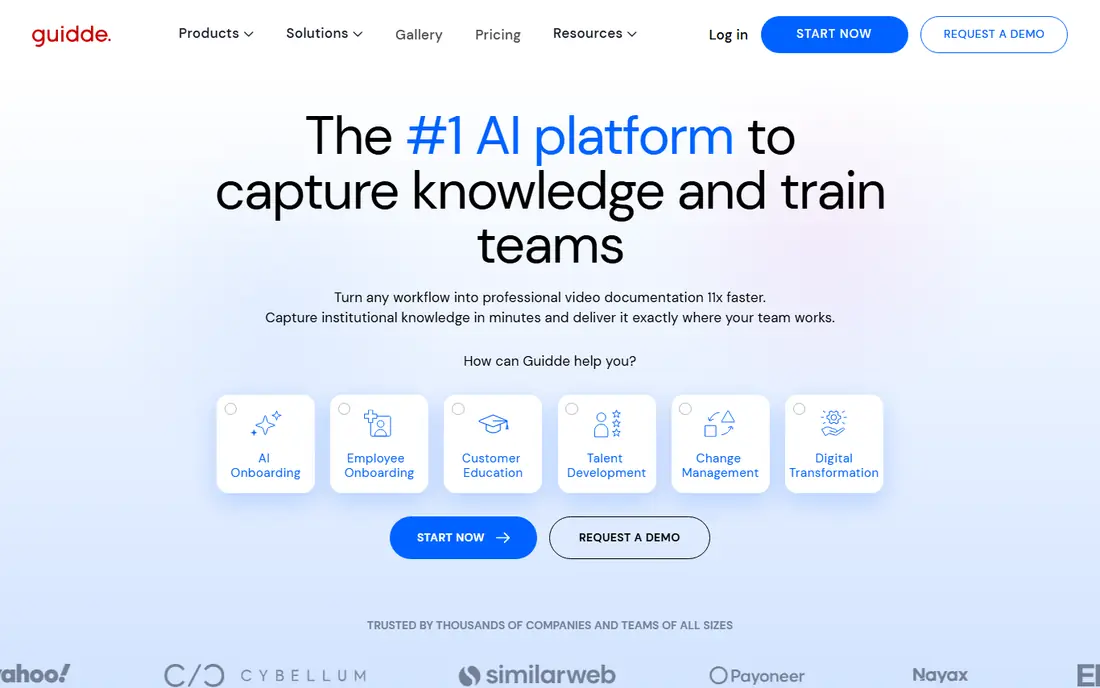
Guidde is the fastest route from a process to a finished onboarding video. You record a workflow once, and the tool generates a polished guide with steps, annotations, and voiceover, which cuts the usual hours of editing down to minutes. With many AI voices, a team can localize the same guide without re-recording, and integrations with tools such as Zendesk and Slack help new hires find guides where they already work.
It is less suited to a filmed welcome message or a studio-style presentation, where a camera tool fits better. For software walkthroughs, which make up most onboarding content, Guidde is our pick for speed and consistency.
- AI turns a recorded workflow into a guide with voiceover
- 200 plus AI voices for localization
- Integrations with helpdesk tools
- Best for workflow guides rather than filmed presentations
- Advanced features need a paid plan
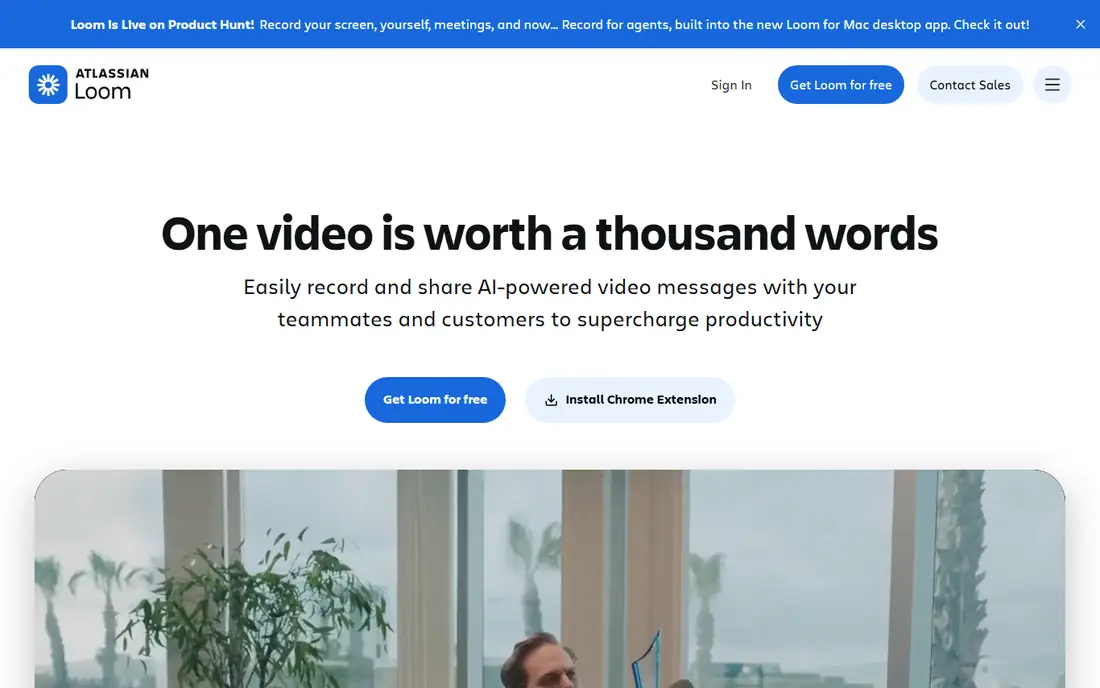
Loom is the tool for a manager who wants to welcome a new hire or explain a process in five minutes, without a production plan. Record your screen, camera, or both, share a link, and the new hire can watch, comment, and ask questions. Auto transcription helps with accessibility and searching, and the browser extension keeps recording one click away.
Polished editing is not its strength. If you need multi-track editing, quizzes, or branded templates, Camtasia or iSpring will serve you better. For quick, personal onboarding videos that feel human, Loom is hard to beat, and the free plan is enough for many small teams.
- Very fast recording with a browser extension
- Auto transcription
- Easy sharing and comments
- Limited editing for polished tutorials
- Free plan limits on video length and features

Camtasia is the classic screen tutorial tool, and it remains a strong choice for polished onboarding videos that need careful editing. Multi-track recording, annotations, quizzes, and captions let you build a tutorial that teaches and checks understanding, not just shows a screen. For software onboarding where every click matters, that control is worth the extra effort.
The learning curve is steeper than Loom, and pricing is annual, so a team that only needs occasional quick videos may find it heavy. For a training team producing a library of polished tutorials, Camtasia is a reliable workhorse.
- Multi-track screen recording and editing
- Quizzes and captions
- Strong for software tutorials
- Annual pricing can add up
- Learning curve is steeper than Loom
Synthesia lets you create presenter-style training videos from a script, with an AI avatar speaking in many languages. That removes the need for filming, which helps distributed teams, shy presenters, and localization, because the same script can be produced in another language without re-recording. For compliance and process videos that need a consistent presenter, it is a practical solution.
Avatar delivery can feel less warm than a real manager welcoming a new hire, so use Synthesia for instructional content and save personal welcome videos for Loom or a camera. The free plan is limited, so check minutes and features before planning a full library.
- AI avatars present from a script
- Many languages
- No camera or studio needed
- Avatar videos can feel less personal than a real presenter
- Free plan is limited
Vyond is the pick for animated training, where a scenario, role play, or soft-skills lesson works better as animation than as a screen recording. Character templates, scenes, and voices let a training team build a story about handling a customer, following a safety rule, or giving feedback, without actors or a film crew. That format holds attention for topics that would feel dry as slides.
Animation takes time to build well, and the price is higher than a simple recorder, so it suits planned training modules rather than quick how-to videos. For onboarding that includes culture, safety, or customer service scenarios, Vyond adds a format other tools cannot.
- Character animation with templates
- Many voices
- Good for scenarios and soft skills
- Monthly pricing is higher than simple recorders
- Animation takes time to build well
iSpring Suite suits teams that already build training in PowerPoint and need to turn slides into interactive eLearning with video, quizzes, and branching. SCORM publishing means courses plug into most learning management systems, with completion tracking that matters for compliance onboarding. That integration is the main reason to choose it over a pure video tool.
It runs on Windows only, and the annual price is higher than a recorder, so it fits a training team with an LMS, not a manager making one welcome video. For PowerPoint-based onboarding that must be tracked, iSpring is a strong, practical choice.
- Builds on PowerPoint
- SCORM publishing for learning systems
- Quizzes and branching scenarios
- Windows only
- Price is annual and higher than simple video tools
Articulate 360 is the enterprise standard for eLearning authoring, combining Rise for fast responsive courses with Storyline for custom interactive modules. Video sits alongside quizzes, scenarios, and branching, with SCORM export for LMS tracking and Review 360 for stakeholder feedback. For a large onboarding program with many modules, that depth is unmatched.
Cost and complexity are the downsides. The annual subscription is high for a small team, and Storyline takes time to learn. For a company with a dedicated learning team and a formal onboarding curriculum, Articulate 360 is the most capable tool on this list.
- Rise and Storyline for varied courses
- SCORM export
- Large asset library and review tools
- Annual subscription cost is high
- Learning curve for Storyline is steep
Descript changes video editing by letting you cut a video the way you edit a document: delete a sentence in the transcript, and the video follows. That makes fixing a mistake, removing filler, or shortening a long onboarding video far faster than timeline editing. AI cleanup improves audio, and screen recording covers basic walkthroughs, with collaboration for team review.
The transcript-first approach takes getting used to, and some AI features sit behind paid plans. For a team that produces a lot of talking-head or narrated training video and needs fast edits, Descript can save hours per video.
- Edit video by editing the transcript
- AI cleanup and Overdub
- Screen recording and collaboration
- Transcript editing feels different at first
- Some AI features need paid plans
Supademo builds interactive demos rather than passive video: a new hire clicks through a real workflow, step by step, with hotspots, voiceover, and branching. That hands-on format suits software onboarding, because the learner practises the clicks instead of just watching them. Analytics show where viewers drop off, which helps you fix confusing steps.
It is not a replacement for a welcome video or a filmed lesson, so pair it with Loom or Guidde for a full onboarding set. For product walkthroughs where practice matters, Supademo is a fresh and effective format.
- Interactive clickable walkthroughs
- AI voiceovers and branching
- Analytics on viewer steps
- Interactive demos are not a replacement for full video
- Some features need paid plans
Scribe auto-captures a workflow into a step-by-step guide with screenshots and text, which complements video onboarding well. A new hire can follow the written steps at their own pace, search them later, and embed them in a help centre, while video covers the welcome and the trickier concepts. The team workspace keeps guides consistent across authors.
It is not a video tool in the full sense, so do not buy it expecting polished video output. As a companion to Guidde or Loom, it fills the gap between a video a hire watches once and a guide they return to daily.
- Auto-captures steps into a written guide
- Embeds in help centres
- Team workspace
- Output is a guide, not a video
- Video features are limited
How we picked these
We compared official feature pages and pricing for tools that create, edit, or host onboarding training videos, covering screen recording, AI avatars, animation, interactive demos, and eLearning authoring. We left out general video editors with no training focus, and we flagged where a tool is a guide builder rather than a video maker. Prices change by plan and seat, so we list See website where a single figure would mislead.
Building an onboarding video library that lasts
Start with the videos every hire needs: a welcome message, a software walkthrough for each core tool, and a process guide for common tasks. Keep each video short and focused on one job, because a 30-minute general video is rarely rewatched, while a three-minute guide for one task is. Add captions and transcripts for accessibility and for hires who prefer reading.
Plan for updates from the start. Software changes, processes change, and a video library that is never updated quickly becomes misleading. Tools such as Guidde and Scribe make updates faster, because you re-record a workflow rather than rebuilding a filmed video. Review the library every quarter, retire outdated videos, and ask new hires which videos actually helped them.
Measuring whether onboarding video works
Track completion, rewatch rates, and the questions new hires still ask after watching. If many hires ask the same question, the video for that topic needs fixing, not more videos. Pair video with a short quiz or a practice task where it matters, especially for compliance and safety topics, so you know the hire understood, not just watched.
Sources
Frequently asked questions
What is the best software for onboarding training videos?
Guidde is our pick for fast workflow guides, Loom for quick personal messages, and Camtasia for polished tutorials. The best choice depends on whether you need a walkthrough, a welcome, or a tracked compliance module.
Can I create onboarding videos without video editing skills?
Yes, Guidde, Loom, and Synthesia are designed for non-editors. Guidde auto-generates guides from a recording, Loom needs only a record button, and Synthesia creates avatar video from a script.
How long should an onboarding training video be?
Short and focused works best, usually three to seven minutes per task. Split a long process into several short videos so hires can find and rewatch the exact step they need.
Do I need an LMS for onboarding videos?
Not always. Loom and Guidde sharing links are enough for a small team, but an LMS with SCORM, such as with iSpring or Articulate, matters when you need completion tracking for compliance training.
Can AI avatar videos replace a real presenter?
For instructional and compliance content, yes, and they help with localization. For a personal welcome or culture video, a real manager on camera feels warmer and more genuine.
How do I keep onboarding videos up to date?
Re-record the changed workflow rather than patching old footage, and review the library regularly. Tools that auto-generate guides from recordings make updates much faster than traditional filmed video.