Best Software Wallet in 2026: 9 Wallets Compared
By ToolNimba Editorial Team November 12, 2026 9 min read

- Top pick
 MetaMask
Ethereum and DeFi apps
Starting priceFreeCheck out MetaMaskRead our review - Runner-up
 Exodus
Beginners on desktop and mobile
Starting priceFreeCheck out ExodusRead our review - Also great
 Trust Wallet
Multi-chain mobile use
Starting priceFreeCheck out Trust WalletRead our review
How we researched this
We compared official pricing and feature pages, app store listings, privacy policies and public user reviews. Prices change, so check the provider's site before you pay.
Key takeaways
- MetaMask remains the default wallet for Ethereum and compatible chains, thanks to broad app support and hardware wallet links.
- Exodus suits beginners who want a clean desktop and mobile wallet with built-in swaps and staking.
- Electrum suits Bitcoin-only users who want a lightweight, open source wallet with multisig and hardware support.
- Trust Wallet and Phantom suit mobile-first users, with Trust Wallet covering many chains and Phantom leading on Solana.
- This is not financial advice. With self-custody, losing your recovery phrase can mean losing access to your funds for good.
Quick comparison
| Name | Best for | Starting price | Free plan | |
|---|---|---|---|---|
| MetaMask | Ethereum and DeFi apps | Free | Yes | Visit |
| Exodus | Beginners on desktop and mobile | Free | Yes | Visit |
| Trust Wallet | Multi-chain mobile use | Free | Yes | Visit |
 Electrum | Bitcoin-only users | Free | Yes | Visit |
 Coinbase Wallet | Beginners moving from an exchange | Free | Yes | Visit |
 Phantom | Solana and multi-chain mobile | Free | Yes | Visit |
 Zengo | Seedless mobile self-custody | Free | Yes | Visit |
 Coinomi | Many coins in one wallet | Free | Yes | Visit |
 Guarda | Many chains plus desktop and web | Free | Yes | Visit |
The best software wallet
A software wallet, also called a hot wallet, stores your crypto keys on a phone, computer, or browser. That makes it fast for sending, swapping, and using apps, but it also means the device and the recovery phrase must be protected. The wallets below are all self-custody options, meaning you control the keys rather than an exchange. This is not financial advice, and crypto prices can fall sharply.
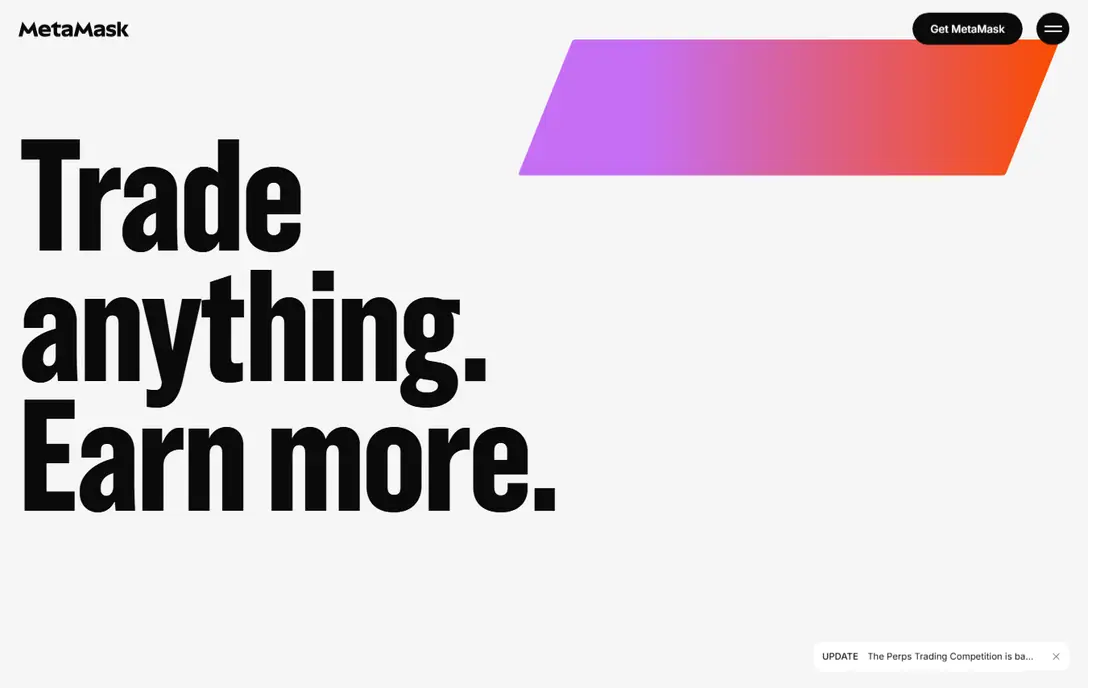
MetaMask is the most widely used non-custodial hot wallet for Ethereum and compatible chains. It runs as a browser extension and a mobile app, and it connects to thousands of decentralized apps, from swaps and lending to NFT marketplaces. Support for Solana, Bitcoin, and other chains has widened its reach, but its core strength remains Ethereum-style networks.
Security features include hardware wallet links to Ledger and Trezor, phishing detection, and transaction simulation previews on supported networks. The catch is user error: signing a bad transaction can drain funds, and MetaMask swap fees apply on top of network fees. New users should start small, test with a tiny amount, and learn how approvals work before moving larger sums.
- Broadest app compatibility
- Hardware wallet support
- Transaction previews and phishing checks
- Learning curve for new users
- Swap fees apply
- EVM focus despite added chains
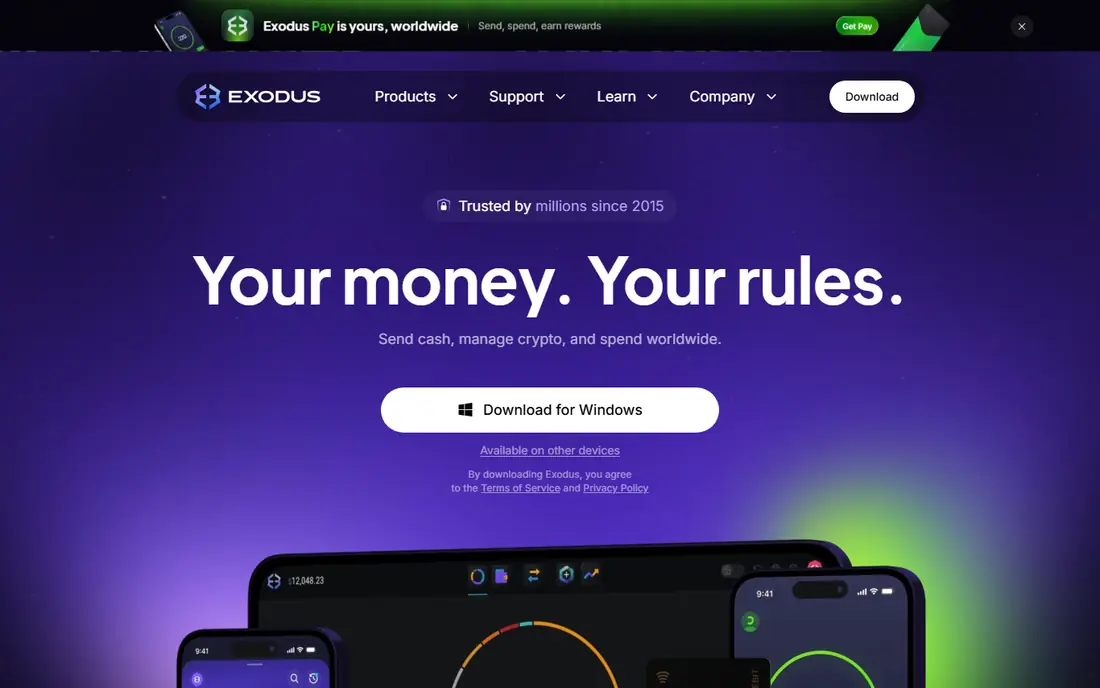
Exodus is a polished multi-asset wallet for desktop, mobile, and browser. It supports many coins and tokens, offers built-in swaps without an exchange account, and lets users stake supported coins from inside the wallet. Sync across devices and a clear portfolio view make it easy for a beginner to track holdings in one place.
The honest limits are transparency and swap cost. Exodus is not fully open source, and built-in swap spreads can be higher than a dedicated exchange rate. Users who value open code or the cheapest swap should compare rates elsewhere. For a beginner who wants a calm, visual wallet, Exodus is still a strong first pick.
- Clean interface across desktop, mobile, and browser
- Built-in swaps
- Staking for supported coins
- Not fully open source
- Swap spreads can be higher than exchange rates
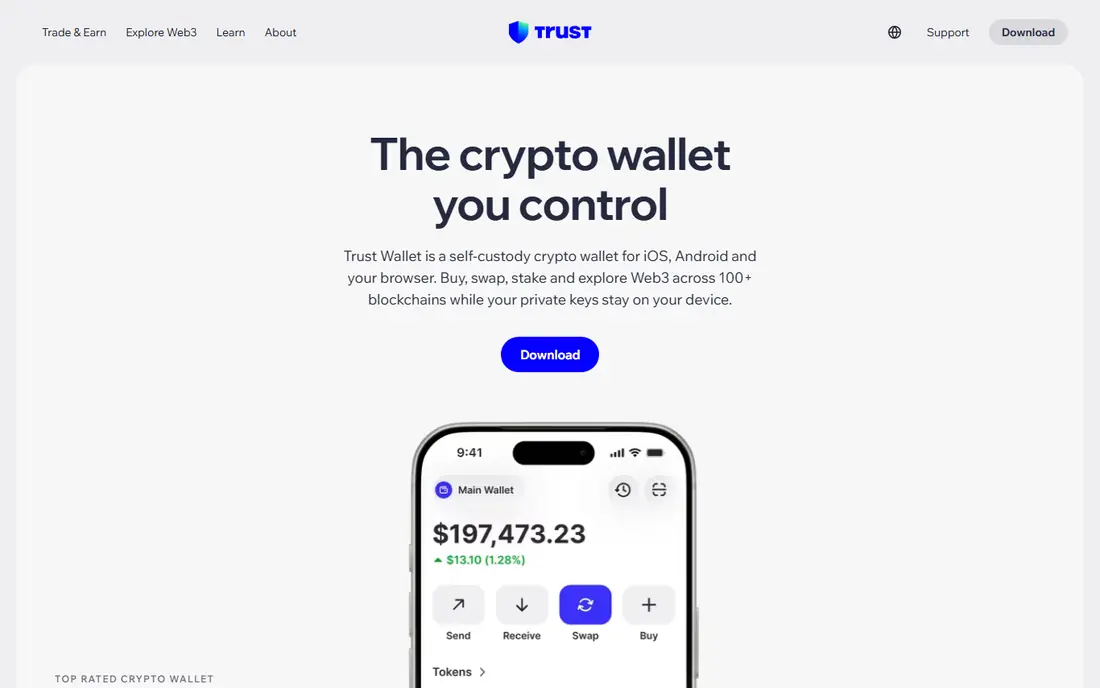
Trust Wallet is a mobile-first, non-custodial wallet that supports many blockchains, tokens, and NFTs. It includes a decentralized app browser, built-in swaps, and staking for supported coins, so most daily crypto tasks can be done from one phone app. A browser extension extends the same wallet to desktop use.
The catch is the same as for any hot wallet: funds on an internet-connected phone are exposed if the phone is compromised or the recovery phrase leaks. Support is also limited compared with an exchange help desk. Keep only amounts you actively use in Trust Wallet, and move larger holdings to colder storage.
- Supports many chains and tokens
- Built-in swaps and staking
- NFT support
- Support is mainly in-app and chatbot-led
- Hot wallet risk applies to all funds held
Electrum is a long-running, open source Bitcoin wallet for Windows, Mac, Linux, and Android. It is a lightweight client, so it does not download the full Bitcoin blockchain, yet it offers advanced features such as multisig wallets, cold storage setups, hardware wallet support, and Lightning Network use. Fees are user-controlled, and there is no wallet fee beyond network fees.
The limit is scope and style. Electrum handles Bitcoin only, and its interface assumes some technical comfort. Beginners who only hold Bitcoin and want a trusted, open tool will like it. Users who hold many different coins should pair it with a multi-chain wallet instead.
- Lightweight and open source
- Multisig and cold storage support
- Hardware wallet links
- Bitcoin only
- Interface feels technical for beginners
Coinbase Wallet is a separate self-custody wallet from the Coinbase exchange, with keys stored on the user's device. It supports Bitcoin, Ethereum, Solana, and many other assets, plus NFTs and decentralized apps. For users who already know Coinbase, the familiar design lowers the learning curve for moving to self-custody.
The confusion risk is real: Coinbase Wallet is not the same as a Coinbase exchange account, and exchange support does not recover a lost self-custody phrase. Swap fees also vary. Users should treat it as a true self-custody wallet, back up the phrase offline, and never share it with support staff.
- Local key storage
- Clear app for beginners
- Broad chain and NFT support
- Tied in branding to an exchange
- Swap fees vary
- Hot wallet risk applies
Phantom started as a Solana wallet and grew into a polished mobile and browser wallet with multi-chain support. It offers swaps, staking, NFT display, and app connections in a clean interface that many Solana users prefer. Its speed and design make it a natural pick for users who mainly hold Solana and related tokens.
The trade-off is breadth. Phantom multi-chain support is newer than MetaMask or Trust Wallet, so users with complex cross-chain needs should test it with small amounts first. As with every hot wallet, the recovery phrase is the master key, and losing it can mean losing access for good.
- Polished Solana experience
- Built-in swaps and staking
- Growing multi-chain support
- Newer multi-chain features are less proven
- Hot wallet risk applies
Zengo uses multi-party computation instead of a traditional seed phrase, so there is no single phrase to write down and lose. Recovery uses a biometric and device-based model, which suits users who fear losing a paper backup. The app supports many popular coins, NFTs, and Web3 apps, with a clean mobile design.
The limits are cost and coverage. Some advanced features sit behind a paid tier, and chain support is narrower than Trust Wallet or Exodus. Users should also understand the recovery model before relying on it, since it differs from a standard phrase backup. For a mobile user who wants self-custody without phrase anxiety, Zengo is a distinct option.
- No seed phrase to lose
- Biometric recovery model
- Clear mobile design
- Premium features are paid
- Chain support is narrower than multi-chain rivals
Coinomi is a long-running wallet that supports many coins and tokens across desktop and mobile. It offers built-in exchange options, a clear portfolio view, and local key storage, which makes it useful for holders with a varied portfolio who want one wallet rather than several chain-specific apps.
The interface feels dated compared with Phantom or Exodus, and Coinomi is not fully open source. That matters for users who weigh code transparency heavily. For a holder who values broad coin coverage and a simple, proven wallet, it remains a practical choice.
- Long-running multi-coin support
- Desktop and mobile apps
- Built-in exchange options
- Not fully open source
- Interface feels dated next to newer wallets
Guarda is a non-custodial wallet available on web, desktop, mobile, and as a browser extension. It supports many major blockchains and a large number of tokens, with built-in exchange, purchase, staking, and Ledger hardware integration. That range suits users who want one wallet across devices without a single-platform lock-in.
The interface can feel busy, since so many features share one screen, and exchange or purchase fees apply on top of network fees. Users should compare swap rates and keep the recovery phrase offline. For a multi-device, multi-chain wallet, Guarda covers a lot of ground for free.
- Supports many chains and tokens
- Web, desktop, mobile, and extension
- Ledger integration
- Interface can feel busy
- Exchange and purchase fees apply
How we picked these
We compared official wallet pages, app store listings, and current comparison guides for software wallets that are available now and truly offer self-custody. We favored wallets with clear key control, active maintenance, and a mix of beginner and advanced options, from Bitcoin-only to multi-chain mobile. We did not claim hands-on testing. Where a wallet offers a paid premium tier, we listed the free starting price and noted paid limits in the write-up.
How to stay safer with a software wallet
Back up the recovery phrase on paper, stored offline, and never photograph it, email it, or enter it on a website. Use a strong device passcode, biometric lock, and system updates, and turn on every extra lock the wallet offers. Test recovery with a tiny amount before moving larger funds, so a mistake costs little.
Keep hot and cold funds separate
Use a software wallet for amounts you trade, swap, or spend, and keep long-term holdings in colder storage, such as a hardware wallet or an offline setup. Never approve a transaction you do not understand, and check the recipient address character by character. Scam sites often mimic real wallets, so only download apps from the official site or store listing linked by the vendor.
Sources
- https://metamask.io
- https://www.exodus.com
- https://trustwallet.com
- https://electrum.org
- https://www.coinbase.com/wallet
- https://phantom.com
- https://www.zengo.com
- https://www.coinomi.com
- https://guarda.com
- https://www.investopedia.com/the-best-crypto-software-wallets-11699325
- https://hackr.io/blog/best-crypto-wallet
- https://swapzone.io/wallet/btc
Frequently asked questions
What is the best software wallet for beginners?
Exodus and Coinbase Wallet are the easiest starting points, thanks to clear interfaces and broad coin support. MetaMask is better once you start using Ethereum apps regularly. Start with a small amount, back up the recovery phrase offline, and learn approvals before moving larger sums.
Is a software wallet safe?
A software wallet is safe enough for active use if the device is clean and the phrase is protected, but it is less safe than cold storage for large holdings. Phishing, malware, and bad approvals are the main risks. This is not financial advice, and self-custody means you carry the risk of losing access if the phrase is lost.
What happens if I lose my recovery phrase?
In most self-custody wallets, losing the phrase and the device means losing access to the funds for good, since no company can reset it. Zengo is an exception, since it uses a different recovery model without a traditional phrase. Back up the phrase offline on day one, and test recovery with a small amount.
Do software wallets charge fees?
Most wallets on this list are free to download and use, with no wallet fee. Network fees still apply on every transaction, and built-in swaps add a spread or service fee. Compare swap rates before a large trade, since the same swap can cost different amounts in different wallets.
Should I use a software wallet or a hardware wallet?
Use both for different jobs. A software wallet suits daily use, swaps, and apps. A hardware wallet suits long-term storage, since keys stay offline. Many users pair MetaMask or Electrum with a hardware wallet, keeping small active funds hot and larger holdings cold.