Best Stock Tracking App in 2026: 9 Apps Compared
By ToolNimba Editorial Team November 13, 2026 9 min read

- Top pick
 Yahoo Finance
Free all-round tracking
Starting priceFreeCheck out Yahoo FinanceRead our review - Runner-up
 TradingView
Charts and alerts
Starting priceFreeCheck out TradingViewRead our review - Also great
 Seeking Alpha
Research and ratings
Starting priceFreeCheck out Seeking AlphaRead our review
How we researched this
We compared official pricing and feature pages, app store listings, privacy policies and public user reviews. Prices change, so check the provider's site before you pay.
Key takeaways
- Yahoo Finance is the best free starting point for most investors, with watchlists, portfolios and news in one app.
- TradingView is the strongest pick when charts and price alerts drive your routine.
- Seeking Alpha Premium suits research-heavy investors, but its annual price needs to be weighed against how often you use it.
- This is not financial advice. Tracking tools show prices and data, but they do not guarantee returns, and trading carries risk.
Quick comparison
| Name | Best for | Starting price | Free plan | |
|---|---|---|---|---|
| Yahoo Finance | Free all-round tracking | Free | Yes | Visit |
| TradingView | Charts and alerts | Free | Yes | Visit |
| Seeking Alpha | Research and ratings | Free | Yes | Visit |
 Investing.com | Global market coverage | Free | Yes | Visit |
 Simply Wall St | Visual company analysis | Free | Yes | Visit |
 Sharesight | Portfolio performance | Free | Yes | Visit |
 Stock Events | Dividend tracking | Free | Yes | Visit |
 MarketWatch | News and watchlists | Free | Yes | Visit |
 Delta | Crypto and stock portfolios | Free | Yes | Visit |
The best stock tracking app
A good stock tracking app should show live prices, let you build watchlists and portfolios, send useful alerts and avoid clutter that pushes you to trade more than planned. The apps below range from free news and quote tools to deeper research and dividend trackers, so pick based on how you invest rather than on features alone.
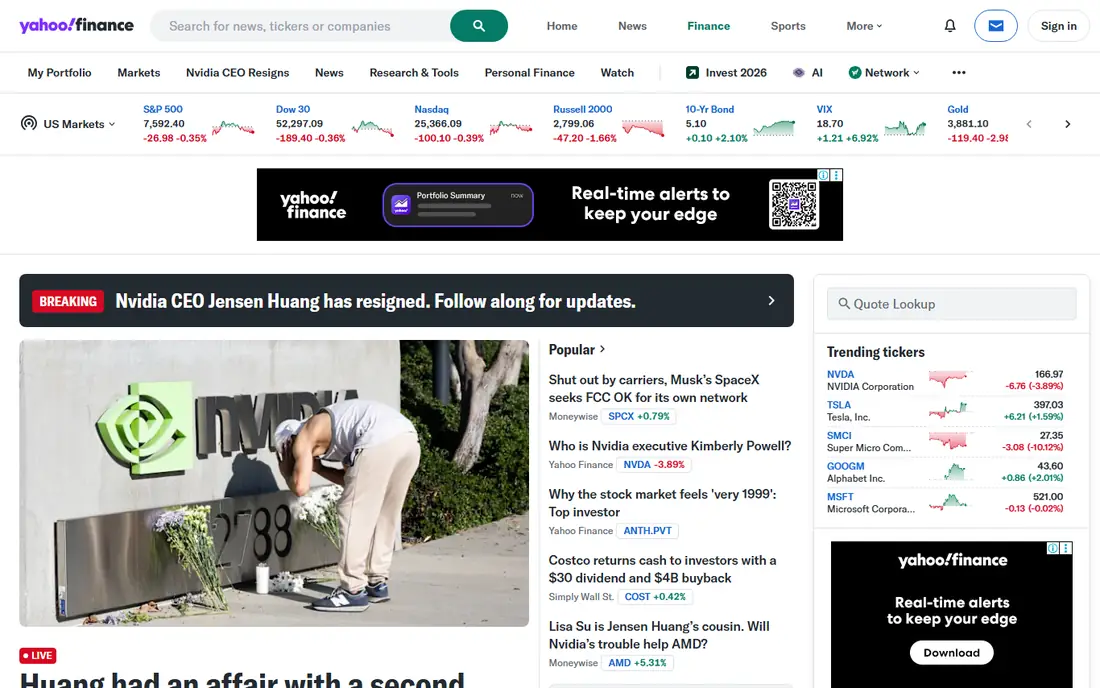
Yahoo Finance remains the default free tracker for many US investors. You can build multiple watchlists, track a portfolio, set price alerts and read market news without paying. Paid Yahoo Finance Plus tiers start at $7.95 per month for Bronze in recent summaries, with Silver at $19.95 and Gold at $39.95 per month, adding research, ratings and data downloads.
For most casual investors, the free tier is enough. The main reason to upgrade is deeper research or advanced charting, not basic tracking. If you only need prices, holdings and news, start free and ignore the Plus prompts until a specific paid feature proves useful.
- Strong free watchlists and portfolios
- Broad news and quotes
- Easy to start
- Paid Plus tiers add cost
- Ads and upsells appear in the free experience
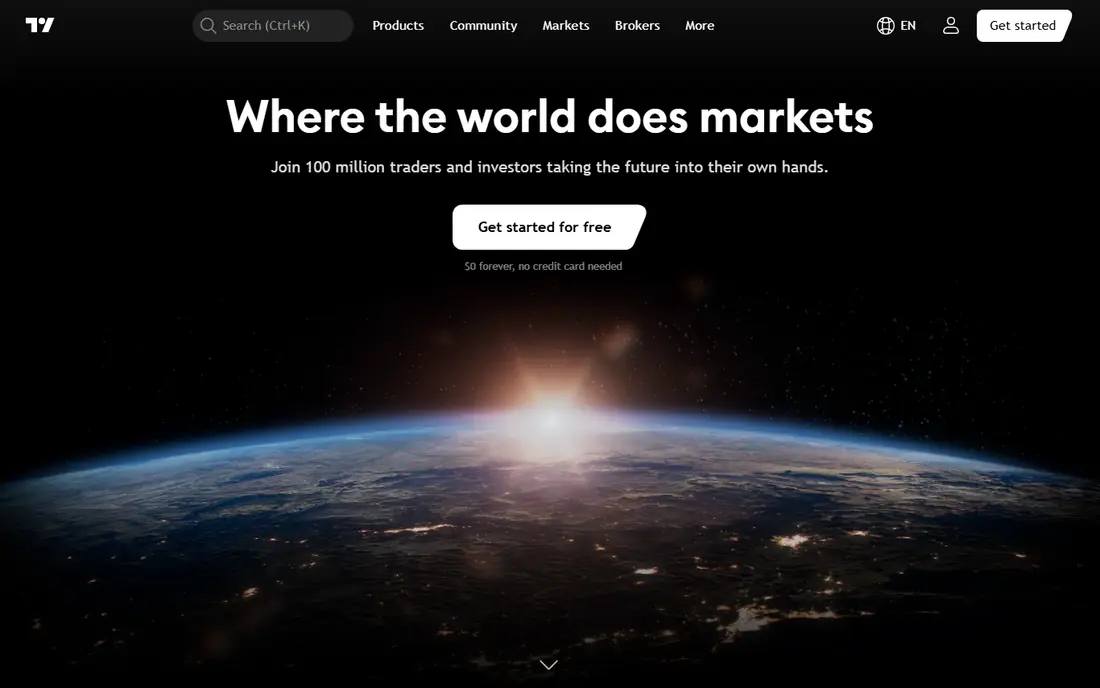
TradingView is the chart-first tracker. Free users get charts, watchlists and basic alerts, while Essential starts at $14.95 per month on monthly billing in recent summaries, with Plus at $34.95 and Premium at $69.95 per month. More charts per tab, more indicators and more alerts arrive on higher tiers, which matters for active traders who watch many names at once.
Long-term investors may find the social feed noisy and the fundamental data less deep than Seeking Alpha or Simply Wall St. For anyone whose routine starts with a chart and an alert, TradingView is still the strongest pick in this list. Start free, then upgrade only when alert or chart limits actually block your work.
- Excellent charting tools
- Flexible price and indicator alerts
- Large community ideas
- Paid tiers rise quickly
- Fundamental research is thinner than a dedicated research tool
Seeking Alpha combines tracking with research. Free users can follow stocks and read selected articles, while Premium has been listed at $299 per year, with a 7-day trial in recent summaries. Premium adds Quant ratings, author scorecards, dividend grades, transcripts and idea screens that help research-heavy investors compare names more systematically.
The cost is the main question. At $299 per year, Premium only makes sense if you research stocks weekly and actually use the ratings and screens. Casual holders who check prices a few times a month will get more value from Yahoo Finance free plus occasional Seeking Alpha free articles.
- Quant ratings and author research
- Earnings transcripts
- Useful screeners on Premium
- Premium renewal at $299 per year is costly for casual users
- Article volume can feel noisy
Investing.com suits investors who follow markets beyond US stocks, including global indices, currencies, commodities and bonds. Watchlists can mix asset types, and the economic calendar helps you see which data releases may move prices. The free app covers most tracking needs, with a paid tier removing ads and adding features.
The free experience is busier than Yahoo Finance, with more ads and prompts. If your portfolio is mainly US stocks, Yahoo Finance feels cleaner. If you track global markets or want one calendar for macro events, Investing.com earns its place.
- Very broad global coverage
- Economic calendar
- Watchlists across asset types
- Ads can clutter the free app
- Premium features vary by region
Simply Wall St turns company financials into visual summaries that are easier to grasp than a raw balance sheet. It highlights valuation, past performance, financial health and risk factors in a snowflake-style visual, which helps long-term investors compare companies without opening a spreadsheet. A free tier covers basic tracking and analysis, with paid plans for deeper data.
Simplification is both the strength and the limit. Visuals help you spot questions, but they should not replace reading filings or checking primary sources before a large decision. Use Simply Wall St to shortlist and understand companies, then verify key numbers elsewhere.
- Clear visual company summaries
- Valuation and risk visuals
- Useful for long-term holders
- Data is simplified for readability
- Not a trading or alert-first tool
Sharesight is built for performance, not hype. It tracks holdings across brokers, includes dividends and corporate actions in returns and helps with tax reporting in supported regions. That accuracy matters for investors who want to know true return, including income, rather than just price change. A free plan covers a limited number of holdings, with paid plans for larger portfolios.
It is not the best app for discovering new stocks or setting complex chart alerts. Pair Sharesight with Yahoo Finance or TradingView for discovery and alerts, and use Sharesight as the record of what your portfolio actually earned. For dividend investors, that record alone can justify the paid tier.
- Accurate portfolio performance including dividends
- Tax reporting support
- Multi-currency
- Free plan limits holdings
- Not a news or chart-first app
Stock Events focuses on dividends: ex-dates, payment dates, yields and forecast income from your holdings. That focus helps income investors plan cash flow and spot when a dividend changes. The app is clean on mobile, with watchlists and portfolio views that keep dividend dates front and center.
Research depth is narrower than a full market app, so you will still need another source for earnings analysis or charting. If dividends are a core part of your strategy, Stock Events is a useful specialist. If you rarely hold dividend stocks, a general tracker covers the same basics.
- Clear dividend calendar and forecasts
- Portfolio dividend tracking
- Clean mobile design
- Smaller research library than Yahoo or Seeking Alpha
- Some features need a paid plan
MarketWatch suits investors who start the day with news, not charts. Its coverage of US markets, earnings and personal finance helps you understand why prices moved, while watchlists keep your holdings in view. The free site and app cover most daily reading, with some premium content behind a paywall.
Tracking itself is basic compared with TradingView or Sharesight. There are fewer alert options and less portfolio performance detail. Use MarketWatch for context and headlines, and pair it with a dedicated tracker if alerts or dividend performance matter to you.
- Strong market news and commentary
- Simple watchlists
- Useful for daily market context
- Some content is paywalled
- Tracking features are simpler than TradingView
Delta is useful if your portfolio mixes stocks and crypto. It connects to exchanges, wallets and brokers in supported regions, shows total performance in one view and lets you track holdings without switching apps. The free tier covers core tracking, while Pro adds deeper analytics and more connections.
It is not a research app. News, analyst ratings and detailed company data are thinner than on Yahoo Finance or Seeking Alpha. For a mixed portfolio, Delta simplifies the daily check. For stock-only research, a general tracker will give you more depth.
- Tracks stocks and crypto in one portfolio
- Clean performance views
- Exchange and wallet connections
- Research and news are thinner than Yahoo Finance
- Some features need Pro
How we picked these
We compared official feature and pricing pages, app store listings and recent pricing summaries from 2026, and we favored apps that still offer a usable free tier for tracking. We mixed general trackers, chart tools, research platforms and dividend specialists so different investing styles are covered. Prices are starting prices, and many paid tiers are annual, so check the vendor page for renewal terms before you subscribe.
What to check before you choose
Decide what you will actually check each day. If it is price and portfolio value, a free general tracker is enough. If it is alerts, choose a tool with enough alerts and chart options on the tier you can afford. If it is dividends, pick a specialist that includes corporate actions in performance, not just price change.
Also check data delays and broker connections. Free quotes may be delayed for some markets, and broker sync may not cover every account type. Test alerts with a small watchlist first, and confirm that dividend dates and corporate actions match your broker statement. Finally, set a routine that limits noise: too many alerts and news feeds can push you toward frequent trading, which often hurts long-term returns. This article is for tracking and research only, and it is not financial advice.
Sources
Frequently asked questions
What is the best free stock tracking app?
Yahoo Finance is the best free starting point for most investors, since it combines quotes, watchlists, portfolios, alerts and news without a subscription. TradingView free is better if charts and alerts are your priority. Start with one, and only pay when a limit blocks your routine.
Do stock tracking apps give real-time prices?
Many apps show near real-time prices for US stocks, but some free quotes are delayed, especially for other markets or data types. Check the data delay note on the app and compare it with your broker during market hours. For trading decisions, your broker quote is the one that matters.
Can I track dividends with a free app?
Yes, Yahoo Finance, Stock Events free and Sharesight free cover basic dividend dates and holdings, though limits vary. Sharesight and Stock Events give clearer dividend income views than a general tracker. Check whether the app includes reinvested dividends and corporate actions in its return figures.
Is Seeking Alpha Premium worth $299 per year?
It can be worth it for research-heavy investors who use Quant ratings, transcripts and screeners weekly. It is hard to justify for casual holders who check prices occasionally, since free trackers cover quotes and news. Use the trial and track how many Premium features you actually open before renewing.
Should I use one app or several?
One general tracker is enough for most people. A second specialist app makes sense only for a clear gap, such as dividend performance in Sharesight or advanced charts in TradingView. Too many apps create duplicate alerts and conflicting numbers, so keep the stack small and check one app as your record of truth.