Best Streaming Service for Sports in 2026: 9 Products Compared
By ToolNimba Editorial Team October 28, 2026 10 min read

- Top pick
 YouTube TV
Most sports households
Starting price$82.99 per monthCheck out YouTube TVRead our review - Runner-up
 Hulu + Live TV
Sports plus on-demand shows
Starting price$89.99 per monthCheck out Hulu + Live TVRead our review - Also great
 Fubo
Sports-first channel lineups
Starting price$88.99 per monthCheck out FuboRead our review
How we researched this
We compared official pricing and feature pages, app store listings, privacy policies and public user reviews. Prices change, so check the provider's site before you pay.
Key takeaways
- YouTube TV is our pick for most sports households, thanks to its broad channel mix, unlimited DVR, and multiview.
- YouTube TV Sports Plan, Sling TV, and ESPN offer cheaper routes in if you only need certain leagues or channels.
- Fubo and DIRECTV are strongest when regional sports networks or international soccer matter more than the lowest monthly price.
- No single service covers every league, so check your local teams, blackout rules, and regional channels before you subscribe.
- Prices and channel lineups vary by ZIP code and change often, so confirm the lineup for your address at signup.
Quick comparison
| Name | Best for | Starting price | Free plan | |
|---|---|---|---|---|
| YouTube TV | Most sports households | $82.99 per month | Free trial | Visit |
| Hulu + Live TV | Sports plus on-demand shows | $89.99 per month | Free trial | Visit |
| Fubo | Sports-first channel lineups | $88.99 per month | Free trial | Visit |
 Sling TV | Budget live sports | $45.99 per month | No | Visit |
 DIRECTV | Regional sports coverage | $94.99 per month | No | Visit |
 ESPN | ESPN channels without cable | $31.99 per month | No | Visit |
 Peacock | Soccer, football, and NBC sports | $12.99 per month | No | Visit |
 Paramount+ | NFL on CBS and soccer | $8.99 per month | Free trial | Visit |
 Prime Video | Thursday Night Football fans | See website | Free trial | Visit |
The best streaming service for sports
Sports rights are split across many services, so the right pick starts with the teams and leagues you watch most. We compared official plan pages, channel lists, DVR terms, and public reviews, with a focus on US viewers who want live games without a cable contract.

YouTube TV gives most sports fans the fewest gaps in one subscription. The main plan covers national sports networks, local broadcast channels that carry NFL, college, and other games, and a large entertainment lineup for the rest of the household. Unlimited DVR means you can record a whole season without managing storage, and multiview helps on busy Saturdays. A cheaper Sports Plan is also available for viewers who want sports channels and locals without the full entertainment lineup. That plan is worth checking first if your household rarely watches general entertainment channels, because it lowers the bill without giving up the core game coverage.
- 100-plus channels including ESPN, FS1, and locals
- Unlimited cloud DVR
- Multiview for watching several games at once
- Main plan is pricey if you only watch one league
- Some regional channels vary by market
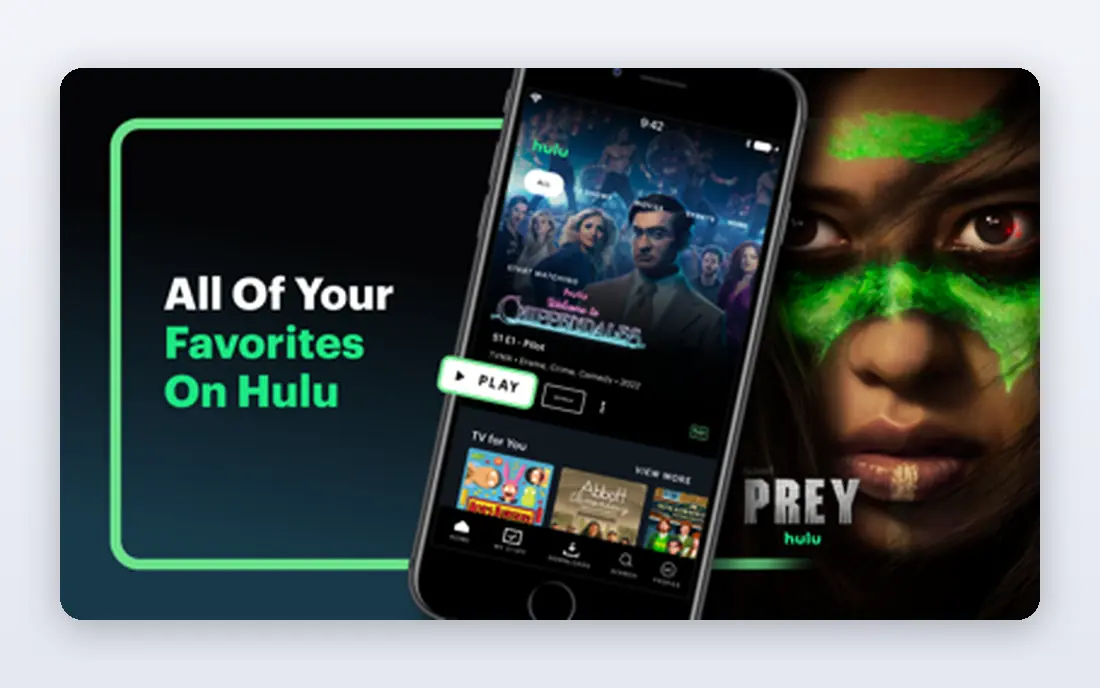
Hulu + Live TV works best for a household that wants live games and a deep on-demand catalog in one bill. You get ESPN, FS1, NFL Network, local channels, and other live networks, plus Hulu shows, Disney+ content, and ESPN Select in the bundle. That combination can replace two or three separate subscriptions for some families. The price is the main drawback, because it starts above YouTube TV. If you already pay for Hulu or Disney+ separately, the bundle math may still favor Hulu. If you only care about sports, compare the channel list and the total after any add-ons before you choose.
- Live sports channels plus Hulu on-demand library
- Disney+ and ESPN Select included in bundles
- Unlimited DVR
- Higher starting price than YouTube TV
- Stream limits and add-ons can add cost

Fubo built its name on sports, and that focus still shows in its lineup. It carries ESPN, NFL Network, beIN Sports, and a wide set of regional and international sports channels, which makes it a strong choice for soccer fans and viewers whose local team is hard to find elsewhere. DVR storage is generous, and the interface is organized around live games. The catch is cost and coverage gaps. A regional sports fee can raise the bill in some markets, and channel availability still depends on where you live. Run the ZIP check for your local team first, because Fubo is only a good value if it actually carries the channels you need.
- Strong sports channel mix, including many regional and international options
- Large DVR allowance
- 4K options on some plans
- Regional sports fee may apply in some areas
- Price is close to full cable-style bundles
Sling TV is the budget play in this list, and it works by letting you pay for less. Orange includes ESPN channels, Blue includes FS1 and NFL Network in many markets, and combining both still costs less than most full live TV bundles. Add-on packs can fill gaps for specific sports without moving to a full bundle. The trade is completeness. DVR storage is smaller than YouTube TV or Hulu, and local channel coverage is thinner in some areas. If you mainly watch national ESPN and Fox Sports games and can get locals another way, Sling can save a meaningful amount each month.
- Lowest-cost route to ESPN and other sports channels
- Orange and Blue plans let you pick a channel group
- No contract
- DVR is limited on the base plan
- Channel mix varies by plan, and locals are not included everywhere
DIRECTV is the closest streaming equivalent to a traditional cable sports package. It carries a wide set of national and regional channels, which matters if your local baseball, basketball, or hockey team is only on a regional network. For households that want one service to cover almost everything, that breadth is the selling point. Price is the obvious barrier, and the entry package starts higher than the other full bundles here. A sports-focused MySports package can lower the cost if you do not need the full entertainment lineup. As with Fubo, confirm regional coverage for your address before you commit.
- Broad channel lineup with strong regional sports coverage in many markets
- Unlimited DVR on current plans
- MySports option for sports-focused viewers
- Highest starting price here
- Package terms and fees need careful checking
ESPN as a standalone service is a useful shortcut for fans whose viewing centers on ESPN. If most of your must-watch games are on ESPN, ESPN2, or related ESPN channels, this can be far cheaper than a full live TV plan. It also pairs well with a league app or a second service for the sports ESPN does not carry. It is not a full replacement for live TV. You will still miss games on Fox, NBC, CBS, TNT, and regional networks, and you may need another subscription for those. Start here if ESPN is your main channel, and add services only for the leagues you actually miss.
- Direct access to ESPN networks and ESPN originals
- No need for a full live TV bundle
- Works on most streaming devices
- Does not include other networks such as Fox Sports or local channels
- Some games remain subject to rights and blackouts
Peacock punches above its price for fans of the sports NBC carries. Premier League matches, Sunday Night Football, and a rotating set of NHL and MLB games give it a clear role, especially as a second subscription alongside a live TV bundle or ESPN. The on-demand shows and movies are a bonus, not the main reason to subscribe. Do not buy Peacock expecting full sports coverage. It covers specific rights well and leaves large gaps elsewhere. It makes most sense when you already know which NBC sports you watch, or when you want a low-cost add-on during football and soccer season.
- Premier League soccer, Sunday Night Football, and select NHL and MLB games
- Low monthly price
- Large on-demand catalog
- Only part of the sports calendar
- No ESPN, Fox Sports, or regional sports channels
Paramount+ is another low-cost, rights-specific pick. It is most valuable during NFL season for CBS games and for soccer fans who follow the Champions League, plus other events CBS streams. At under ten dollars a month for the base plan, it is easy to add for a season and cancel when that season ends. Like Peacock, it is a supplement rather than a complete sports service. If your team plays mostly on CBS, it may cover a large share of your games. If your viewing spans ESPN, Fox, and regional networks, you will still need a broader service.
- Low price
- CBS NFL games, Champions League soccer, and other CBS sports
- On-demand Paramount shows included
- Limited to CBS sports rights
- No ESPN, Fox Sports, or NBA national games
Prime Video matters to football fans because Thursday Night Football is exclusive to the service. If you already pay for Prime for shipping and other benefits, the football access is effectively included, which makes it an easy addition. The app is also available on almost every streaming device and smart TV. Outside Thursday games, Prime Video does not replace a sports bundle. It carries select other sports rights, but not the full ESPN, Fox, or regional lineup. Treat it as a football supplement, and check whether you already have Prime before you count it as a new cost.
- Exclusive Thursday Night Football
- Included with a Prime membership for many households
- Strong device support
- Sports coverage is narrow outside NFL and select rights
- Full Prime price applies if you do not already subscribe
How we picked these
We compared official plan pages, channel lineups, DVR terms, and public reviews, and we included both full live TV bundles and lower-cost league and network services. A service made the list only if it carries live sports that US viewers actually watch, not just sports documentaries or highlights. Prices and lineups change by market and season, so the figures here are starting points, and the vendor page for your ZIP code is the final check.
How to choose without overpaying
List your teams first, then your leagues. A fan of one NFL team, a Premier League club, and a local MLB team needs a different mix than a fan who watches every college football Saturday. Write down the channels those games air on, then find the cheapest combination that covers them, rather than buying the largest bundle by default. Next, check the practical details. Confirm regional sports coverage, blackout rules for league apps, DVR limits, and how many streams your household needs at once. A service that looks cheap can become frustrating if two people cannot watch different games at the same time, or if your local team is blacked out.
Bundle, single service, or seasonal mix
Full bundles suit households where several people watch different sports and shows. Single services suit fans with one main league or channel. A seasonal mix, where you add Peacock or Paramount+ during a season and cancel after it, often costs less than paying for everything all year. Set a reminder to review subscriptions when a season ends.