Best Subscription Manager App in 2026: 10 Apps Compared
By ToolNimba Editorial Team November 13, 2026 9 min read

- Top pick
 Rocket Money
Automatic detection and cancellation help
Starting priceFreeCheck out Rocket MoneyRead our review - Runner-up
 Bobby
Simple manual tracking on iOS
Starting priceFreeCheck out BobbyRead our review - Also great
 Subby
Manual tracking on iOS and Android
Starting priceFreeCheck out SubbyRead our review
How we researched this
We compared official pricing and feature pages, app store listings, privacy policies and public user reviews. Prices change, so check the provider's site before you pay.
Key takeaways
- Rocket Money is the most capable option if you will link a bank account and want automatic detection plus cancellation help.
- Bobby, Subby, TrackMySubs, and SubTracker are the best manual options if you will not link a bank account.
- Manual trackers cost less and protect privacy, but they only track what you enter yourself.
- Bank linked trackers find forgotten charges automatically, but they need read access to your financial accounts.
- Renewal reminders matter more than fancy charts, because most savings come from cancelling before an annual renewal hits.
Quick comparison
| Name | Best for | Starting price | Free plan | |
|---|---|---|---|---|
| Rocket Money | Automatic detection and cancellation help | Free | Yes | Visit |
| Bobby | Simple manual tracking on iOS | Free | Yes | Visit |
| Subby | Manual tracking on iOS and Android | Free | Yes | Visit |
 TrackMySubs | Web based manual tracking | Free | Yes | Visit |
 SubTracker | Unlimited manual tracking for free | Free | Yes | Visit |
 Emma | Subscriptions inside a wider money app | Free | Yes | Visit |
 PocketGuard | Budgeting with subscription tracking | Free | Yes | Visit |
 Hiatus | Automatic subscription finding | Free | Yes | Visit |
 Trim | Bill and subscription help | Free | Yes | Visit |
 SubScale | Private manual tracking on iOS and Android | Free | Yes | Visit |
The best subscription manager apps
Subscription manager apps split into two types. Bank linked apps scan your transactions and find recurring charges for you. Manual apps rely on you to enter each subscription, but they never touch your bank account. Both types can save money, but they suit different comfort levels with privacy.
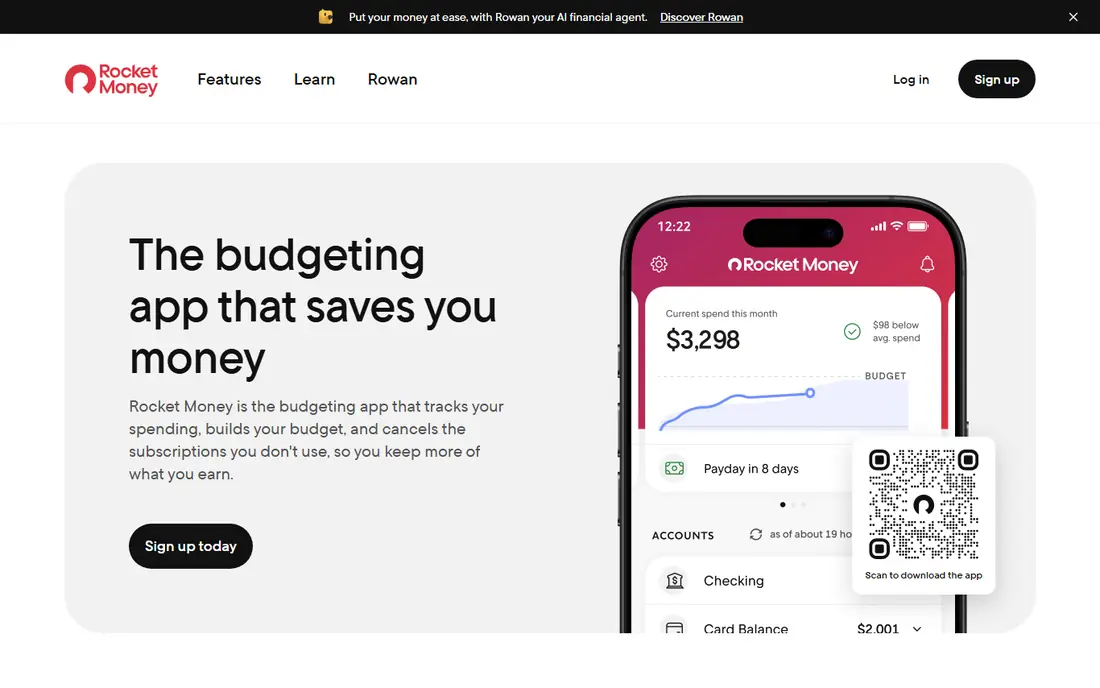
Rocket Money, formerly Truebill, is the most complete subscription manager here if you are comfortable linking bank and card accounts. It scans transactions, surfaces recurring charges you may have forgotten, and helps cancel unwanted subscriptions, with bill negotiation on paid plans. Budgeting, spending tracking, and savings features sit in the same app.
The cost is the part to weigh. Basic detection is free, but cancellation help and bill negotiation sit behind a paid plan, with prices reported from 7 to 14 dollars per month. If you want automatic finding plus help cancelling, Rocket Money is still the strongest all round pick.
- Finds recurring charges automatically
- Concierge cancellation on paid plans
- Budgeting tools included
- Paid features need a 7 to 14 dollar monthly plan in many reports
- Requires bank linking for detection
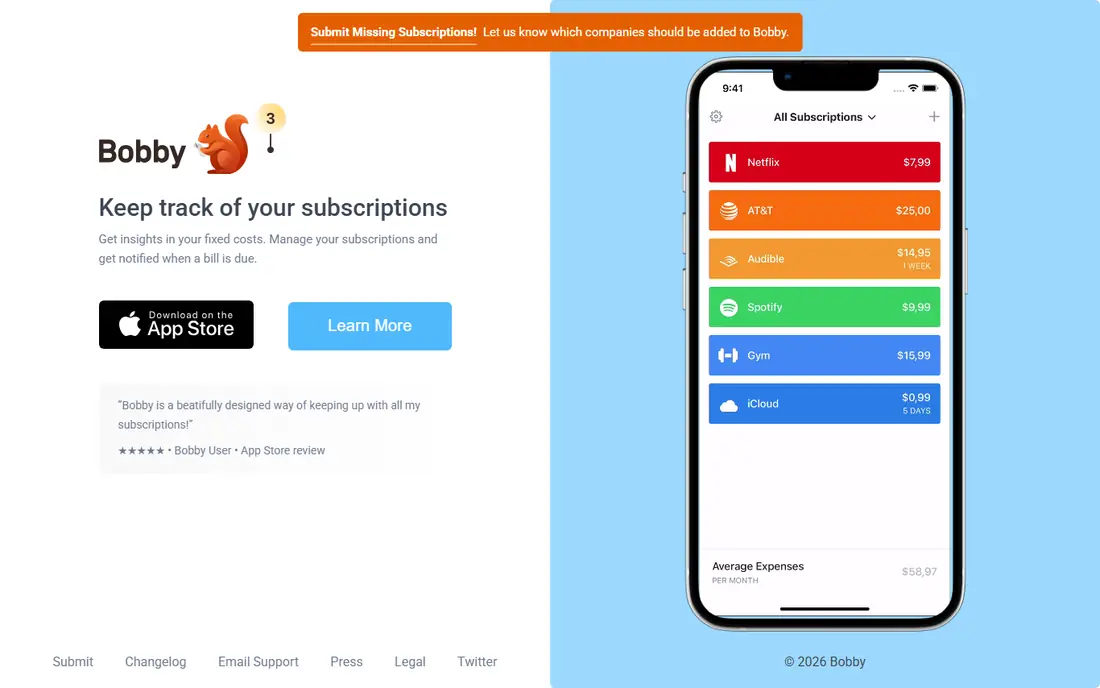
Bobby is a simple, well designed manual tracker for iPhone users. You enter each subscription, its price, and its renewal date, and Bobby shows upcoming renewals and total monthly cost. Your data stays out of any bank connection, and the paid upgrade is a one time purchase rather than a monthly fee.
It will not find subscriptions you forgot to enter, and it will not cancel anything for you. If you want a private list you control, and you use an iPhone, Bobby is hard to beat for simplicity.
- Clean manual list
- No bank connection needed
- One time paid upgrade, no monthly fee
- IOS only
- No automatic detection
- No cancellation help
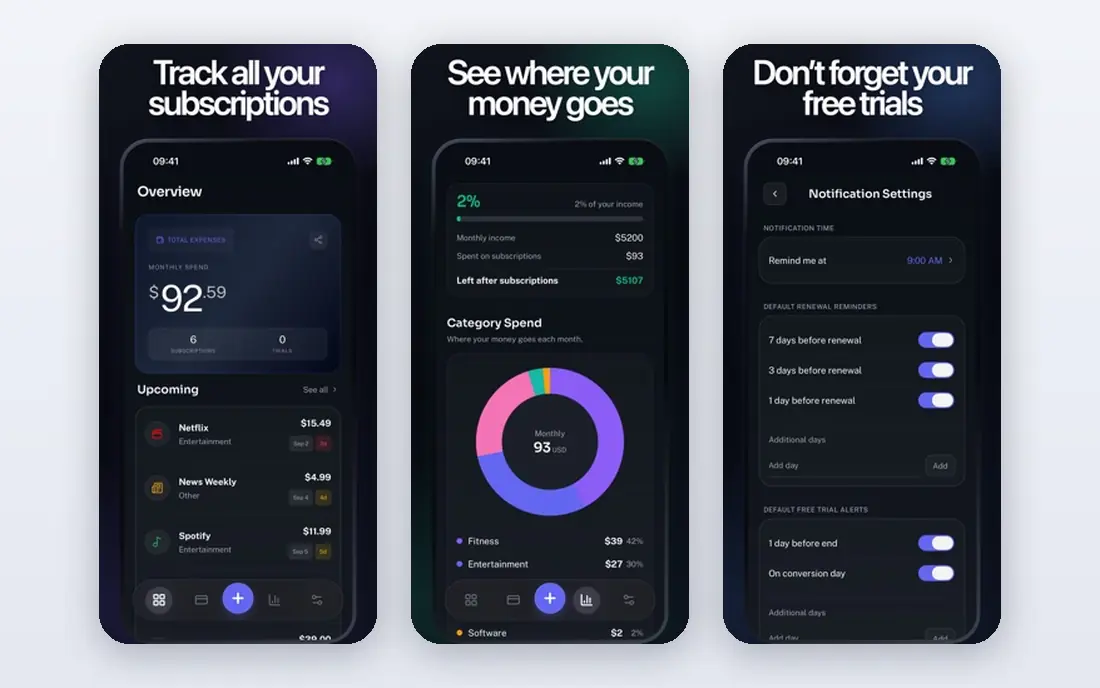
Subby offers manual subscription tracking on both major phone platforms, with alerts for upcoming payments and a clear view of monthly and yearly costs. The free version covers the core job, with ads, while a paid upgrade reported around 2.99 dollars per month removes ads and adds features. That cross platform support makes it a good pick for households with mixed phones.
Like Bobby, Subby only tracks what you enter, so a forgotten subscription stays forgotten until you add it. For a simple, cheap reminder app, it does the job well.
- Works on iOS and Android
- Manual entry with reminders
- Low cost paid upgrade
- Free version includes ads
- No automatic detection
TrackMySubs is a web based tracker that works from any browser, with a free tier covering up to 10 subscriptions and no bank connection required. That makes it useful for people who prefer a computer over a phone app, or who want a shared household view on the web. Paid plans raise the subscription limit and add features.
The free cap means heavy subscribers will need to pay or switch to an unlimited free option such as SubTracker. If you have ten or fewer subscriptions, TrackMySubs is a clean, private choice.
- Web based, no app required
- Free tier for up to 10 subscriptions
- No bank connection
- Free tier caps subscriptions
- Web only experience
SubTracker stands out because its free tier allows unlimited subscriptions with no time limit, which is rare among manual trackers. It keeps your banking data private, since you enter everything yourself, and it offers family workspaces on paid plans so a household can share one list. That combination suits families with many subscriptions.
Renewal reminders require the Plus plan, which is the main limit of the free tier. If you check the app regularly yourself, the free plan still works. If you rely on alerts, budget for Plus.
- Unlimited subscriptions on the free tier
- No bank connection
- Family sharing on paid plans
- Renewal reminders need the paid Plus plan
- Newer vendor
Emma is a money app that finds subscriptions from linked bank accounts and shows them alongside budgeting, spending, and savings features. That context helps, because you see a subscription next to your overall spending, not in isolation. It suits people who want one money app rather than a single purpose tracker.
Bank linking is required for automatic detection, so privacy focused users may prefer a manual app. If you already use Emma for budgeting, its subscription view is a useful bonus.
- Finds subscriptions from linked accounts
- Budgeting and spending tracking
- UK and US support
- Needs bank linking for detection
- Subscription features sit inside a larger app
PocketGuard is a budgeting app first, with subscription tracking as part of its spending view. Its in my pocket figure shows what remains after bills and goals, which helps you judge whether a subscription still fits your budget. That framing suits people who want subscription control inside a budget, not as a separate chore.
Dedicated cancellation help is thinner than Rocket Money, and premium features require a paid plan reported around 34.99 dollars per year. If budgeting is your main goal, PocketGuard is a good fit. If cancellation help is the goal, Rocket Money is stronger.
- Shows what is left to spend after bills
- Categorizes transactions
- Subscription view included
- Subscription tracking is secondary to budgeting
- Premium features need a paid plan
Hiatus scans linked accounts for recurring charges and helps users spot subscriptions they no longer use, with bill negotiation features on some plans. Its dashboard gives a quick view of monthly recurring costs, which is useful for a first audit of forgotten charges.
Feature availability has varied over time, so check the current app and site before you rely on a specific feature. For a free automatic scan, Hiatus remains worth trying alongside Rocket Money.
- Finds recurring charges from linked accounts
- Bill negotiation features
- Simple dashboard
- Availability and feature set have varied
- Needs bank linking
Trim, also known as AskTrim, helps users find recurring subscriptions and negotiate lower bills, with a focus on saving money on regular charges. It suits people who want help beyond tracking, including negotiating cable, internet, and other bills. Signup is simple, and basic features are free.
Like other bank linked tools, Trim needs account access to find charges automatically, and its feature set has changed over time. Check the current offering before you commit, and compare it with Rocket Money for cancellation depth.
- Finds recurring charges
- Bill negotiation help
- Simple signup
- Needs account linking
- Feature set has changed over time
SubScale is a privacy first manual tracker for iOS and Android, with data stored locally on your device and no bank login required. It supports multi currency tracking, which helps people with subscriptions priced in different currencies, and it offers renewal forecasts and widgets. A free tier covers up to 10 entries, with a one time Pro upgrade.
Manual entry is the trade off, as with all private trackers. If privacy matters more than automatic detection, and you want cross platform support, SubScale is a strong modern option.
- Local on device storage
- No bank login
- Multi currency support
- Manual entry only
- Newer app with a smaller user base
How we picked these
We compared official app pages, pricing pages, and app store listings for subscription trackers that are available in the US today. We favored apps with a free tier, clear privacy terms, and either automatic detection or a strong manual experience. We did not claim hands-on testing, and we noted where pricing varies by plan or has changed over time.
How to choose a subscription manager app
Decide on bank linking first
This single choice narrows the list fast. If you will link a bank account, Rocket Money, Emma, and Hiatus find charges for you. If you will not, Bobby, Subby, TrackMySubs, SubTracker, and SubScale keep your data private and rely on manual entry.
Do a statement audit before you trust any app
Open your last three bank and card statements and list every recurring charge you see. Enter that list into a manual app, or compare it with what an automatic app finds. The gap between the two lists shows what each approach misses.
Set reminders before annual renewals
Monthly charges are easy to spot, but annual renewals cause the biggest surprise bills. Make sure your chosen app reminds you at least a week before an annual renewal, not on the day it charges.
Cancel through the merchant, not just the tracker
A tracker can remind you and, on some plans, cancel for you, but the safest cancellation is through the merchant or your app store account. Confirm the cancellation and keep the confirmation, especially for annual plans.
Sources
Frequently asked questions
What is the best subscription manager app?
Rocket Money is our pick for most people who will link a bank account, thanks to automatic detection and cancellation help. Bobby and SubTracker are the best picks if you will not link a bank account, with Bobby for iOS simplicity and SubTracker for unlimited free tracking.
Is there a free subscription tracker app?
Yes. Bobby, Subby, TrackMySubs, SubTracker, and SubScale all offer free tiers, and Rocket Money offers free basic detection. Free manual tiers usually limit subscriptions or reminders, so check those limits against your list.
Do subscription trackers need my bank login?
Not all of them. Bank linked trackers such as Rocket Money and Emma need it to detect charges automatically. Manual trackers such as Bobby, SubTracker, and SubScale never connect to your bank, so you enter subscriptions yourself.
Can a subscription manager app cancel subscriptions for me?
Some can, on paid plans. Rocket Money offers concierge cancellation on paid plans, while manual apps only remind you to cancel yourself. Always confirm cancellation with the merchant, especially for annual plans.
How much money can a subscription tracker save?
Most people find two or three forgotten subscriptions on a first audit, which can add up to hundreds of dollars per year. The larger saving usually comes from cancelling before annual renewals, rather than from finding one monthly charge.
What is the best app for managing subscriptions on iPhone?
Bobby is our pick for iPhone users who want a simple manual tracker, while SubScale and Subby also work on iOS with manual entry. Rocket Money is the best iPhone option if you want automatic detection and cancellation help.