Best Time Tracker App in 2026: 8 Apps Compared
By ToolNimba Editorial Team November 13, 2026 8 min read

- Top pick
 Toggl Track
Simple timer for freelancers and small teams
Starting price$10 per user per monthCheck out Toggl TrackRead our review - Runner-up
 Clockify
Free tracking for teams on a budget
Starting price$3.99 per user per monthCheck out ClockifyRead our review - Also great
 Harvest
Service teams billing clients by the hour
Starting price$12 per user per monthCheck out HarvestRead our review
How we researched this
We compared official pricing and feature pages, app store listings, privacy policies and public user reviews. Prices change, so check the provider's site before you pay.
Key takeaways
- Clockify has the most generous free plan for teams, while Toggl Track is the simplest timer for individuals.
- Harvest is the strongest pick when tracked time must turn into client invoices without extra steps.
- Automatic trackers such as Timely and RescueTime suit people who forget to start a timer.
- Tools with screenshots or monitoring suit managers, but they need clear rules and staff consent.
- Check the free plan user limit, because several tools cap free teams at five users.
Quick comparison
| Name | Best for | Starting price | Free plan | |
|---|---|---|---|---|
| Toggl Track | Simple timer for freelancers and small teams | $10 per user per month | Yes | Visit |
| Clockify | Free tracking for teams on a budget | $3.99 per user per month | Yes | Visit |
| Harvest | Service teams billing clients by the hour | $12 per user per month | Yes | Visit |
 Hubstaff | Remote teams and field workers | $4.99 per user per month | Free trial | Visit |
 Timely | Automatic timesheets without manual timers | $9 per user per month | Free trial | Visit |
 RescueTime | Personal focus and habit change | See website | Yes | Visit |
 Everhour | Tracking inside Asana, Trello, and similar tools | $8 per user per month | Free trial | Visit |
 TimeCamp | Free tracking with invoicing options | $3.99 per user per month | Yes | Visit |
The best time tracker apps
A good time tracker should take seconds to start, sort hours by client or project, and produce a report you can trust at billing time. We compared official pricing pages, feature pages, and public reviews, and we weighed ease of use against reporting depth and billing tools.
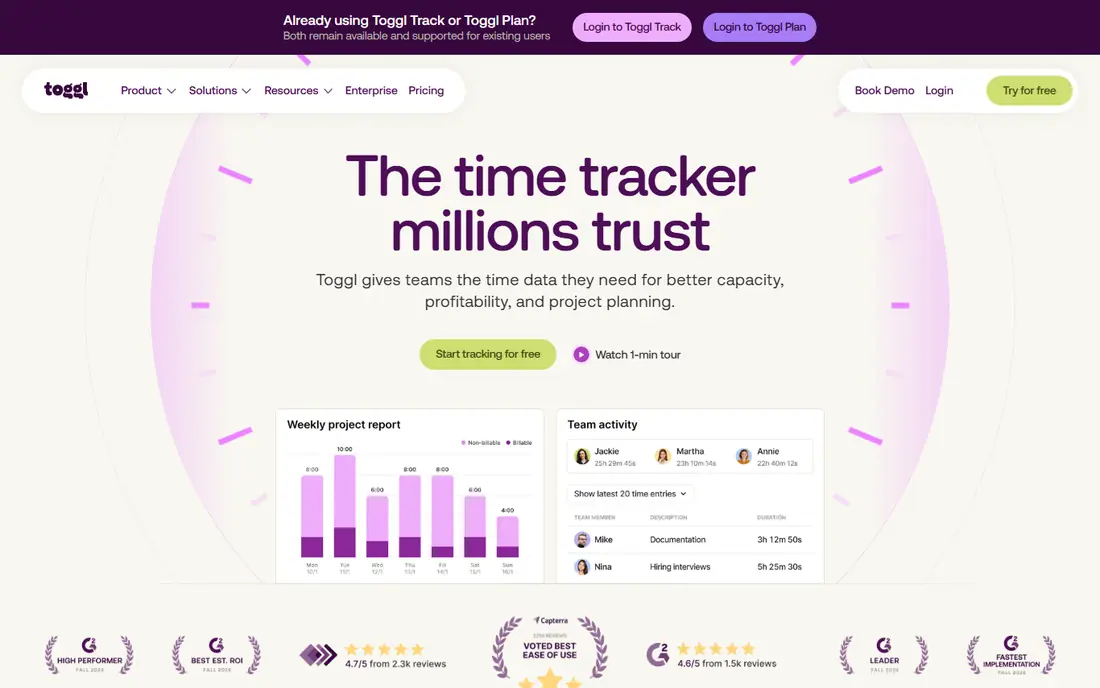
Toggl Track wins on habit. You press one button, type what you are doing, and pick a project. That low friction matters, because a tracker only helps if you actually use it every day. Reports stay easy to read, and the browser extension adds a timer inside tools such as Asana, Trello, and Jira.
The free plan works well for a solo worker or a very small team, but it does not cover invoicing or advanced billing. If you bill clients from tracked time, plan to move to a paid tier or pair Toggl Track with a separate invoicing tool.
- Very fast one-click timer
- Clean reports by project and client
- Browser extension for popular project tools
- Free plan caps the team size
- Invoicing and billable rates need paid plans
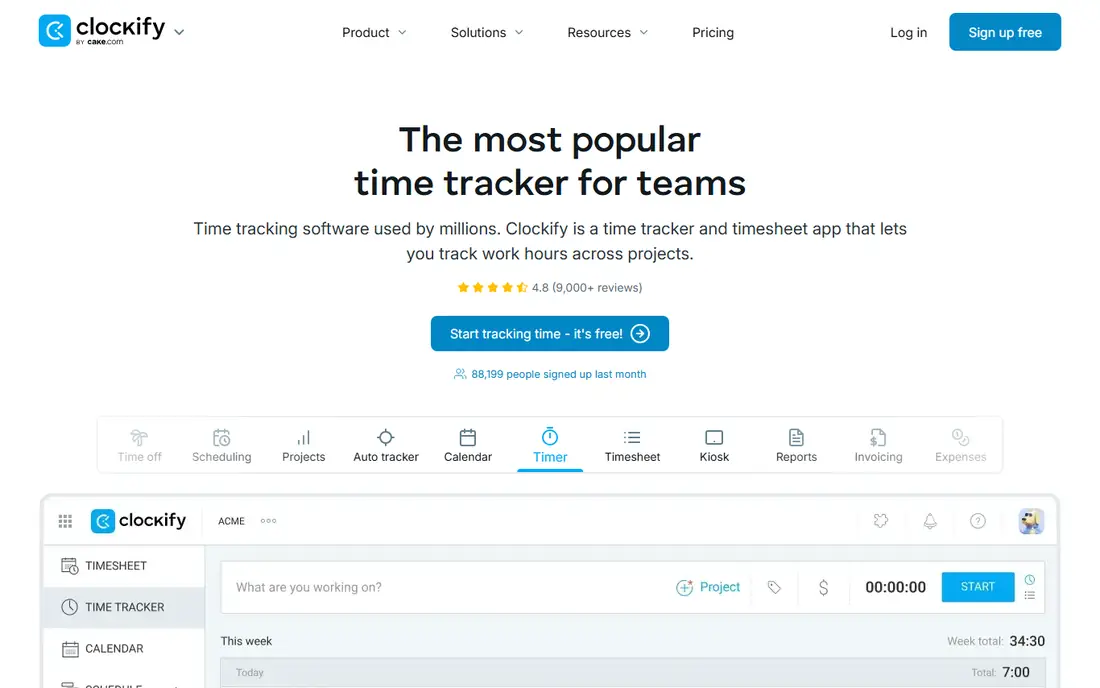
Clockify is the first tool to try when cost is the main barrier. The free plan covers timers, timesheets, and reports, and it handles many projects and clients without forcing an upgrade. A kiosk mode also helps teams that clock in from a shared tablet or computer.
The limit to watch is the free user cap, which has changed over time. A larger team will need a paid plan, though the entry price stays low compared with most rivals. If your needs are simple, Clockify may be all you ever need.
- Free plan covers core tracking, projects, and reports
- Unlimited projects and clients
- Kiosk mode for shared devices
- Free plan now caps users in recent listings
- Invoicing and approvals sit on paid tiers
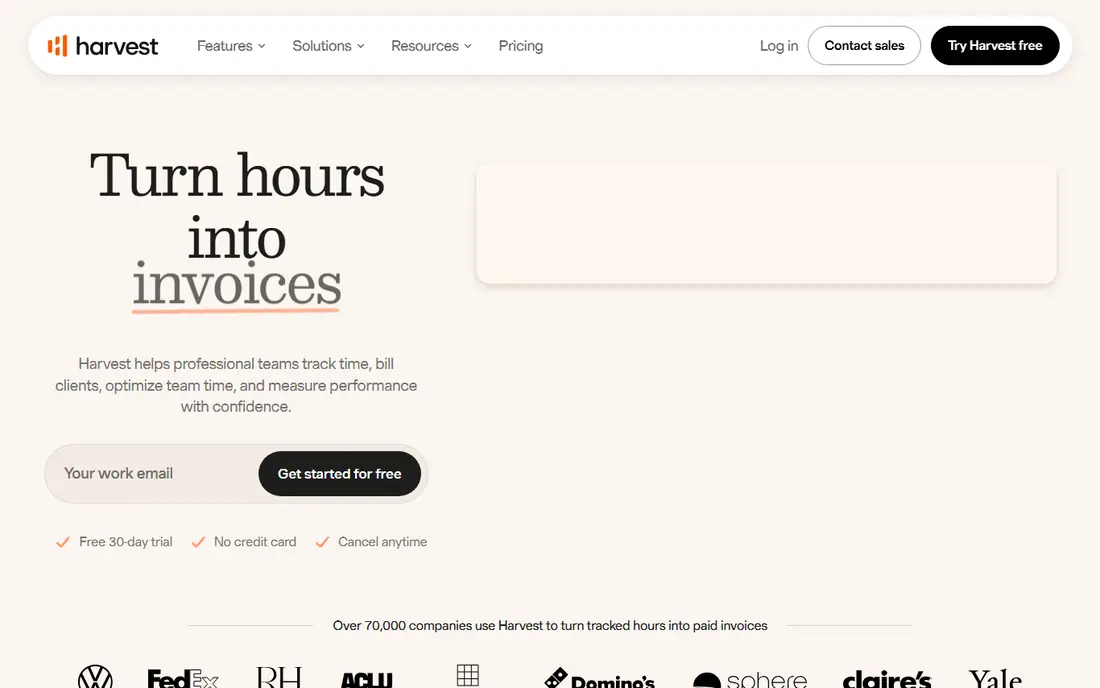
Harvest fits agencies, consultants, and law firms that bill by the hour. You track time against a project, add expenses, and turn the result into an invoice without copying numbers into another app. That direct link cuts billing errors and saves time at month end.
The free plan is narrow, with one seat and two projects, so it works as a trial rather than a long term home for a team. Paid plans are not the cheapest, but the time saved on invoicing often justifies the cost for firms that bill regularly.
- Time tracking links directly to invoices
- Expense tracking included
- Clear client and project reports
- Free plan covers only one user and two projects
- Price rises fast for larger teams
Hubstaff suits distributed teams that need proof of work, location data, or payroll support. Managers can see activity levels, track field staff by location, and connect tracked time to payments. That depth helps for contractors and hourly remote workers.
The trade is trust. Screenshot and activity monitoring can feel intrusive if a team does not agree on the rules first. Use Hubstaff for roles where location or activity data is a genuine business need, and tell staff exactly what is recorded and why.
- GPS and activity tracking for field teams
- Payroll and invoicing links
- Screenshots on higher plans
- Monitoring features need clear staff policies
- No permanent free plan in recent listings
Timely is for people who hate timers. It records the apps and documents you use, then drafts a timesheet you can review and edit. That approach catches work you would otherwise forget, such as email, research, and short calls between meetings.
Automatic capture is not perfect. You still need to check the draft, remove personal time, and assign work to the right project. If you are willing to spend a few minutes a day on review, Timely can be more accurate than a manual timer you keep forgetting to start.
- Captures work automatically in the background
- Drafts timesheets with AI help
- Avoids manual entry gaps
- No permanent free plan
- Automatic capture needs review to keep entries accurate
RescueTime answers a different question from Harvest. Instead of asking how many hours to bill, it asks where your attention went. Automatic tracking sorts apps and sites into productive and distracting groups, and weekly reports show patterns you can change.
It is not a billing tool, and it lacks the invoicing depth of Harvest or the team controls of Hubstaff. Choose RescueTime when the goal is better focus for yourself, not a client invoice or a team timesheet.
- Automatic tracking of apps and websites
- Focus reports show where time leaks
- Lite plan for basic use
- Not built for client billing
- Detailed features and pricing vary by plan
Everhour is a smart pick when your team already lives in a project app. The timer appears inside tasks, so you do not need to switch apps or copy task names. Budgets, estimates, and billing reports then build on the same data, which helps project managers spot overruns early.
If you do not use a supported project tool, Everhour loses much of its edge. It still works as a standalone tracker, but you may get better value from Toggl Track or Clockify in that case.
- Timer sits inside project tools you already use
- Budgets and billing reports
- Clean team timesheets
- Works best if you already use a supported project tool
- No permanent free plan
TimeCamp gives budget teams a useful free plan and a path to invoicing later. You can track time, manage projects, and add attendance features without paying at first, which suits small firms that want to test a tool with the whole team.
The interface is less refined than the leaders, and some reports sit behind paid plans. Still, for a team that needs a free start and a low paid price, TimeCamp is a practical choice that covers the basics well.
- Free plan covers unlimited users and projects in recent listings
- Invoicing on paid plans
- Automatic tracking options
- Interface feels less polished than Toggl Track
- Some advanced reports need paid tiers
How we picked these
We compared official pricing and feature pages, plus public reviews that describe free plan limits, billing features, and monitoring tools. We kept both manual timers and automatic trackers, because readers search for a time tracker app for very different jobs, from solo billing to team oversight. We left out tools that only schedule staff or only track projects without time entries.
How to choose the right tracker
Start with the job, not the feature list. A freelancer who bills by the hour needs invoicing and billable rates. A manager needs team reports and approvals. A solo worker who wants better focus needs automatic tracking and habit reports, not client billing.
Manual or automatic
Manual timers give you control and clear intent, but they fail when you forget to start them. Automatic trackers catch more work, but they need daily review to remove personal time and fix project labels. Many teams use a manual timer for billable work and an automatic tool for personal focus, and that split often works better than forcing one tool to do both jobs.
Billing, privacy, and team size
Check whether the free plan covers your whole team, whether billable rates and invoices are included, and whether monitoring features fit your workplace rules. A tool with screenshots may help a contractor team, but it can harm trust in a creative team that does not need that level of oversight. Trial the tool with real work for two weeks before you commit the whole team.
Sources
Frequently asked questions
What is the best free time tracker app?
Clockify is a strong free choice for teams, because its free plan covers core tracking, projects, and reports. Toggl Track is a strong free choice for individuals and very small teams, because its timer is faster and simpler to use every day.
Can a time tracker app help with invoicing?
Yes, if you pick a tool built for billing. Harvest links tracked time and expenses directly to invoices, and TimeCamp and Clockify add invoicing on paid plans. A pure focus tool such as RescueTime is not designed for client invoices.
Is automatic time tracking private?
It depends on the tool and the settings. Timely and RescueTime record app and document use, so you should review what is captured and turn off tracking for personal time. Tools with screenshots record more, so they need a clear policy and staff agreement before use.
Do I need a paid plan for a small team?
Not always. Clockify and TimeCamp offer useful free plans for small teams, and Toggl Track covers solo workers well. You usually need a paid plan for invoicing, approvals, billable rates, or a larger team.
What is the best time tracker app for remote teams?
Hubstaff fits remote and field teams that need location, activity, and payroll links. Toggl Track or Clockify fit remote teams that want simple, trusted tracking without monitoring features.