Best Time Tracking Software in 2026: 9 Apps Compared
By ToolNimba Editorial Team October 28, 2026 11 min read

- Top pick
 Toggl Track
Simple timers for freelancers and teams
Starting priceFreeCheck out Toggl TrackRead our review - Runner-up
 Clockify
Free tracking for larger teams
Starting priceFreeCheck out ClockifyRead our review - Also great
 Harvest
Time tracking with invoicing
Starting priceFreeCheck out HarvestRead our review
How we researched this
We compared official pricing and feature pages, app store listings, privacy policies and public user reviews. Prices change, so check the provider's site before you pay.
Key takeaways
- Clockify is the strongest free option for larger teams, with a free plan that covers unlimited users in recent vendor comparisons.
- Toggl Track is the simplest timer most people will actually use, with clean reports by client, project, and tag.
- Harvest is the best pick when tracked hours must turn into client invoices without extra tools.
- Hubstaff, Time Doctor, and DeskTime add monitoring and payroll features, but they suit teams that need accountability, not just a timer.
Quick comparison
| Name | Best for | Starting price | Free plan | |
|---|---|---|---|---|
| Toggl Track | Simple timers for freelancers and teams | Free | Yes | Visit |
| Clockify | Free tracking for larger teams | Free | Yes | Visit |
| Harvest | Time tracking with invoicing | Free | Yes | Visit |
 Hubstaff | Remote team monitoring and payroll | $4.99 per month | Free trial (14 days) | Visit |
 Time Doctor | Productivity visibility for remote teams | $6.67 per month | Free trial (14 days) | Visit |
 Everhour | Tracking inside project tools | Free | Yes | Visit |
 TimeCamp | Free tracking with invoicing options | Free | Yes | Visit |
 Timely | Automatic AI timesheets | $9 per month | Free trial (14 days) | Visit |
 DeskTime | Automatic tracking without timers | $6.42 per month | Free trial (14 days) | Visit |
The best time tracking software apps
Time tracking fails when the timer is hard to start or the report is hard to read. We compared manual timers, automatic trackers, and tools that add invoicing, payroll, and monitoring, so you can match the tool to the job.
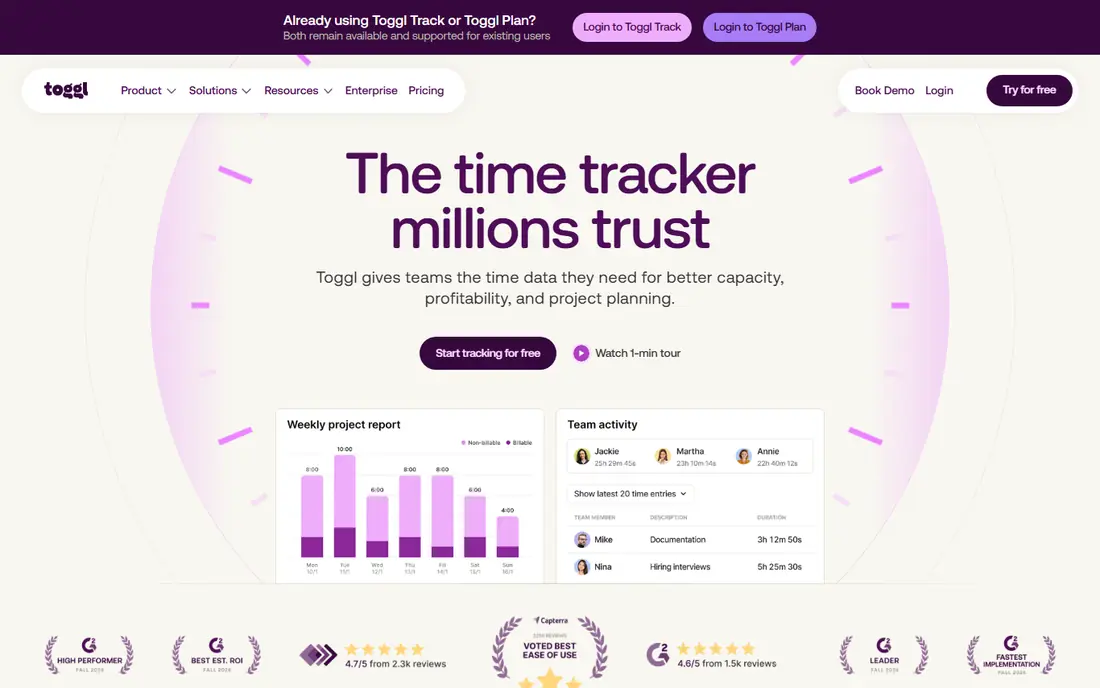
Toggl Track is the timer people recommend when simplicity matters most. Start a timer in one click, add a project and a tag, and stop it when work ends, with sync across browser, desktop, and mobile apps. Reports filter by client, project, tag, and team member, and exports suit client billing without extra formatting.
The free plan covers small teams, with recent vendor comparisons listing it for up to five users, and the Starter paid plan is listed at $9 per user per month billed annually. Billable rates, time estimates, and capacity planning sit behind that paid plan, so freelancers who bill by the hour should price Starter, not just the free tier. If you want tracking without monitoring, Toggl Track is a safe default.
- One-click timer on web, desktop, and mobile
- Clean reports by client, project, and tag
- No screenshots or surveillance features
- Billable rates and estimates need a paid plan
- Free plan caps team size in recent vendor pages
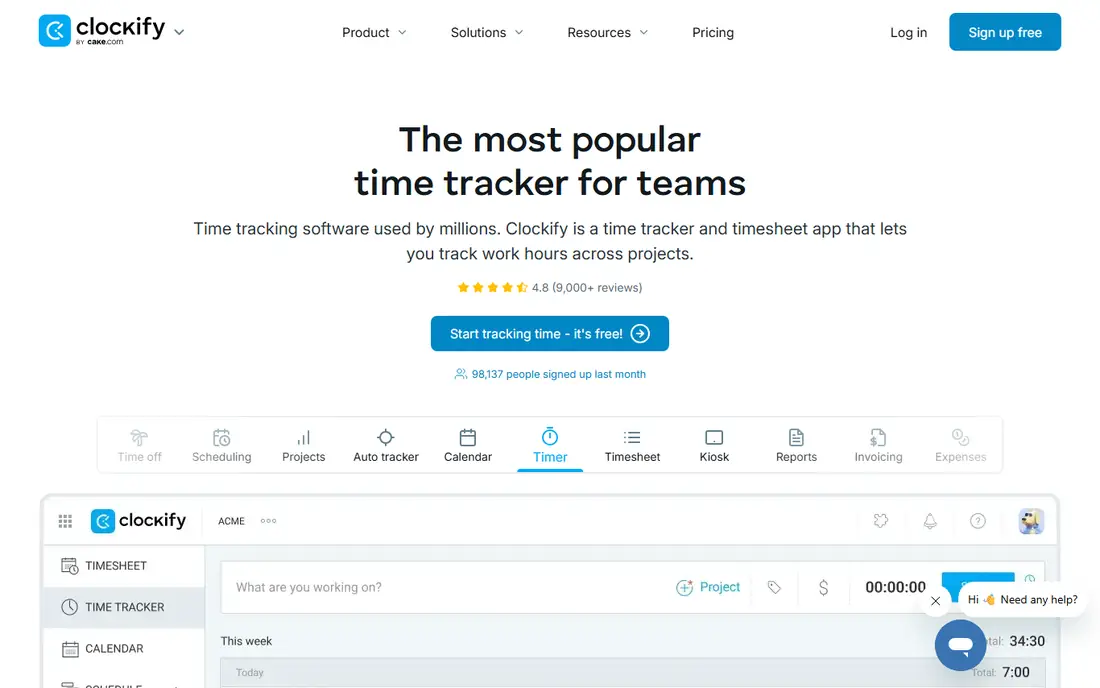
Clockify is the best free tracker for teams that cannot justify a per-user subscription yet. The free plan covers time tracking, timesheets, and reporting, and recent vendor comparisons describe it as free for unlimited users or for up to five users depending on the page checked, so confirm the current limit on the Clockify site before a large rollout. Paid Basic is listed at $3.99 per user per month billed annually.
Paid plans add invoicing, approvals, and more admin controls, which larger teams will need as billing grows. The interface carries more options than Toggl Track, and solo users may prefer a simpler timer. For a budget-conscious team that needs solid reports, Clockify is hard to beat on price.
- Generous free plan
- Timer, timesheet, and calendar views
- Project budgets and team reports
- Invoicing and approvals need paid plans
- Interface can feel busy for solo users
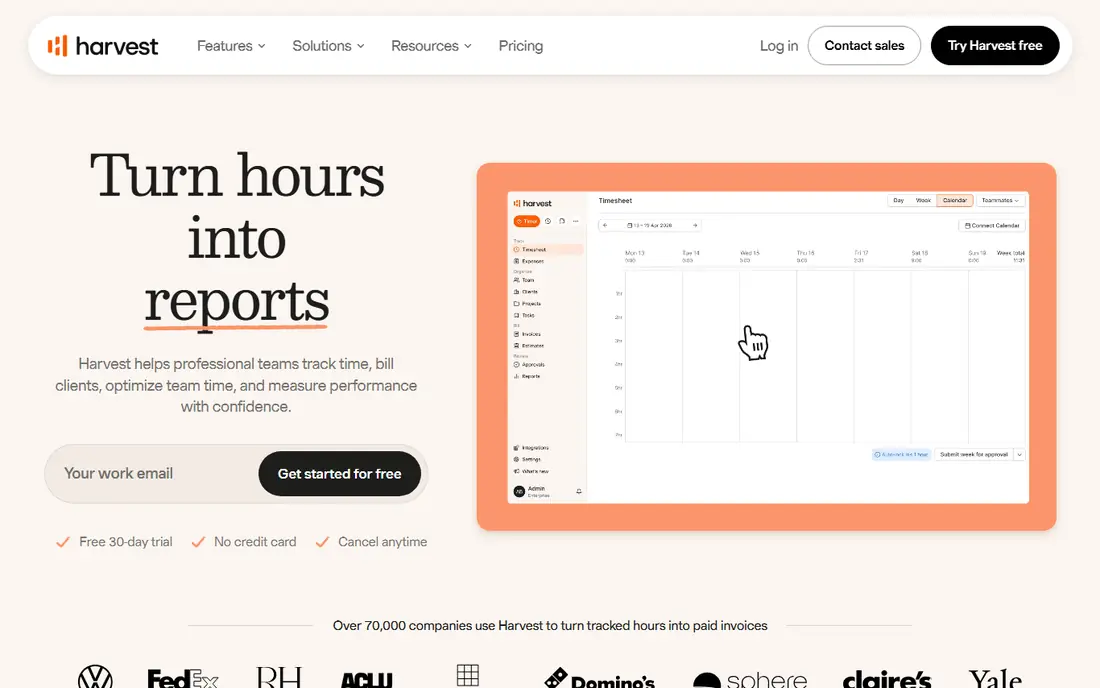
Harvest suits freelancers and agencies that bill clients for time. Track hours against a client and project, add expenses, and turn approved hours into an invoice without exporting to a separate billing tool. Reports show unbilled time, project budgets, and team capacity, which helps small agencies spot overruns early.
The free plan is narrow, covering one seat and two projects in recent vendor pages, so most working freelancers will need a paid plan, listed at $9 per seat per month billed annually in some comparisons and $11 to $12 monthly in others. Check the current Harvest pricing page for your billing period. If invoicing is the main job, Harvest saves more time than a timer alone.
- Clean timers plus invoicing and expenses
- Clear client and project reports
- Good integrations with project tools
- Free plan limited to one seat and two projects
- Paid cost rises per seat
Hubstaff is built for managers who need proof of work as well as hours. Alongside timers, it offers optional screenshots, activity tracking, GPS for field teams, scheduling, and payroll features that turn tracked time into payments. The Starter plan is listed at $4.99 per seat per month billed annually, with a 14-day trial.
That monitoring power is also its risk. Teams should agree on what is tracked, when, and why, and check local rules before enabling screenshots or location tracking. If your team needs accountability and payroll in one system, Hubstaff is a strong fit. If you only need a timer, Toggl Track or Clockify will feel lighter.
- Time tracking plus screenshots, activity levels, and GPS options
- Automated payroll features
- Useful for field and remote teams
- No permanent free plan
- Monitoring features need team agreement and clear policies
Time Doctor helps distributed teams understand where hours go, not just how many hours were logged. It records app and website use, classifies activity, and produces productivity reports by person, project, and client. Managers can see idle time, breaks, and focus patterns, and optional screenshots add verification for client work.
The Basic plan is listed at $6.67 per user per month billed annually, with a 14-day trial and no permanent free plan. As with Hubstaff, the key is transparency: tell the team what is measured, give people access to their own data, and use reports to fix workloads, not just to watch screens. Used that way, Time Doctor suits remote teams that need visibility.
- Automatic time capture with app and website tracking
- Productivity reports
- Optional screenshots and payroll integrations
- No permanent free plan
- Monitoring can feel intrusive without clear communication
Everhour is the pick if your team already lives in a project tool. Instead of opening a separate timer app, you start and stop time from inside Asana, Trello, ClickUp, Basecamp, or similar tools, and hours stay linked to the actual task. Budgets, estimates, and billing rates help agencies see whether a project is on track.
The free plan covers small teams, with recent pages listing it for up to five seats, and the Team plan is listed at $8.50 per seat per month billed annually, with a minimum seat count on some pages. If your work is already organized in a project tool, Everhour removes the double entry that makes manual tracking fail. If you do not use those tools, a standalone timer is simpler.
- Timers inside Asana, Trello, ClickUp, and other tools
- Budgets and billing rates
- Clean team reports
- Free plan limited to small teams
- Needs a minimum seat count on some paid plans
TimeCamp combines manual timers with automatic tracking and attendance features, which suits teams that forget to start timers. The free plan is described in recent vendor comparisons as free for unlimited users and projects, with Starter listed at $3.99 per user per month billed annually. That makes it a useful low-cost starting point for small businesses.
Paid plans add invoicing, budgeting, and deeper reporting, so teams that bill clients should check which plan covers invoicing before committing. The interface is functional rather than beautiful, and it takes a little longer to learn than Toggl Track. For a free tracker with room to grow, TimeCamp deserves a trial.
- Generous free plan
- Automatic time tracking options
- Invoicing on paid plans
- Interface less polished than Toggl Track
- Advanced features need paid plans
Timely is for people who hate manual entry. It captures calendar events, meetings, and app use automatically, then drafts a timesheet that you review and approve, rather than asking you to remember every task at the end of the week. That approach suits consultants, lawyers, and agency staff who switch tasks often.
The Starter plan is listed at $9 per user per month, with a 14-day trial and no permanent free plan. Automatic capture is not perfect, so budget a few minutes each day to correct entries and assign them to the right client. If manual timers keep failing in your team, Timely may recover more billable hours than it costs.
- Automatic capture of apps, calendar events, and meetings
- AI drafts timesheets for review
- Good for people who forget timers
- No permanent free plan
- Higher price than manual timers
- Needs review to keep entries accurate
DeskTime installs on a computer and records apps, websites, and documents automatically, sorting them into productive and unproductive categories. Employees can use private time to pause tracking, and managers get attendance, shift, and productivity reports without asking staff to run timers. Pro is listed at $6.42 per user per month billed annually, with Premium at $9.17 for screenshots and deeper integrations.
The limits are clear: there is no permanent free plan, only a 14-day trial, and DeskTime tracks and reports rather than invoicing clients. Prices shown on the vendor site exclude tax in some regions, so add local tax to your budget. For hybrid offices that want automatic data without timer discipline, DeskTime is a practical choice.
- Fully automatic app and website tracking
- Productivity categories
- Shift scheduling and absence tracking
- No permanent free plan
- No built-in invoicing
- Prices exclude tax in some regions
How we picked these
We compared official pricing pages, free plan limits, and feature lists, and we checked public reviews for timer reliability, report quality, and privacy concerns. We included manual timers, automatic trackers, and monitoring tools, because a freelancer and a remote team manager need different things from the same category. Where vendor pages disagreed on free user limits, we noted the range and advised checking the current page, rather than presenting one figure as settled.
How to choose the right time tracker
Start with the outcome you need from the data, then pick the lightest tool that delivers it.
Manual or automatic
Manual timers suit freelancers and small teams that want control and privacy, and Toggl Track, Clockify, and Harvest cover that well. Automatic trackers suit people who forget timers or switch tasks often, and Timely and DeskTime recover hours that manual entry misses. RescueTime style automatic personal tracking is a third option if you only need personal productivity data, not team billing.
Billing, payroll, or visibility
If hours must become invoices, pick Harvest, Clockify paid, Everhour, or TimeCamp paid, and check invoicing on the plan you will actually buy. If hours must become payroll, Hubstaff and Time Doctor add scheduling and payment features. If you only need visibility into team capacity, Toggl Track reports or Everhour budgets may be enough without monitoring features.
Privacy and team trust
Monitoring tools change the relationship with a team, so be explicit about what is tracked and why. Give staff access to their own data, allow private time where possible, and avoid screenshots unless client work truly requires them. A tracker that staff trust will produce better data than a stricter tool that people work around.