Best Tools for Scheduling Meetings in 2026: 10 Tools Compared
By ToolNimba Editorial Team October 28, 2026 11 min read

- Top pick
 Calendly
One-to-one and team meetings
Starting price$10 per user per monthCheck out CalendlyRead our review - Runner-up
 Acuity Scheduling
Paid client appointments
Starting price$16 per monthCheck out Acuity SchedulingRead our review - Also great
 Doodle
Group scheduling polls
Starting price$11 per monthCheck out DoodleRead our review
How we researched this
We compared official pricing and feature pages, app store listings, privacy policies and public user reviews. Prices change, so check the provider's site before you pay.
Key takeaways
- Calendly is the safest default for one-to-one meetings, while Cal.com has the most generous free plan for individuals.
- Acuity Scheduling is the strongest pick when clients book paid appointments, packages, or services with intake forms.
- Doodle is the best tool when a whole group must vote on a time, rather than one person booking a link.
- Most of these tools offer a free plan, but team features such as round-robin routing usually sit on paid plans.
- If you already use Google Workspace or Microsoft 365, check the built-in booking tools before paying for another app.
Quick comparison
| Name | Best for | Starting price | Free plan | |
|---|---|---|---|---|
| Calendly | One-to-one and team meetings | $10 per user per month | Yes | Visit |
| Acuity Scheduling | Paid client appointments | $16 per month | Free trial | Visit |
| Doodle | Group scheduling polls | $11 per month | Yes | Visit |
 Cal.com | Generous free scheduling | Free | Yes | Visit |
 Setmore | Small teams and service bookings | $5 per user per month | Yes | Visit |
 HubSpot Meetings | Sales teams on HubSpot | Free | Yes | Visit |
 Zoho Bookings | Zoho users and small teams | $6 per user per month | Yes | Visit |
 TidyCal | Low-cost lifetime scheduling | $29 one-time | Yes | Visit |
 YouCanBookMe | Branded booking pages | $8.10 per month | Yes | Visit |
 SimplyBook.me | Service businesses with many bookings | $11.90 per month | Yes | Visit |
The best tools for scheduling meetings
These tools cover simple booking links, group polls, paid appointments, and team routing, so match the tool to how your meetings actually happen.
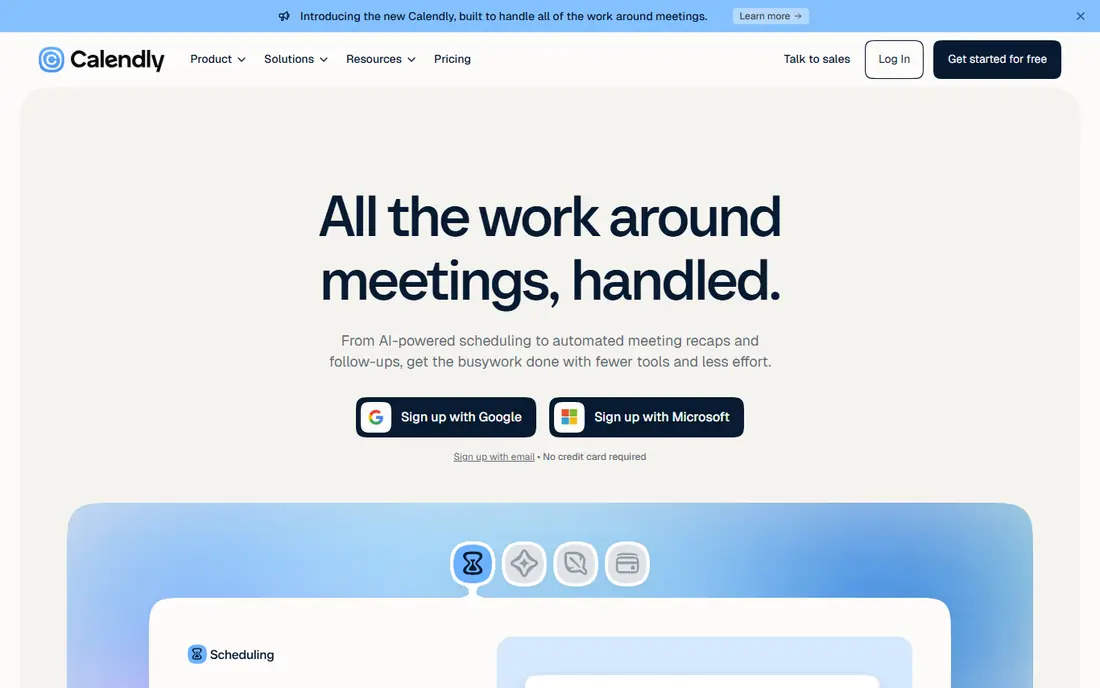
Calendly is our pick for most people because the booking flow is familiar to guests and easy to set up. You connect a calendar, set your working hours, share a link, and guests pick a time that already avoids conflicts. Reminders cut no-shows, and paid plans add routing forms, round-robin assignment, and payment collection.
The free plan is useful but narrow, with one event type and one connected calendar. That is enough for a freelancer with a single meeting type, but a team or a consultant with several offer types will need Standard. Calendly is still the default to compare others against, because guests rarely need instructions to use it.
- Simple booking links
- Calendar sync with Google and Outlook
- Team routing and reminders on paid plans
- Free plan allows only one event type
- Payments and advanced routing need a paid plan
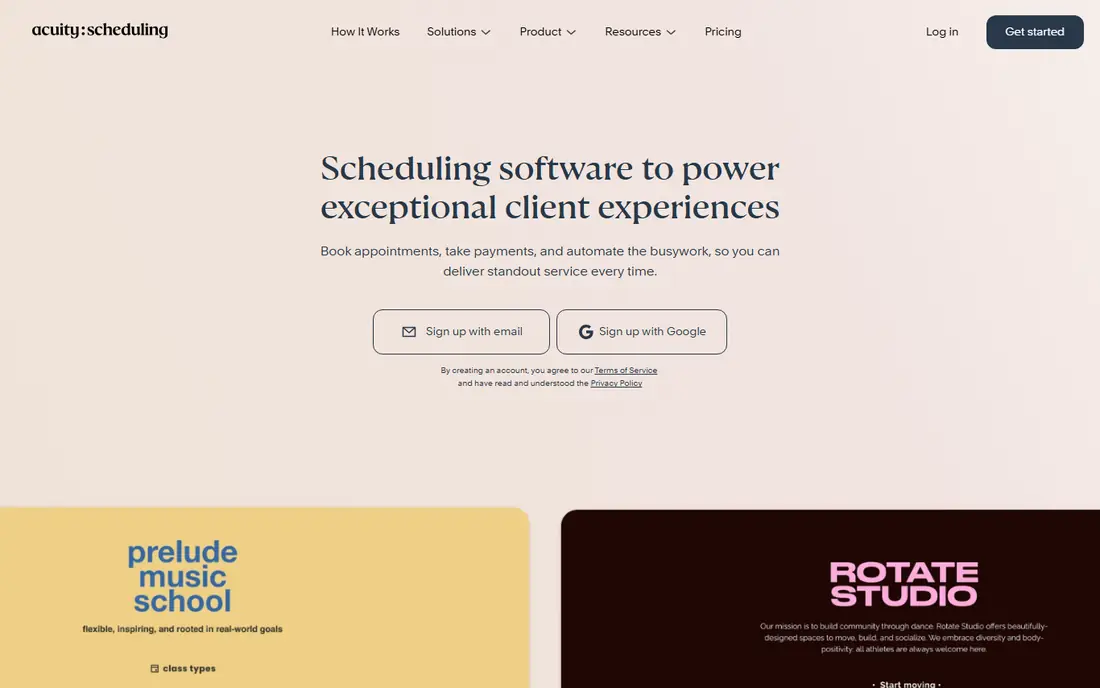
Acuity Scheduling, part of Squarespace, is built for service businesses rather than internal meetings. Clients book a service, answer intake questions, and pay at booking, and the business can sell packages, gift certificates, and memberships. That makes it a strong fit for coaches, clinics, salons, consultants, and tutors who charge for time.
The cost is real, and the setup is heavier than Calendly. You will spend time configuring services, durations, forms, and payment settings before the first booking. If you only need a meeting link, Acuity is more tool than you need. If appointments are how you earn, the intake and payment features pay for themselves in saved admin work.
- Intake forms, packages, and memberships
- Payment collection through Stripe, Square, and PayPal
- Client self-scheduling
- No free plan, only a 7-day trial
- Setup takes longer than a simple booking link

Doodle solves a different problem from Calendly. When five people must meet, a booking link does not help, because no single host controls the time. Doodle lets you propose several times, guests vote, and the winning time becomes the meeting. That one idea makes it the best tool for committees, study groups, volunteer teams, and cross-company meetings.
Doodle also offers booking pages for one-to-one meetings, but that is not where it shines. If your work is mostly one-to-one calls, Calendly or Cal.com will feel smoother. If your calendar pain is group coordination, start with Doodle and keep a simple booking link tool for everything else.
- Group polls let everyone vote on times
- Simple for guests, no account needed to vote
- Booking pages also available
- Not built for team routing or sales workflows
- Paid features are needed for branding and reminders
Cal.com is the best value pick in this list. The free plan for one user includes unlimited event types and connected calendars, plus payment collection, which is more than Calendly offers free. That makes it a strong choice for freelancers, coaches, and small teams that want depth without an early subscription.
The trade-off is polish and learning curve. Setting up advanced workflows takes a little more care than in Calendly, and the design feels more functional than refined. Teams pay $12 per user per month for shared features. If price matters and you are comfortable with a slightly plainer tool, Cal.com is hard to beat.
- Free plan includes unlimited event types and calendars
- Payments through Stripe and PayPal
- Open-source option for self-hosting
- Interface is less polished than Calendly
- Some team features need the paid Teams plan
Setmore fits small service teams that need a shared booking page without a large bill. The free plan covers up to four users, which is enough for a small salon, clinic, or consultancy to start. Staff get their own booking pages, clients book online, and reminders help reduce missed appointments.
Larger teams will hit limits, and the interface is less modern than Calendly or Cal.com. At $5 per user per month on annual billing, Pro is still cheap for what it adds, including more reminders and integrations. For a small team that books clients rather than internal meetings, Setmore is a practical, low-cost starting point.
- Free plan covers up to four users
- Staff booking pages
- Reminders and payment options
- Design feels dated
- Advanced features need the Pro plan
HubSpot Meetings is the obvious pick if your team already lives in HubSpot. A free scheduling page lets prospects book time, and the booking lands in the CRM with the contact record attached, so sales follow-up starts from real data rather than a copied email. That connection is the main reason to choose it over a standalone tool.
Outside HubSpot, it loses its edge. Team routing, group scheduling, and deeper automation sit behind paid Sales Hub plans, and a standalone tool will be simpler if you do not use the CRM. If HubSpot is already your system of record, use its meetings tool first and only add another scheduler if you hit a clear gap.
- Free personal scheduling page
- Bookings write directly to the HubSpot CRM
- Good for sales follow-up
- Round-robin and advanced routing need a paid Sales Hub plan
- Best only if you already use HubSpot
Zoho Bookings follows the same logic as HubSpot Meetings, for the Zoho world. If your business already uses Zoho CRM, Mail, or other Zoho apps, Bookings fits in without another vendor to manage. The free plan covers one user with booking pages, confirmations, and reminders, and paid plans add team features and payments.
Guests may find Zoho booking pages less familiar than Calendly links, but the flow is still simple: pick a service, pick a time, confirm. If you do not use Zoho, there is little reason to choose it over Cal.com or Calendly. If you do, it keeps scheduling inside a system you already pay for.
- Free plan for one user
- Works with Zoho CRM and other Zoho apps
- Reminders and no-show handling
- Payment collection needs the Premium plan
- Less familiar to guests outside the Zoho world
TidyCal appeals to people who dislike another monthly subscription. A one-time payment covers the core product, and even the free plan supports paid bookings, which is unusual in this category. Booking pages are simple, setup is quick, and the price stays flat as your use grows.
The limits matter for teams. There is no native mobile app, and routing, webhooks, and CRM sync are thinner than in Calendly or Cal.com. Solo consultants, coaches, and creators who want a booking link and payment without a monthly bill will like it. Larger teams should test whether the missing integrations matter before committing.
- One-time payment option instead of a monthly bill
- Paid bookings on the free plan
- Simple booking pages
- No native mobile app
- Fewer integrations and team routing features than Calendly
YouCanBookMe focuses on booking pages that look like part of your own site. You set availability from your calendar, customize the page, and share a link or embed it. That branding control suits consultants, recruiters, and small firms that care how the booking step looks to clients.
The free plan covers one calendar, which is fine for an individual but tight for a team. Paid plans add team members, extra calendars, and more control. If your priority is a polished, branded page rather than sales routing, YouCanBookMe is a good middle option between a bare link and a full sales tool.
- Clean, branded booking pages
- Calendar-driven availability
- Team pages on paid plans
- Free plan is limited to one calendar
- Fewer automation features than Calendly
SimplyBook.me is built for businesses that take many appointments, classes, or events, such as clinics, studios, schools, and salons. The free plan includes a limited number of bookings, and paid plans expand that limit and add features such as memberships, coupons, and marketing tools. Clients get a booking site and app, and staff get admin tools.
For a simple one-to-one meeting link, SimplyBook.me is more than you need, and setup takes longer. For a service business with a full appointment book, that depth is the point. Compare it with Acuity and Setmore if you run a service business, and pick based on whether you need packages, classes, or the lowest monthly cost.
- Free plan includes 50 bookings
- Service, class, and event booking
- Client and admin apps
- Setup can feel complex for simple meeting links
- Pricing scales with bookings and features
How we picked these
We compared official pricing pages, feature pages, and recent comparison guides for scheduling tools, and we checked that each homepage loads and belongs to the product named. We favored tools with a working free plan or trial, calendar sync, and a clear use case, and we included both meeting tools and appointment tools because readers search for both under this topic. Prices are annual billing where the vendor prices that way, and they can change, so check the pricing page before you buy.
Choosing the right scheduling tool
Start by naming the meeting type that causes the most back-and-forth. One-to-one calls point to Calendly or Cal.com. Group meetings point to Doodle. Paid client sessions point to Acuity or SimplyBook.me. Sales teams point to the tool that matches their CRM.
Check the guest experience first
Send yourself a test booking before you share a link widely. Check the confirmation email, the calendar invite, the time zone handling, and the reschedule flow. A tool that confuses guests will cost you meetings, no matter how good its admin dashboard looks.
Watch the limits that matter
Free plans differ in what they limit: event types, calendars, users, bookings, or reminders. Count how many meeting types you actually offer and how many people book each month, then match those numbers to the plan, not to the headline price. A cheap plan that caps bookings can cost more than a higher plan once you add overage or upgrade mid-month.
Sources
- https://calendly.com
- https://acuityscheduling.com
- https://doodle.com
- https://cal.com
- https://www.setmore.com
- https://www.hubspot.com
- https://www.zoho.com/bookings/
- https://tidycal.com
- https://youcanbook.me
- https://simplybook.me
- https://pickrtech.com/scheduling-software-calendly-vs-doodle-vs-hubspot/
- https://www.itechguides.com/best/calendar-scheduling/