Best Tools for Website Optimization in 2026: 8 Tools Compared
By ToolNimba Editorial Team November 13, 2026 9 min read

- Top pick
 Optimizely
Enterprise experimentation
Starting priceSee websiteCheck out OptimizelyRead our review - Runner-up
 VWO
Mid-market conversion testing
Starting priceSee websiteCheck out VWORead our review - Also great
 Hotjar
Behaviour insight for small teams
Starting priceFreeCheck out HotjarRead our review
How we researched this
We compared official pricing and feature pages, app store listings, privacy policies and public user reviews. Prices change, so check the provider's site before you pay.
Key takeaways
- Hotjar and Microsoft Clarity give fast behaviour insight, and Clarity is free.
- Optimizely, VWO and AB Tasty suit serious testing programs with larger budgets.
- Crazy Egg is a good middle step for heatmaps plus simple tests.
- GTmetrix is the quickest check for page speed problems.
- Unbounce suits teams that need landing pages and tests in one place.
Quick comparison
| Name | Best for | Starting price | Free plan | |
|---|---|---|---|---|
| Optimizely | Enterprise experimentation | See website | No | Visit |
| VWO | Mid-market conversion testing | See website | Free trial | Visit |
| Hotjar | Behaviour insight for small teams | Free | Yes | Visit |
 Crazy Egg | Heatmaps plus simple A/B tests | $29 per month | No | Visit |
 AB Tasty | Personalization and testing | See website | No | Visit |
 Unbounce | Landing pages and conversion tests | See website | Free trial | Visit |
 GTmetrix | Page speed checks | Free | Yes | Visit |
 Microsoft Clarity | Free behaviour analytics | Free | Yes | Visit |
The best tools for website optimization
The best website optimization tools help you find why visitors leave and test fixes with evidence. Some tools measure speed, some show behaviour, and some run experiments, so most teams need a mix rather than one product.
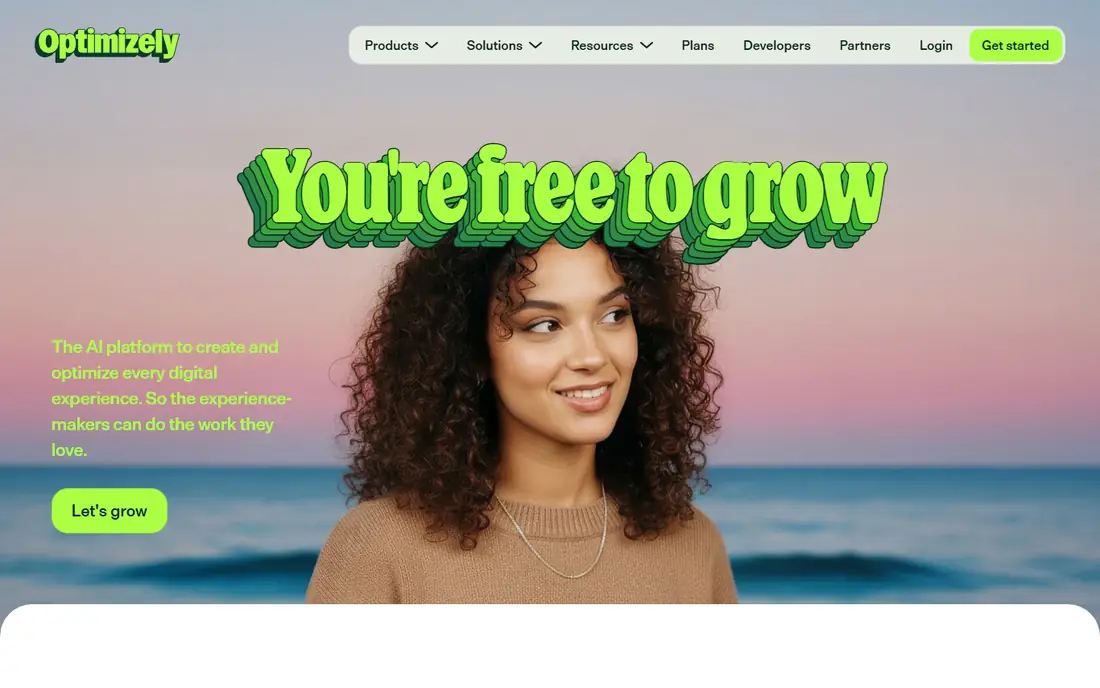
Optimizely fits large teams with steady traffic. Its main strength is enterprise-grade experimentation at scale. It covers web tests, feature flags and personalization, so product and marketing can share one program. The catch is its price is hard to justify for small sites. Run a pilot on one high-traffic page before you commit. We would shortlist it if you run many tests and need governance. When you trial Optimizely, test it on the exact job you listed for enterprise experimentation. Use real data, real users and real deadlines, and write down what worked, what failed and what cost extra. That short trial record will tell you more than a demo, and it makes the final choice easier to defend to colleagues or family.
- Web and feature experimentation
- Strong targeting and stats
- Large enterprise feature set
- Quote-based pricing
- Needs a mature testing program to justify cost
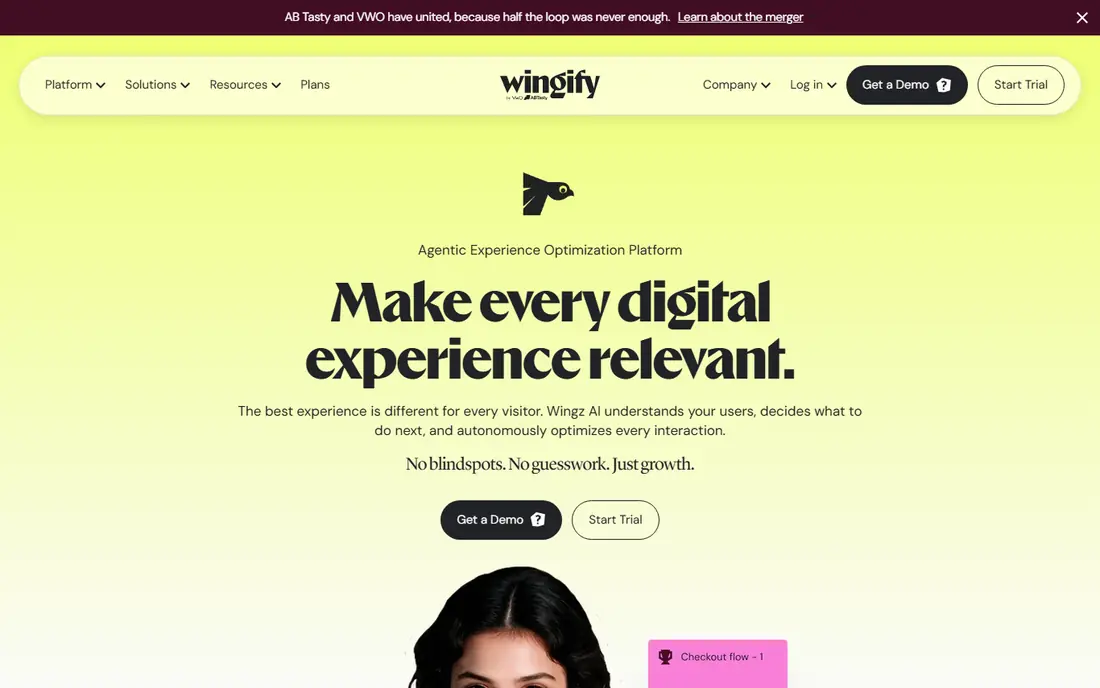
VWO fits growing teams that want one CRO suite. Its main strength is a broad CRO suite in one account. You can form a hypothesis from heatmaps, run the test, and review results without switching tools. The catch is traffic-based pricing needs careful forecasting. Start with one clear conversion goal and one test at a time. We would shortlist it if you want testing plus behaviour insight together. When you trial VWO, test it on the exact job you listed for mid-market conversion testing. Use real data, real users and real deadlines, and write down what worked, what failed and what cost extra. That short trial record will tell you more than a demo, and it makes the final choice easier to defend to colleagues or family.
- A/B, split and multivariate tests
- Heatmaps and recordings
- Personalization options
- Pricing is now quote-led
- Costs rise with traffic
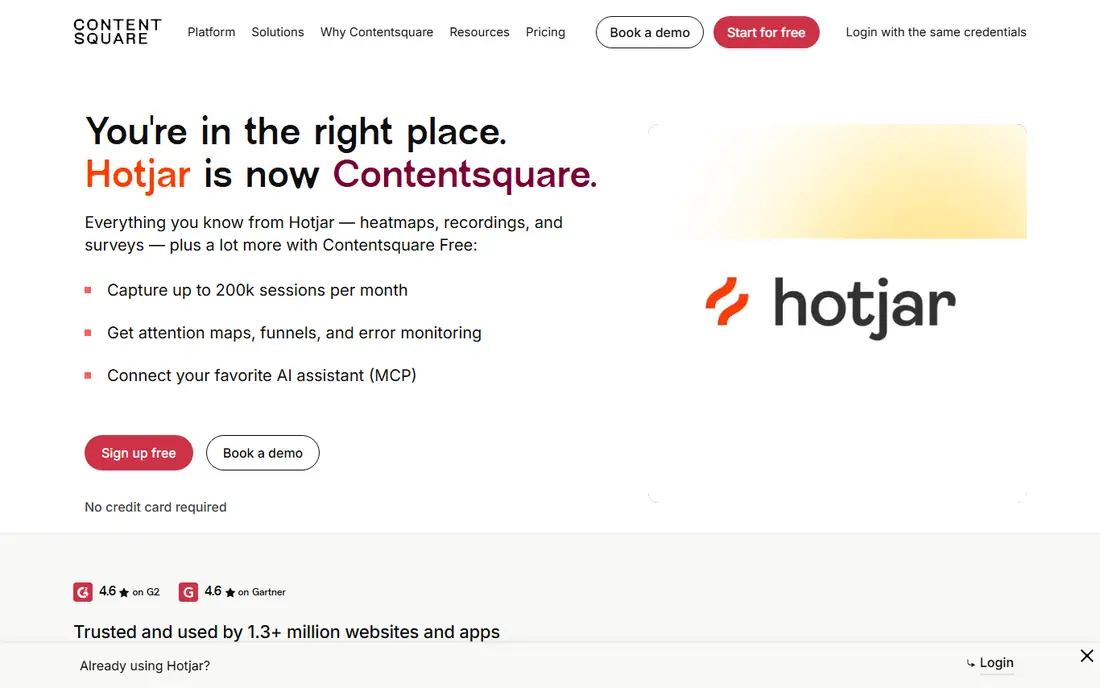
Hotjar fits small teams fixing obvious friction. Its main strength is fast, visual evidence of where users struggle. A heatmap or recording often shows a broken form or confusing section in minutes. The catch is it does not run full A/B tests like VWO or Optimizely. Watch a small set of recordings tied to one page goal. We would shortlist it if you need to learn why users leave, fast. When you trial Hotjar, test it on the exact job you listed for behaviour insight for small teams. Use real data, real users and real deadlines, and write down what worked, what failed and what cost extra. That short trial record will tell you more than a demo, and it makes the final choice easier to defend to colleagues or family.
- Heatmaps and recordings
- Surveys and feedback
- Fast setup
- Free plan caps sessions
- Advanced testing is limited
Crazy Egg fits small sites that want visuals plus tests. Its main strength is visual testing without enterprise complexity. Its snapshots show clicks and scroll depth, and its tests let you check a headline or layout change. The catch is larger programs may outgrow its reporting. Pick one page, one change and one metric per test. We would shortlist it if you want heatmaps first and tests second. When you trial Crazy Egg, test it on the exact job you listed for heatmaps plus simple a/b tests. Use real data, real users and real deadlines, and write down what worked, what failed and what cost extra. That short trial record will tell you more than a demo, and it makes the final choice easier to defend to colleagues or family.
- Heatmaps, scrollmaps and recordings
- A/B and split URL tests
- Simple setup
- Entry plans limit tests and traffic
- Stats depth is basic
AB Tasty fits larger brands that personalize as well as test. Its main strength is testing joined to personalization. You can test a page, then show the winning variant to the segment it suits best. The catch is smaller teams may pay for modules they rarely use. Ask for a scoped quote tied to your traffic and modules. We would shortlist it if personalization is part of your plan, not an extra. When you trial AB Tasty, test it on the exact job you listed for personalization and testing. Use real data, real users and real deadlines, and write down what worked, what failed and what cost extra. That short trial record will tell you more than a demo, and it makes the final choice easier to defend to colleagues or family.
- Experimentation plus personalization
- Recommendations
- Feature management
- Quote-based pricing
- Best suited to larger teams
Unbounce fits marketers who live on landing pages. Its main strength is landing pages built for conversion from the start. You can build, publish and test a page without waiting on developers for every change. The catch is it will not replace a site-wide experimentation platform. Test the offer and headline before you polish design. We would shortlist it if landing pages drive most of your conversions. When you trial Unbounce, test it on the exact job you listed for landing pages and conversion tests. Use real data, real users and real deadlines, and write down what worked, what failed and what cost extra. That short trial record will tell you more than a demo, and it makes the final choice easier to defend to colleagues or family.
- Landing page builder
- A/B tests
- Smart Traffic routing
- Many templates
- Page-focused, not a full site testing suite
- Paid plans add up
GTmetrix fits any team that needs a speed baseline. Its main strength is clear speed diagnosis in plain terms. Its waterfall shows which file or script slows a page, so fixes can be ordered by impact. The catch is speed alone will not fix a weak offer or confusing layout. Test the same page before and after each fix. We would shortlist it if page speed is your first bottleneck. When you trial GTmetrix, test it on the exact job you listed for page speed checks. Use real data, real users and real deadlines, and write down what worked, what failed and what cost extra. That short trial record will tell you more than a demo, and it makes the final choice easier to defend to colleagues or family.
- Speed scores and waterfall detail
- Location and device options
- History on paid plans
- It diagnoses speed, it does not run conversion tests
Microsoft Clarity fits teams that want free behaviour data. Its main strength is free heatmaps and recordings with no session billing worry. You can add it beside analytics and start watching real sessions the same day. The catch is you will still need a separate tool for experiments. Pair it with a testing tool once you have a hypothesis. We would shortlist it if budget is tight but behaviour data is essential. When you trial Microsoft Clarity, test it on the exact job you listed for free behaviour analytics. Use real data, real users and real deadlines, and write down what worked, what failed and what cost extra. That short trial record will tell you more than a demo, and it makes the final choice easier to defend to colleagues or family.
- Free heatmaps and recordings
- Simple setup
- Works beside analytics tools
- Analysis features are lighter than paid suites
- No built-in A/B testing
How we picked these
We compared official feature pages, pricing pages and app store listings, and we kept only products that exist and work in October 2026 and truly fit the topic. We favoured clear pricing, usable free plans or trials where they exist, and features that match the main job. We did not claim hands-on testing, and we left out products that had closed, changed focus or did not fit, even when they were well known nearby. Prices change, so treat the figures here as a snapshot from October 2026 and confirm the current price on the vendor site before you pay. Where we could not verify a price, we wrote See website rather than guessing.
How to choose website optimization tools
Match the tool to the question
Speed tools answer how fast a page loads. Heatmaps answer where people click and stop. Testing tools answer which version wins. Buying a testing suite before you know the friction wastes money, so start with speed and behaviour checks.
Test big changes on low traffic
Small sites should test offers, headlines and page structure, not button shades. You need enough conversions per variant to trust a result. If traffic is low, use behaviour data and qualitative feedback alongside tests.
Keep a simple testing habit
One goal, one change, one metric and a fixed run time beats a pile of overlapping tests. Record the hypothesis, the result and the next step. That log becomes more valuable than any single tool over time.
Sources
Frequently asked questions
What is the best tool for website optimization overall?
There is no single winner. For most small teams, Hotjar or Microsoft Clarity plus GTmetrix covers diagnosis well. Add VWO or Optimizely when you have steady traffic and a regular testing program.
What are the best website optimization tools for small businesses?
Start free or cheap: Microsoft Clarity for behaviour, GTmetrix for speed, and Crazy Egg when you want simple tests. Move to VWO when tests become a weekly habit and traffic supports them.
Which website optimization software is best for A/B testing?
VWO suits mid-market teams, Optimizely suits enterprise programs, and AB Tasty suits teams that also want personalization. Crazy Egg and Unbounce cover simpler tests on specific pages.
How do I list the best website optimization tools for my team?
List tools by question: speed, behaviour, testing and landing pages. Shortlist one per question, trial it on a real page, and keep only the tools your team actually opens each week.
Do free website optimization tools work well?
Yes for diagnosis. Microsoft Clarity and GTmetrix give useful free data. Free tiers cap sessions or history, so paid plans matter once you test often or need deeper reporting.