Best Typing Software in 2026: 9 Tools Compared
By ToolNimba Editorial Team November 12, 2026 8 min read

- Top pick
 Typing.com
Free learners of all ages
Starting priceFreeCheck out Typing.comRead our review - Runner-up
 TypingClub
Students and schools
Starting price$8.50 per monthCheck out TypingClubRead our review - Also great
 Typesy
Families and serious learners
Starting price$11 per monthCheck out TypesyRead our review
How we researched this
We compared official pricing and feature pages, app store listings, privacy policies and public user reviews. Prices change, so check the provider's site before you pay.
Key takeaways
- Typing.com and TypingClub are the best free starting points, with structured lessons and no install needed.
- Typesy and Typing Master suit learners who want video lessons, games, and detailed progress tracking.
- Mavis Beacon remains a classic paid option, with an online edition priced at $29.99 per year for one user.
- Short daily practice beats long rare sessions, so pick a tool you will actually open every day.
Quick comparison
| Name | Best for | Starting price | Free plan | |
|---|---|---|---|---|
| Typing.com | Free learners of all ages | Free | Yes | Visit |
| TypingClub | Students and schools | $8.50 per month | Yes | Visit |
| Typesy | Families and serious learners | $11 per month | Free trial | Visit |
 Typing Master | Adults wanting value | $4.90 per month | Free trial | Visit |
 Mavis Beacon Teaches Typing | Classic course fans | $29.99 per year | No | Visit |
 KAZ Typing Tutor | Fast results seekers | $29.99 per year | No | Visit |
 Keybr | Minimalist practice fans | Free | Yes | Visit |
 Monkeytype | Speed test and practice fans | Free | Yes | Visit |
 Ratatype | Free learners wanting certificates | Free | Yes | Visit |
The best typing software
Good typing software teaches finger placement first, then builds speed with short, regular practice. We compared nine tools on lessons, tracking, games, and price, from free browser tools to classic paid courses.
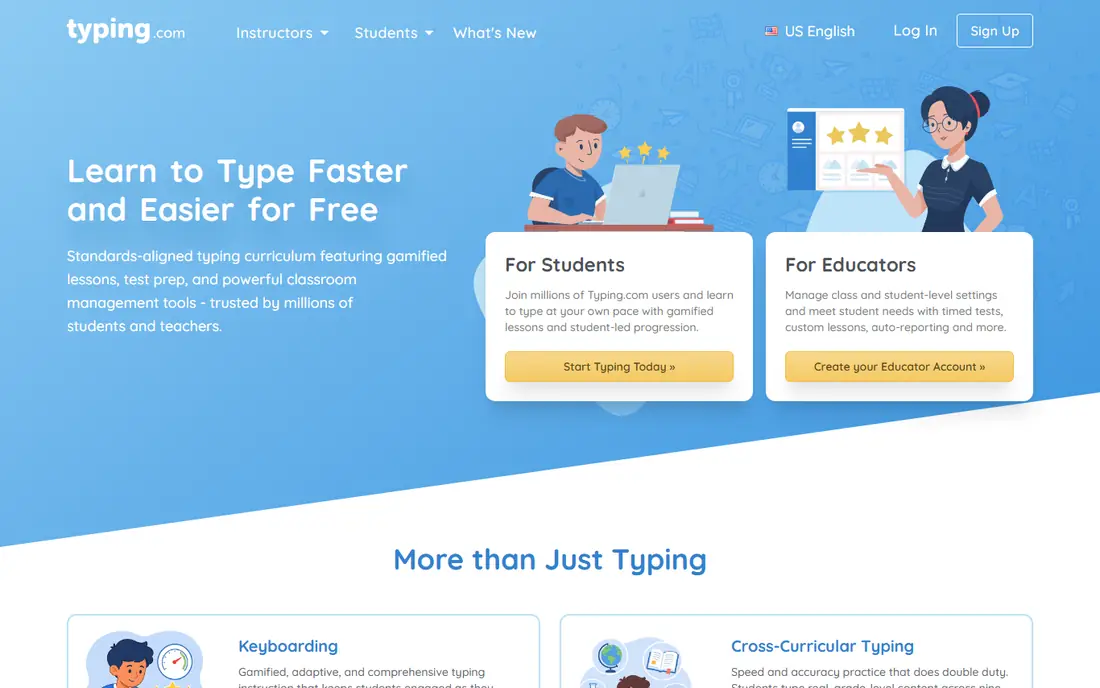
Typing.com is the easiest free place to start, with lessons that move from home row basics to full sentences. Its school tools also make it a practical pick for teachers, while adult learners can use the same free lessons without creating a classroom.
The main catch is worth weighing before you buy. It also helps to trial the tool with real data and real users, since demos rarely show permission, reporting, or support limits. Check the current pricing page before you sign, since enterprise and usage-based prices change often, and confirm that the integrations and data controls your team needs are included in the tier you plan to buy.
- Free structured lessons
- Teacher tools for schools
- Works in a browser
- Fewer advanced games than paid rivals
- Ads and upsells on some pages
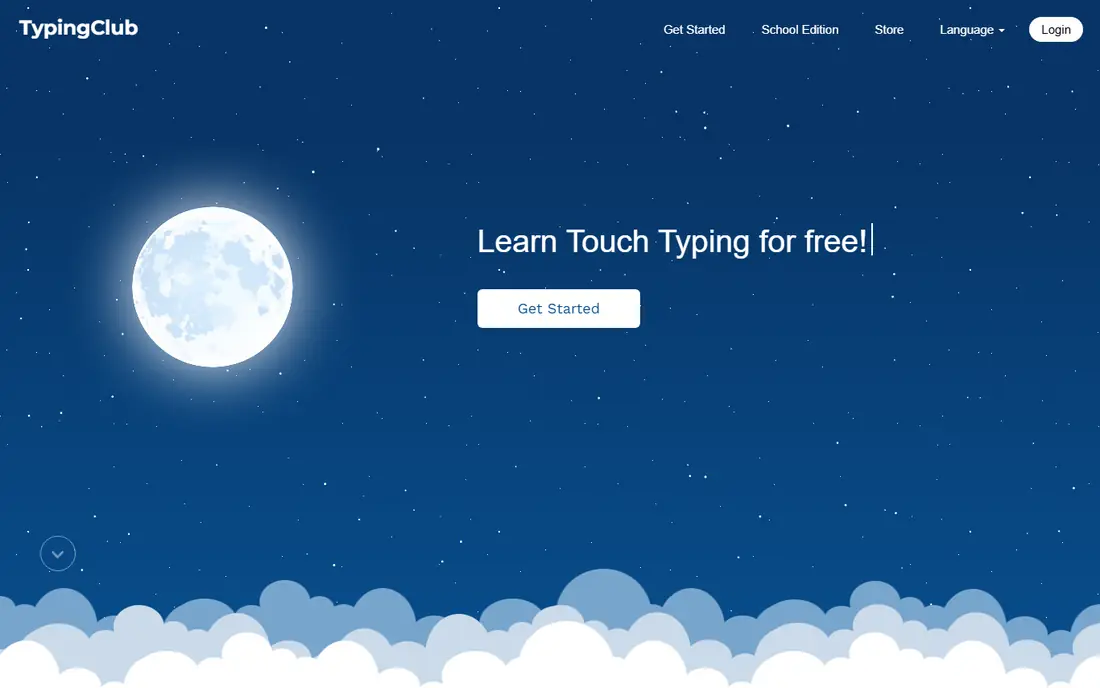
TypingClub suits students who want a clear path, with lessons, tests, and badges that track progress. Its step-by-step structure helps beginners build accuracy first, then speed, and its school plans give teachers class-level reports.
The main catch is worth weighing before you buy. It also helps to trial the tool with real data and real users, since demos rarely show permission, reporting, or support limits. Check the current pricing page before you sign, since enterprise and usage-based prices change often, and confirm that the integrations and data controls your team needs are included in the tier you plan to buy.
- Free core lessons
- Progress tracking
- School and district plans
- Paid plan needed for full features
- Design is simple rather than flashy
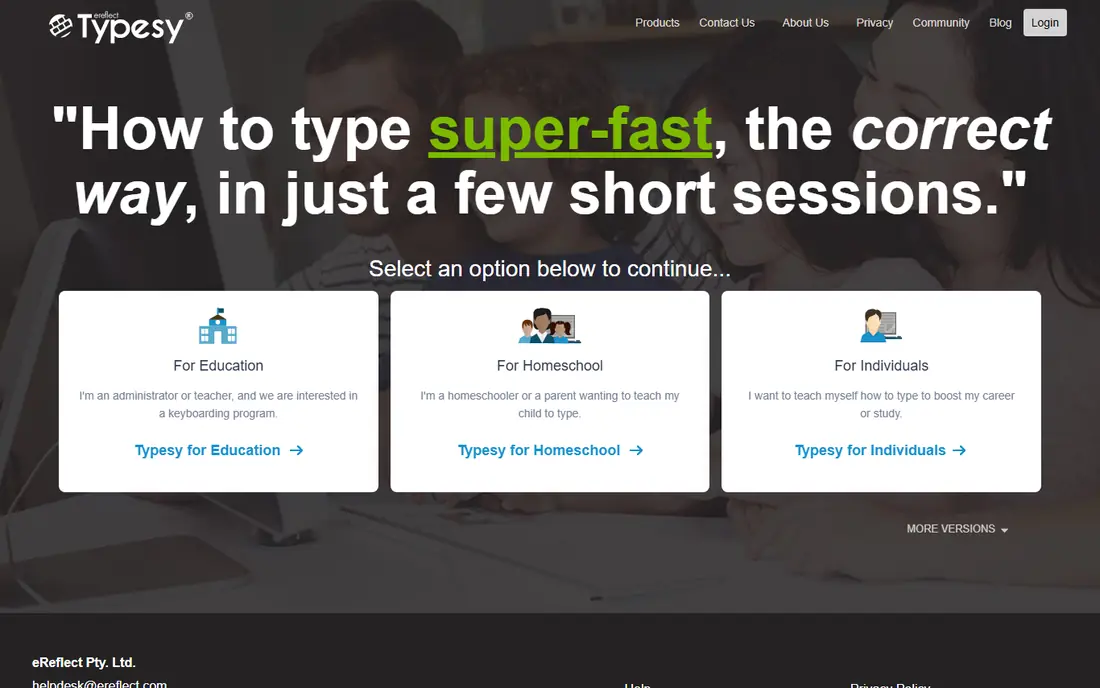
Typesy suits learners who want a full course, not just a test, with video instruction and adaptive lessons. Its games and custom lesson tools help families and adult learners stay motivated, and its progress tracking shows speed and accuracy over time.
The main catch is worth weighing before you buy. It also helps to trial the tool with real data and real users, since demos rarely show permission, reporting, or support limits. Check the current pricing page before you sign, since enterprise and usage-based prices change often, and confirm that the integrations and data controls your team needs are included in the tier you plan to buy.
- Video lessons
- Adaptive learning
- Games and custom lessons
- Up to five users on some plans
- Price varies by plan
- Support reviews are mixed in public feedback
Typing Master is a strong value pick for adults who want a proven course at a low price. Its TypingMeter feature is a useful extra, since it measures typing during normal computer use, not just in practice lessons.
The main catch is worth weighing before you buy. It also helps to trial the tool with real data and real users, since demos rarely show permission, reporting, or support limits. Check the current pricing page before you sign, since enterprise and usage-based prices change often, and confirm that the integrations and data controls your team needs are included in the tier you plan to buy.
- Low monthly cost
- TypingMeter tracks real-world typing
- Structured courses
- Interface feels older
- Fewer modern games than newer rivals
Mavis Beacon suits learners who want a classic, structured course with a familiar name. Its online edition costs $29.99 per year for one user, with a family option at $49.99 per year, and its lessons cover basics through speed building.
The main catch is worth weighing before you buy. It also helps to trial the tool with real data and real users, since demos rarely show permission, reporting, or support limits. Check the current pricing page before you sign, since enterprise and usage-based prices change often, and confirm that the integrations and data controls your team needs are included in the tier you plan to buy.
- Long-running trusted brand
- 330 lessons and games on desktop editions
- Bilingual instruction
- Online and desktop editions differ
- Interface feels dated to some users
KAZ suits adults who want a short, focused course rather than months of lessons. Its accelerated approach appeals to job seekers and office workers who need to reach a usable speed quickly, though advanced typists may want more depth.
The main catch is worth weighing before you buy. It also helps to trial the tool with real data and real users, since demos rarely show permission, reporting, or support limits. Check the current pricing page before you sign, since enterprise and usage-based prices change often, and confirm that the integrations and data controls your team needs are included in the tier you plan to buy.
- Short focused course
- Claims fast progress for many learners
- Simple structure
- Less depth for advanced learners
- Fewer games than rivals
Keybr suits learners who already know the basics and want focused practice on weak keys. Its algorithm builds lessons around the letters you miss most, which makes short sessions feel useful, though beginners may want a guided course first.
The main catch is worth weighing before you buy. It also helps to trial the tool with real data and real users, since demos rarely show permission, reporting, or support limits. Check the current pricing page before you sign, since enterprise and usage-based prices change often, and confirm that the integrations and data controls your team needs are included in the tier you plan to buy.
- Free and simple
- Generates lessons from weak keys
- No install needed
- No structured course or teacher tools
- Plain design
Monkeytype suits typists who want fast, customizable speed tests and daily practice. Its clean design and test options make it easy to track personal bests, though it works best alongside a structured course for true beginners.
The main catch is worth weighing before you buy. It also helps to trial the tool with real data and real users, since demos rarely show permission, reporting, or support limits. Check the current pricing page before you sign, since enterprise and usage-based prices change often, and confirm that the integrations and data controls your team needs are included in the tier you plan to buy.
- Free
- Highly customizable tests
- Large community of typing fans
- Not a guided course
- No teacher dashboard
Ratatype suits free learners who want a certificate at the end of a course. Its lessons cover basics and speed, and its group tools help schools and small teams track learners without paying for a platform.
The main catch is worth weighing before you buy. It also helps to trial the tool with real data and real users, since demos rarely show permission, reporting, or support limits. Check the current pricing page before you sign, since enterprise and usage-based prices change often, and confirm that the integrations and data controls your team needs are included in the tier you plan to buy.
- Free lessons and tests
- Certificates for completed courses
- Group features
- Fewer advanced lessons than paid tools
- Design is basic
How we picked these
We compared official feature pages, pricing pages, app store listings, and public documentation for each product, and we kept only products that are available now and truly fit the topic. We did not claim hands-on testing we did not do, and where a vendor does not publish a price we say so rather than guessing. Prices below reflect vendor pages and recent pricing summaries checked in October 2026, so confirm the current figure before you buy.
How to learn typing faster
Practice for 10 to 20 minutes a day, keep your eyes off the keyboard, and focus on accuracy before speed. A tool with adaptive lessons helps, because it repeats your weak keys instead of letting you repeat what you already know. Track words per minute and accuracy weekly, not daily, since daily scores jump around. If you teach children, pick a tool with a teacher dashboard and age-appropriate lessons, and set a simple goal, such as finishing one lesson set before moving to games.
Sources
Frequently asked questions
What is the best typing software?
Typing.com and TypingClub are the best free starting points. Typesy and Typing Master suit learners who want video lessons and tracking, while Mavis Beacon suits fans of a classic structured course.
Is there free typing software?
Yes. Typing.com, TypingClub, Keybr, Monkeytype, and Ratatype all offer free lessons or tests. Paid tools add video lessons, adaptive tracking, games, and teacher dashboards.
How long does it take to learn to type?
Most beginners see clear progress in a few weeks with daily practice, and reach a comfortable speed in one to three months. Accuracy matters more than speed at first, since fixing bad habits later takes longer.
What is a good typing speed?
For office work, 40 to 60 words per minute with high accuracy is a practical goal. Data entry and transcription roles often ask for higher speeds, while casual users benefit most from accuracy and comfort.
Are typing apps good for kids?
Yes, if the app uses age-appropriate lessons and a teacher or parent dashboard. Typing.com, TypingClub, and Typesy all offer school or family options that help adults track progress.