Best Video Conferencing Software in 2026: 9 Tools Compared
By ToolNimba Editorial Team October 28, 2026 12 min read

- Top pick
 Zoom Workplace
All-round meetings
Starting price$16.99 per user per monthCheck out Zoom WorkplaceRead our review - Runner-up
 Microsoft Teams
Microsoft 365 teams
Starting price$4.00 per user per monthCheck out Microsoft TeamsRead our review - Also great
 Google Meet
Google Workspace teams
Starting priceFreeCheck out Google MeetRead our review
How we researched this
We compared official pricing and feature pages, app store listings, privacy policies and public user reviews. Prices change, so check the provider's site before you pay.
Key takeaways
- Zoom is the most complete meeting-first choice, while Microsoft Teams and Google Meet are often the best value if you already pay for their office suites.
- Free plans work for short calls, but group limits of 40 or 60 minutes push regular teams to a paid plan quickly.
- Webex suits regulated and enterprise teams, while Zoho Meeting and Jitsi Meet offer the lowest-cost routes for small teams.
- AI summaries, captions and recording controls now differ more between plans than basic video quality, so check what is included on your tier.
Quick comparison
| Name | Best for | Starting price | Free plan | |
|---|---|---|---|---|
| Zoom Workplace | All-round meetings | $16.99 per user per month | Yes | Visit |
| Microsoft Teams | Microsoft 365 teams | $4.00 per user per month | Yes | Visit |
| Google Meet | Google Workspace teams | Free | Yes | Visit |
 Webex by Cisco | Enterprise security | $14.50 per user per month | Yes | Visit |
 RingCentral | Voice, video and messaging | $20.00 per user per month | No | Visit |
 GoTo Meeting | Simple reliable meetings | $12.00 per user per month | No | Visit |
 Zoho Meeting | Budget small business | $3.00 per host per month | Yes | Visit |
 Jitsi Meet | Free open source calls | Free | Yes | Visit |
 Whereby | Simple browser meetings | $10.99 per host per month | Yes | Visit |
The best video conferencing software options
Good video conferencing software should start a call in seconds, keep audio clear on a weak connection, and make it easy to share a screen, record a meeting and catch up afterwards. We compared official pricing pages, free plan limits, meeting sizes, AI features, security controls and public reviews for the tools teams use most in 2026.
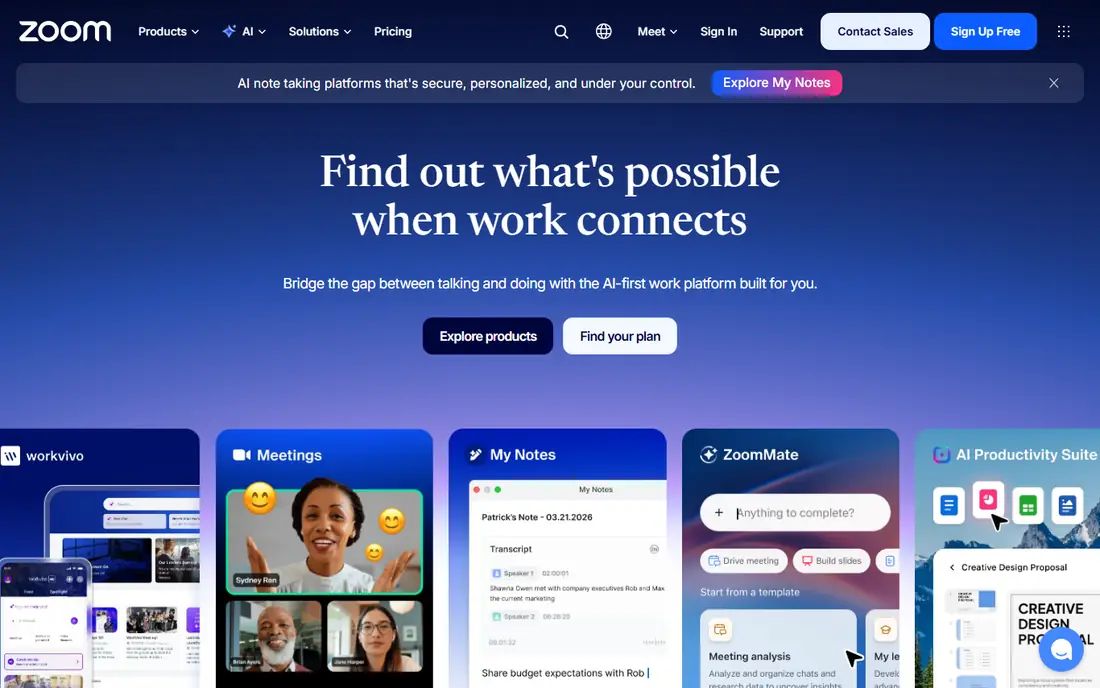
Zoom Workplace remains the default meeting tool for many teams, because guests can join from a link without a complex setup, and hosts get a full set of controls. Paid plans lift the 40-minute group limit on the free Basic plan, add cloud recording, and include AI Companion for summaries and action items on paid tiers. Breakout rooms, whiteboards and webinar add-ons make Zoom useful for training, sales calls and large events as well as daily standups.
Pricing needs care. Pro costs $16.99 per user per month on monthly billing, or $14.16 per user per month billed annually, while Business costs $21.99 monthly or $18.33 annually, with larger meetings and admin controls. Phone, Rooms, webinars and extra storage are separate add-ons, so a team that needs all of them should price the bundle, not just the base plan. For a meeting-first team that values reliability and broad adoption, Zoom is still the safest pick.
- Very reliable video and audio
- AI Companion included on paid plans
- Breakout rooms, whiteboard and webinars
- Costs rise with add-ons for phone, rooms and webinars
- Feature list can feel large for simple calls
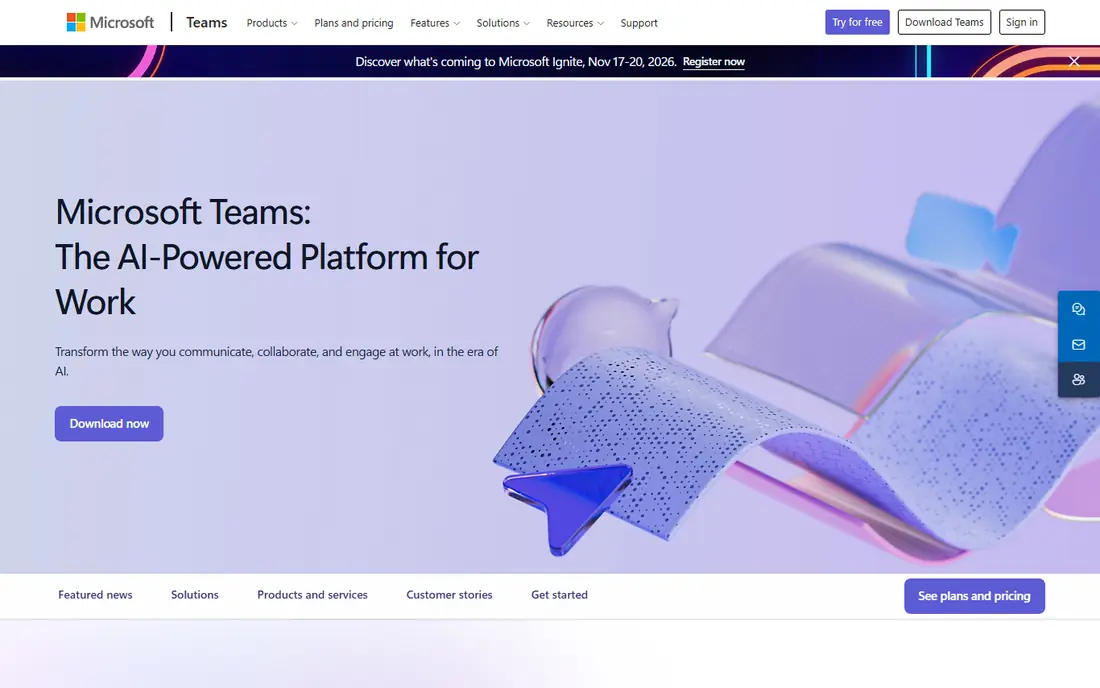
Microsoft Teams makes most sense if your company already uses Microsoft 365. Meetings, chat, file sharing and calendar live in one place, and Outlook, SharePoint and OneDrive integration removes much of the switching between apps. Teams Essentials costs $4.00 per user per month, while Microsoft 365 Business Basic, which includes Teams plus other apps, costs $7.00 per user per month on annual billing in published comparisons. The free version supports group meetings up to 60 minutes with up to 100 people.
The catch is complexity. Teams can feel heavy for a small team that only needs video calls, and large meetings can strain older devices. If your team lives in Word, Excel and Outlook, Teams is usually the best value, because you may already pay for it. If you only need simple video calls, Zoom or Google Meet may feel lighter.
- Deep Microsoft 365 integration
- Chat, files and meetings in one app
- Teams Essentials from $4.00 per user per month
- Can feel heavy for small teams
- Setup and admin controls take time to learn
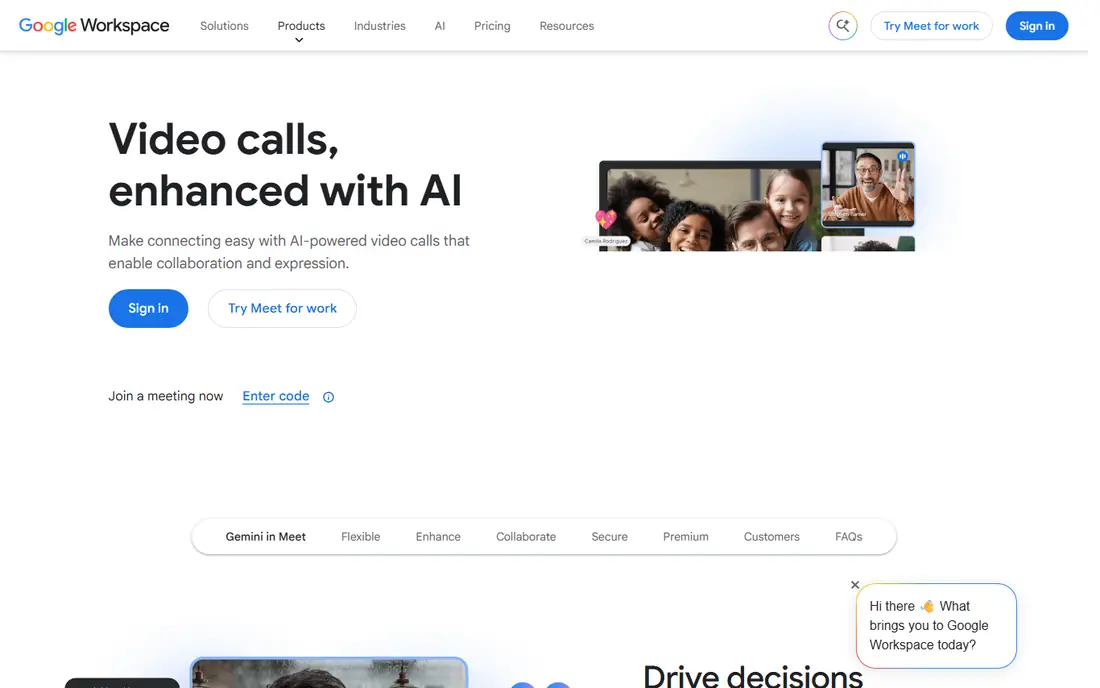
Google Meet is the easiest tool to join. Guests can open a link in a browser, hosts can schedule from Google Calendar, and the interface stays simple even for large calls. The free plan supports meetings up to 60 minutes for groups of three or more, while Google Workspace plans start at $7.00 per user per month for Business Starter in published pricing, with larger meeting sizes and recording on higher tiers.
For a team that already uses Gmail, Drive and Calendar, Meet is often the best free and low-cost choice. It lacks some of Zoom's webinar depth and advanced event tools, but for internal meetings, client calls and small business use, it covers the essentials well. If you need paid webinars, breakout-heavy training or room systems, compare Zoom or Webex before you commit.
- Browser-first with no download for guests
- Strong Google Calendar integration
- Live captions and noise cancellation
- Fewer advanced webinar tools than Zoom
- Full features depend on a Workspace plan
Webex by Cisco suits enterprises, regulated teams and organizations that already use Cisco hardware. The platform offers end-to-end encryption options, compliance controls, AI translation in many languages, and reliable audio that holds up on weaker connections. The free plan supports meetings up to 40 minutes with up to 100 people, while paid Meet plans start around $14.50 per user per month in published comparisons.
For a small team, Webex may feel like more tool than needed, and the interface takes longer to learn than Google Meet. For a large company with strict security rules, or a team that needs Cisco room hardware, Webex is a strong, serious choice. Check the exact suite, because Webex pricing and features vary between Meet, Suite and enterprise bundles.
- Strong security and compliance controls
- Good audio on poor connections
- Messaging, whiteboard and calling in one suite
- Interface can feel busy
- Pricing varies by suite and region
- Smaller community than Zoom
RingCentral is a unified communications platform, not just a meeting app. It combines business phone, video meetings, team messaging and, on higher tiers, contact center tools, which suits companies that want one vendor for voice and video. Published starting prices are around $20.00 per user per month, with higher tiers adding analytics, integrations and advanced call handling.
That breadth costs more than a meeting-only tool, so a team that only needs video calls may pay for phone features it never uses. For a small business that needs a business phone number, call routing and video in one system, RingCentral can replace several tools and simplify billing. Compare the total cost against Zoom plus a separate phone service before you decide.
- Phone, video, messaging and contact center in one platform
- Good admin controls
- Reliable call quality
- Starting price is higher than meeting-only tools
- Free plan is limited compared with rivals
GoTo Meeting appeals to teams that want reliability without a learning curve. Hosts can start a meeting in one click, guests join from a link, and screen sharing, drawing tools and recording work as expected. Published starting prices are around $12.00 per user per month, which sits below Zoom Pro and Webex for a meeting-only tool.
The trade-off is depth. GoTo Meeting offers fewer AI summaries, whiteboard integrations and third-party app connections than Zoom, Teams or Google Meet. For a professional team that runs client calls, training sessions and regular internal meetings, that simplicity is often enough. For a team that wants AI notes, deep integrations or webinar marketing tools, a larger platform may fit better.
- Simple setup and reliable performance
- One-click meetings
- Good screen sharing and drawing tools
- Fewer AI and collaboration features than Zoom or Teams
- No permanent free plan
Zoho Meeting is the budget pick for small businesses, especially those already using Zoho CRM, Books or Workplace. The free plan covers basic meetings, while paid plans start around $3.00 per host per month in published comparisons, with webinar options on higher tiers. Meetings run in a browser, so guests do not need to install a heavy app.
The limit is ecosystem breadth. Zoho Meeting integrates best with Zoho apps, and its third-party range is smaller than Zoom or Teams. For a small team that needs reliable video, screen sharing and webinars at a low price, Zoho Meeting is excellent value. For a team that relies on many outside integrations, check the integration list before you switch.
- Very low starting price
- Browser-based meetings
- Deep Zoho ecosystem integration
- Smaller integration range than Zoom
- Advanced features sit on higher tiers
Jitsi Meet is the free, open source option on this list, and it is genuinely free for basic meetings. Anyone can start a call from a browser, share a link, and join without an account, which makes it ideal for community groups, classrooms and quick calls. Organizations that need more control can self-host Jitsi on their own server, which gives them control over data and privacy.
That freedom comes with fewer built-in features. Jitsi lacks the polished AI summaries, advanced admin controls and webinar tools of paid platforms, and call quality depends on the server you use. For a team that needs a free, private and simple meeting tool, Jitsi Meet is hard to beat. For a business that needs recording, compliance controls and support, a paid tool is safer.
- Completely free to use
- No account needed for guests
- Self-hosting option for privacy control
- Fewer admin, recording and AI features
- Performance depends on server and connection
Whereby focuses on simplicity. Hosts get a custom room link, guests join in a browser, and the interface stays clean for small team meetings, interviews and client calls. Published starting prices are around $10.99 per host per month, with a free plan for basic use. Whereby also offers embedded video rooms, which suits companies that want video inside their own website or product.
For large webinars or enterprise admin needs, Whereby is not a match for Zoom or Webex. For a small business, freelancer or support team that wants a branded, browser-based room without asking guests to download an app, Whereby is a pleasant and reliable choice. Test the free plan with your actual team size before you pay.
- Browser-based rooms with custom links
- Very easy for guests
- Good for embedded meetings on a website
- Meeting size and features are smaller than large platforms
- Less suited to huge webinars
How we picked these
We compared official pricing pages, free plan limits, meeting sizes, AI and recording features, security controls and public reviews for major video conferencing tools. We favored tools that are still actively sold in 2026, publish clear pricing or a free tier, and fit a distinct use case, from enterprise security to budget small business use. We did not claim hands-on testing, and we checked prices against vendor and reputable pricing guides dated in 2026, since prices vary by billing period and region.
What to check before you choose a meeting tool
Start with the suite you already pay for
If you pay for Microsoft 365 or Google Workspace, Teams or Meet may already be included, which can save a separate subscription. Only add Zoom or Webex if you need meeting features, room systems or security controls that your suite tool lacks.
Check free limits against your real meetings
Free plans cap group meetings at 40 minutes on Zoom and Webex, and 60 minutes on Teams and Meet. If your team regularly runs hour-long calls, a paid plan will save the frustration of a call ending mid-discussion. Count participants too, because free tiers usually cap at 100 people.
Compare AI and recording on your exact tier
AI summaries, transcripts, captions and cloud recording often sit on paid tiers, not the free plan. Check whether AI notes are included or sold as an add-on, and check recording storage limits, because a low base price can rise with storage and webinar add-ons.
Test audio on a weak connection
Video quality matters less than clear audio when a connection drops. Run a test call on a phone hotspot, check noise cancellation, and confirm that guests can join from a browser without installing software if that matters for clients.
Sources
- https://www.zoom.com
- https://www.microsoft.com/microsoft-teams
- https://meet.google.com
- https://www.webex.com
- https://www.ringcentral.com
- https://www.goto.com/meeting
- https://www.zoho.com/meeting
- https://meet.jit.si
- https://www.whereby.com
- https://www.guideflow.com/blog/video-conferencing-software-teams
- https://www.forasoft.com/blog/article/video-conference-solution-features