Best Video Editing Software in 2026: 9 Editors Compared
By ToolNimba Editorial Team October 28, 2026 12 min read

- Top pick
 DaVinci Resolve
Free professional editing and color
Starting priceFreeCheck out DaVinci ResolveRead our review - Runner-up
 Adobe Premiere Pro
Professional team and agency work
Starting price$22.99 per monthCheck out Adobe Premiere ProRead our review - Also great
 Final Cut Pro
Mac editors who want to buy once
Starting price$299.99 one-timeCheck out Final Cut ProRead our review
How we researched this
We compared official pricing and feature pages, app store listings, privacy policies and public user reviews. Prices change, so check the provider's site before you pay.
Key takeaways
- DaVinci Resolve is the best free professional editor, with editing, color, audio and effects in one app and no watermark on free exports.
- Adobe Premiere Pro at $22.99 per month billed yearly suits team and agency work, while Final Cut Pro at $299.99 one-time suits Mac editors who dislike subscriptions.
- CapCut and iMovie are the best free starting points for short social clips and simple Apple edits, with no cost and a gentle learning curve.
- Filmora, Clipchamp, Descript and PowerDirector each serve a clear niche, from templates and browser editing to talking-head video, so match the editor to the videos you actually make.
Quick comparison
| Name | Best for | Starting price | Free plan | |
|---|---|---|---|---|
| DaVinci Resolve | Free professional editing and color | Free | Yes | Visit |
| Adobe Premiere Pro | Professional team and agency work | $22.99 per month | Free trial | Visit |
| Final Cut Pro | Mac editors who want to buy once | $299.99 one-time | Free trial | Visit |
 CapCut | Short-form social video | Free | Yes | Visit |
 Filmora | Beginners who want templates and AI help | Free | Yes | Visit |
 iMovie | Simple free edits on Apple devices | Free | Yes | Visit |
 Clipchamp | Free browser-based edits on Windows | Free | Yes | Visit |
 Descript | Talking-head, podcast and training video | Free | Yes | Visit |
 PowerDirector | Feature-rich edits for enthusiasts | See website | Free trial | Visit |
The best video editing software
The right editor depends on the videos you make, the computer you own and how much learning time you will accept. We compared official pricing pages, feature lists and public reviews, and we focused on export quality, platform coverage, free plan limits and the price over time. Our pick for most people is DaVinci Resolve if you want professional power for free, CapCut for social clips, and Premiere Pro or Final Cut Pro once client work pays for the tool.
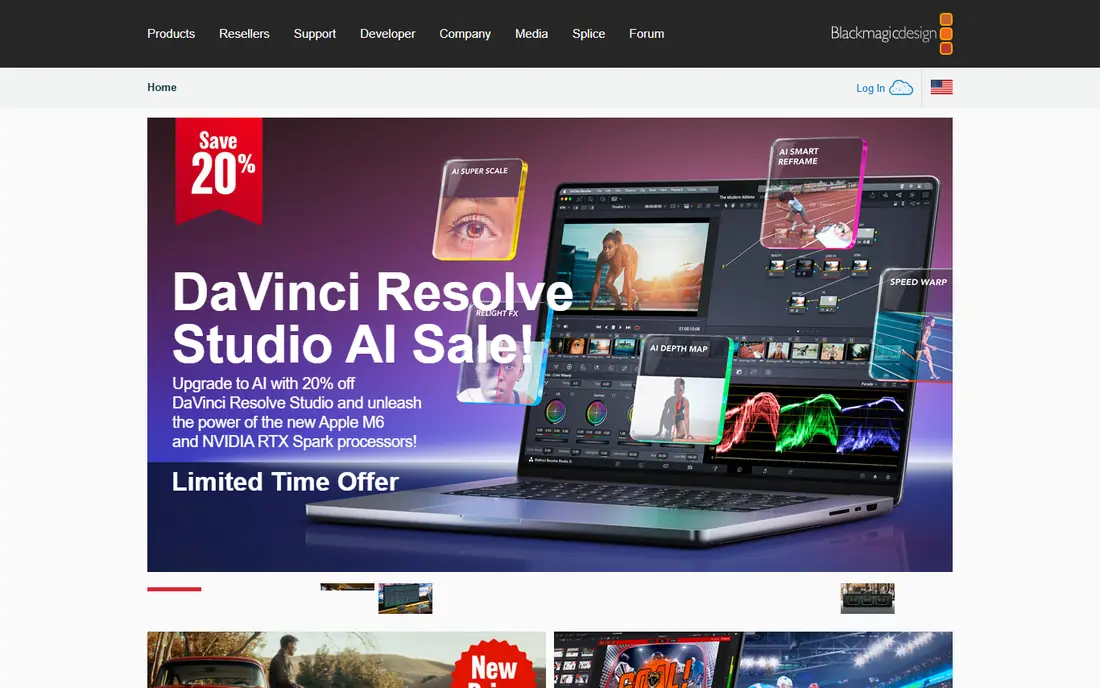
DaVinci Resolve is the rare free app that professionals genuinely use for paid work. Editing, color grading, visual effects and audio mixing live in one program, and the free version exports 4K video with no watermark and no time limit. Its node-based color tools are the reason many colorists choose it over any rival, and the cut page speeds up rough assembly for longer projects.
The price of that power is learning time and hardware. Resolve feels dense at first, and it runs best on a computer with a strong graphics card, so older laptops may struggle with 4K timelines. Studio costs $295 one-time and adds AI tools, multi-GPU support and HDR grading. Start free, learn the cut and edit pages first, and pay only when a Studio feature blocks a real project.
- Full editing, color, audio and effects in one free app
- Free exports with no watermark
- Used on professional film work
- Steep learning curve
- Needs a capable computer and graphics card
- Studio features such as AI noise reduction cost $295
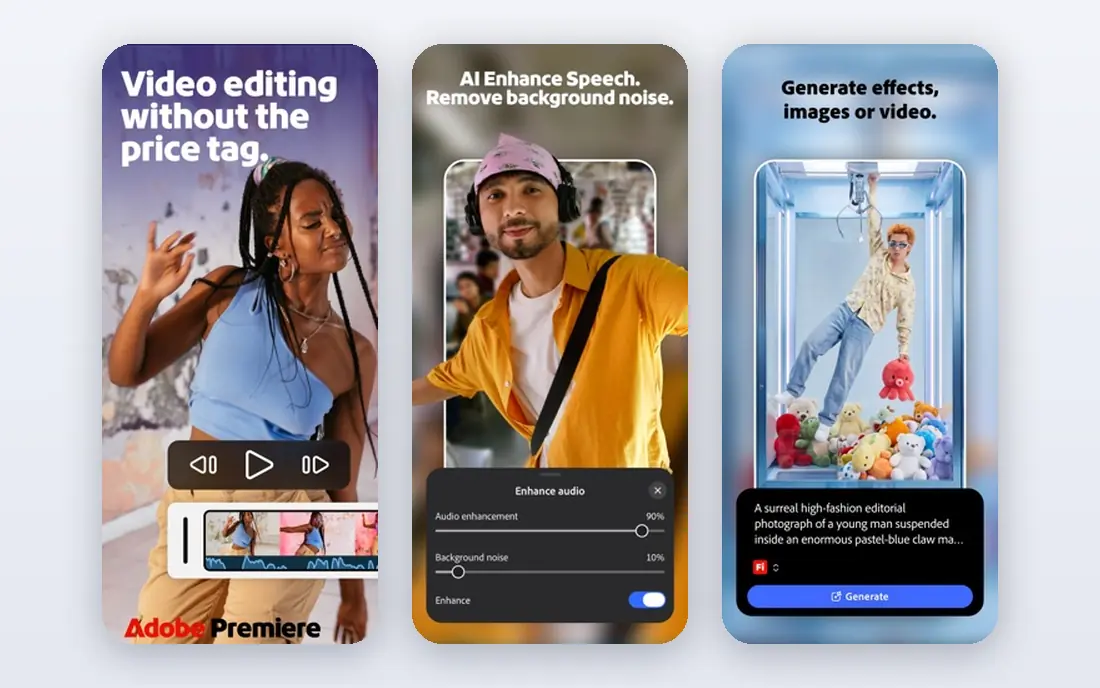
Premiere Pro remains the default editor for agencies, broadcast teams and freelancers who share projects. Its timeline is flexible, its plugin library is the largest in the field, and integration with After Effects for motion graphics and Audition for audio keeps complex work inside one Adobe workflow. Shared projects and Productions features help teams cut long-form work together.
The cost is ongoing. Premiere Pro costs $22.99 per month on an annual plan, with no free tier beyond a 7-day trial, and the full Creative Cloud bundle costs more again. If you already use Adobe tools or work with clients who expect Premiere project files, that cost is easy to justify. If you edit alone and own your schedule, Resolve or Final Cut Pro may save you money over time.
- Industry-standard timeline with deep plugin support
- Tight integration with After Effects, Audition and Photoshop
- Strong team collaboration
- Subscription only, at $22.99 per month billed yearly
- No free plan beyond a 7-day trial
- Needs a capable computer
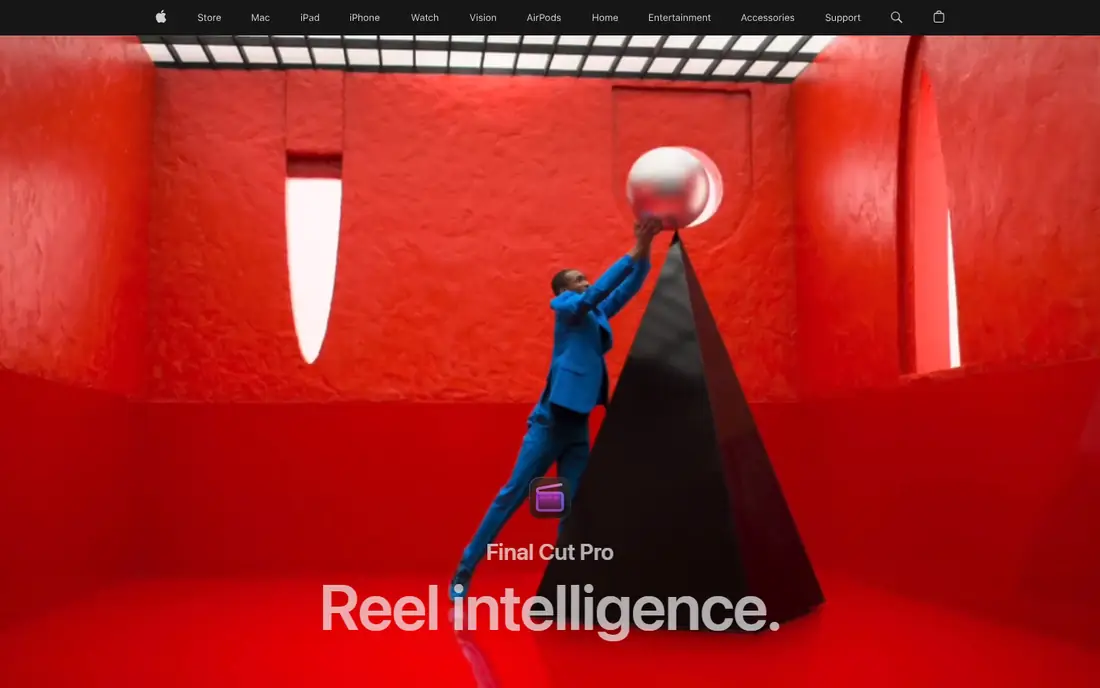
Final Cut Pro is the pick for Mac owners who dislike subscriptions. A one-time payment of $299.99 buys the full Mac app, and its magnetic timeline snaps clips together without leaving gaps, which makes rough cuts fast. Performance on Apple silicon is excellent, with smooth 4K and even 8K playback on recent machines, and a free trial lets you judge it before paying.
The limits are platform and ecosystem. Final Cut Pro runs only on Mac and iPad, so Windows collaborators need exports rather than project files, and its plugin and shared-project ecosystem is smaller than Premiere's. Apple also offers it through Creator Studio at $12.99 per month for those who prefer a bundle. If you edit on a Mac and work mostly alone, Final Cut Pro is the best long-term value here.
- One-time purchase with no subscription
- Very fast on Apple silicon
- Magnetic timeline speeds up assembly
- Mac and iPad only
- Smaller plugin and team ecosystem than Premiere
- Paid upgrades for major versions
CapCut is the default editor for short-form social video, and its speed is the reason. Templates, auto captions, trending effects and direct posting to TikTok and Reels shrink the gap between filming and publishing to minutes, and the app runs on phone, desktop and web. The free tier covers most social edits, which is why many creators never pay.
Pro adds more effects, higher limits and cloud storage, with prices reported from $9.99 to $19.99 per month depending on plan and billing, so check the current price before subscribing. Color grading and audio mixing stay basic next to Resolve or Premiere, and long-form projects feel cramped. For Reels, Shorts and TikTok, CapCut is the fastest honest choice. For a documentary, pick a desktop editor.
- Fast path from phone to posted clip
- Auto captions and templates built in
- Free tier covers most social edits
- Weaker color and audio tools than desktop editors
- Pro features sit behind a subscription
- Best for short clips, not long films
Filmora suits beginners who want a polished video without learning a professional editor first. Templates, titles, transitions and effects are easy to apply, and AI helpers handle captions, background removal and smart cutouts that once needed manual work. The layout stays approachable even on a first project, which matters more than raw power for new YouTubers.
The free version exports with a watermark, so most creators pay, with annual plans reported from $49.99 per year and a perpetual license also offered. Professional color grading and audio mixing stay shallower than Resolve or Premiere, and heavy effects work can feel limited. If you want good-looking videos quickly and plan to learn as you go, Filmora is a friendly middle step between CapCut and a pro editor.
- Friendly interface with templates, titles and effects
- AI helpers for captions and background removal
- Runs on Windows, Mac and mobile
- Free exports carry a watermark
- Paid plans start from $49.99 per year
- Less depth for professional color and audio work
iMovie is the best free editor for Apple owners who want simple videos without a learning curve. It comes with Mac, iPhone and iPad, cuts clips, adds titles, music and basic transitions, and exports clean video with no watermark. For family videos, school projects and simple YouTube uploads, it is all most people need.
The limits appear as ambition grows. iMovie supports only two video tracks, offers fewer color and audio controls than paid editors, and gains new features slowly. There is no paid tier to grow into, so serious editors eventually move to Final Cut Pro or Resolve. Start with iMovie, and upgrade only when a specific limit, such as track count or color control, blocks a video you want to make.
- Free on Mac, iPhone and iPad
- Very easy to learn
- Clean exports with no watermark
- Only two video tracks
- Fewer effects and controls than paid editors
- Updates arrive slowly
Clipchamp is the easiest free editor on a Windows PC, since it runs in the browser and needs no install. The free plan exports 1080p video without a watermark, which already beats several rivals, and templates, text tools and a stock library cover quick marketing clips, school projects and social posts. It also sits inside Microsoft 365 for subscribers who want premium features.
The paid wall appears at 4K export and some premium effects, filters and stock assets, which need a subscription. Browser editing also leans on your computer's power, so long 4K timelines feel better in a desktop app. If you want a quick, free, no-install editor for everyday videos, Clipchamp is the most convenient choice on Windows.
- Free editing in the browser with no install
- Watermark-free 1080p exports on the free plan
- Templates and stock library included
- 4K export needs a paid plan
- Browser performance depends on your machine
- Fewer advanced tools than desktop editors
Descript changes editing for anyone who talks to a camera. It transcribes your video, and deleting a sentence in the transcript deletes it from the video, which makes cutting ums, repeats and mistakes far faster than scrubbing a timeline. Studio sound cleans up room noise, and overdub-style tools help fix small spoken errors without re-recording.
The trade-off is visual range. Descript is weak for complex multi-track edits, effects-heavy videos and color work, so filmmakers should look elsewhere. The free plan covers basic use with limited AI credits, and Hobbyist starts at $16 per user per month billed yearly. For podcasts, courses and talking-head YouTube videos, Descript can cut editing time more than any timeline editor here.
- Edit video by editing its transcript
- Strong filler-word removal and studio sound
- Good for podcasts and training
- Weak for visually complex edits
- Paid Hobbyist plan from $16 per user per month billed yearly
- AI credits limit heavy use
PowerDirector suits enthusiasts who want many effects and templates without a professional learning curve. Its library of titles, transitions and effects is one of the largest in this price range, rendering is fast on Windows, and AI tools handle masking, sky replacement and background removal. The 365 subscription adds a steady stream of new effects and stock content.
The interface can feel crowded, with panels and options competing for attention, and pricing varies between the 365 subscription and perpetual licenses, so compare the total cost for the period you plan to use it. The Mac version also trails Windows in some areas. If you edit on Windows and want a rich effects library at a mid-range price, PowerDirector is a strong enthusiast pick.
- Large effects, titles and template library
- Fast rendering on Windows
- AI tools for masking and background removal
- Interface can feel crowded
- Pricing varies between subscription and perpetual licenses
- Mac version lags Windows in places
How we picked these
We compared official pricing pages, feature lists and public reviews for widely used video editors, and we kept only editors that are actively maintained and export video on current computers and phones. We weighed free plan limits, paid prices, platform coverage, export quality and learning curve. We did not run render benchmarks or claim hands-on trials, so our findings rest on published features, pricing and public reviews rather than lab testing.
How to choose the right video editor
Start from the video you make most. Pick CapCut for short social clips, iMovie or Clipchamp for simple free edits, Filmora or PowerDirector for template-driven YouTube videos, Descript for talking-head and podcast video, and DaVinci Resolve, Premiere Pro or Final Cut Pro for professional work. Check your computer before you choose: Resolve and Premiere want a strong graphics card for 4K, while CapCut and Clipchamp run on far lighter hardware.
Count the cost over two years
Subscriptions look cheap monthly and add up fast. Premiere Pro at $22.99 per month costs over $550 across two years, while Final Cut Pro at $299.99 one-time and Resolve Studio at $295 one-time stop there. Free editors such as Resolve, CapCut, iMovie and Clipchamp cost nothing for most work, so pay only when a limit such as watermarks, 4K export or team features blocks a real project. Try the free plan or trial first, and export a finished video before you buy.
Sources
- https://rankite.com/blog/best-video-content-creation-software
- https://cloudinary.com/guides/video-effects/best-video-editing-software
- https://clippingexpertasia.com/blog/best-video-editing-software/
- https://toolradar.com/guides/best-video-editing-software
- https://wplook.com/video-editing-software/
- https://toneproduction.net/best-video-editing-software-2026/
- https://www.refurb.me/blog/best-video-editing-software-for-mac