Best Wishlist Apps in 2026: 9 Apps Compared
By ToolNimba Editorial Team November 13, 2026 10 min read

- Top pick
 MyRegistry.com
Universal registries for any occasion
Starting priceFreeCheck out MyRegistry.comRead our review - Runner-up
 Amazon Wishlist
Households that buy on Amazon
Starting priceFreeCheck out Amazon WishlistRead our review - Also great
 Giftster
Private family groups
Starting priceFreeCheck out GiftsterRead our review
How we researched this
We compared official pricing and feature pages, app store listings, privacy policies and public user reviews. Prices change, so check the provider's site before you pay.
Key takeaways
- MyRegistry.com suits universal registries, since it accepts items from any store plus cash funds and experiences.
- Giftster and Elfster suit family groups, with Giftster stronger for shared family lists and Elfster stronger for Secret Santa draws.
- Amazon Wishlist suits households that buy mostly on Amazon, but it cannot add items from other stores.
- Most wishlist apps are free to start, so pick by sharing ease and duplicate protection rather than by price alone.
Quick comparison
| Name | Best for | Starting price | Free plan | |
|---|---|---|---|---|
| MyRegistry.com | Universal registries for any occasion | Free | Yes | Visit |
| Amazon Wishlist | Households that buy on Amazon | Free | Yes | Visit |
| Giftster | Private family groups | Free | Yes | Visit |
 Elfster | Secret Santa exchanges | Free | Yes | Visit |
 WishUpon | Saving items from any store | See website | Yes | Visit |
 GiftList | Generous free tier for families | Free | Yes | Visit |
 Wishes | Fast link-shared lists | Free | Yes | Visit |
 Giftwhale | Simple lists with exchanges | Free | Yes | Visit |
 GoWish | Price alerts and shared lists | Free | Yes | Visit |
The best wishlist apps
We compared wishlist apps on universal adding, sharing, duplicate protection, Secret Santa tools, and price, so you can pick one your family will actually use.
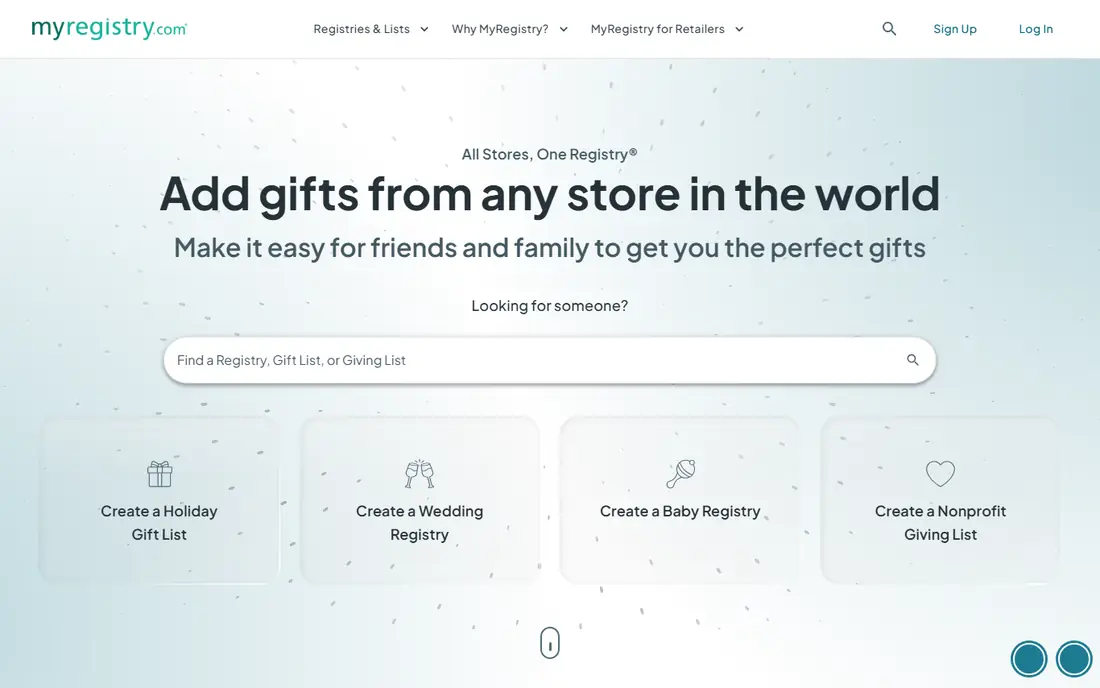
We place this option here because it is a universal registry service that lets you build one list from any store, plus cash funds and experiences, for weddings, babies, and other occasions. its universal adding is the key strength, since one list can hold items from many retailers alongside funds, which avoids splitting gifts across several store lists. That detail matters in daily use. The honest catch is that guests will buy from different stores, so shipping and timing vary, and cash fund fees should be checked before you add a fund. Before you commit, trial it with your real work, check the limits on the plan you would actually buy, and confirm that the features you need are not locked behind a higher tier. If it passes, it fits the readers above.
- Add from any store or website
- Cash funds and experiences
- One link for all occasions
- Guests buy from different stores, so delivery timing varies
- Cash funds carry a small fee
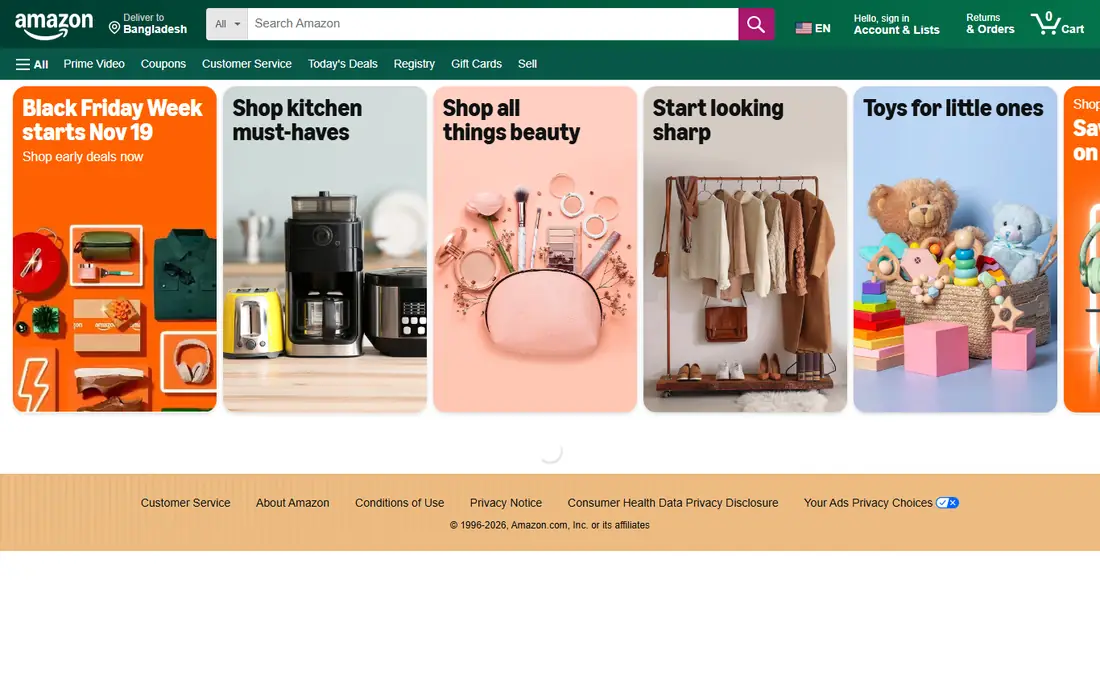
This pick earns its place because it is the wishlist built into Amazon, best for households where most gifts already come from Amazon. checkout is fast and familiar, and lists are easy to share with people who already shop on Amazon, with alerts on some price changes. That detail matters in daily use. The honest catch is that it only covers Amazon items, so a list that mixes stores will need a second app, and guests who prefer other retailers may feel constrained. Before you commit, trial it with your real work, check the limits on the plan you would actually buy, and confirm that the features you need are not locked behind a higher tier. If it passes, it fits the readers above.
- Familiar checkout
- Price-drop alerts on some items
- Easy sharing within Amazon
- Amazon items only
- Cannot add items from other stores to the same list
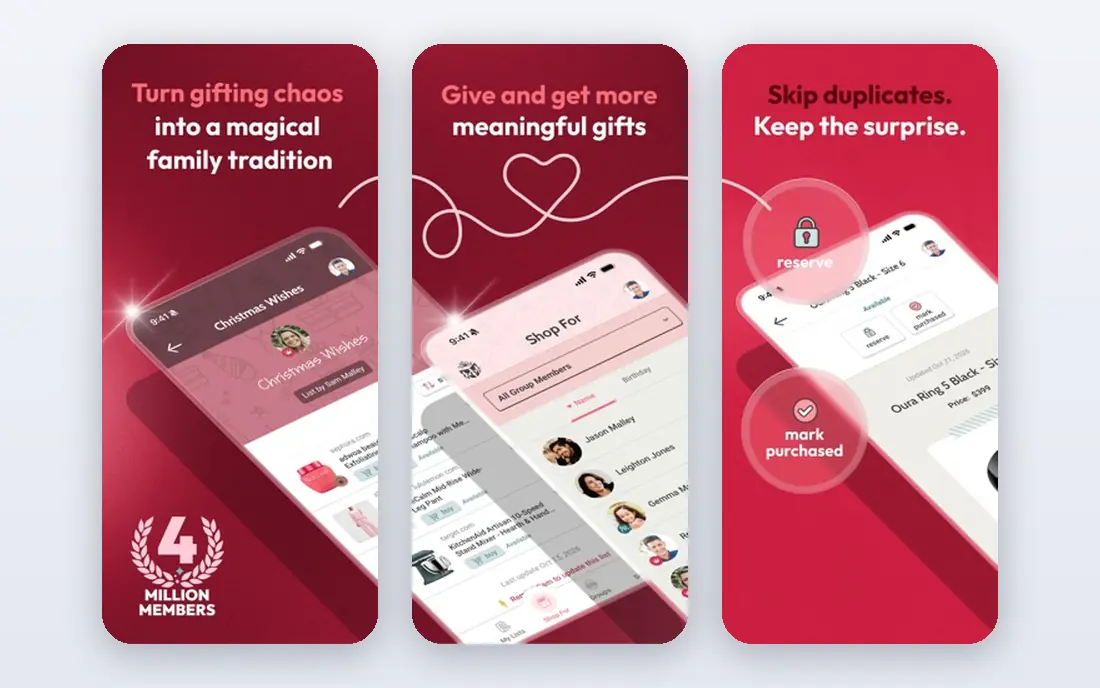
For many readers, this is the practical choice because it is a family-focused wishlist app built around private groups that reuse lists year after year. private groups make it easy for an extended family to share lists in one place, and reservation marking helps stop duplicate gifts at holidays. That detail matters in daily use. The honest catch is that adding from outside stores is more limited than a universal registry, and it offers fewer cash fund and experience options. Before you commit, trial it with your real work, check the limits on the plan you would actually buy, and confirm that the features you need are not locked behind a higher tier. If it passes, it fits the readers above.
- Private family groups
- Gift reservation to avoid duplicates
- Works year after year
- Universal adding is more limited than MyRegistry.com
- Fewer fund and experience options
We include this tool because it is a gift exchange app known for Secret Santa draws, with exclusion rules and emailed assignments alongside wishlists. its draw tools handle the awkward parts of an exchange, such as exclusions and private assignments, better than a plain wishlist app. That detail matters in daily use. The honest catch is that it is built around exchanges and holidays, so it feels less complete as a year-round registry for weddings or large multi-store lists. Before you commit, trial it with your real work, check the limits on the plan you would actually buy, and confirm that the features you need are not locked behind a higher tier. If it passes, it fits the readers above.
- Secret Santa draws with exclusion rules
- Emailed assignments
- Wishlists and gift reservation
- Holiday-focused design
- Less suited as a year-round universal registry
We place this option here because it is a wishlist app with a browser extension for saving items from many online stores into shared lists. the extension makes adding fast while you shop, and shared lists with price alerts help gift givers spot a good time to buy. That detail matters in daily use. The honest catch is that some features sit behind a paid plan, and the social and sharing experience can vary, so check the current free limits first. Before you commit, trial it with your real work, check the limits on the plan you would actually buy, and confirm that the features you need are not locked behind a higher tier. If it passes, it fits the readers above.
- Browser extension and app for saving from many stores
- Shared lists and price alerts
- Some advanced features need a paid plan
- Social features vary by region
This pick earns its place because it is a free wishlist service that describes itself as free with no limits on lists or items, with universal adding and exchange support. its generous free tier stands out, since you can build many lists without hitting a paywall, and universal adding keeps store choice open. That detail matters in daily use. The honest catch is that price alerts cover selected brands only, and its smaller user base means fewer relatives will already know the app. Before you commit, trial it with your real work, check the limits on the plan you would actually buy, and confirm that the features you need are not locked behind a higher tier. If it passes, it fits the readers above.
- Free with no stated limits on lists or items
- Universal adding
- Secret Santa support
- Brand coverage for price alerts is selective
- Smaller user base than Amazon
For many readers, this is the practical choice because it is a mobile-first wishlist app built for fast setup and sharing by a single link, with a free Secret Santa draw. setup is quick, and guests can open a list in a browser without an app, which helps when you share with a wide group. That detail matters in daily use. The honest catch is that the free plan covers three wishlists, and its Secret Santa draw lacks exclusion rules, so complex exchanges may need Elfster instead. Before you commit, trial it with your real work, check the limits on the plan you would actually buy, and confirm that the features you need are not locked behind a higher tier. If it passes, it fits the readers above.
- Share by a single link
- Guests can browse in a browser
- Booked gifts show as taken
- Free plan covers three wishlists
- No exclusion rules for Secret Santa draws
We include this tool because it is a simple wishlist app that supports adding from any store, shared lists, and Secret Santa draws. its simplicity suits users who want a clean list without registry complexity, and the exchange tools cover holiday draws well. That detail matters in daily use. The honest catch is that Android users rely on the web app rather than a native app, and it offers fewer cash fund options than a full registry service. Before you commit, trial it with your real work, check the limits on the plan you would actually buy, and confirm that the features you need are not locked behind a higher tier. If it passes, it fits the readers above.
- Add from any store
- Secret Santa draws
- Simple sharing and reservation
- IPhone app focus, with web access on Android
- Fewer registry fund options
We place this option here because it is a wishlist app with apps for iPhone and Android, price-drop alerts, and Secret Santa support. price alerts help gift givers time a purchase, and the apps for both major platforms make sharing easy across a family. That detail matters in daily use. The honest catch is that it is less well known in the US than Amazon or MyRegistry.com, so some guests may need a quick explanation before they use the link. Before you commit, trial it with your real work, check the limits on the plan you would actually buy, and confirm that the features you need are not locked behind a higher tier. If it passes, it fits the readers above.
- Add from many stores
- Price-drop alerts
- Secret Santa draws
- IPhone and Android apps
- Smaller brand recognition in the US
- Some features vary by store
How we picked these
We compared official feature pages, pricing information, and app store listings, and we focused on what each app does on its free plan. We gave weight to adding from any store, sharing by link, marking gifts as bought, and Secret Santa features, since those decide whether a list prevents duplicate gifts. We did not claim hands-on testing.
How to choose a wishlist app
Check how guests open the list
A list that needs an app download will lose some guests. A link that opens in a browser, with buying or reserving in a few taps, gets used more, especially by older relatives.
Make duplicate protection the priority
The main job of a wishlist is to stop two people buying the same gift. Check whether guests can mark an item as bought, and whether that status stays hidden from the list owner to keep surprises intact.
Match the app to the occasion
A wedding or baby registry needs cash funds and multi-store adding. A holiday exchange needs a Secret Santa draw with exclusion rules. A birthday list may only need a simple shared link.
Sources
Frequently asked questions
What is the best wishlist app?
MyRegistry.com is the strongest universal pick, while Giftster suits family groups and Elfster suits Secret Santa exchanges. Amazon Wishlist is best only if most gifts come from Amazon.
What is the best app for wishlist sharing with family?
Giftster and MyRegistry.com both share well, with Giftster built around private family groups and MyRegistry.com built around a single link for any occasion. Pick Giftster for a recurring family group and MyRegistry.com for a one-off registry.
Are wishlist apps free?
Most apps here are free to start, and several describe themselves as free with no subscription. MyRegistry.com charges no fee to hold a registry, though cash funds may carry a small transaction fee, so check that detail if you add funds.
Can a wishlist app stop duplicate gifts?
Yes, when guests mark items as bought or reserved. That status then shows as taken to other guests, which is the main reason to use a dedicated app instead of a plain document or message thread.
Do guests need the app to buy a gift?
It varies. Some apps let anyone open a link in a browser and buy from the linked store without installing anything. Others work best when guests create an account, so check sharing before you send the list out.