Best Google Alternatives in 2026: 9 Search Engines Compared
By ToolNimba Editorial Team October 28, 2026 9 min read

- Top pick
 DuckDuckGo
Easy private everyday search
Starting priceFreeCheck out DuckDuckGoRead our review - Runner-up
 Brave Search
Independent free index
Starting priceFreeCheck out Brave SearchRead our review - Also great
 Bing
Closest mainstream replacement
Starting priceFreeCheck out BingRead our review
How we researched this
We compared official pricing and feature pages, app store listings, privacy policies and public user reviews. Prices change, so check the provider's site before you pay.
Key takeaways
- The best google alternatives trade some personalization for less tracking, and most people will not miss the difference for everyday searches.
- DuckDuckGo is the easiest first switch, while Brave Search offers a more independent index for free.
- Startpage suits people who want Google-style results without a Google account watching each query.
- Kagi is the only paid pick here, and it makes sense only if you search all day and want ad-free, tunable results.
Quick comparison
| Name | Best for | Starting price | Free plan | |
|---|---|---|---|---|
| DuckDuckGo | Easy private everyday search | Free | Yes | Visit |
| Brave Search | Independent free index | Free | Yes | Visit |
| Bing | Closest mainstream replacement | Free | Yes | Visit |
 Startpage | Google-style results, privately | Free | Yes | Visit |
 Ecosia | Climate-focused search | Free | Yes | Visit |
 Qwant | European privacy option | Free | Yes | Visit |
 Mojeek | Fully independent search | Free | Yes | Visit |
 Kagi | Paid, ad-free, tunable search | $5 per month | Free trial | Visit |
 SearXNG | Self-hosted metasearch | Free | Yes | Visit |
The best google alternatives
We compared official privacy pages, feature pages, and public reviews for search engines that work in 2026. Alternatives to google fall into three groups: private engines that use partner results, independent engines with their own indexes, and paid engines with no ads.
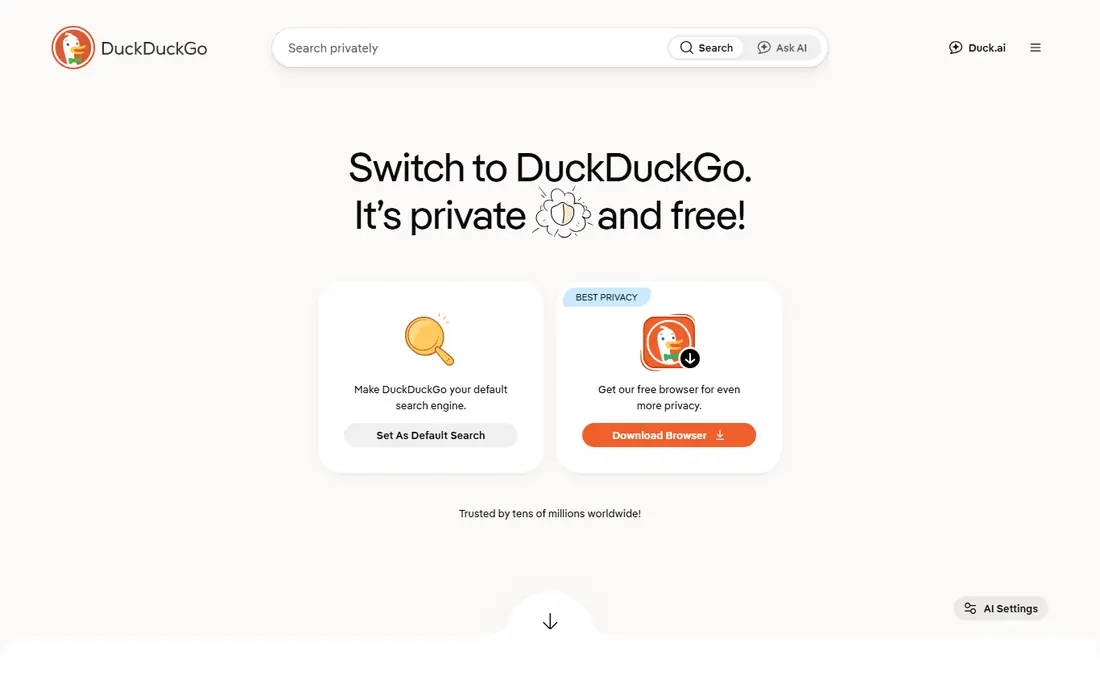
DuckDuckGo is the switch we suggest first. It does not build a personal search profile under its stated policy, and its bang shortcuts let you jump straight to a site with a short code. Most browsers offer it as a built-in default, so changing takes under a minute.
Results quality is good for everyday queries, though very obscure topics can feel thinner than Google. Ads still appear, but they are tied to the search terms, not to your history. For most people, that trade is easy to accept.
- No search profiling by its own policy
- Bang shortcuts
- Simple switch in most browsers
- Results lean on Bing and partners
- Ads are contextual, not absent
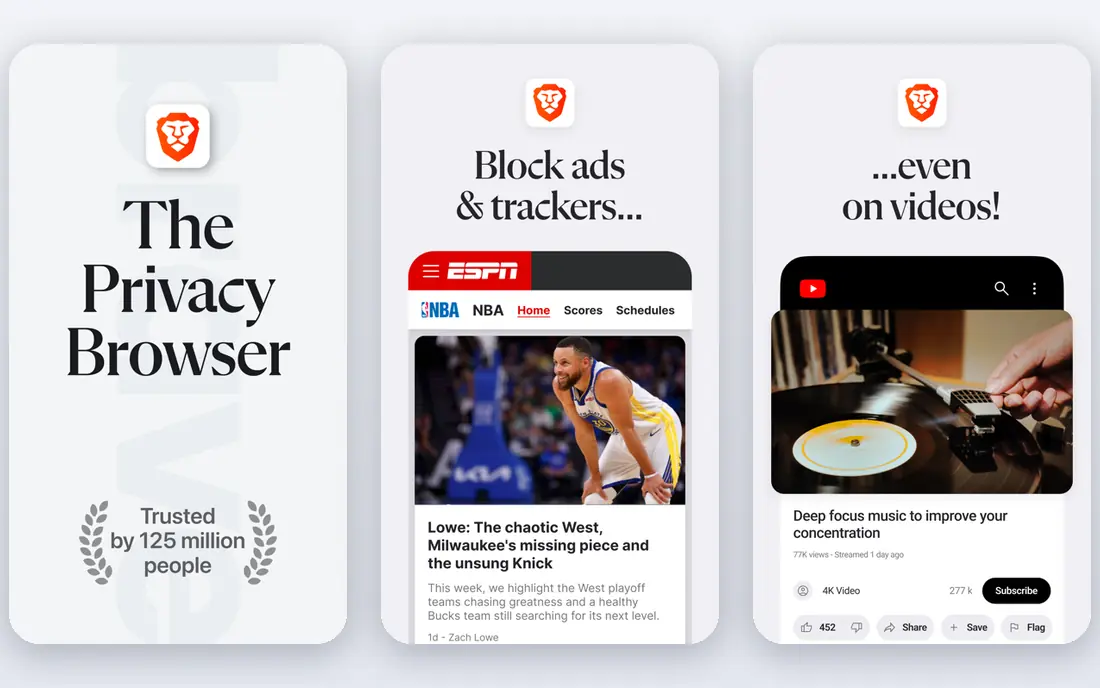
Brave Search is the strongest free independent option. It crawls the web with its own index rather than relying mainly on Google or Bing, and Goggles let you apply custom ranking rules or pick community presets. That control suits people who want to see how results are ranked.
The free version shows privacy-focused ads, while Search Premium at $3 per month removes them. Brave Search also works well as a second opinion when another engine misses a page. If independence matters to you, Brave Search is a top pick.
- Own independent index
- Goggles for custom ranking
- Optional AI answers
- Free tier shows ads
- Results can vary on niche topics

Bing is the least disruptive alternative. It has a large index, strong news coverage, and familiar tabs for images, video, and shopping, so the learning curve is near zero. Microsoft Rewards can also return small perks for regular searching in supported regions.
Privacy is the trade-off. Bing is a mainstream, account-linked service, so it does not offer the same no-profiling promise as DuckDuckGo or Brave Search. Choose Bing when result depth and news matter more than strict privacy.
- Large index and news, images, and video tabs
- Rewards program in the US
- Copilot features
- Still tracks with a Microsoft account
- Less private than the privacy engines here
Startpage is the best pick if you like Google results but not Google tracking. It fetches Google results and shows them through its own servers, so Google does not see your identity with each query under Startpage's stated policy. Anonymous View can also open a result page without revealing your visit to the site.
The catch is that you still see Google's ranking, with its strengths and biases. If your goal is a different set of results, an independent engine such as Brave Search or Mojeek fits better. If your goal is privacy with familiar results, Startpage is hard to beat.
- Google results through a privacy layer
- No personal profiling by its policy
- Anonymous View for pages
- Inherits Google ranking choices
- Ads are contextual
Ecosia turns everyday searching into climate funding. The company says it puts its profits toward tree planting and other climate action, and it publishes financial reports on that spending. For users who want their default search to do some good, that mission is a real draw.
Search results come from partners, mainly Bing, so depth is similar to other partner engines. Ads are part of the model, since ad revenue funds the planting. Ecosia suits people who want a simple, good-cause default rather than the most private or most independent engine.
- Profits fund climate projects
- Simple interface
- Decent everyday results
- Results rely on partners
- Ads fund the model, so ads remain
Qwant is a French search engine that has built its own index alongside partner results, with a focus on European privacy rules. It states that it does not profile searchers, and it offers Qwant Junior, a version aimed at younger users. That combination suits families and European users who prefer a non-US engine.
In the US, Qwant can feel less complete for local queries than Bing or Google. It works best as a daily default for general web and news searches, with a second engine on hand for very local or niche topics.
- European base and privacy stance
- No profiling by its policy
- Junior version for kids
- Results mix its own index with partners
- Smaller presence in the US
Mojeek is the purist pick. It runs its own crawler, index, and infrastructure, with no reliance on Google or Bing, and it shows no ads. That independence matters if you want results that are not shaped by a larger partner's ranking or business model.
Coverage is the limit. A smaller index means obscure, hyperlocal, or very recent topics may return fewer useful pages. Use Mojeek as a second opinion, or as a daily engine if your searches are mostly general, and keep a larger engine for the rest.
- Own crawler and index
- No ads
- No tracking by its policy
- Smaller index, so niche results can be thin
- Fewer extra features
Kagi is the premium option for people who search all day. It charges instead of showing ads, and it lets you block, lower, raise, or pin specific sites, so clickbait domains can fade from your results. Lenses focus searches on topics such as programming or news, and a paid assistant is included on higher plans.
Starter costs $5 per month for 300 searches, while Professional at $10 per month offers unlimited searches and is the realistic price for heavy users. The 100-search trial is enough to test result quality, but not enough for a full month. Pay only if free engines leave you frustrated every day.
- No ads
- Site blocking, raising, and pinning
- Lenses for focused searches
- Paid account is more identifiable than anonymous search
- No full mobile browser
SearXNG is not a single engine but open-source metasearch software. You can run your own instance, which queries several engines and returns combined results, or use a public instance run by someone else. Self-hosting gives the most control, since you choose the engines and settings.
That control comes with work. Setup takes technical skill, and a public instance requires trust in its operator. SearXNG suits technical users, privacy enthusiasts, and small groups who want a shared search front end without a single company in the middle.
- Open source
- Aggregates many engines
- Self-hosting gives full control
- Needs setup or trust in a public instance
- Result quality varies by instance
How we picked these
We compared official privacy pages, feature pages, and public reviews for search engines that are live and usable in 2026. We kept engines that offer web search for general users, plus one self-hosted option for technical readers. We did not claim hands-on testing. Privacy claims here reflect each vendor's own stated policy, not an independent audit, so read the policy before you rely on it for sensitive searches.
How to switch without losing good results
Change your default in one browser first, and keep Google or Bing as a backup for a week. Use the new engine for everyday searches, news, and shopping, and note where it misses. Most people find the gap is small, and the backup covers the rest while they adjust.
News needs its own check
If you read Google News daily, test the news tab on Bing, DuckDuckGo, Brave Search, and Qwant before you settle. News coverage, local stories, and personalization differ more than web results do. Good alternatives to google news include a dedicated news app or a news aggregator alongside your new search engine.
Set it on every device
A default changed only on your laptop will not help on your phone. Set the same engine in your mobile browser, and check whether your browser offers it as a built-in choice. DuckDuckGo, Brave Search, and Bing are built into most browsers, while Startpage, Ecosia, and Kagi may need an extension or manual setup.