Best Loom Alternatives in 2026: 9 Tools Compared
By ToolNimba Editorial Team October 28, 2026 10 min read

- Top pick
 OBS Studio
Free recording and streaming
Starting priceFreeCheck out OBS StudioRead our review - Runner-up
 ScreenPal
Budget teams and teachers
Starting price$4 per monthCheck out ScreenPalRead our review - Also great
 Zight
Quick captures and GIFs
Starting price$8 per monthCheck out ZightRead our review
How we researched this
We compared official pricing and feature pages, app store listings, privacy policies and public user reviews. Prices change, so check the provider's site before you pay.
Key takeaways
- OBS Studio is the best free option for recording, but you must host and share files yourself.
- ScreenPal is our pick for value, with a low monthly price and a useful free plan for teachers and small teams.
- Tella and Descript suit polished, edited videos, while Vidyard suits sales teams that need viewer tracking.
- Free plans differ a lot, so check recording length, video count, and watermark rules before you switch.
- Keep old Loom links live while you move, and test sharing, comments, and captions on the new tool first.
Quick comparison
| Name | Best for | Starting price | Free plan | |
|---|---|---|---|---|
| OBS Studio | Free recording and streaming | Free | Yes | Visit |
| ScreenPal | Budget teams and teachers | $4 per month | Yes | Visit |
| Zight | Quick captures and GIFs | $8 per month | Yes | Visit |
 Vidyard | Sales video and buyer tracking | $19 per month | Yes | Visit |
 Tella | Polished demos and tutorials | $13 per user per month | Free trial | Visit |
 Descript | Transcript-based video editing | $16 per person per month | Yes | Visit |
 Screencastify | Browser recording for classrooms | $7 per user per month | Yes | Visit |
 Camtasia | Full tutorial courses with editing | $179.88 per year | Free trial | Visit |
 Cap | Lightweight shareable clips | $8.16 per user per month | Yes | Visit |
The best loom alternatives
We compared official pricing pages, feature lists, and public guides checked in October 2026, and we focused on recording quality, sharing by link, editing, and what each free plan actually allows. Loom itself is not listed, since this guide is about replacing it.
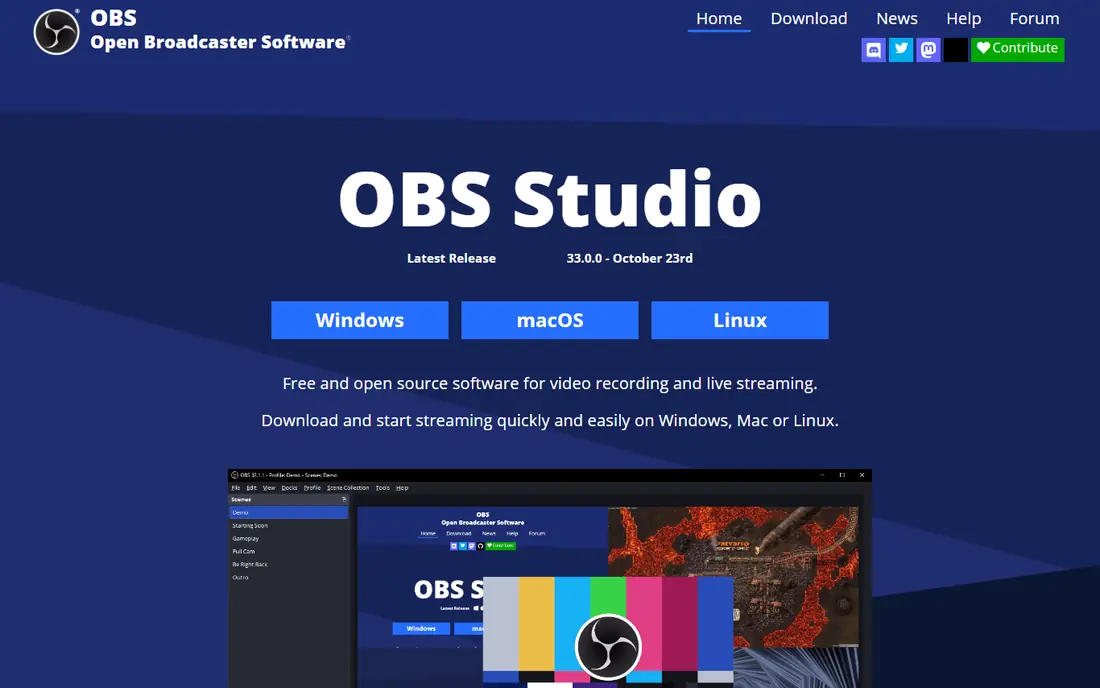
OBS Studio is the most capable free recorder you can install, and it costs nothing. It records screen, webcam, and audio on separate tracks, supports streaming, and places no cap on length or number of recordings. For creators who already edit elsewhere, it is hard to argue with free.
The missing piece is sharing. OBS saves local files, so you need your own hosting, drive link, or video platform to send a video to a teammate. It also has a learning curve, with scenes, sources, and audio settings to configure. If you want record, link, and done in one app, look at ScreenPal or Zight instead. If you want free power and you can handle hosting, OBS wins.
- Free and open source on Windows, Mac, and Linux
- No recording limits
- Strong control over scenes and audio
- No cloud hosting or shareable links built in
- Setup takes more effort than a browser recorder
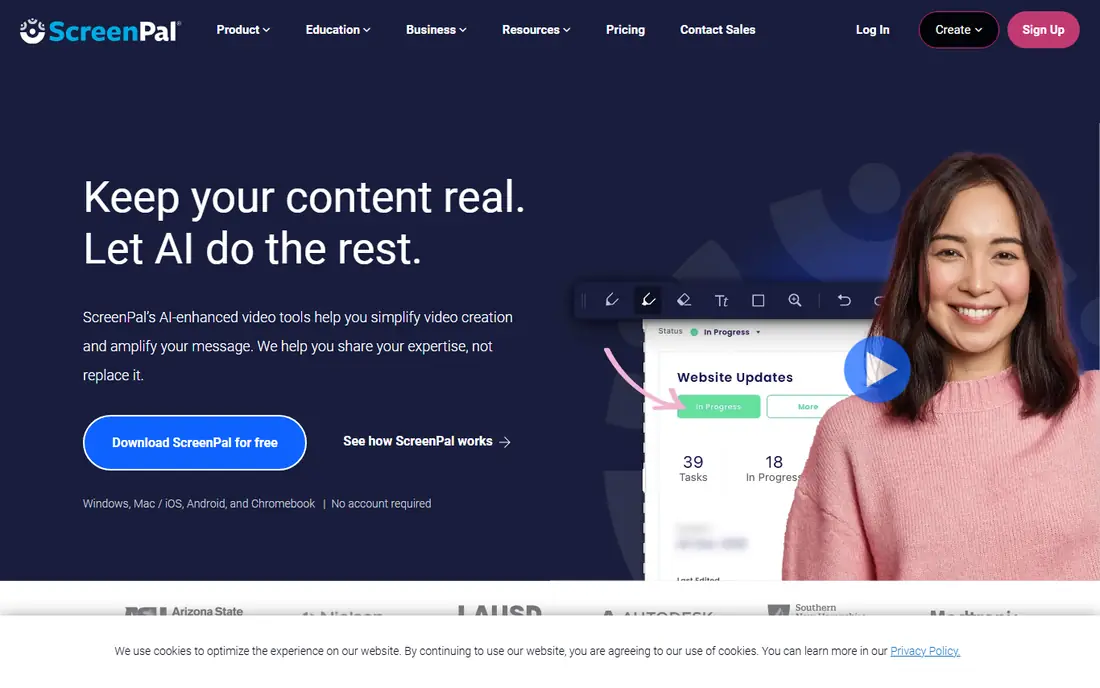
ScreenPal is our pick for most people leaving Loom on a budget. The free plan allows recordings up to 15 minutes with hosted videos, and paid plans start at about $4 per month. That combination covers quick walkthroughs, feedback videos, and classroom clips without a big subscription.
It is not a sales platform, and it will not match Vidyard for buyer tracking or CRM reports. Editing is straightforward rather than deep, which suits short videos but not full courses. For teams that mainly need to record, share a link, and collect comments, ScreenPal gives the best value on this list.
- Very low price
- Free plan allows 15-minute recordings
- Simple editor and hosting
- Fewer sales and analytics features than Vidyard
- Editing is lighter than Camtasia or Descript
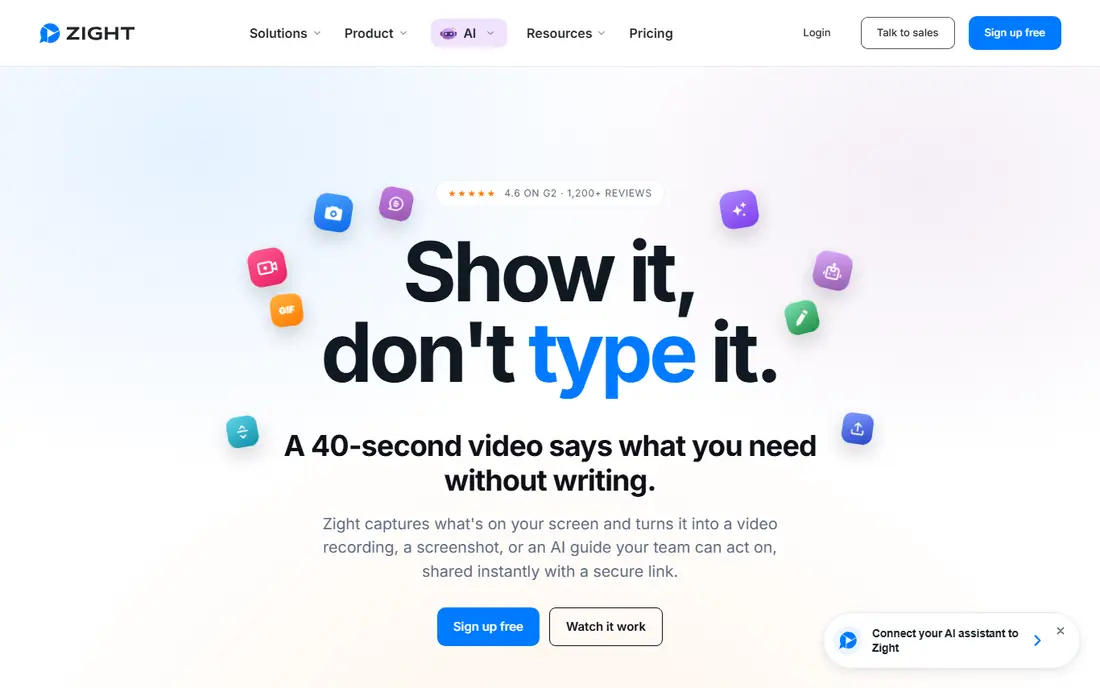
Zight, formerly CloudApp, is built for speed. You capture a screen video, a screenshot, or a short GIF, get a link, and paste it into chat, email, or a ticket. That workflow suits support teams, product teams, and anyone who answers the same question with a video three times a day.
The free plan is limited, with recordings up to about five minutes, so longer walkthroughs need a paid plan starting at about $8 per month. Editing is basic compared with Descript or Camtasia. Pick Zight when speed matters more than polish, and pick Tella when the video must look finished.
- Fast screen, webcam, and GIF capture
- Shareable links
- Useful for support and product feedback
- Free recordings capped at about five minutes
- Heavier editing needs another tool
Vidyard is a sales video platform first and a recorder second. Its strength is what happens after you send a video: you can see who watched, how much they watched, and push that activity to a CRM. For prospecting and deal follow-up, that data can justify the price.
For internal updates, that same tooling feels heavy and costly. The free plan allows five recorded videos per month, up to 30 minutes each, and Pro is listed at $19 per month billed annually, with higher tiers for full CRM features. If video is part of your revenue work, test Vidyard with a real sales sequence. If it is not, a cheaper recorder will do the same job.
- Viewer tracking and CRM links for sales teams
- Hosting and sharing built in
- Free plan for testing
- Paid plans get expensive for non-sales use
- Sales features are overhead for internal videos
Tella is the pick when a video represents your product. It records in the browser, then helps you shape the result with layouts, backgrounds, automatic zooms, and transcript editing that removes filler words and silences. The result looks like a short, edited demo rather than a raw screen capture.
That polish has a price and a pace. There is no permanent free plan, only a 7-day Pro trial, and Pro starts at $13 per user per month billed annually, with Premium at $19. For quick internal replies, Tella is more tool than you need. For demos, onboarding, and marketing clips, it is one of the strongest Loom replacements here.
- Automatic zooms and clean layouts
- Transcript and timeline editing
- Loom importer for migration
- No permanent free plan, only a 7-day Pro trial
- Best for finished videos, not quick replies
Descript changes how editing feels. You record your screen, get a transcript, and cut video by deleting words, which makes fixing a rambling explanation fast. It also cleans up audio, removes filler words, and exports at higher resolutions on paid plans. For talking-head videos and tutorials, that workflow saves real time.
The free plan is a trial in practice, with 60 media minutes per month and watermarked 720p exports. Hobbyist starts at $16 per person per month billed annually, and higher tiers add media hours and AI credits. If you edit often, Descript earns its keep. If you only need to record and share, a simpler tool is cheaper.
- Edit video by editing text
- Strong audio cleanup
- Screen recording plus full editor in one app
- Free plan caps media at 60 minutes per month with watermarked 720p exports
- Pricing rises with media hours
Screencastify is a browser extension recorder that suits teachers, students, and Google Workspace teams. You record a tab, a window, or your webcam, then share a link or save to Drive. Setup is minimal, which matters on school devices and managed work laptops where installs are restricted.
Free use is limited, with about 10 videos and 10 GB of storage in recent guides, and Starter starts at $7 per user per month billed annually for unlimited videos. Editing stays light, so polished courses need another app. For classroom feedback, student submissions, and quick how-tos, Screencastify is simple and reliable.
- Runs in Chrome with no install fuss
- Strong Google Classroom links
- Simple sharing
- Free plan limits video count and storage
- Editing is basic compared with desktop editors
Camtasia is the full course-making suite on this list. It records screen, mic, system audio, and webcam on separate tracks, then gives you a timeline editor for cuts, zooms, callouts, and captions. Training teams and course creators use it to produce a series of consistent, polished videos without moving files between apps.
Cost and weight are the trade-offs. Pricing is listed at $179.88 per year in recent guides, and the free version exports with a watermark, so it works as a trial rather than a free tool. It also asks for solid hardware for smooth editing. If you produce tutorials weekly, the bundled editor is worth it. If you record occasional updates, it is more than you need.
- Recorder plus full multi-track editor
- Templates, callouts, and captions for courses
- Separate audio and webcam tracks
- No permanent free plan, since free exports carry a watermark
- Needs stronger hardware than light recorders
Cap is a newer, lightweight recorder that feels close to Loom in daily use. You record, get a shareable link, and move on, with a clean player and comments. Its code is open source and it can be self-hosted, which appeals to teams that want control over their video hosting.
The free cloud tier caps shareable links at about five minutes, and paid plans start at about $8.16 per user per month in recent guides. It is less proven for large teams than ScreenPal or Vidyard, and editing is lighter than Tella or Descript. For individuals and small teams who want a simple, modern Loom alternative, Cap is worth a test.
- Open source code with self-hosting option
- Clean shareable links
- Light and fast for short clips
- Free cloud links capped at about five minutes
- Commercial use needs a paid license in some cases
How we picked these
We compared official pricing pages, feature lists, and public guides checked in October 2026, and we favored tools that record screen and webcam, share by link, and are live today. We checked each vendor homepage to confirm it loads and belongs to the product named. We did not claim hands-on testing, and we left out tools that had shut down. Where pricing differed between guides, we used the figure most often reported and noted billing terms, since vendors change prices and free limits often.
How to switch from Loom without losing videos
Export or re-record your most-used videos first, and keep old Loom links live until the new library is checked. Test the new tool with a real video: record, share, watch on mobile, check captions, and confirm comments work for people outside your team. Also check storage limits and whether viewers need an account to watch.
Choose by video length and polish
Short replies need speed, so favor Zight, ScreenPal, or Cap. Polished demos need editing, so favor Tella, Descript, or Camtasia. Sales videos need tracking, so favor Vidyard. Matching the tool to the video type avoids paying for features you never use.
Check privacy and sharing controls
Confirm who can view a link, whether videos are public by default, and how to remove or password-protect a recording. For work videos with customer data, check the vendor privacy policy and data retention terms before you upload a full library.