NordPass Alternatives in 2026: 8 Password Managers Compared
By ToolNimba Editorial Team October 28, 2026 10 min read

- Top pick
 1Password
Families and teams
Starting price$2.99 per monthCheck out 1PasswordRead our review - Runner-up
 Bitwarden
Free and open-source
Starting priceFreeCheck out BitwardenRead our review - Also great
 Dashlane
Breach monitoring
Starting price$4.99 per monthCheck out DashlaneRead our review
How we researched this
We compared official pricing and feature pages, app store listings, privacy policies and public user reviews. Prices change, so check the provider's site before you pay.
Key takeaways
- Bitwarden is the best free NordPass alternative, with unlimited passwords and devices on its free plan and open-source code.
- 1Password is the strongest paid upgrade for families and teams, with polished apps, shared vaults, and Watchtower alerts.
- Proton Pass suits privacy-focused users who want email aliases and a Swiss-based privacy approach.
- Keeper, Dashlane, LastPass, RoboForm, and Enpass each fit a narrower need, from business controls to offline-first vaults.
Quick comparison
| Name | Best for | Starting price | Free plan | |
|---|---|---|---|---|
| 1Password | Families and teams | $2.99 per month | Free trial (14 days) | Visit |
| Bitwarden | Free and open-source | Free | Yes | Visit |
| Dashlane | Breach monitoring | $4.99 per month | Free trial (14 days) | Visit |
 Keeper | Business controls | See website | Yes | Visit |
 Proton Pass | Privacy and email aliases | $2.49 per month | Yes | Visit |
 LastPass | Familiar free option | $3 per month | Yes | Visit |
 RoboForm | Form filling | $2.49 per month | Yes | Visit |
 Enpass | Offline-first vaults | See website | Yes | Visit |
The best NordPass alternatives
NordPass is a solid password manager, but it is not the only good option. Some people leave because they want a free plan with more devices, open-source code, stronger family sharing, or business admin controls. The managers below are all real alternatives, with clear security practices and active development in October 2026.
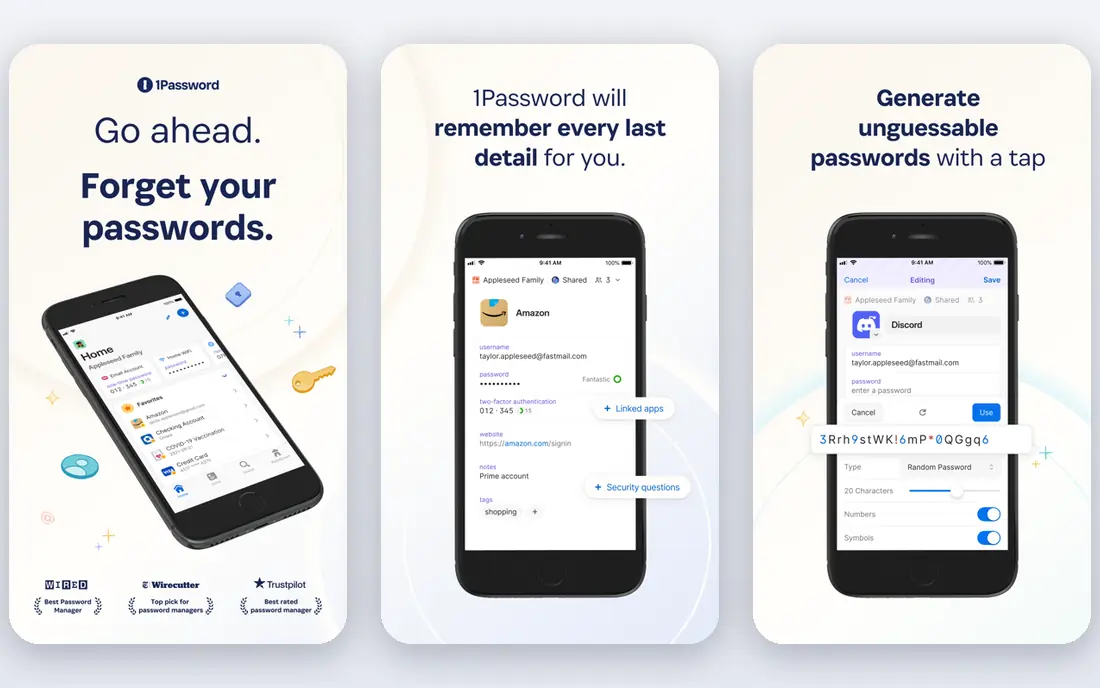
1Password is our top paid pick for most people switching from NordPass. The apps are polished, autofill works well across browsers and mobile, and shared vaults make family and team sharing straightforward. Watchtower flags weak, reused, and breached passwords, and Travel Mode can remove sensitive vaults from a device temporarily when crossing borders.
Pricing is the catch to read carefully. Individual costs $2.99 per month billed annually for new customers in the first year, then renews at the regular $3.99 per month. Families costs $4.49 per month in the first year, then $5.99 per month, for up to five people. There is a 14-day trial, but no free tier, so budget for the renewal rate, not just the promo rate.
- Polished apps on all major platforms
- Shared vaults and family controls
- Watchtower security alerts and Travel Mode
- No permanent free plan
- First-year promo price rises to the regular rate on renewal
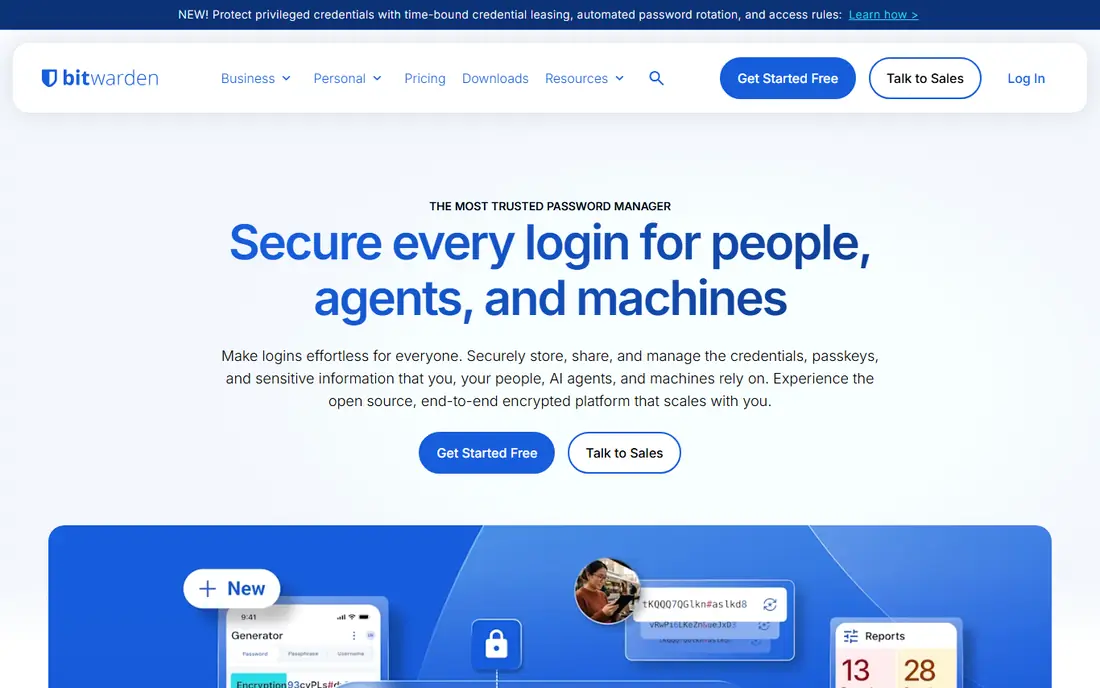
Bitwarden is the best NordPass alternative if price and transparency matter most. The free plan is a finished product, not a demo: unlimited passwords, unlimited devices, sync across platforms, and passkey support. The code is open source and has been through independent security audits, which makes its security claims easier to inspect than a closed product.
Premium costs $1.65 per month billed annually at $19.80 per year, and adds an integrated authenticator, file attachments, emergency access, and vault health reports. Families costs $3.99 per month billed annually for up to six users. The honest catch is polish. The apps look utilitarian next to 1Password, and autofill is occasionally less smooth, but for security per dollar, Bitwarden is hard to beat.
- Free plan with unlimited passwords and devices
- Open-source code and independent audits
- Self-hosting option
- Passkey support
- Interface is plainer than 1Password
- Autofill can miss fields that pricier rivals catch
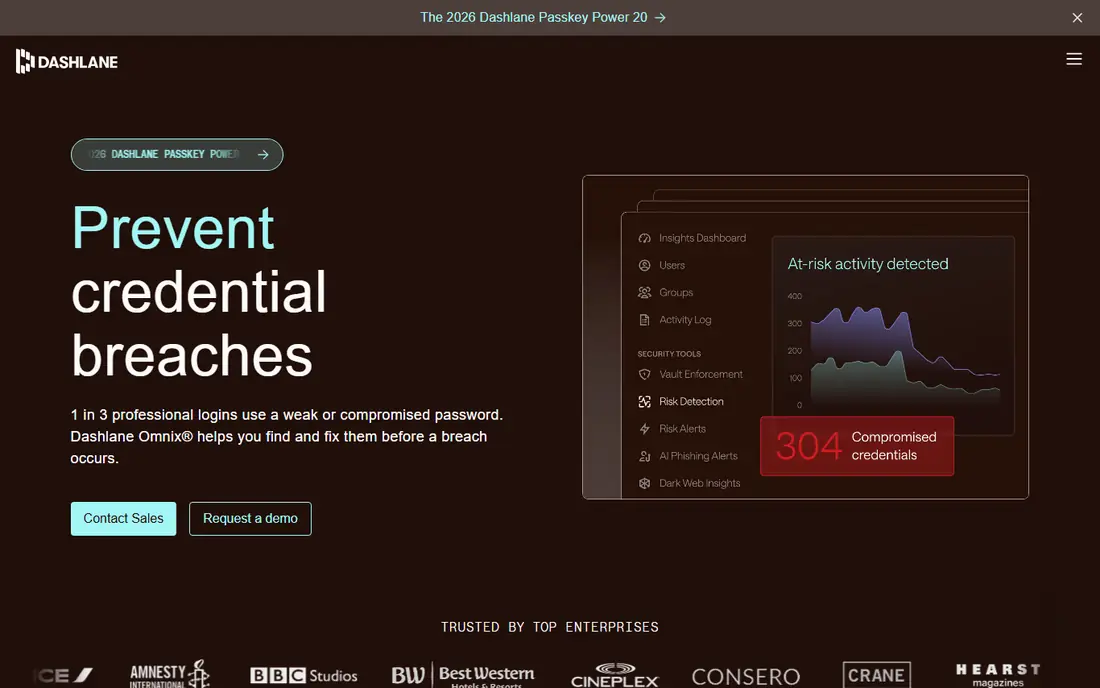
Dashlane suits people who want a password manager that also watches for breaches. It monitors the dark web for exposed credentials, scores password health, and alerts you when a site you use reports a breach. That proactive monitoring is useful if you have old accounts you rarely check.
Premium costs $4.99 per month billed annually in recent listings, with a trial available. Dashlane has also bundled a VPN on some plans, which may appeal if you already pay for a VPN separately. The catch is value: Dashlane costs more than Bitwarden and more than the first-year 1Password price, so choose it for monitoring and polish, not for the lowest bill.
- Strong dark web monitoring and breach alerts
- Built-in VPN on some plans
- Clean apps and password health scoring
- Higher price than Bitwarden or 1Password promo pricing
- Free tier is limited compared with Bitwarden
Keeper is a strong pick for small businesses and for families who want business-grade controls. It uses zero-knowledge encryption, meaning Keeper cannot decrypt your vault, and it offers admin controls, secure sharing, breach monitoring, and privileged access options on business plans. That admin depth is why it appears on many business shortlists.
For personal use, Keeper offers a free plan and paid personal plans, but pricing and included features vary, so confirm the current personal price on the Keeper site before comparing it with Bitwarden or 1Password. The interface leans business-first, which some home users may find less friendly, but the security controls are solid.
- Strong admin controls for business
- Zero-knowledge encryption
- Secure file storage and sharing
- Breach monitoring
- Personal pricing varies by plan and region, so check the current page
- Interface can feel business-first
Proton Pass fits privacy-focused users who already use, or want to use, Proton Mail, Proton VPN, or Proton Drive. Its standout feature is email aliases: you can create a different address for each site, so a breach at one service does not expose your real inbox everywhere. That is a practical privacy win beyond just storing passwords.
Proton Pass Plus has been listed at $2.49 per month billed annually, with a free plan for basic use. Business plans add admin controls and sharing for teams. The catch is ecosystem fit. Proton Pass works well on its own, but its full value shows when you also use other Proton services, so standalone users should compare it with Bitwarden on price and features alone.
- Free plan available
- End-to-end encryption
- Built-in email aliases that hide your real address
- Proton ecosystem integration
- Paid features are strongest inside the Proton suite
- Some advanced team controls sit on higher plans
LastPass remains a familiar name, and its free plan still works for people who mainly use one device type, such as only a computer or only a phone. Premium costs $3 per month billed annually, with Families at $4 per month for up to six people in recent listings. Browser support is broad, and sharing is straightforward.
The limits are real. The free plan restricts you to one device type, which is a drawback if you switch between phone and computer daily. LastPass also suffered high-profile security incidents in past years, and while it has published remediation steps, some security-conscious users prefer Bitwarden, 1Password, or Proton Pass for that reason. Check the current security disclosures before you choose.
- Familiar interface and wide browser support
- Free plan for individual use
- Family and business plans available
- Free plan is limited to one device type
- Past security incidents mean some users prefer newer rivals
RoboForm has been around for years, and its strength is still form filling. It handles login forms, checkout forms, and identity fields well, including on older browsers where newer managers can struggle. That makes it a practical pick for people who fill many web forms each day and want that job done reliably.
Premium costs $2.49 per month billed annually in recent listings, with a free plan for basic use. The catch is polish and depth. The interface feels dated next to 1Password, and team sharing and breach tools are less central than in Dashlane or Keeper. If form filling is your main pain, RoboForm is worth a trial. If you want the most modern apps, look at 1Password or Bitwarden first.
- Strong form filling for logins and checkout forms
- Free plan available
- Works on older browsers and platforms
- Interface feels dated compared with 1Password
- Some advanced sharing features are thinner
Enpass suits people who want control over where their vault lives. It is offline-first, so your data can stay on your device, and you can sync through your own cloud storage such as Dropbox, iCloud, or a local folder, rather than relying only on the vendor cloud. That model appeals to users who distrust cloud-only storage or who work offline often.
The trade-off is setup. Enpass asks more of you at the start, including choosing a sync method and managing backups, than a cloud-first manager that just signs you in and syncs. Pricing also varies by platform and plan, so check the Enpass site for the current personal price. If you want a vault you fully control and you are comfortable with setup, Enpass is a distinct and credible alternative.
- Offline-first vaults you control
- Sync through your own cloud storage
- No account required for local use in some setups
- Passkey support
- Sync setup takes more work than cloud-first rivals
- Pricing varies by platform and plan
How we picked these
We compared official feature pages, pricing pages, app store listings, privacy policies, and public reviews for password managers that are actively available in October 2026. We favored managers with zero-knowledge or end-to-end encryption, published security practices, passkey support, and a clear free or trial path. We left out managers that were discontinued, invite-only, or that lacked clear security documentation. We did not claim hands-on testing, and we focused on security practices and everyday usability rather than marketing claims.
How to switch from NordPass safely
Exporting and importing is the easy part, and securing the move is the important part. Start by installing your new manager, importing your NordPass export, and checking that logins, secure notes, and passkeys arrived correctly. Do not delete NordPass until you have confirmed the new vault works on your phone and computer.
Before you cancel
Turn on two-factor authentication for your new manager account, save its recovery codes offline, and set a strong master password that you do not reuse anywhere else. Update the passwords for your most important accounts first, starting with email, banking, and cloud storage, because email access can reset many other accounts. Then delete the unencrypted export file from your computer, since that file contains your passwords in plain text.
What to check in a new manager
Check whether the manager uses zero-knowledge encryption, whether it has independent security audits, and how it handles breach alerts and emergency access. Check device limits on the free plan, family sharing rules, and whether passkeys sync across your devices. A manager that fits your devices, your family, and your budget is safer than a manager with a long feature list you never use.