Notion Alternatives in 2026: 9 Apps Compared
By ToolNimba Editorial Team October 28, 2026 11 min read

- Top pick
 Obsidian
Private local notes
Starting priceFreeCheck out ObsidianRead our review - Runner-up
 Coda
Docs that work like apps
Starting priceFreeCheck out CodaRead our review - Also great
 ClickUp
Project management
Starting priceFreeCheck out ClickUpRead our review
How we researched this
We compared official pricing and feature pages, app store listings, privacy policies and public user reviews. Prices change, so check the provider's site before you pay.
Key takeaways
- Obsidian is the best free alternative for private, local notes, while Coda suits teams that want docs that work like apps.
- ClickUp and Airtable suit project and database work, while Anytype and AppFlowy suit people who want more control over their data.
- Most alternatives on this list have a free plan, but team features, storage, and AI tools usually sit on paid tiers.
- If you leave Notion, export your pages early and test imports in two tools before you move a full workspace.
- The best alternative is the one that matches your main job, whether that is writing, planning, research, or team knowledge.
Quick comparison
| Name | Best for | Starting price | Free plan | |
|---|---|---|---|---|
| Obsidian | Private local notes | Free | Yes | Visit |
| Coda | Docs that work like apps | Free | Yes | Visit |
| ClickUp | Project management | Free | Yes | Visit |
 Anytype | Private offline-first workspaces | Free | Yes | Visit |
 AppFlowy | Open-source Notion-style workspace | Free | Yes | Visit |
 Evernote | Capturing and filing notes | Free | Yes | Visit |
 Airtable | Databases and trackers | Free | Yes | Visit |
 Craft | Fast beautiful writing | Free | Yes | Visit |
 Milanote | Visual creative boards | Free | Yes | Visit |
The best Notion alternatives
People leave Notion for different reasons. Some want faster writing, some want local files, some want stronger databases, and some want a simpler team wiki. This list covers those jobs without trying to copy Notion exactly. We compared official feature pages, pricing pages, app store listings, and public reviews.
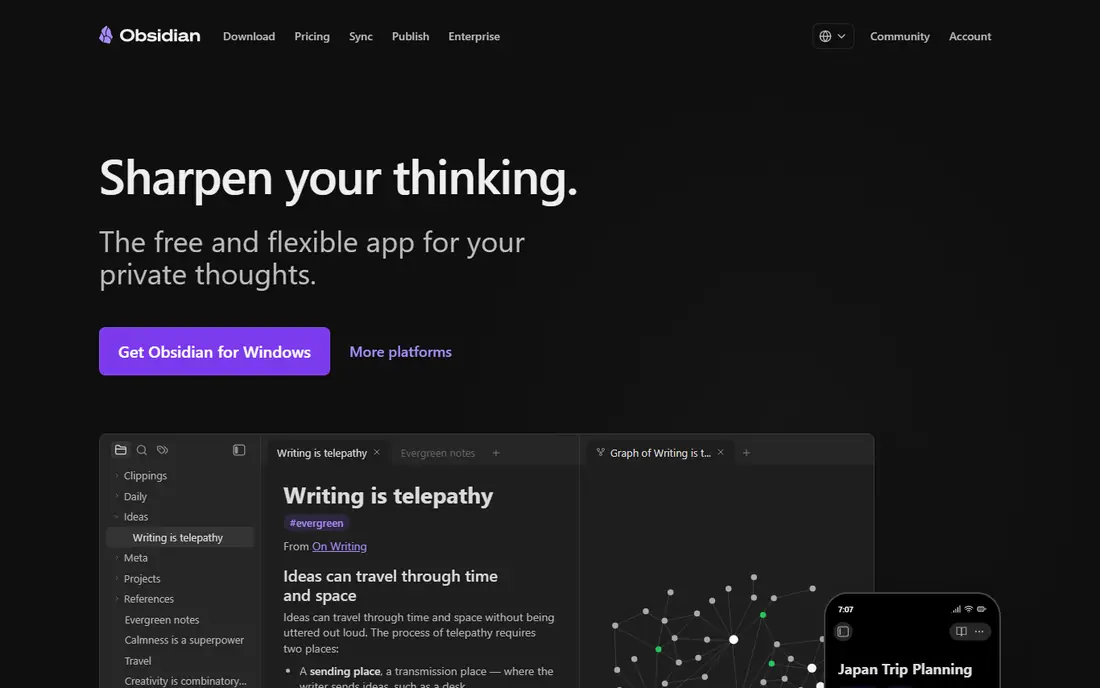
Obsidian is our pick for people who want their notes to stay on their own device. It stores notes as plain Markdown files, so you can open them in other apps, back them up yourself, and keep them readable for years. Links, backlinks, graph view, and canvas help you connect ideas, while thousands of community plugins let you add tasks, calendars, and databases if you want them.
The catch is collaboration. Obsidian is not a real-time team wiki out of the box, and sync across devices costs extra if you use the official Sync service. It fits best for solo writers, researchers, and students who value privacy and file ownership over shared editing. If you need a team workspace, pair Obsidian with a shared docs tool or choose Coda or ClickUp instead.
- Free for personal and commercial use
- Notes stored as local Markdown files
- Large plugin and theme community
- Works offline
- No built-in real-time team collaboration
- Sync and publish are paid add-ons
- Advanced setups take time to learn
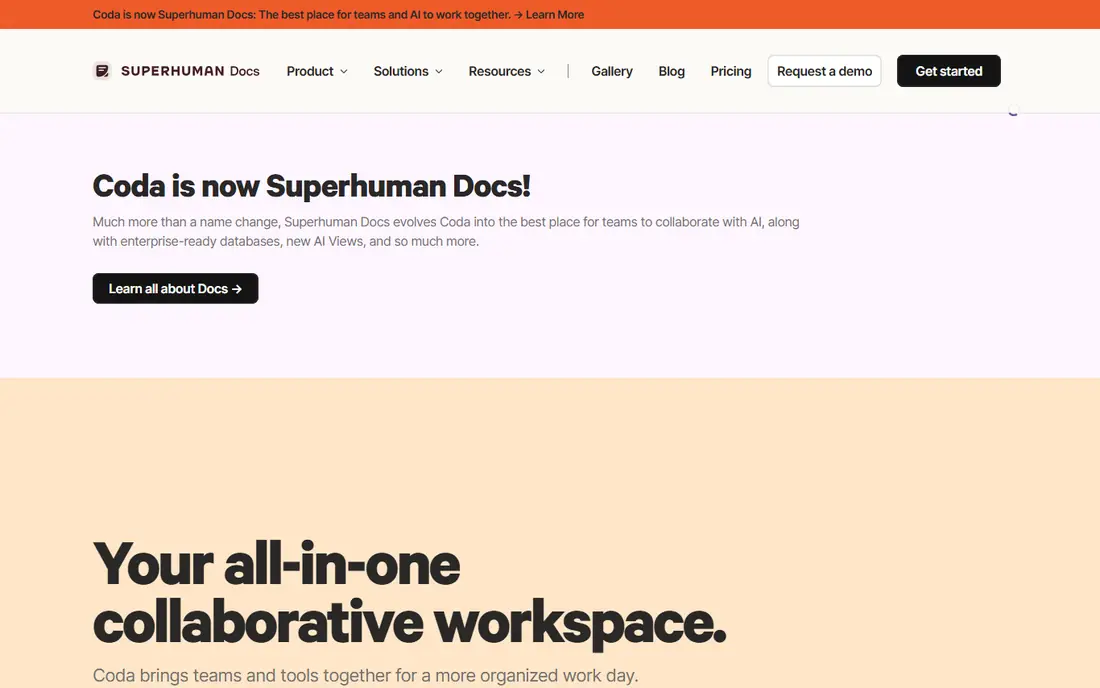
Coda, now known in some listings as Superhuman Docs, is the best Notion alternative for teams that want databases with real power. A Coda doc can hold a table, a form, a button that updates a row, and an automation that sends a message when a status changes. That makes it a good fit for content calendars, hiring trackers, product specs, and internal tools that would otherwise need a separate app.
It is less suited to quick personal notes. Coda rewards a team that will build and maintain a doc, and its pricing model can confuse first-time buyers because editors and Doc Makers are counted differently. If your main need is a structured team workspace, Coda is worth the learning curve.
- Powerful tables, formulas, and automations
- Docs can include buttons and packs
- Good for team workflows and trackers
- Can feel complex for simple note-taking
- Paid pricing is per Doc Maker, which needs careful counting for teams
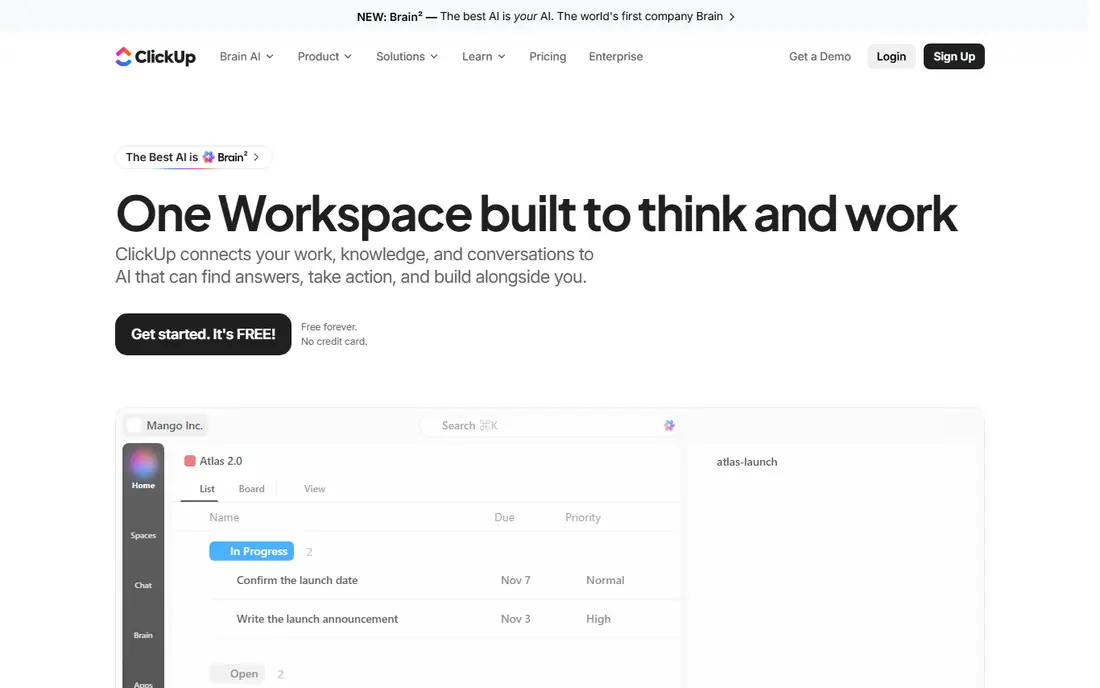
ClickUp suits people who came to Notion for project work and stayed for docs. It combines tasks, docs, whiteboards, goals, and dashboards, so a team can plan a launch, track tasks, and write notes without switching apps. Views for list, board, calendar, and timeline help different team members see the same work in the way they prefer.
The trade-off is simplicity. ClickUp has many settings, and a small team can spend time turning off features it does not need. Start with one space, a few lists, and one doc template, then add dashboards only when the team asks for them. For project-led work, ClickUp is one of the strongest free starting points.
- Free plan for personal use
- Tasks, docs, goals, and dashboards in one place
- Many views including list, board, and calendar
- Can feel busy for simple note-taking
- Some AI and advanced features cost extra
Anytype is our pick for privacy-focused users who want Notion-style pages without keeping everything in a vendor cloud by default. It stores data locally first, syncs with encryption, and lets you build notes, tasks, bookmarks, and contacts as typed objects. That structure helps once you learn it, because a person, a project, and a note can link in a consistent way.
The honest limit is maturity. Anytype has fewer templates and integrations than Notion, and its object system takes a short while to understand. It fits best for individuals and small teams who value offline access and data control and are willing to learn a slightly different model.
- Local-first and encrypted by design
- Works offline
- Object-based system for notes, tasks, and contacts
- Open sync protocol
- Learning curve for its object and type system
- Smaller template library than Notion
- Team features are less mature
AppFlowy is the closest open-source alternative to Notion in feel. It offers pages, databases, kanban boards, and calendars in a clean interface, and its open-source code lets teams self-host or audit how data is handled. That combination appeals to developers, startups, and privacy-aware teams that want Notion-style structure without full vendor lock-in.
It is not yet as polished as Notion for every workflow. Templates, integrations, and AI features are still growing, and a team that needs a large template library may find it thin. For a team that wants a free, open, and self-hostable workspace, AppFlowy is a practical and honest choice.
- Open-source core with self-hosting options
- Familiar pages, databases, and boards
- Free desktop and mobile apps
- Ecosystem is smaller than Notion
- Some advanced team features are newer
- Self-hosting needs technical setup
Evernote suits people who mainly capture, file, and find notes. Its web clipper, search, notebooks, and tags make it easy to save articles, receipts, meeting notes, and ideas, then find them later. For a personal knowledge inbox, that capture-first design still works well, even though Evernote is older than many rivals here.
The limit is structure. Evernote does not match Notion for databases, linked pages, or team wikis, and its free plan limits how many notes and devices you can use. It fits best for a solo user who wants a reliable capture and filing system, not for a team building a complex workspace.
- Strong web clipper and search
- Notebooks and tags for filing
- Easy capture from phone, email, and browser
- Free plan has note and device limits
- Databases and team wikis are weaker than Notion
- Paid plans cost more than some rivals
Airtable is the best Notion alternative for operational databases. If your main job is tracking content, inventory, applicants, sponsors, or projects, Airtable gives you grid, kanban, calendar, and gallery views, plus filters, formulas, and automations. Templates help you start a tracker in minutes, and integrations connect it to forms, email, and other tools.
It is less suited to long essays or a personal journal. Airtable treats records as rows, so writing a long doc inside a cell feels awkward compared with Notion or Craft. Use Airtable when the tracker is the work, and use a docs tool alongside it when writing is the work.
- Strong tables, views, and automations
- Good for trackers, catalogs, and content calendars
- Many templates and integrations
- Long-form writing is weaker than Notion
- Paid team pricing rises with collaborators
- Complex bases need setup time
Craft is our pick for writers who found Notion slow or fussy for daily notes. It opens fast, looks clean, and makes it easy to write, link pages, and share a doc without building a database first. Daily notes, backlinks, and a simple page structure suit journaling, drafting, and personal knowledge work.
The catch is power. Craft does not match Notion or Coda for complex databases and automations, and its strongest experience is on Apple devices. If you write mostly on Mac, iPhone, or iPad and want a beautiful, fast workspace, Craft is a strong fit. If you need heavy databases on Windows, look at Coda, Airtable, or AppFlowy.
- Fast and polished writing experience
- Good on Apple devices
- Pages, daily notes, and shared docs
- Clean design
- Databases are simpler than Notion or Coda
- Windows and Android support is less central than Apple platforms
Milanote suits visual thinkers who plan on boards, not in tables. You can place notes, images, links, checklists, and files on an infinite board, group them into columns, and share the board with a team or client. That layout works well for brand projects, course planning, event ideas, and creative briefs where seeing everything at once helps.
It is not a full Notion replacement. Milanote lacks deep databases, formulas, and wiki structure, and its free plan caps the number of items you can add. Use it when visual planning is the main job, and keep a docs or database tool for structured records.
- Visual boards for moodboards, briefs, and project plans
- Easy drag-and-drop layout
- Good for creative teams and students
- Free plan limits items
- Not a database or wiki replacement
- Text-heavy work fits better in other tools
How we picked these
We compared official feature pages, pricing pages, app store listings, and public reviews for each tool. We favored tools that are available and working in 2026, offer a free plan or a clear free tier, and cover a distinct job, from local notes to databases to visual boards. We left out tools that are only AI chat apps or only meeting note apps, since they do not replace a Notion workspace. We did not include ToolNimba itself. Prices change, so check the vendor pricing page before you buy.
How to move from Notion without losing work
Export before you cancel. Notion lets you export pages as Markdown, HTML, or PDF, and a workspace export can help you keep a backup even if an import is imperfect. Test the import in two tools with a small set of pages first, including a page with images, tables, and links, so you can see what breaks.
Match the tool to your main job
Write down the three jobs you use Notion for most often. If they are writing and linking, start with Obsidian or Craft. If they are tracking and reporting, start with Airtable or Coda. If they are team projects, start with ClickUp. If privacy matters most, start with Anytype or AppFlowy. A tool that fits your top job will beat a tool that copies Notion in every detail.
Check collaboration, offline use, and export
Ask whether real-time collaboration matters, whether you need offline access, and whether you can export your data in an open format. Obsidian and Anytype score well on offline use and file control, while Coda, ClickUp, and Airtable score well on team collaboration. A tool that traps your notes is a poor long-term home, even if its free plan looks generous.
Keep it simple for the first month
Move one project, not your whole life, in the first month. Use one template, one folder structure, and one weekly review. Add plugins, automations, and dashboards only after the basic habit works. Many Notion alternatives fail not because the tool is weak, but because the new setup tries to copy every old database at once.