Quizlet Alternatives in 2026: 9 Tools Compared
By ToolNimba Editorial Team October 28, 2026 12 min read

- Top pick
 Knowt
Switching from Quizlet
Starting priceFreeCheck out KnowtRead our review - Runner-up
 Anki
Long-term retention
Starting priceFreeCheck out AnkiRead our review - Also great
 Brainscape
Confidence-based review
Starting price$7.99 per monthCheck out BrainscapeRead our review
How we researched this
We compared official pricing and feature pages, app store listings, privacy policies and public user reviews. Prices change, so check the provider's site before you pay.
Key takeaways
- Knowt is the closest free match for Quizlet-style Learn mode and practice tests, with a one-click import for existing sets.
- Anki remains the strongest choice for long-term retention, because its spaced repetition schedule is built for months of review rather than one exam week.
- Brainscape and RemNote suit different study habits: Brainscape keeps review simple with confidence ratings, while RemNote ties cards directly to notes.
- Free plans vary a lot, so check what is capped before you move a large deck: AI generation, imports, and practice rounds are the usual limits.
- No alternative copies every Quizlet feature, so pick the tool that matches how you study, not the one with the longest feature list.
Quick comparison
| Name | Best for | Starting price | Free plan | |
|---|---|---|---|---|
| Knowt | Switching from Quizlet | Free | Yes | Visit |
| Anki | Long-term retention | Free | Yes | Visit |
| Brainscape | Confidence-based review | $7.99 per month | Yes | Visit |
 RemNote | Notes plus flashcards | Free | Yes | Visit |
 Cram | Quick public decks | Free | Yes | Visit |
 Memrise | Language learning | See website | Yes | Visit |
 Gizmo | Gamified quizzing | See website | Yes | Visit |
 StudyFetch | Lecture-based study sets | See website | Yes | Visit |
 Vaia | All-in-one student study | See website | Yes | Visit |
The best quizlet alternatives apps
If Quizlet Plus moved the study modes you used behind a paywall, you do not need to start from zero. The tools below cover the main reasons people used Quizlet: ready-made sets, Learn-style quizzing, spaced repetition, and AI-generated cards from notes. We compared official feature pages, pricing pages, app store listings, and public reviews, and we kept only tools that are still available and fit this topic in October 2026.
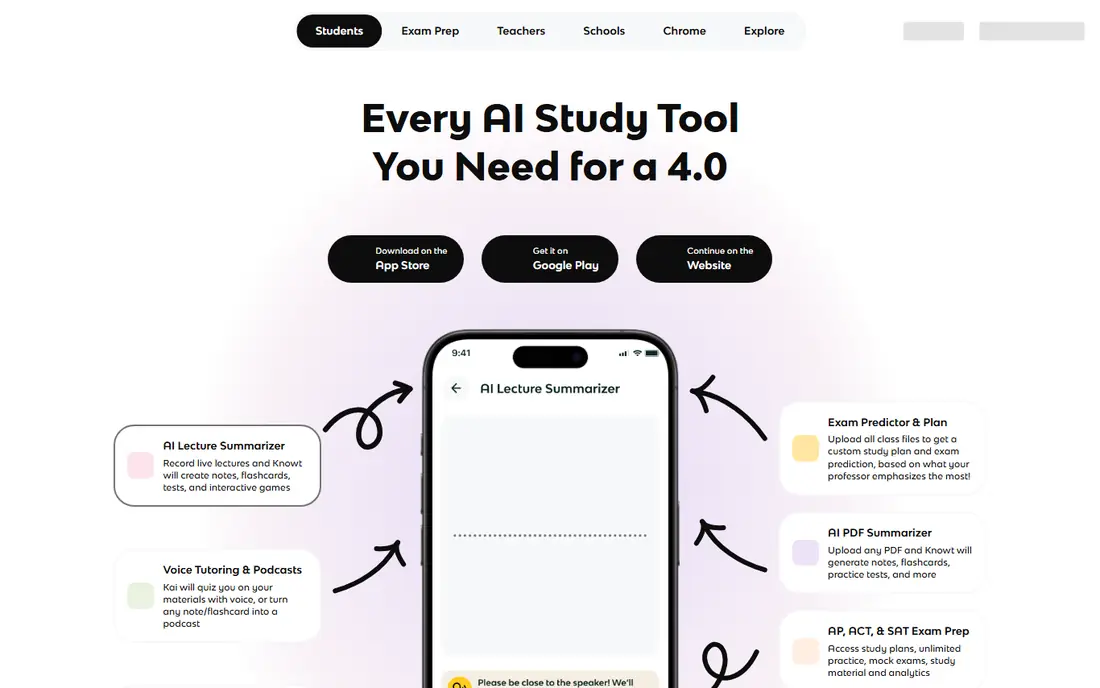
Knowt feels familiar from the first set you open, and that familiarity is the point. You can import Quizlet sets, study with Learn-style rounds that mix multiple choice, written answers, and true or false questions, and run practice tests without paying for a basic study mode. For students who mainly want Quizlet without the Plus price, this is the shortest path to a working routine.
The catch is that free does not mean unlimited in every area. AI summaries and tutoring features sit on the paid Ultra plan, listed at $24.99 per month or $149.99 per year. If you study from your own cards and only need Learn mode, practice tests, and spaced repetition, the free plan covers the core job.
- Free Learn mode and practice tests
- Quizlet import
- Spaced repetition for your own sets
- Free plan includes ads
- Some AI features require the Ultra plan
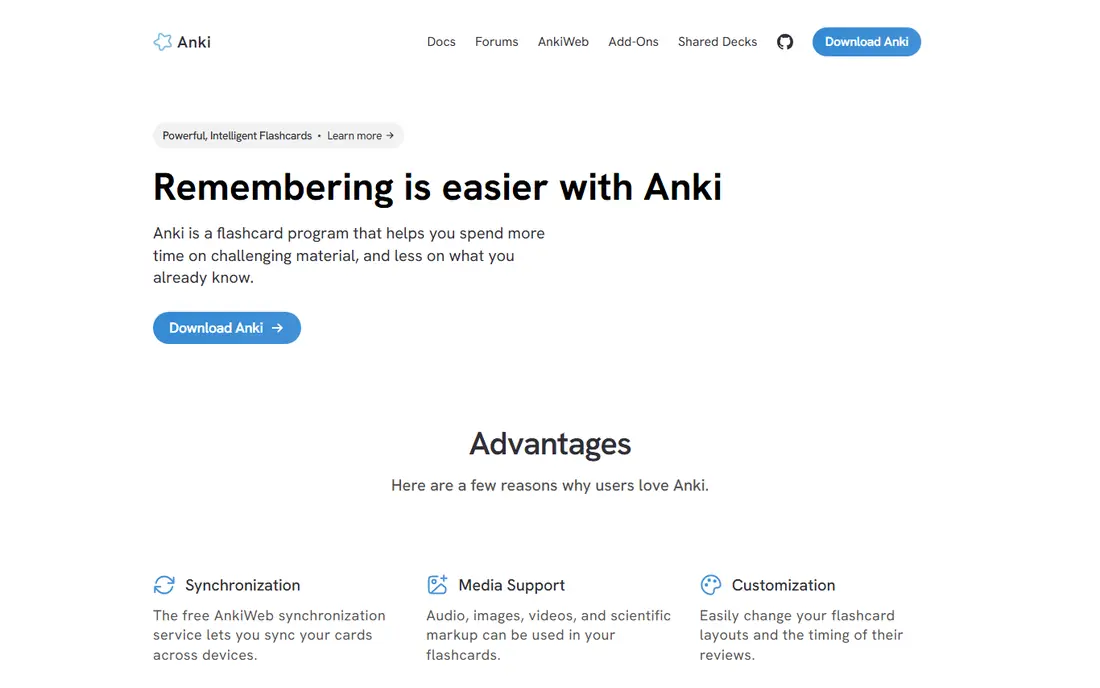
Anki is the tool serious students reach for when the goal is remembering material months later, not just passing next week. Its scheduling adjusts review intervals based on how you answer each card, and the newer FSRS scheduling option is designed to match review timing to how memory fades. You can build cards with images, audio, cloze deletions, and image occlusion, and sync them through AnkiWeb.
That power comes with a learning curve. The interface looks plain, deck options take time to understand, and you will need to make good cards yourself unless you use a shared deck. The desktop program, web version, and Android app are free, while the official iOS app is listed at $24.99 as a one-time purchase.
- Strong spaced repetition
- Free desktop, web, and Android apps
- Large library of shared decks
- Plain interface
- Setup takes time
- Official iOS app is a paid one-time purchase
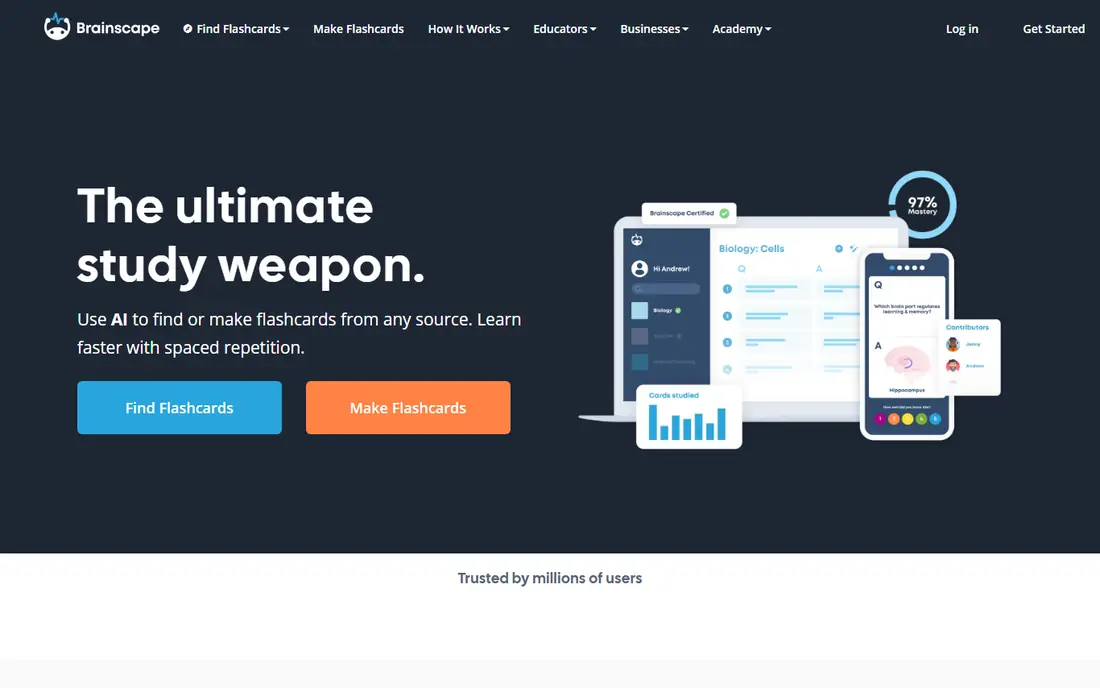
Brainscape asks a small question after every card: how well did you know it, on a scale from 1 to 5. Cards you rated low come back sooner, and cards you rated high wait longer. That system is easy to understand, it takes no setup, and it works well for students who find Anki settings intimidating. The free Basic plan covers unlimited cards you create yourself, spaced repetition, and a set of preloaded cards.
Pro, listed at $7.99 per month when billed annually, adds unlimited AI cards, unlimited certified decks, images and sound on cards, and reverse study. Certified decks for exams such as the MCAT and GRE are a real draw here, because they are built with subject experts rather than scraped from user uploads. The trade is flexibility: you get less control over scheduling and card design than Anki offers, and moving a large Quizlet library in takes more steps.
- Simple 1 to 5 confidence ratings
- Unlimited cards of your own on the free plan
- Certified decks for major exams
- Full AI generation requires Pro
- Import options are less direct than Knowt
RemNote starts from a different idea: your notes are your flashcards. You write structured notes, turn lines into cards where you wrote them, and review those cards on a spaced schedule without switching apps. That workflow suits students who take detailed class notes and want review to grow out of them, rather than building a separate deck after the fact.
The free plan includes unlimited notes and flashcards across synced devices, with caps on annotated PDFs and image occlusion cards and a limited AI allowance. Pro is listed at $8 per month billed annually, and Pro with AI at $18 per month billed annually. If you already use a separate note app and only want quick cards, RemNote may feel like more structure than you need. If your notes and your cards keep drifting apart, combining them here can save real time.
- Notes and flashcards in one place
- Spaced repetition built in
- PDF annotation on paid plans
- Learning curve for the note system
- AI credits are capped on the free plan
Cram is the low-friction option on this list. You search for a public set, open it, and start studying, with memorise and test-style modes for quick practice. It suits a student who needs a set tonight for a standard course and does not want to learn a new system first. There is no complex note structure to master and no deck-building project to finish before review starts.
The honest limit is depth. Cram does not match Anki for long-term scheduling, and it does not match Knowt or RemNote for AI generation from your own material. Public sets also vary in quality, so check answers against your course notes before you trust a set for an exam.
- Large library of public flashcard sets
- Simple study modes
- No setup needed
- Ads on the free experience
- Fewer modern AI and scheduling features
Memrise belongs here for one specific job: learning a language. Instead of plain text cards, it uses short clips of native speakers, spaced repetition, and listening practice to build vocabulary you can actually recognise in conversation. If your Quizlet sets were mostly Spanish, French, German, or another language, Memrise may teach you more than a generic card app would.
It is not a good replacement for general subjects. You cannot expect the same library for biology, law, or history, and building your own decks is not the main workflow. Pricing varies by plan and region, so check the official site or app store listing before you pay. Pick Memrise when language is the subject, and pick a general tool above when you need cards for everything else.
- Native-speaker video clips
- Spaced repetition for vocabulary
- Good for daily language practice
- Not a general flashcard replacement
- Advanced features require a paid plan
Gizmo turns review into a short game, with hearts that limit how much you can quiz in a session and a memorise mode that keeps practice moving. That structure helps students who start strong and then drift, because each session has a clear end and a reason to return tomorrow. You can also paste a Quizlet set link to bring material across, which lowers the cost of switching.
The meter is the catch. Free quizzing is capped, so a student doing long revision sessions may hit the limit sooner than expected. Paid plans remove more of those limits, but pricing in app stores varies, so confirm the current plan on the official site before subscribing. Gizmo is a good pick for short, regular sessions and for students who like game-style motivation, and a weaker pick for marathon study days on the free plan alone.
- Gamified quizzing with hearts and streaks
- Quizlet import by pasting a set link
- AI-generated cards
- Free quizzing is metered
- Heavy use pushes you toward a paid plan
StudyFetch is built for students whose main material is a lecture, not a textbook chapter. Upload a recording, PDF, or video, and it generates flashcards, quizzes, and notes from that source, with an AI tutor you can question about the content. That can turn hours of recorded lectures into a usable study set much faster than typing cards by hand.
The free tier is best treated as a trial, not a full replacement for a paid plan. Upload and AI limits apply, and the quality of generated cards depends on how clear your source material is, so review AI cards before you trust them for an exam. If most of your course lives in lectures and you want a tutor tied to those lectures, StudyFetch is worth testing. If you already have clean notes and just need review, a simpler spaced repetition app may be cheaper.
- Turns lectures, PDFs, and videos into flashcards and quizzes
- Built-in AI tutor
- Practice tests
- Free tier is small
- Best results depend on the quality of your uploaded material
Vaia, formerly StudySmarter, combines flashcards, notes, and study planning in one student app. That all-in-one approach suits students who want one place for revision, rather than a card app plus a separate planner plus a separate note app. The free plan covers core study features, and community material adds a starting point for common courses.
Premium adds more AI and advanced features, with pricing shown inside the account, so check the current offer before you upgrade. The ready-made library will not match Quizlet on every niche subject, and you may still need to build your own sets for specialist courses.
- Flashcards, notes, and study plans in one app
- Community study material
- Free core features
- Premium features require a paid plan
- Ready-made library is smaller than Quizlet for some subjects
How we picked these
We compared official feature pages, pricing pages, and app store listings, and we checked public reviews for the features students actually mention, such as Learn-style quizzing, import options, and free-plan caps. We kept tools that are available in October 2026, that offer flashcards or quiz-based study, and that a Quizlet user could realistically switch to without losing their core study routine. We did not count a tool just because it mentions flashcards on a marketing page, and we left out tools whose main job is a different kind of learning, such as general tutoring or video courses.
We also weighed the free plan honestly. A tool with a generous free tier and clear paid limits ranked above a tool that calls a short trial free. Prices change by region and billing cycle, so we list the price we found in public sources and point you to the official site where a price could not be confirmed in one clear figure. Our pick for most switchers is Knowt for familiarity, with Anki as the stronger long-term option, but the right answer depends on your subject, your device, and how long you need to remember the material.
What to check before you switch
Moving decks is only half the switch. The other half is making sure the new tool fits the way you actually study, including on your phone, offline, and under exam pressure.
Import your sets first, then judge the app
Start with a real set, not a demo deck. Import one Quizlet set, run a Learn-style round or a spaced review session, and check whether images, formatting, and answer order survived the move. A tool that looks clean with sample cards can feel very different with a 300-card biology deck. If import fails or mangles your cards, that is a reason to try the next tool, even if its feature list looks longer.
Match the schedule to the exam
Short-term cramming and long-term retention need different tools. Learn-style quizzing and practice tests are good for an exam this week, because they force you to answer in varied formats. Spaced repetition is better for exams months away, because it brings cards back just as you are about to forget them. If you have both kinds of exams in one term, pick a tool that does both, or use a quiz tool for this week and a spaced repetition tool for the long course.
Check the free limits that matter to you
Free plans cap different things: AI generation, number of sets, practice rounds, uploads, or daily quizzing. Write down which limit would hit you first, then test it in week one. A student who studies in short daily sessions may never hit a heart or credit limit, while a student who revises for three hours on Sunday will hit it fast. Paying for the right limit is cheaper than paying for a plan full of features you never open.
Sources
- https://www.coursebox.ai/blog/sites-like-quizlet-for-learning
- https://flashcardbuddy.com/quizlet-alternative
- https://brndle.com/quizlet-alternatives-to-supercharge-your-study-routine/
- https://versedapps.com/blog/free-quizlet-alternatives/
- https://quizgecko.com/blog/best-quizlet-alternatives
- https://web-highlights.com/blog/best-free-quizlet-alternatives/
- https://studypdf.net/reviews/best-free-flashcard-makers-compared
- https://www.mindomax.com/remnote-vs-anki