Best AI Presentation Design Tools in 2026: 8 Tools Compared
By ToolNimba Editorial Team October 25, 2026 11 min read How we test

- Top pick
 Gamma
fast web-style decks from a prompt
Starting priceSee websiteCheck out GammaRead our review - Runner-up
 Beautiful.ai
rule-based design that keeps slides tidy
Starting price$14.50 per month (billed annually)Check out Beautiful.aiRead our review - Also great
 Canva
presentations with a large template library
Starting priceSee websiteCheck out CanvaRead our review
How we researched this
We compared official pricing and feature pages, app store listings, privacy policies and public user reviews. Prices change, so check the provider's site before you pay.
Key takeaways
- Four of the eight tools have a permanent free plan: Gamma, Canva, Pitch and Visme. SlidesAI also has a free Basic plan with 200 AI credits per month.
- Gamma's free plan gives 400 credits at sign-up that do not refresh, so it works as a long trial rather than a monthly allowance.
- The cheapest paid plans we could confirm are Decktopus Pro at $9.99 per month and Plus AI Basic at $10 per month, both billed annually, with SlidesAI Pro at $10 per month ($120 per year).
- Beautiful.ai is the one tool here built mainly around design rules, with 300+ Smart Slide layouts, but it has no free plan, only a 14-day trial.
- Credits are the real limit on AI tools. Check how many credits a typical deck uses before you pay, because the cheapest plan can run out quickly.
Quick comparison
| Name | Best for | Starting price | Free plan | |
|---|---|---|---|---|
| Gamma | fast web-style decks from a prompt | See website | Yes | Visit |
| Beautiful.ai | rule-based design that keeps slides tidy | $14.50 per month (billed annually) | Free trial (14 days) | Visit |
| Canva | presentations with a large template library | See website | Yes | Visit |
 Pitch | team decks and shared workspaces | See website | Yes | Visit |
 Plus AI | AI inside Google Slides and PowerPoint | $10 per month (billed annually) | Free trial (7 days) | Visit |
 Visme | data-heavy slides and infographics | $12.25 per month (billed yearly) | Yes | Visit |
 Decktopus | low-cost AI decks with delivery practice | $9.99 per month (billed annually) | No | Visit |
 SlidesAI | turning notes and documents into slides | Free | Yes | Visit |
The best AI presentation design tools
These tools take a prompt, document or outline and produce a styled deck, then let you edit it. Some are design-first, some live inside Google Slides or PowerPoint, and some are full design suites. We picked eight that differ enough that you can match one to how you already work.
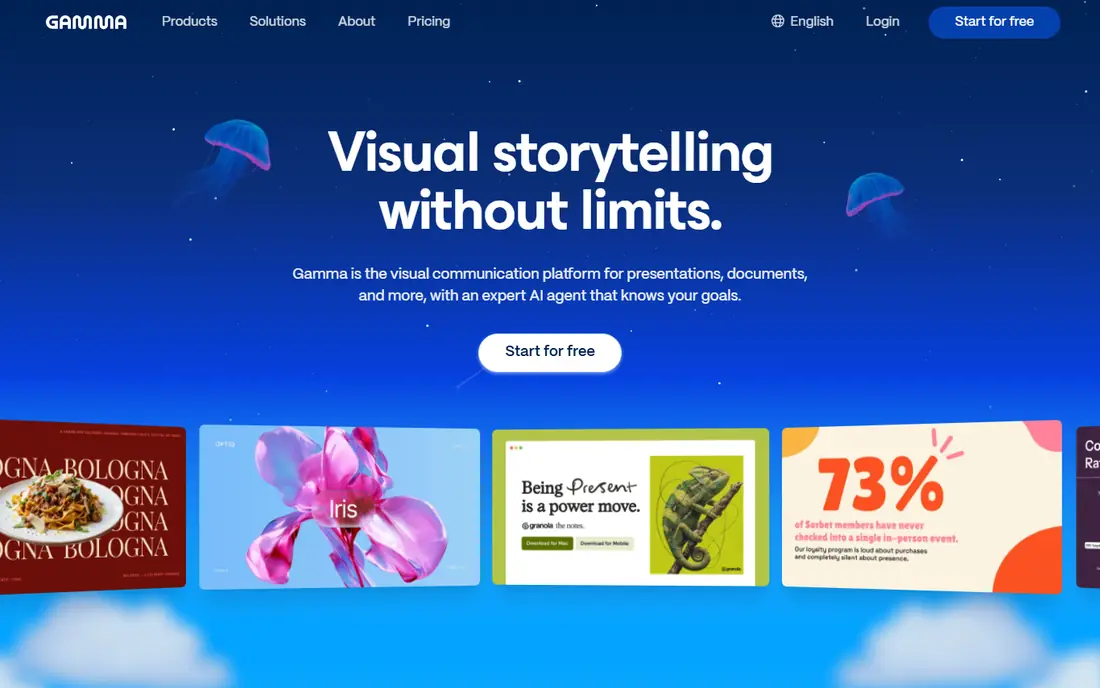
Gamma generates a presentation from a prompt and turns it into a shareable, web-style document. Its help center explains that each new Free user receives 400 credits at sign-up, and that those free credits do not refresh once used, although you can earn more through referrals. Paid plans give a monthly credit allowance right away, and the help center gives the Plus plan as an example with 1,000 monthly credits that can roll over up to twice the plan size.
The plans named in Gamma's help articles include Free, Plus, Pro, Ultra, Teams, Business and Enterprise. We could not open the pricing page, so we do not quote prices here. Third-party guides give different numbers, which is a reason to check the live page.
Gamma is our pick for most people who want a deck quickly and do not need strict corporate formatting. If your company requires a specific PowerPoint template, test the export before committing, because a web-style layout does not always map neatly to a fixed template.
- Free plan with 400 starting credits
- Plans from Free up to Teams, Business and Enterprise
- Credits roll over on paid plans
- Free credits do not refresh
- Its pricing page blocked our reader, so confirm current prices on the site
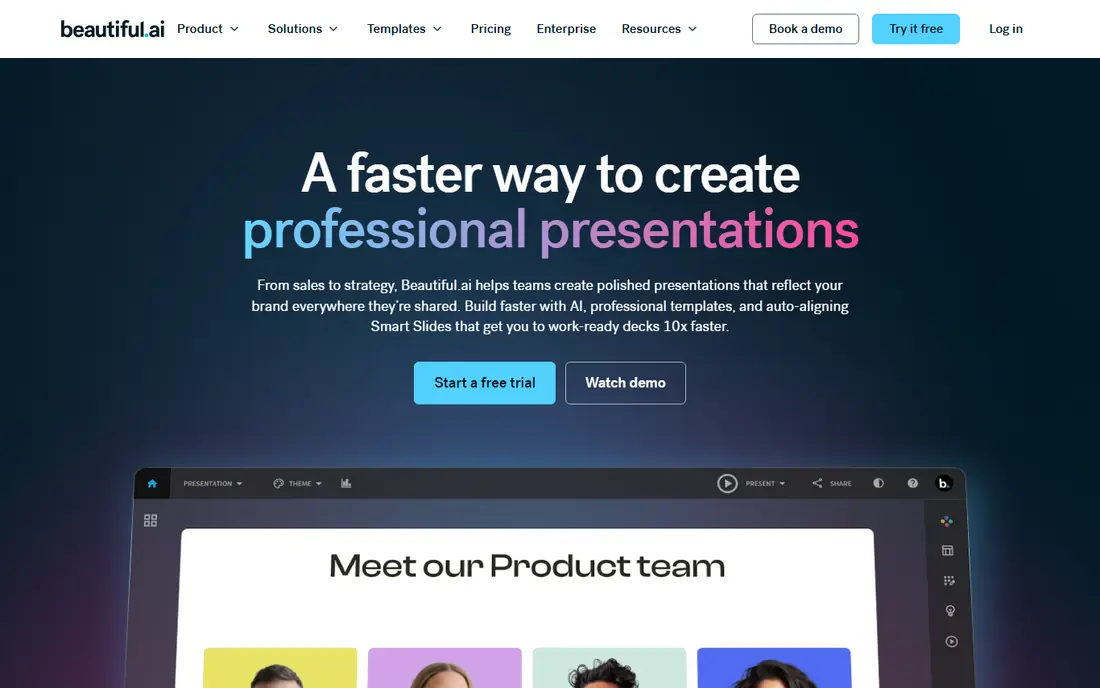
Beautiful.ai is built on templates that rearrange themselves as you type, so slides stay aligned without manual fiddling. Its pricing page lists Pro for individuals at $14.50 per month billed annually. Teams of 2 to 20 pay $40 per user per month billed annually, or $50 billed monthly. Each seat includes unlimited AI content generation, more than 300 Smart Slide layouts and PowerPoint import and export.
It offers a 14-day free trial and a demo, and the navigation mentions free plans for students. There is no permanent free tier for general users.
This is a good choice for people who care that slides look consistent but dislike tweaking spacing. The trade-off is flexibility: a layout that fixes alignment automatically can also resist a creative change you want to make by hand.
- 300+ Smart Slide layouts that adjust as you add content
- Unlimited AI content generation on every seat
- PowerPoint import and export
- No free plan, only a 14-day trial
- Team pricing climbs to $40 per user per month billed annually
Canva is a general design suite that happens to include strong presentation tools. Its Pro page offers a free trial and describes premium templates for every document type, premium content, brand tools and AI-powered features. A comparison link on the page lets you check what Free includes versus Pro.
We could not read a current price from the page, and the figures that appeared in search results varied by region and billing, so we are not quoting a number. Check the pricing page for your country.
Canva is the most flexible tool here if you also need social graphics and print files. If you only make decks, a presentation-first tool like Gamma or Beautiful.ai may get you to a finished deck faster.
- Free plan available
- A Pro free trial
- Premium templates and AI features across presentations, social posts and documents
- Pro price not confirmed on the pages we could read
- Feature access differs between Free and Pro
Pitch is a collaborative presentation tool aimed at teams. The page we read showed a Free plan at 0 euros forever, with unlimited presentations and 100 AI credits that do not renew once used. Plus was listed at about 10 euros per month when paying yearly, with 500 AI credits per month, custom fonts and video uploads. Business was listed at about 20 euros per month when paying yearly, with 750 AI credits per month and room for 1 to 200 members. Enterprise is contact sales. Extra credits are sold at $0.004 each.
Because the page showed euros, your own price may be shown in dollars or may differ. We list the starting price as See website for that reason.
Pitch fits startups and small teams that want to build decks together, comment and keep brand assets in one place. If you work alone and want AI to write the whole deck, other tools lead with the AI more clearly.
- Free forever plan with unlimited presentations
- Paid plans add monthly AI credits, custom fonts and video uploads
- Built for teams
- The free plan has only 100 AI credits that do not renew
- Prices were shown in euros on the page we read
Plus AI is an add-on, not a separate app. Its pricing page says it creates AI presentations in Google Slides and PowerPoint. Basic is $10 per user per month billed annually, or $15 billed monthly, and all paid plans start with a 7-day free trial. Basic includes 1,500 AI credits per month, and the page says tasks typically use between 40 and 170 credits.
That means a heavy user could burn through the allowance in a few decks, so check how many credits your usual tasks use.
Plus AI makes sense when your company standardizes on Google Slides or PowerPoint and you want AI help without moving everything to a new platform. It is less appealing if you want a standalone web app with its own templates.
- Works inside Google Slides and PowerPoint, so you keep your normal files
- 7-day free trial
- 1,500 AI credits per month on Basic
- No permanent free plan
- Each task uses 40 to 170 credits, so credits run down faster than they sound
Visme is a visual content suite that covers presentations, charts, infographics, forms and whiteboards. Its pricing page lists a Basic plan at $0 per year with unlimited projects but limited templates and design assets. Starter is $12.25 per month per person, or $147 per year, adding all premium assets, full template access and JPG, PNG and PDF downloads. A Business plan is listed for teams.
Its AI features include an AI designer and an AI presentation maker, according to the site navigation. We did not compare output quality with other tools.
Visme is a strong fit for reports, training decks and anything with charts. For a quick pitch deck, its range of tools can feel like more than you need.
- Free Basic plan with unlimited projects
- Strong charts, infographics and documents alongside slides
- Has an AI presentation maker and AI designer
- The free plan limits templates and design assets
- Starter is priced per person
Decktopus keeps its pricing simple. Its Pro plan is $9.99 per month billed as $119.88 per year, $19.99 per month billed every three months, or $24.99 billed monthly. Pro includes 750 AI credits per month (about 150 slides), presentations and carousels, one-click sharing, version history, mobile access and a practice tool called Loop for rehearsing your delivery. A Business tab and an Enterprise option are also listed.
The page does not list a free plan. Since monthly billing is much higher than annual billing, the cheap price only applies if you are willing to pay for a year.
Decktopus works for solo users who want an inexpensive AI deck builder and like rehearsing. If you want to trial before paying, SlidesAI or Gamma are better starting points.
- Lowest paid price in this list at $9.99 per month billed annually
- 750 AI credits per month (about 150 slides)
- Exports to PDF, PPT and PNG
- No free plan shown
- Monthly billing is $24.99, which is more than twice the annual rate
SlidesAI is aimed at turning text into slides. Its site says it works in Google Slides, PowerPoint, ChatGPT or the browser, and that it is free to start with no card needed. The Basic plan is $0 with 200 AI credits per month, Lite and Balanced AI models, and 2,500 characters of input per presentation. Pro is $10 per user per month, billed at $120 per year, with 30,000 AI credits per year, Advanced AI models and 50,000 characters of input, and it supports creating from documents such as PDF and Word files.
That makes it a handy utility for converting meeting notes or a report into a first draft. The honest limit is design: it is more of a content converter than a design studio.
- Free Basic plan with 200 AI credits per month
- Works in Google Slides, PowerPoint, ChatGPT or the browser
- Can import your branded PPTX template
- The free plan has a short 2,500-character input limit
- Pro credits are yearly, not monthly
How we picked these
We read each vendor's own pricing and product pages, plus Gamma's help center, and compared plans, credit limits, free options and where each tool runs. We included design-first tools (Beautiful.ai, Gamma), suites (Canva, Visme), a team tool (Pitch) and add-ons for existing software (Plus AI, SlidesAI). We did not generate decks on every tool, so we make no claims about output quality.
Prices were checked in October 2026. Where a page would not load, or showed a price in a different currency, we wrote See website. We did not take payment or rank by commission.
How to choose an AI presentation tool
Check the credit math
Every tool here limits AI use through credits or caps. Gamma's Free plan has 400 credits once, Plus AI says tasks use 40 to 170 credits, and Decktopus counts about 150 slides per month. Multiply by how many decks you make.
Decide where you want to work
If your team lives in Google Slides or PowerPoint, an add-on such as Plus AI or SlidesAI keeps your files. If you do not mind a new app, Gamma, Beautiful.ai or Pitch offer more design automation.
Test the export
If you must send a PowerPoint file to clients, export a test deck and check fonts, spacing and animations. Beautiful.ai and Decktopus both list PowerPoint-friendly exports.
Watch renewal terms
Several plans are cheaper when billed annually, such as Decktopus at $9.99 versus $24.99 monthly. Pick annual only after a trial confirms you will use it.
Sources
- https://help.gamma.app/en/articles/7834324-how-do-credits-work-in-gamma
- https://help.gamma.app/en/articles/11594955-what-options-does-gamma-offer-for-business
- https://www.beautiful.ai/pricing
- https://www.canva.com/pro/
- https://pitch.com/pricing
- https://plusai.com/pricing
- https://www.visme.co/pricing/
- https://www.decktopus.com/pricing
- https://www.slidesai.io/pricing
- https://www.slidesai.io/