Best Animation Software in 2026: 9 Programs Compared
By ToolNimba Editorial Team October 25, 2026 10 min read How we test

- Top pick
 Blender
3D animation and 2D inside a 3D scene
Starting priceFreeCheck out BlenderRead our review - Runner-up
 Adobe Animate
web, banner and character animation
Starting price$22.99 per monthCheck out Adobe AnimateRead our review - Also great
 Toon Boom Harmony
studio-style 2D production
Starting priceSee websiteCheck out Toon Boom HarmonyRead our review
How we researched this
We compared official pricing and feature pages, app store listings, privacy policies and public user reviews. Prices change, so check the provider's site before you pay.
Key takeaways
- Five of the nine programs here cost nothing: Blender, Krita, Synfig Studio, OpenToonz and Pencil2D are all free and open source, and the OpenToonz and Pencil2D sites both say commercial use is allowed.
- Moho sells one-time licenses instead of subscriptions: Moho Debut 14 is $59.99 and Moho Pro 14 is $399.99, with a 30-day free trial.
- Adobe Animate is $22.99 per month on its annual, billed-monthly plan, the only subscription here with a price we could confirm on its page.
- Procreate Dreams is a one-time $12.99 purchase, but it runs on iPad only, so it only helps if you already own one.
- Toon Boom Harmony offers a 14-day trial and three editions, but its page shows no price, so you need to check the shop for current rates.
Quick comparison
| Name | Best for | Starting price | Free plan | |
|---|---|---|---|---|
| Blender | 3D animation and 2D inside a 3D scene | Free | Yes | Visit |
| Adobe Animate | web, banner and character animation | $22.99 per month | Free trial | Visit |
| Toon Boom Harmony | studio-style 2D production | See website | Free trial (14 days) | Visit |
 Moho | rigged 2D characters | $59.99 one time | Free trial (30 days) | Visit |
 Krita | hand-drawn frame-by-frame animation | Free | Yes | Visit |
 Synfig Studio | vector tweening on a budget | Free | Yes | Visit |
 OpenToonz | traditional 2D production | Free | Yes | Visit |
 Procreate Dreams | animating on an iPad | $12.99 one time | No | Visit |
 Pencil2D | simple hand-drawn animation | Free | Yes | Visit |
The best animation software
Animation software splits into a few families: frame-by-frame drawing, cut-out or rigged characters, vector tweening and full 3D. The nine programs below cover each family, from free tools that run on an old laptop to professional studio packages, so you can pick by the type of animation you want to make.
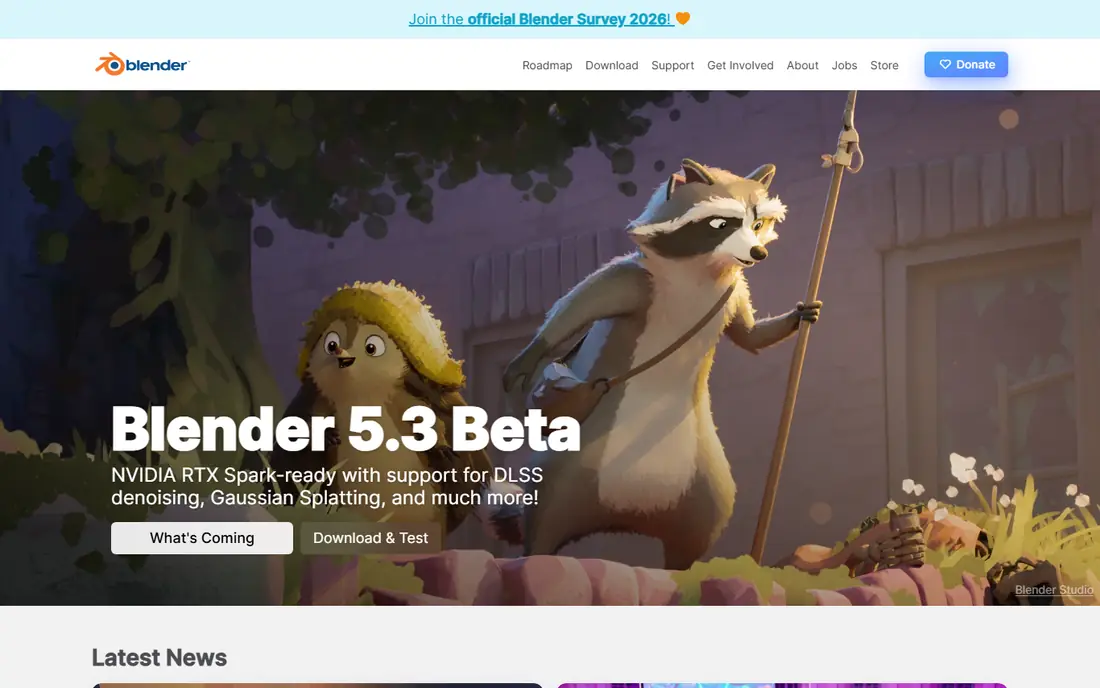
Blender is the most capable free option on the list. Its home page calls it "the Free and Open Source 3D Creation Software," and its About page says it will stay free and open source, funded mainly by donations. At the time of writing the site was promoting a Blender 5.3 beta.
For animation, it covers 3D character work, rigging and rendering, and its Grease Pencil tools let you draw 2D animation inside a 3D space. That mix is what makes it popular with artists who want a hand-drawn look with 3D camera moves.
The catch is the learning curve. A beginner who only wants to flip through a few hand-drawn frames will find Blender heavy, and a lighter tool like Pencil2D or Krita will get you moving sooner. If you want to grow into 3D, Blender is the free choice most people end up using.
- Free and open source with no paid tier to buy
- Handles modeling, rigging, rendering and animation in one program
- Very large community and learning material
- The interface has a steep learning curve
- 2D drawing tools are secondary to its 3D focus
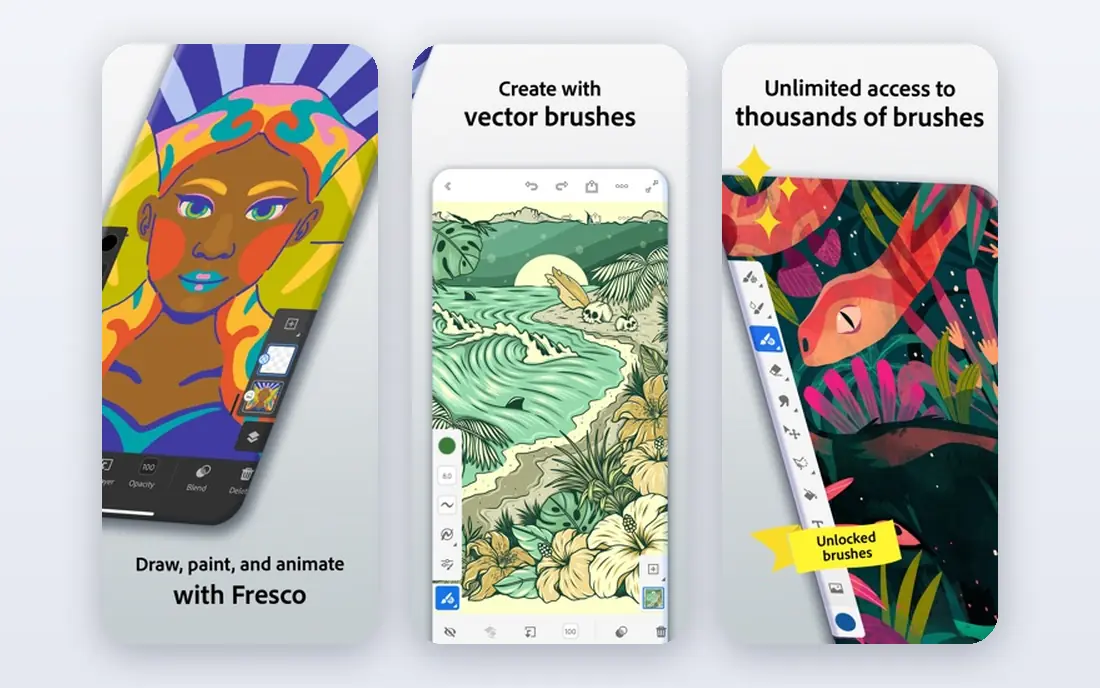
Adobe Animate is aimed at designers who build animation for the web, banner ads, games and e-learning. Adobe's product page lists it at US$22.99 per month on the annual, billed-monthly plan and describes it for cartoons, banners, games and the web. It supports frame-by-frame character animation, animated avatars and infographics, and exports to formats such as HTML5 Canvas, WebGL and SVG.
Bundles are an alternative. Creative Cloud Pro was listed at US$34.99 per month for the first three months and US$69.99 per month afterward for new subscribers, and a student and teacher version at US$19.99 per month. A free trial is offered, but the page does not say how long it lasts.
Animate is a sound pick if you already use Adobe tools or need web-ready output. If you only want to make cartoons for fun, a one-time purchase like Moho Debut or a free tool will cost far less over a year.
- Exports to HTML5 Canvas, WebGL, SVG and other formats
- Frame-by-frame and character animation tools
- Integrates with the rest of Creative Cloud
- Subscription only
- The trial length is not stated on the product page
Toon Boom Harmony is the name professional 2D studios know best. Its product page describes three editions. Essentials is for enthusiasts who need basic drawing, painting and animation tools. Advanced is for students, professional animators and studios, with full traditional paperless animation and simple cut-out animation. Premium, marked as recommended, adds more sophisticated cut-out rigs, more natural character movement and unlimited special effects.
The page shows placeholders instead of prices ("--- / month"), so we cannot quote a figure. It does offer a 14-day trial of Harmony through a "Try for free" link.
Harmony makes sense for anyone serious about a career in television or feature animation. For a casual project, the cost and the learning time are hard to justify.
- Three editions that scale from hobby to studio
- Supports traditional paperless animation and cut-out rigs
- 14-day trial
- The product page shows no prices
- The top edition is built for studios and may be more than you need
Moho focuses on cut-out and rigged 2D animation, where you build a character once and then pose it instead of redrawing every frame. Its buy page lists Moho Debut 14 at $59.99 and Moho Pro 14 at $399.99, both one-time purchases for Windows and macOS. Existing Moho Pro 13.5 owners can upgrade to Pro 14 for $119.
Version 14.5 added live character control with a webcam and game controller, plus drawing tool improvements. The company says the trial runs for 30 days and has some limits, including no import of external files.
Moho Debut is the easiest way to try character rigging without a subscription. Pro is aimed at working artists, and the jump from $59.99 to $399.99 is steep, so try Debut first.
- One-time purchase with no subscription
- Strong bone and rigging tools for 2D characters
- 30-day free trial available
- The Pro edition is $399.99
- The trial cannot import external files
Krita describes itself as a "professional FREE and open source painting program." Its features page adds that you can turn it into an animation studio by switching to the animation workspace, where you can layer animations, import audio and fine-tune frames, then export your work. October 2026 news on the site also mentions ongoing animation work, including on Android.
That makes it a very good pick for hand-drawn animation if you already like drawing digitally. You get strong painting tools in the same place you animate.
The catch is scope. Krita is not built for complex rigs, camera moves or long productions. If you want a feature-length workflow, look at OpenToonz or Toon Boom instead.
- Free and open source painting program with an animation workspace
- Layering, audio import and frame tuning
- Very good brush engine
- Animation is a feature of a painting program, not a full production suite
- No built-in character rigging
Synfig Studio is built around tweening, where you set key poses and the software generates the frames in between. Its site calls it free and open-source 2D animation software for Windows, Linux and macOS, designed to produce film-quality animation using vector and bitmap artwork while removing the need to create animation frame by frame.
That approach suits explainer videos, motion graphics and simple character work, and it keeps file sizes small because vector art scales cleanly. It is also a good choice on older computers.
The honest caveat is polish. Newer tools such as Krita and Procreate Dreams feel more modern, and learning material is thinner than for Blender. Plan to spend time with the documentation.
- Free open source 2D animation for Windows, Linux and macOS
- Vector and bitmap artwork
- Reduces the need to draw every frame
- Interface feels dated to some users
- Smaller community than Blender
OpenToonz is open-source animation production software. Its site says it is based on Toonz, developed by Digital Video S.p.A. in Italy, and customized by Studio Ghibli over many years. Dwango launched the OpenToonz project in cooperation with Digital Video and Studio Ghibli. The site states it can be used free of charge for both commercial and non-commercial projects.
Download pages list version 1.8 for Windows and macOS. It targets traditional, scanned or drawn 2D animation workflows, which is the type of production its roots are in.
OpenToonz is for people who want professional-style tools without paying and are willing to invest time in learning them. If you need a gentle start, Pencil2D is a better first stop.
- Free for commercial and non-commercial projects
- Based on software customized by Studio Ghibli
- Windows and macOS builds
- A large program that takes time to learn
- Aimed mainly at traditional production workflows
Procreate Dreams brings animation to the iPad with a timeline-based editor. Procreate says it costs $12.99 once with no subscription, available exclusively from the App Store, and that regional pricing may differ. It describes tools to draw, animate, edit and composite, plus non-destructive filters and effects, and you can import video and audio.
The site says it supports iPads able to run iPadOS 16.3, though the number of video and content tracks varies by device. That means older iPads may feel limited with heavy projects.
This is the best value in the list if you already own an iPad and an Apple Pencil. If you work on a Windows PC, it is not an option at all.
- One-time purchase with no subscription
- Animate, edit and composite in one app
- Supports video and audio import
- IPad only
- No free version or trial listed on the page
Pencil2D is an easy, intuitive tool for 2D hand-drawn animation. Its site describes a minimal design, raster and vector workflows, and builds for Windows, macOS, Linux and FreeBSD. It says the program is completely open source and free to use, even commercially.
If you are new to animation and want to understand frames, onion skinning and timing without a heavy interface, this is a good place to begin. It opens quickly and does not demand a powerful computer.
The catch is that you will outgrow it. Once you want rigs, effects or large projects, you will move to Krita, OpenToonz, Moho or Harmony.
- Free and open source, even for commercial use
- Lightweight and easy to learn
- Switches between raster and vector
- Basic compared with Krita or Harmony
- Limited rigging and effects
How we picked these
We looked at each program's official website, product page or pricing page and compared price models, platforms, trials and the type of animation each supports. We included free and open-source options, one-time purchases and subscriptions, and covered both 2D and 3D. We did not render test projects ourselves, and all prices come from October 2026 pages.
Where a page did not show a price, we wrote See website. Blender's Grease Pencil 2D tools are a long-established feature that we did not re-verify on a specific page, so confirm what your version supports before you commit.
How to choose animation software
Match the style to the tool
For hand-drawn frames, start with Pencil2D or Krita. For rigged characters, Moho or Harmony Premium. For vector tweening, Synfig. For 3D, Blender.
Consider your device
Procreate Dreams is iPad only. Moho runs on Windows and macOS. Pencil2D runs on four operating systems, and Synfig on three.
Compare costs over a year
A $22.99 monthly subscription adds up to roughly $276 a year, while Moho Debut is $59.99 once. Free tools cost nothing but may take longer to learn.
Use trials
Moho has a 30-day trial and Toon Boom Harmony a 14-day one. Use them with a real small project before you pay.
Sources
- https://www.blender.org/
- https://www.blender.org/about/
- https://www.adobe.com/products/animate.html
- https://www.toonboom.com/products/harmony
- https://moho.lostmarble.com/pages/buy
- https://moho.lostmarble.com/pages/try
- https://moho.lostmarble.com/
- https://krita.org/en/
- https://krita.org/en/features/
- https://www.synfig.org/
- https://opentoonz.github.io/e/
- https://opentoonz.github.io/e/download/opentoonz.html
- https://procreate.com/dreams
- https://www.pencil2d.org/