Best AI Tools for Presentations in 2026: 9 Tools Compared
By ToolNimba Editorial Team October 26, 2026 12 min read How we test

- Top pick
 Gamma
fast web-style decks from a prompt
Starting priceFreeCheck out GammaRead our review - Runner-up
 Microsoft Copilot in PowerPoint
Office users who need real PowerPoint files
Starting price$9.99 per monthCheck out Microsoft Copilot in PowerPointRead our review - Also great
 Gemini in Google Slides
adding AI slides and images inside Google Slides
Starting priceSee websiteCheck out Gemini in Google SlidesRead our review
How we researched this
We compared official pricing and feature pages, app store listings, privacy policies and public user reviews. Prices change, so check the provider's site before you pay.
Key takeaways
- If you already pay for Microsoft 365, Copilot in PowerPoint can build a deck from a prompt or a Word file. Microsoft 365 Personal costs $9.99 a month or $99.99 a year in the US.
- Credits are the real limit. Gamma's free credits do not refresh, Pitch's 100 free AI credits do not renew, and SlidesAI's free plan gives 200 AI credits a month.
- The cheapest paid plans we confirmed are SlidesAI Pro at $10 per user per month ($120 a year) and Plus AI Basic at $10 per user per month on annual billing.
- Beautiful.ai is the pick for people who hate fixing alignment: Pro is $14.50 a month billed annually, with a 14-day free trial but no free plan.
- Six of the nine tools have a permanent free plan, so you can test the output on your own content before paying.
Quick comparison
| Name | Best for | Starting price | Free plan | |
|---|---|---|---|---|
| Gamma | fast web-style decks from a prompt | Free | Yes | Visit |
| Microsoft Copilot in PowerPoint | Office users who need real PowerPoint files | $9.99 per month | Free trial | Visit |
| Gemini in Google Slides | adding AI slides and images inside Google Slides | See website | Yes | Visit |
 Beautiful.ai | rule-based design that keeps slides tidy | $14.50 per month (billed annually) | Free trial (14 days) | Visit |
 Canva | design-heavy decks with a huge template library | Free | Yes | Visit |
 Plus AI | AI inside Google Slides and PowerPoint | $10 per user per month (billed annually) | Free trial (7 days) | Visit |
 Presentations.AI | business decks with tracking and brand controls | Free | Yes | Visit |
 Pitch | team presentations and shared workspaces | Free | Yes | Visit |
 SlidesAI | turning notes and documents into slides cheaply | Free | Yes | Visit |
The best AI tools for presentations
The tools below fall into three groups: standalone AI deck builders, AI built into the office suite you already use, and add-ons that work inside Google Slides or PowerPoint. We picked a mix so you can match a tool to the way you already work rather than learning a new app.
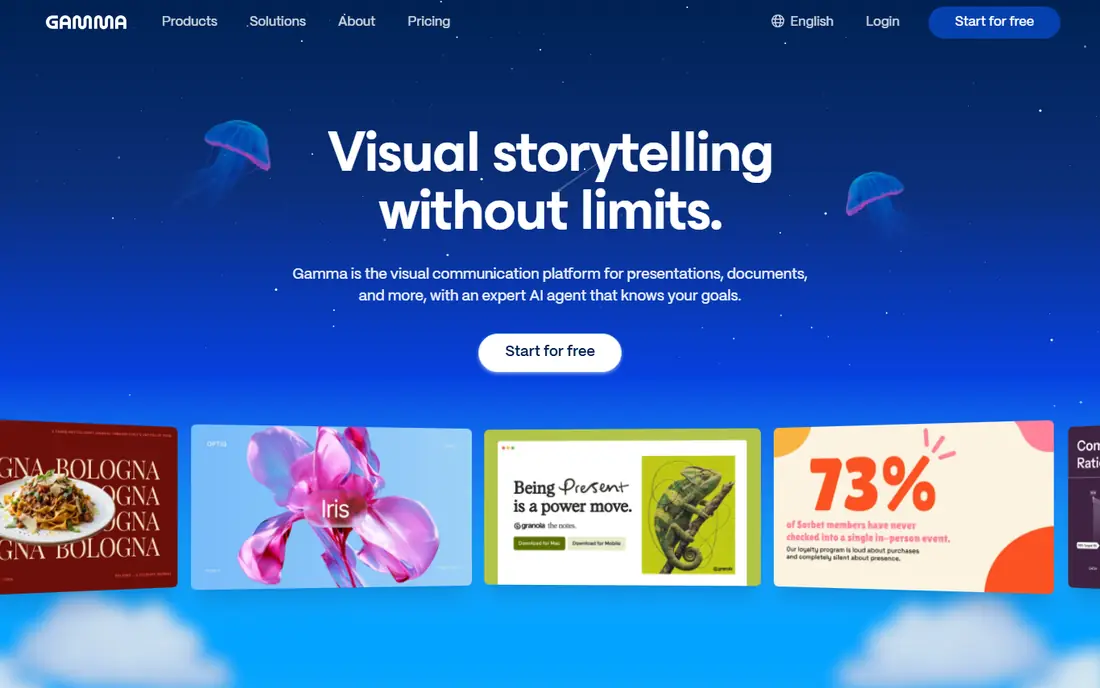
Gamma is our pick for most people who want a good-looking first draft in a couple of minutes. You type a topic or paste notes, and it builds a full deck, metering credits per slide and per image. The result looks more like a modern web page than a classic slide, which suits pitches, internal updates and class projects.
Gamma's help center explains the credit system clearly. On the Free plan, every AI action uses credits and those credits do not refresh, though you can earn 200 more for each friend you refer. Paid plans get a monthly allowance, and the help center gives the Plus plan as an example with 1,000 credits a month that can roll over to 2,000.
The catch is format. If your company insists on a specific PowerPoint template, the web-style layout may not survive export cleanly. Test an export with your own template before committing a team to it.
- Generates a full deck from a short prompt
- Paid plan credits roll over up to twice the plan size
- Free users can earn 200 credits per referral
- Free credits do not refresh once used
- Its pricing page blocked our reader, so check current prices on the site
Microsoft Copilot in PowerPoint
Best for: Office users who need real PowerPoint files
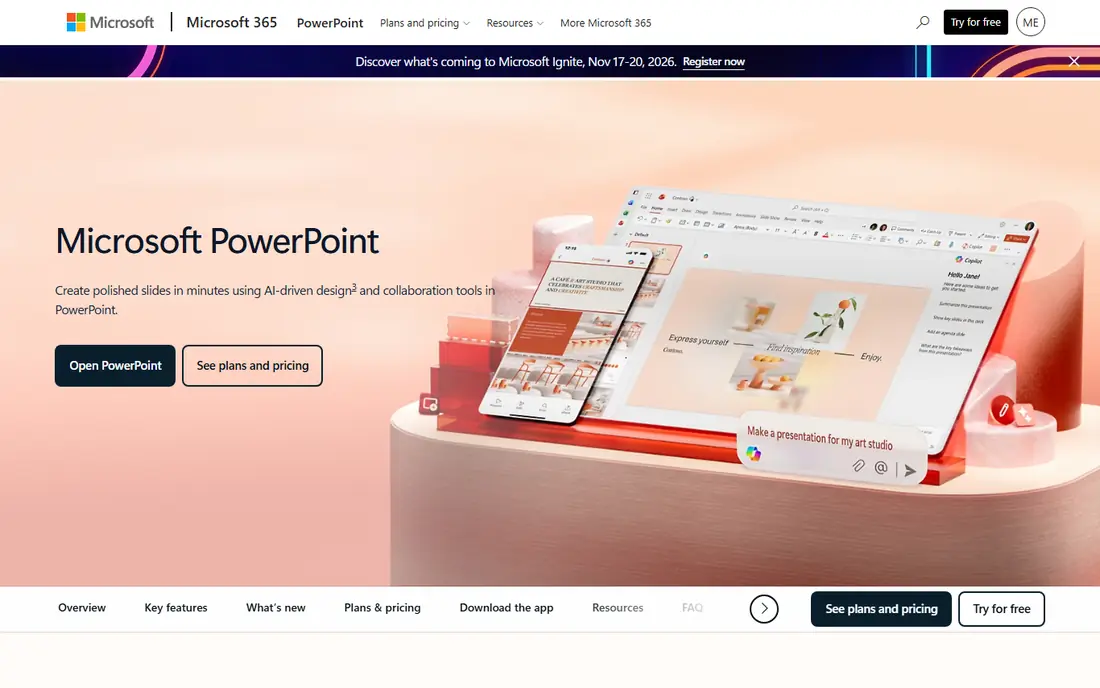
If your work lives in PowerPoint, Copilot is the least disruptive choice. Microsoft's support pages show it creating a new presentation from a prompt or from a Word file, rewriting text, adding slides and summarizing a long deck. If you start from your company's template, Copilot uses the existing layouts so the result stays on-brand.
Microsoft's US store lists Microsoft 365 Personal at $9.99 a month or $99.99 a year, with Copilot included in the PowerPoint, Word, Excel, Outlook and OneNote apps. Businesses can buy Microsoft 365 plans with Copilot through the business pricing pages.
The weak point is design flair. Copilot builds a sensible structure, but the visual result depends heavily on the template you start with. Microsoft also notes that Copilot works best with Word documents smaller than 24MB.
- Creates a presentation from a prompt or a Word document
- Can build on your organization's template and branding
- Included with Microsoft 365 Personal at $99.99 a year
- Works best with Word files under 24MB
- Output still needs editing to look polished
Gemini in Google Slides
Best for: adding AI slides and images inside Google Slides
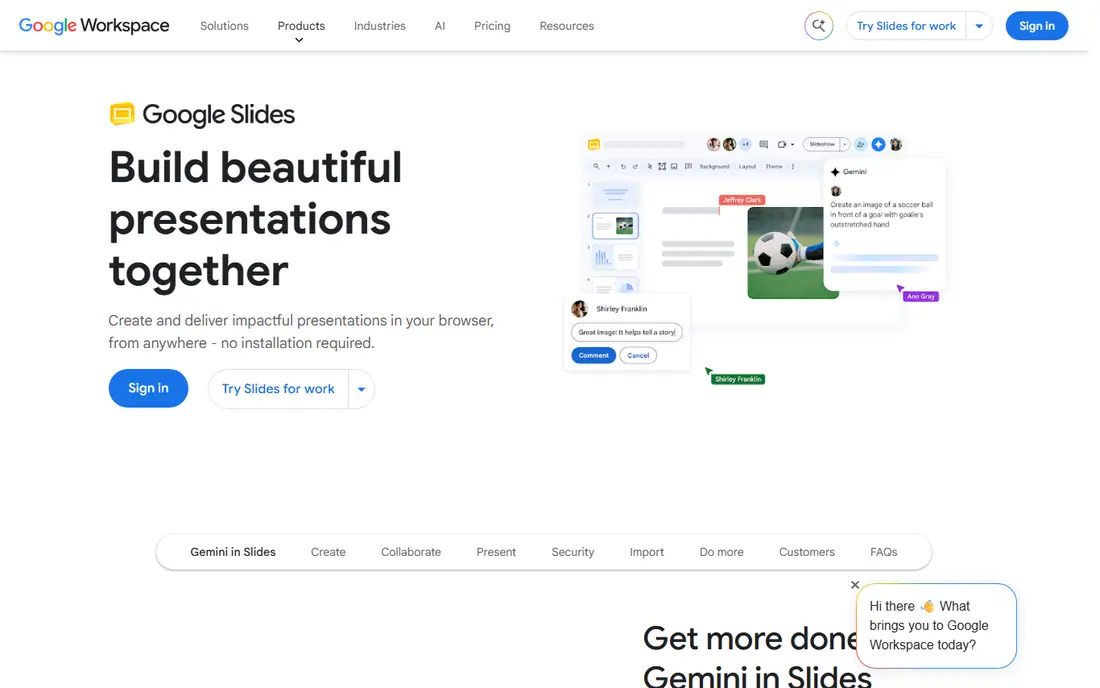
Google Slides is free, and Google has added Gemini to it. The Slides product page says you can generate a slide with a simple prompt and your Drive content, and create unique images. For anyone already sharing decks in Google Drive, this is the shortest path to AI help.
The appeal is that nothing changes about how you share or present. Comments, version history and live collaboration all work as before. Google Workspace business plans start at $7 per user per month for Business Starter in the US, with a 14-day trial.
The honest limit is scope. As described on Google's page, Gemini in Slides helps with individual slides and visuals rather than producing a finished 15-slide deck from one prompt. Some features are tied to specific Workspace or Google AI plans, so check what your account includes.
- Generates a slide from a prompt and your Drive content
- Creates original images for slides
- Google Slides itself is free with a Google account
- Builds slides one at a time rather than a full deck in one step
- Gemini features depend on your Google plan
Beautiful.ai is for people who care that slides look consistent but have no patience for nudging boxes. Its layouts rearrange themselves as you type, so spacing and alignment stay right without manual work. The AI can draft content, but the design rules are the real selling point.
The pricing page lists Pro for individuals at $14.50 per month billed annually. Teams pay $40 per user per month on annual billing or $50 monthly, and both plans come with a 14-day free trial. Beautiful.ai also mentions free plans for students.
The trade-off is control. A system that fixes alignment for you can also resist a creative layout you want to build by hand. Designers who like full freedom often find it restrictive.
- Smart Slide layouts adjust automatically as you add content
- Unlimited AI content generation on every seat
- PowerPoint import and export
- No permanent free plan for general users
- Teams plan costs $40 per user per month on annual billing
Canva is the right pick when the deck needs to look designed, not just organized. It has a large library of presentation templates, stock media and fonts, and its AI tools can draft content, generate images and adjust layouts. You can also present directly from Canva or download as PowerPoint.
The Canva Pro page highlights Canva AI 2.0, Magic Layers (which turns a flat design into an editable layout), Brand Kits and a large stock library. Pro comes with a free trial.
Where Canva struggles is with long, text-heavy business decks. It is built for visual work, and fitting a 40-slide quarterly review into stylish templates can take longer than starting in PowerPoint.
- Free plan with presentation templates
- Canva AI and Magic Layers on Pro
- Brand Kits keep fonts, colors and logos consistent
- Many templates and AI tools are Pro-only
- Its pricing page did not load for our check, so confirm prices on the site
Plus AI is an add-on that lives inside the presentation app you already use. You generate a deck, insert a single slide in a specific format or remix existing slides, all without leaving Google Slides or PowerPoint. That makes it easy to follow company templates.
The pricing page lists Basic at $10 per user per month billed annually ($15 monthly) with 1,500 AI credits a month, and Pro at $20 per user per month billed annually ($25 monthly). Every paid plan starts with a 7-day trial and 1,000 credits. Plus AI says tasks usually use between 40 and 170 credits.
The catch is that there is no free tier after the trial. If you only make a deck once a quarter, a tool with a permanent free plan may be better value.
- Works inside both Google Slides and PowerPoint
- Basic includes 1,500 AI credits a month
- Can insert single slides or rewrite existing ones
- No permanent free plan
- Monthly billing costs $15 per user on Basic
Presentations.AI
Best for: business decks with tracking and brand controls
Presentations.AI targets professionals who send decks to clients and want to know what happens next. Its Pro plan includes presentation tracking and analytics, brand customization and high-quality PowerPoint export, so you can see whether a prospect opened the deck.
The free Starter plan includes 200 credits and decks of up to 20 slides. Pro is $20 per month billed annually with 5,000 credits, and Gold is $100 per month. The company says prices shown are for the US and may vary by country for purchasing power.
The weakness is the jump in price for heavy users. Most individuals will be fine on Pro, but the gap between the free plan and paid tiers is wide if you only need a little more than 20 slides.
- Free Starter plan with 200 credits
- Pro adds PowerPoint export, presentation analytics and brand customization
- Prices adjusted by country
- Free decks are capped at 20 slides
- The top Gold plan is $100 per month
Pitch is built for teams that make decks together. Several people can edit at once, comment and reuse templates, and shared links come with engagement analytics. Startups and sales teams like it because it feels closer to a shared document than a solo design tool.
The free plan covers 1 to 5 members, unlimited presentations, custom templates and 100 AI credits that do not renew once used. Paid plans add 500 to 750 AI credits a month, custom fonts, video uploads, PowerPoint export and tracked links. Pitch showed us prices in euros, so check the US price on the site.
The honest weakness is AI depth on the free tier. With 100 one-time credits, Pitch's AI is a taste rather than a daily tool unless you pay.
- Free plan for 1 to 5 members with unlimited presentations
- Engagement analytics on shared decks
- Paid plans add PowerPoint export and renewing AI credits
- The 100 free AI credits do not renew
- PowerPoint export without branding needs a paid plan
SlidesAI is the budget pick, and a good one for students and teachers. You paste notes, upload a document or describe a topic, and it builds slides inside Google Slides, PowerPoint or its own web app. It can also import an existing PowerPoint.
The free Basic plan gives 200 AI credits a month with up to 2,500 characters of input per presentation. Pro costs $10 per user per month, billed at $120 a year, with 30,000 AI credits a year and 50,000 characters of input.
Its designs are plainer than the design-first tools above. SlidesAI is best when you have the content already and want it organized into slides fast, not when you need a showpiece deck.
- Works in Google Slides, PowerPoint, ChatGPT or a web app
- Free plan with 200 AI credits a month
- Pro is $10 per user per month billed yearly
- Free plan limits input to 2,500 characters per presentation
- Designs are simpler than Gamma or Beautiful.ai
How we picked these
We compared each tool's official pricing page, help center articles and product pages in October 2026. We looked at what the AI can generate, how credits work and whether they refresh, which file formats you can export, and what the free plan really includes. Where a pricing page blocked us or showed a non-US currency, we wrote "See website" or said so.
We did not run a formal speed or quality test across all nine. Instead, we chose tools that cover the main ways people build decks: standalone AI builders, AI inside Microsoft and Google apps, and add-ons. We also included each tool's main limitation so you can rule options out quickly.
How to choose an AI presentation tool
Start from where your files need to end up
If your company requires a PowerPoint template, choose a tool that works inside PowerPoint (Copilot, Plus AI or SlidesAI). If decks are shared as links, Gamma and Pitch are more flexible. Exporting from one format to another is where most layouts break.
Read the credit rules, not just the price
Most AI presentation tools meter usage in credits. Check whether credits refresh monthly, roll over, or disappear, and how many credits a typical deck uses. Plus AI, for example, says tasks use between 40 and 170 credits.
Check design control
Beautiful.ai enforces design rules, Canva gives you full freedom, and the office suite tools follow your template. Decide which you need. A sales team wants consistency, while a marketing team may want flexibility.
Protect sensitive content
Before pasting financial results or client data into any AI tool, check its privacy policy and whether your company allows it. Business plans from Microsoft and Google come with admin controls that consumer apps may lack.
Plan to edit the result
AI gets you a structured first draft. You still need to check facts, trim text and add your own examples. Budget at least as much time for editing as the AI saved you.
Sources
- https://help.gamma.app/en/articles/7834324-how-do-credits-work-in-gamma
- https://www.microsoft.com/en-us/microsoft-365/buy/compare-all-microsoft-365-products
- https://support.microsoft.com/en-us/powerpoint/copilot/create-a-new-presentation-with-copilot-in-powerpoint
- https://workspace.google.com/products/slides/
- https://workspace.google.com/pricing
- https://www.beautiful.ai/pricing
- https://www.canva.com/pro/
- https://plusai.com/pricing
- https://www.presentations.ai/pricing
- https://pitch.com/pricing
- https://www.slidesai.io/pricing
- https://www.slidesai.io/