Best Apps for Tracking Flights in 2026: 9 Apps Compared
By ToolNimba Editorial Team October 26, 2026 11 min read How we test

- Top pick
 FlightAware
free delay and gate alerts
Starting priceFreeCheck out FlightAwareRead our review - Runner-up
 Flightradar24
live air traffic map and plane spotting
Starting priceFreeCheck out Flightradar24Read our review - Also great
 Flighty
frequent flyers with an iPhone
Starting priceFreeCheck out FlightyRead our review
How we researched this
We compared official pricing and feature pages, app store listings, privacy policies and public user reviews. Prices change, so check the provider's site before you pay.
Key takeaways
- FlightAware is the best free app for checking your own flight. Its free tier includes alerts for delays, gate changes, cancellations and diversions, and removing ads costs $8.99 per year on the App Store.
- Flightradar24 is the best app for watching planes on a live map, with a free tier that includes augmented reality plane spotting, 3D views and flight playback.
- Flighty is the strongest paid option for frequent flyers on Apple devices, at $4.99 per month or $59.99 per year, and your first flight gets all Pro features free.
- AirNav Radar (formerly RadarBox) and Plane Finder are cheaper upgrades for aviation fans, with paid plans from $24.50 per year and $19.99 per year respectively.
- ADS-B Exchange is a free web map that shows aircraft broadcasts as received, which makes it popular with people who want raw, independent data.
Quick comparison
| Name | Best for | Starting price | Free plan | |
|---|---|---|---|---|
| FlightAware | free delay and gate alerts | Free | Yes | Visit |
| Flightradar24 | live air traffic map and plane spotting | Free | Yes | Visit |
| Flighty | frequent flyers with an iPhone | Free | Yes | Visit |
 AirNav Radar | low-cost upgrade for plane spotters | Free | Yes | Visit |
 Plane Finder | 3D and augmented reality views | Free | Yes | Visit |
 ADS-B Exchange | independent, as-received flight data | Free | Yes | Visit |
 TripIt | organizing whole trips with flight alerts | Free | Yes | Visit |
 Flightview | simple status checks for North American flights | Free | Yes | Visit |
 Planes Live | airport details and weather | Free | Yes | Visit |
The best apps for tracking flights
Flight tracking apps split into two groups: apps that follow your own trip and warn you about problems, and apps that show every plane in the sky. We cover both. Picking someone up at the airport and making a tight connection call for different tools, and this list has options for each.
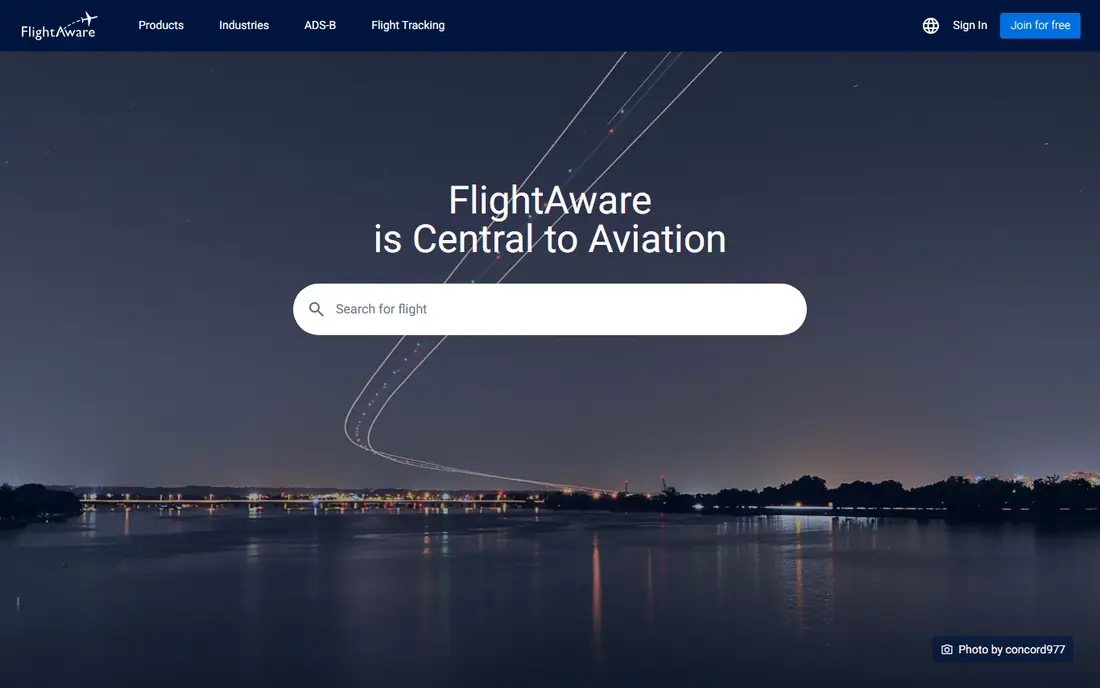
FlightAware is the app we would put on any traveler's phone first. Its App Store listing says the free version lets you track any aircraft worldwide in real time and get alerts for departures, arrivals, cancellations, gate changes, delays and diversions. It also includes weather radar and saved favorite airports.
The most useful small feature is "Where is my plane?". It shows the aircraft that is supposed to operate your flight, so you can see if it is still sitting two cities away. That is often your earliest hint that a delay is coming.
Ad Remove is listed at $1.49 per month or $8.99 per year. The Aviator tiers, at $9.99 and $19.99 per month, are aimed at pilots, so most travelers can ignore them. The app shows 4.9 out of 5 from about 391,000 ratings in the US App Store.
- Free alerts for departures, arrivals, cancellations, gate changes, delays and diversions
- "Where is my plane?" check for late inbound aircraft
- Very cheap ad removal
- Ads in the free version
- The Aviator plans for pilots get expensive
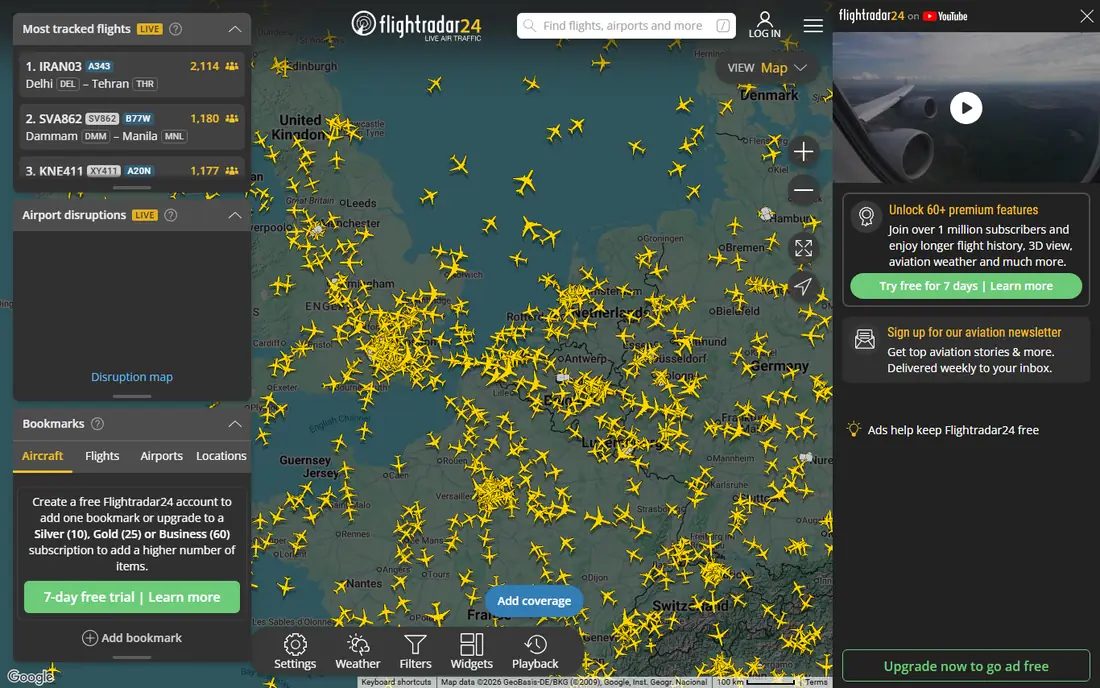
Flightradar24 is the app most people picture when they hear "flight tracker". The free app shows aircraft moving on a map, and you can tap any plane for its route, arrival estimate, speed and altitude. Point your phone at a plane overhead and it will try to identify it.
The App Store listing says the free app also includes 3D views, historical data and playback, airport arrival and departure boards, delay statistics and weather. Silver adds 90 days of history, filters and alerts, while Gold adds 365 days of history, weather layers and air traffic control boundaries. Flightradar24 says upgrade prices depend on your country and currency, and both plans include a free trial.
It is the best choice for plane spotters and for watching a family member's flight in real time. For alerts about your own booking, FlightAware's free tier is more practical.
- Free live map with route, speed, altitude and aircraft type
- Point your phone at the sky to identify planes
- Flight playback and airport boards included free
- Paid plan prices vary by country
- Filters, alerts and longer history need Silver or Gold
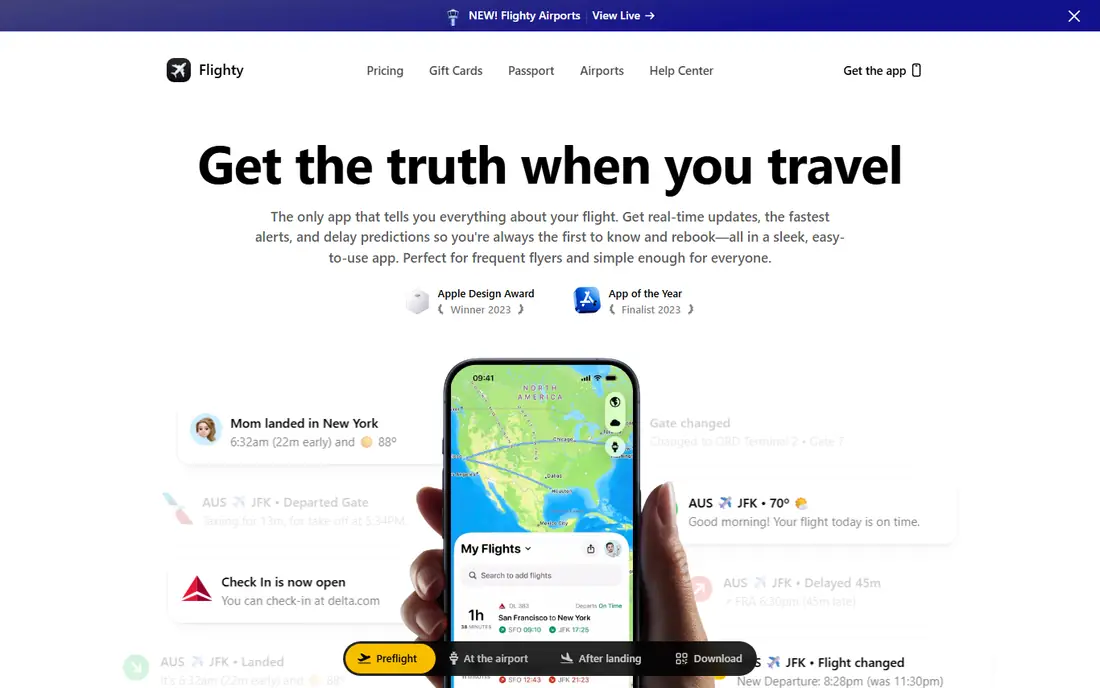
Flighty is a premium app built for people who fly often. The free tier covers unlimited flight tracking, live data, the Flighty Passport map of your trips and Flighty Friends for sharing. Its pricing page lists Pro at $4.99 per month or $59.99 billed yearly, and all Pro features are free for your first flight.
Pro is where the app earns its reputation. It adds flight alerts that Flighty says arrive before the airlines send them, Live Activities on the lock screen, gate and flight predictions, delay trends for airports and a Connection Assistant. We have not measured those alert timings ourselves, so treat the speed claims as Flighty's own.
If you travel for work every month, Flighty is the app worth paying for. If you fly once or twice a year, stick with FlightAware. Flighty has no Android app; Android users who want something similar can look at Aviate, which launched on Google Play in July 2026.
- Free tier includes unlimited flight tracking and Flighty Passport
- Pro alerts aim to beat the airlines
- Imports trips from email, calendar and TripIt
- Apple devices only
- The best features need Pro at $4.99 per month
AirNav Radar is the new name for RadarBox, which rebranded in December 2024. It works like Flightradar24, with a live map, flight details and airport information on the web and in apps for iPhone and Android.
The pricing is the reason to look at it. Its subscription page lists Spotter at $24.50 per year, Pilot at $79.50 per year and Business at $399.50 per year, each with a 7-day free trial for new subscribers. Subscribing removes ads. If you run your own ADS-B receiver and feed data to the network, AirNav says you are upgraded to a free Business account.
It is a strong choice for aviation hobbyists who want more data than the free apps give without paying top prices. Casual travelers will not notice much difference from Flightradar24's free tier.
- Free live tracking on web and mobile
- Paid plans start at $24.50 per year
- People who share ADS-B data get a free Business account
- The free version shows ads
- Less known than the big two, so fewer guides and tutorials
Plane Finder is a live air traffic app with a visual flair. Its App Store listing describes real-time global tracking, a 3D view you can launch from any aircraft or airport, an augmented reality camera mode and live airport boards with weather.
Plane Finder Premium is listed at $3.49 per month or $19.99 per year, with a free trial on the annual plan. The listing mentions unlimited custom alerts, global playback back to 2011, custom aircraft labels and dark mode, though it does not spell out which features sit behind the paywall. The app shows 4.7 out of 5 from about 61,000 ratings.
Plane Finder suits people who like to look at planes as much as track them. The yearly plan is one of the cheaper upgrades in this category.
- 3D tracking from any aircraft, airport or map point
- Augmented reality mode to identify planes overhead
- Flight playback back to 2011
- Some features need Premium
- Smaller user base than Flightradar24
ADS-B Exchange is different from the others. It describes itself as a global, independent flight data network that displays aircraft broadcasts as received. That approach appeals to aviation fans who want to see the raw picture rather than a curated one.
The main map is not a traditional app download. Instead, ADS-B Exchange offers a mobile web app optimized for iPhone and Android that you add to your home screen from your browser. It also promotes a camera-based app called Tailvision for identifying aircraft overhead.
It is not the right tool for checking whether your 6 a.m. flight is delayed. It is the right tool if you are curious about unusual aircraft and want data presented with as little filtering as possible.
- Free web map that runs in any browser
- Shows aircraft broadcasts as received
- Can be added to your phone's home screen
- The main map is a web app rather than a store download
- Ads in the free web version
- Less helpful for airline delays and gate info
TripIt is a trip organizer first and a flight tracker second. You forward hotel, flight and car confirmations, and it builds one itinerary you can share with family or coworkers. The free tier also includes airport and terminal maps, in-flight experience ratings and a check for flight compensation eligibility.
TripIt Pro costs $49 per year, according to its pricing page. Pro sends real-time flight alerts, warns you about potential trip disruptions and monitors for fare refunds. That makes it useful for business travelers with several bookings at once.
If your main need is tracking a single flight, TripIt is more than you need. If you juggle multi-city trips, it pairs well with FlightAware or Flighty.
- Builds one itinerary from forwarded booking emails
- Free tier syncs with your calendar
- Pro adds real-time flight alerts and fare refund monitoring
- Real-time flight alerts need Pro at $49 per year
- No live map of planes
Flightview keeps things simple. Its App Store listing describes real-time tracking of upcoming and in-air flights, push alerts, gate and delay information, and a flight progress map. You can forward itinerary emails to load your trips, and it can search schedules up to 350 days ahead.
The North American airport delay map is handy if you fly around the US often. Ads can be removed with a $2.99 monthly subscription or a $24.99 one-time purchase.
The weak point is reputation. The app shows 3.6 out of 5 from about 6,400 ratings, well below the leaders. It still received an update in early 2026, but read recent reviews before you rely on it for a tight connection.
- Free push alerts for status changes
- North American airport delay map with radar weather
- Loads trips from forwarded itinerary emails
- Lowest App Store rating in this list
- Ad-free subscription costs $2.99 per month
Planes Live is a flight tracker with an airport focus. Its App Store listing says you can track planes worldwide, get alerts for status, cancellation and time changes, view airport departures and arrivals, and check weather forecasts for airports and locations.
Premium adds weather overlays, unlimited alerts, data updates twice as fast, terminal, check-in, gate and baggage information, and removes ads. The listing shows several in-app prices, including weekly subscriptions, without saying which is which, so check the price inside the app before subscribing. It shows 4.6 out of 5 from about 93,000 ratings.
It is a reasonable free option, but the gate and baggage details that travelers want most are paid. FlightAware gives you gate alerts free.
- Free worldwide tracking with schedule-change alerts
- Airport info with weather forecasts
- Filters by airline, aircraft model, altitude or speed
- Gate, terminal and baggage info are Premium features
- The App Store lists many subscription prices without clear labels
How we picked these
We compared each app's official website, pricing pages and US App Store listings in October 2026. We looked at what the free version really includes, what the paid tiers cost, which devices are supported and how users rate each app. We included both trip-focused apps and live map apps so readers can choose by need.
We did not fly with these apps or time their alerts, so claims about faster alerts come from the companies. App ratings and in-app prices change often and can vary by country.
How to pick a flight tracking app
Start with the job you need done
If you want alerts for your own flight, pick FlightAware or Flighty. If you want to watch planes, pick Flightradar24, Plane Finder or AirNav Radar. If you want to organize a whole trip, pick TripIt.
Check your phone first
Flighty runs only on Apple devices. ADS-B Exchange runs in a browser rather than as a store app. The rest have iPhone and Android versions, but confirm in your app store before paying.
Use free tiers before paying
Every app here can be tried for free. Use one on a real trip, see which alerts arrive and how useful they are, then decide whether ad removal or a premium plan is worth it.
Treat trackers as a second source
Trackers combine transponder signals, airline schedules and airport data. They are often fast, but your airline's own app is the source for rebooking, seat changes and official gate assignments. When a tracker shows a problem, confirm it with the airline.
Sources
- https://apps.apple.com/us/app/flightaware-flight-tracker/id316793974
- https://apps.apple.com/us/app/flightradar24-flight-tracker/id382233851
- https://flighty.com/pricing
- https://www.airnavradar.com/subscribe
- https://en.airnavradar.com/about
- https://apps.apple.com/us/app/plane-finder-flight-tracker/id361273585
- https://www.adsbexchange.com/
- https://www.adsbexchange.com/map/mobile-map/
- https://www.tripit.com/web/pro/pricing
- https://apps.apple.com/us/app/flightview-flight-tracker/id399057337
- https://apps.apple.com/us/app/planes-live-flight-tracker/id1097815000
- https://9to5google.com/2026/07/27/aviate-androids-answer-to-flighty-is-now-available-to-download/