Best Flight Tracker Apps in 2026: 7 Apps Compared
By ToolNimba Editorial Team October 25, 2026 10 min read How we test

- Top pick
 FlightAware
free flight status and delay checks
Starting priceFreeCheck out FlightAwareRead our review - Runner-up
 Flightradar24
watching live air traffic on a map
Starting priceFreeCheck out Flightradar24Read our review - Also great
 Flighty
frequent flyers on iPhone
Starting price$4.99 per monthCheck out FlightyRead our review
How we researched this
We compared official pricing and feature pages, app store listings, privacy policies and public user reviews. Prices change, so check the provider's site before you pay.
Key takeaways
- FlightAware and Flightradar24 both let you track planes worldwide for free, and both list free flight status alerts or a free app tier. Flightradar24 sells Silver and Gold upgrades, each with a free trial.
- Flighty is the best match if you fly often and own Apple devices. Its Pro plan is $4.99 per month or $59.99 billed annually, and the first flight is free, but it has no Android app.
- TripIt Pro is $49 per year and is a trip organizer first, so it suits travelers who want itineraries and flight alerts in one place more than plane spotters.
- Plane Finder and Planes Live are free to download and aim at live air traffic, with paid options inside the apps whose prices are not listed on their store pages.
- Flightview is free and simple but has the weakest App Store rating of the seven, at about 3.6 out of 5.
Quick comparison
| Name | Best for | Starting price | Free plan | |
|---|---|---|---|---|
| FlightAware | free flight status and delay checks | Free | Yes | Visit |
| Flightradar24 | watching live air traffic on a map | Free | Yes | Visit |
| Flighty | frequent flyers on iPhone | $4.99 per month | Free trial | Visit |
 Plane Finder | 3D views and augmented reality | Free | Yes | Visit |
 TripIt | itineraries plus flight alerts | Free | Yes | Visit |
 Flightview | simple status checks in North America | Free | Yes | Visit |
 Planes Live | airport info and security wait times | Free | Yes | Visit |
The best flight tracker apps
A flight tracker app does one of two jobs. Some show every plane in the sky on a live map, and others follow your own booked flight and warn you about delays and gate changes. Our seven picks cover both, so you can pick based on whether you are meeting a friend at the airport, spotting planes or trying to make a tight connection.
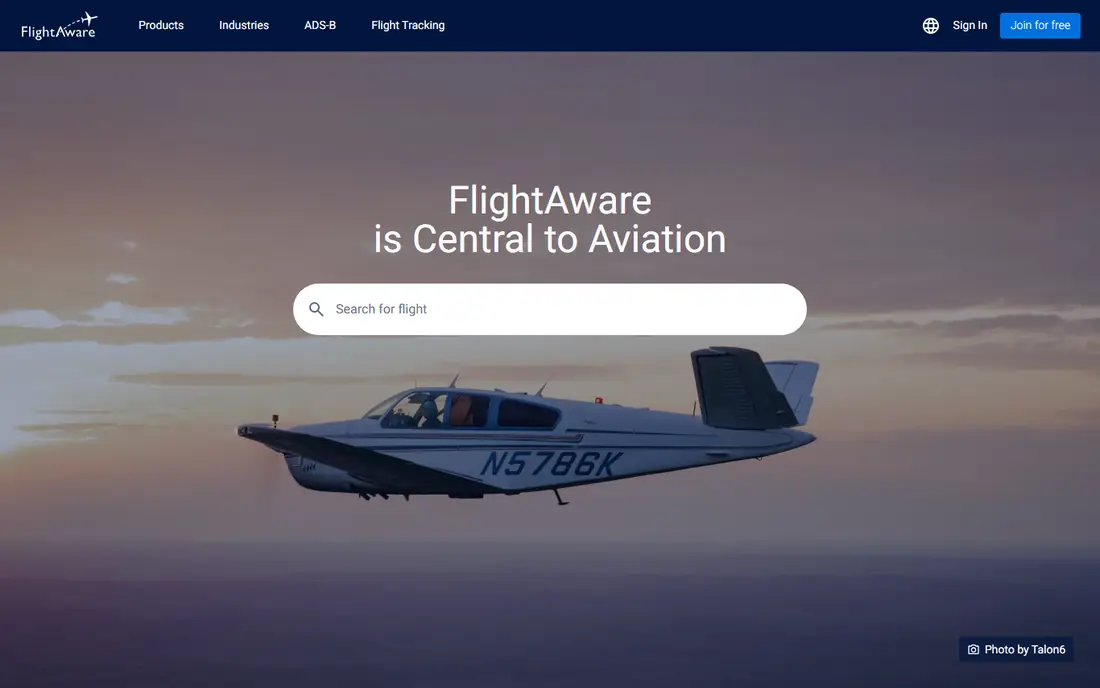
FlightAware is the safest first download for most travelers. Its App Store listing says the free features include tracking any plane in real time, flight status alerts for departures, arrivals, cancellations, gate changes, delays and diversions, weather radar, saved favorite aircraft and airports, and a "Where is my plane?" check for delays. The app listing shows about 4.9 out of 5 from more than 390,000 ratings in the U.S. store.
Paid options exist. The App Store lists Ad Remove, and the FlightAware site describes Premium Subscriptions as a personalized flight-following experience with unlimited alerts. We could not find a current premium price on a page we could read, so see the site for details. FlightAware also sells an Aviator package aimed at general aviation aircraft owners.
It is a good choice if you want trustworthy delay information without paying. The catch is that the best features for heavy users sit behind premium, and the free version shows ads.
- Free alerts for departure, arrival, cancellations, gate changes, delays and diversions
- Weather radar
- "Where is my plane?" check for late inbound aircraft
- Ad-supported unless you pay to remove ads
- The price of its premium subscription is not listed on the pages we read
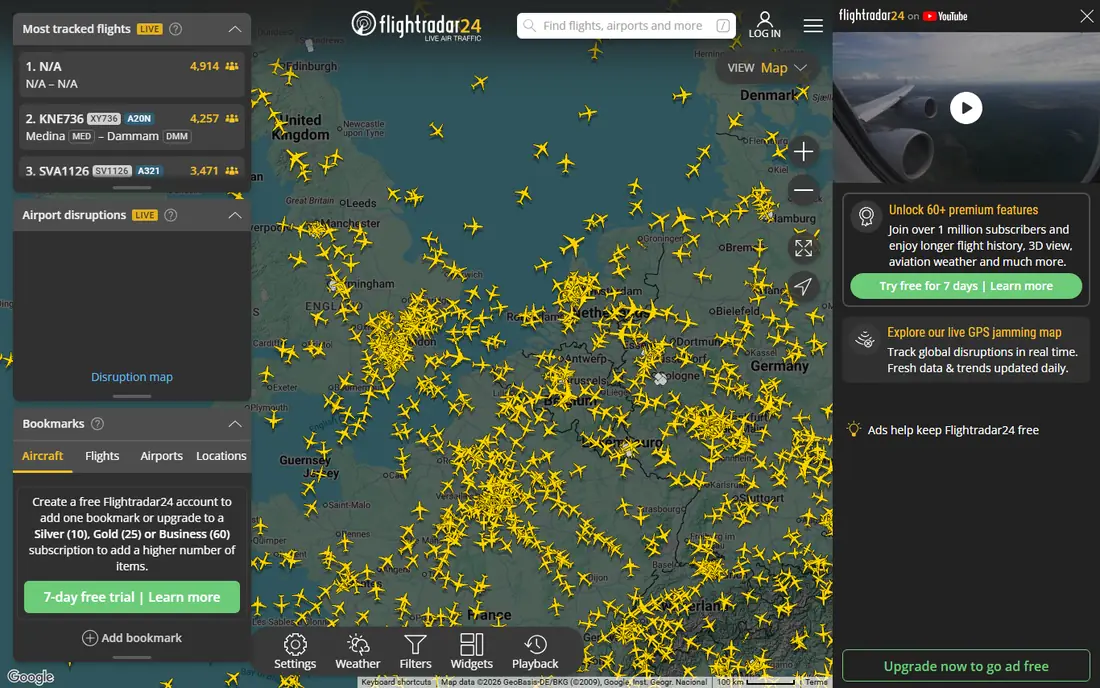
Flightradar24 is the app most people picture when they think of a flight tracker. It shows aircraft moving on a detailed map and lets you tap a plane for route, estimated arrival, actual departure time, aircraft type, speed and altitude. It can also identify a plane overhead if you point your phone at the sky, and it offers arrival and departure boards and flight playback. The listing shows about 4.8 out of 5 from more than 670,000 ratings.
The App Store listing describes two upgrades. Silver adds 90 days of flight history, more aircraft and flight details, filters and alerts, and weather at more than 3,000 airports. Gold adds 365 days of history, weather layers, aeronautical charts, air traffic control boundaries and extended data. The website lists Free, Silver, Gold and Business plans, each with a 7-day free trial, and says upgrade prices depend on your country.
Flightradar24 is the better pick for plane spotting and for checking where a friend's flight is right now. If you only want gate and delay alerts for your own trip, FlightAware or Flighty will feel simpler.
- Free app includes real-time map, route, speed, altitude and aircraft photos
- AR mode points at planes overhead
- Silver and Gold each offer a free trial
- Premium prices vary by country and are shown only in the app
- Flight history on the free tier is limited
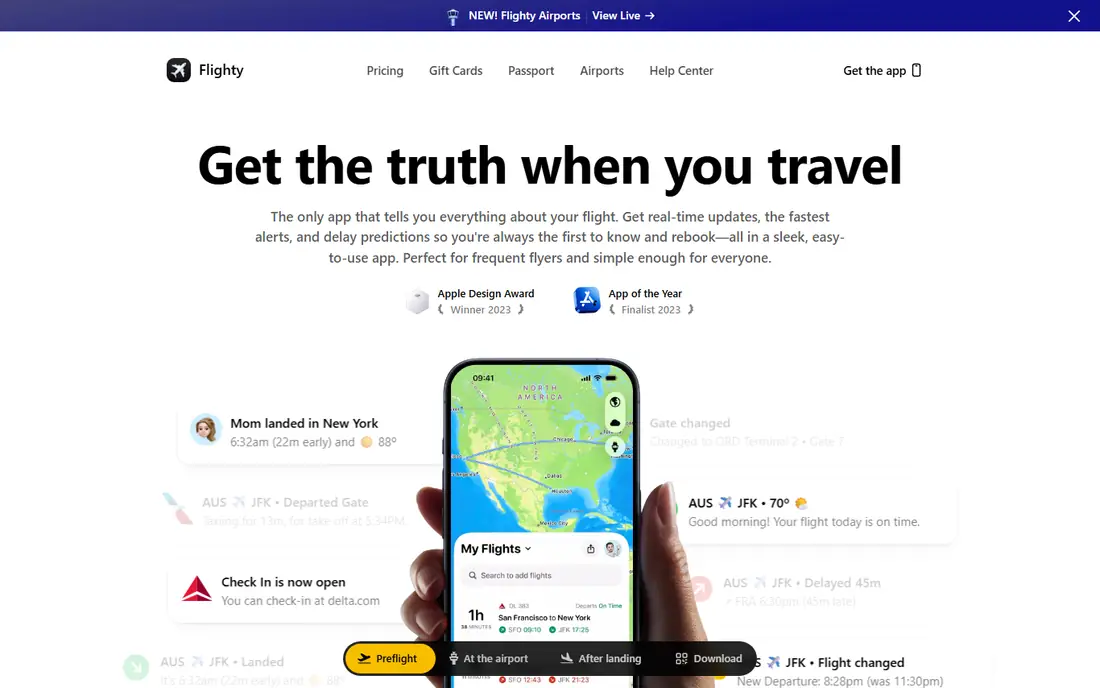
Flighty is built for people who fly a lot and want to know about problems early. Its pricing page lists Pro at $4.99 per month, or $59.99 billed annually, and says all Pro features are free for your first flight. The page also lists Weekly, Lifetime and Family options, though we did not capture their prices. Pro includes unlimited flights, unlimited history, flight import from email, calendar and TripIt, and extra alerts.
The App Store listing claims delay alerts are 2 to 90 minutes faster than airline apps and that cancellation alerts come 24 to 48 hours earlier. Those are the company's own claims, which we did not test. It also lists features such as delay and gate predictions, a taxi-time view, a "Flighty Friends" sharing feature and a passport-style map of your flights. The listing shows about 4.8 out of 5 from more than 158,000 ratings.
Flighty is our pick for frequent travelers with Apple devices. It is not an option on Android, and it is overkill if you fly once a year.
- First flight is free with all Pro features
- No ads and no account required, according to its listing
- Imports flights from email, calendar and TripIt
- Apple devices only (iPhone, iPad, Mac and Apple Watch)
- Pro costs $59.99 per year
Plane Finder is a live air traffic app with a few visual extras. Its App Store listing describes real-time tracking with altitude, speed and heading, a 3D view you can switch to from any aircraft or airport, an AR mode that identifies planes when you point your camera at the sky, and live airport arrival and departure boards with terminal, gate, baggage and weather information.
The listing also names features such as unlimited custom alerts, global playback back to 2011, unlimited filters and custom aircraft labels. It does not say which of these sit behind a paid plan or what the plans cost, so check inside the app before you rely on them. The listing shows about 4.7 out of 5 from more than 61,000 ratings.
We could not open the company's own website to confirm pricing because it blocked our reader. Plane Finder is a good option for aviation fans who like the 3D and AR views. For plain delay alerts, other apps are easier.
- Free to download
- 3D tracking and an augmented reality camera mode
- Airport boards with live weather
- Paid upgrade prices are not on its store page
- Lower App Store rating than the top three
TripIt solves a different problem. You forward booking emails to the service, and it builds a single itinerary with flights, hotels and cars, with offline access. The free tier handles organizing. TripIt's Pro page says it costs $49 per year and adds a heads-up as things change.
According to the App Store listing, Pro shares real-time flight status alerts and check-in reminders, tells you if you may be eligible for a refund when a fare drops, tracks reward programs and alerts you when points are about to expire, offers interactive airport maps and warns you about possible disruptions. The Pro page also mentions seat tracking and baggage claim information. The listing shows about 4.8 out of 5 from more than 312,000 ratings.
TripIt is a smart pick for business travelers and families with multi-stop trips. It will not show you a live map of every plane in the sky, so pair it with Flightradar24 if you want that.
- Forward confirmation emails to build one itinerary
- Pro at $49 per year adds real-time flight status alerts and check-in reminders
- Pro also tracks fare-drop refunds and expiring points
- It is a trip organizer, not a live air-traffic map
- The best alerts require Pro
Flightview is a plain flight status app. Its App Store listing says it is a free app that tracks upcoming and in-air flights, sends status alerts by push notification, shows gate assignments, delays and cancellations, and displays a flight map. You can forward itinerary emails to load trips automatically, and it shows a North American airport delay map with radar weather.
The listing shows about 3.6 out of 5 from around 6,400 ratings, which is noticeably lower than the other apps here. That does not tell you why, but it is a reason to read the recent reviews before you rely on it for a tight connection.
Flightview is worth trying if you want a free, no-frills status app focused on North American airports. For international trips or detailed aircraft data, one of the larger apps is a safer bet.
- Free flight tracking with push status alerts
- Gate, delay and baggage claim information
- North American airport delay map with radar overlay
- Lowest App Store rating in this list
- Fewer extras than the leaders
Planes Live is a flight tracker with a strong airport focus. Its website describes flight change notifications, plane details such as model, age and registration, airport maps and timetables, and security wait times. The App Store listing says the free version can track planes worldwide, send schedule change alerts and filter by airline, altitude or speed.
Its Premium features include weather overlays, an unlimited number of alerts, data updates twice as fast, terminal, check-in, gate and baggage information, and no ads. The listing does not give a price. It shows about 4.6 out of 5 from more than 93,000 ratings.
Planes Live suits someone who wants to know about airport details before leaving for the terminal. It is smaller than FlightAware and Flightradar24, so the free tier may feel more limited.
- Free flight tracking with change alerts
- Airport maps, timetables and security wait times
- Premium adds weather overlays and unlimited alerts
- Premium prices are not listed on the store page
- Unlimited alerts and gate info are paid features
How we picked these
We read each product's own website and its App Store listing, then compared what is free, what is paid, which devices are supported and how each app is rated by the people who use it. We included apps for plane spotting and apps for personal trips. We did not fly with them or measure alert speed, so claims about faster alerts are the companies' own.
Ratings come from U.S. App Store listings in October 2026 and can change. Where prices were not shown on a page we could read, we wrote See website or said so in the text.
How to choose a flight tracker app
Know which job you need
If you want your own flight's gate and delay updates, pick FlightAware, Flighty or TripIt. If you want to watch planes or follow someone else's flight, pick Flightradar24 or Plane Finder.
Check your phone
Flighty runs only on Apple devices. FlightAware, Flightradar24, Flightview and TripIt also have Android listings on Google Play. Check the store page for your phone before paying.
Try the free tier first
All seven apps are free to download. Use the free version on a real trip before you pay for alerts or history.
Do not rely on an app alone
Apps show data from airlines, airports and aircraft transponders, and delays can appear in the airline's own app first. Treat a tracker as a helpful second source, and check with your airline for rebooking.
Sources
- https://www.flightaware.com/
- https://apps.apple.com/us/app/flightaware-flight-tracker/id316793974
- https://www.flightradar24.com/premium
- https://apps.apple.com/us/app/flightradar24-flight-tracker/id382233851
- https://flighty.com/pricing
- https://apps.apple.com/us/app/flighty-live-flight-tracker/id1358823008
- https://www.tripit.com/web/pro
- https://www.tripit.com/web/pro/pricing
- https://www.flightview.com/
- https://apps.apple.com/us/app/flightview-flight-tracker/id399057337
- https://apps.apple.com/us/app/plane-finder-flight-tracker/id361273585
- https://apps.apple.com/us/app/tripit-travel-planner/id311035142
- https://planeslive.com/
- https://apps.apple.com/us/app/planes-live-flight-tracker/id1097815000