Best Free AI Video Generator Apps in 2026: 8 Apps Compared
By ToolNimba Editorial Team October 25, 2026 11 min read How we test

- Top pick
 Adobe Firefly
Free daily clips with commercial-safe positioning
Starting priceFree (Firefly Mobile $4.99 per month)Check out Adobe FireflyRead our review - Runner-up
 Dreamina
Daily credits and trending effects on a phone
Starting priceFree (paid from $15 per month)Check out DreaminaRead our review - Also great
 PixVerse
Clearly stated starter and daily credits
Starting priceFree (paid from $10 per month)Check out PixVerseRead our review
How we researched this
We compared official pricing and feature pages, app store listings, privacy policies and public user reviews. Prices change, so check the provider's site before you pay.
Key takeaways
- Only a few apps refill your free allowance: Adobe Firefly gives daily generations, PixVerse lists 30 daily credits, and Dreamina's official guide gave a 120-credit daily baseline in August 2026. Runway's free 125 credits are a one-time grant.
- Free output often carries limits. PixVerse lists watermark-free output from its paid Standard plan, HeyGen's free videos carry a watermark, and Dreamina says free use does not guarantee a watermark-free download.
- The lowest paid price we found in an app listing is Firefly Mobile at $4.99 per month. Most others start around $10 to $15 per month.
- HeyGen's free plan is the odd one out: it makes talking-avatar videos (3 per month, up to 1 minute), not cinematic clips.
- Several apps use credits, so a free plan can run out after a few clips. Read the credit costs before you build a workflow around one.
Quick comparison
| Name | Best for | Starting price | Free plan | |
|---|---|---|---|---|
| Adobe Firefly | Free daily clips with commercial-safe positioning | Free (Firefly Mobile $4.99 per month) | Yes (daily generations) | Visit |
| Dreamina | Daily credits and trending effects on a phone | Free (paid from $15 per month) | Yes (daily credits) | Visit |
| PixVerse | Clearly stated starter and daily credits | Free (paid from $10 per month) | Yes (60 starter plus 30 daily) | Visit |
 Runway | Trying a pro-grade tool on your phone | Free (paid from $12 per month billed annually) | Yes (125 one-time credits) | Visit |
 Canva | Making a clip inside a design you already have | Free (Pro $14.99 per month in app) | Yes (limited AI uses) | Visit |
 Vidu | Browser-based clips with a real free tier | Free (paid from $10 per month) | Yes | Visit |
 HeyGen | Free talking-avatar videos | Free (paid from $29 per month) | Yes (3 videos per month) | Visit |
 CapCut | Editing and finishing short clips | Free (paid from $7.99 per month in app) | Free trial (7 days for AI video) | Visit |
The best free AI video generator apps
This list is about what you can do without paying: daily or starter credits, mobile apps where they exist, and how fast the free allowance runs out. It deliberately avoids repeating our broader roundups of image-to-video and text-to-video tools. We compared official pricing pages and App Store listings, and we say so when an app is web-only.
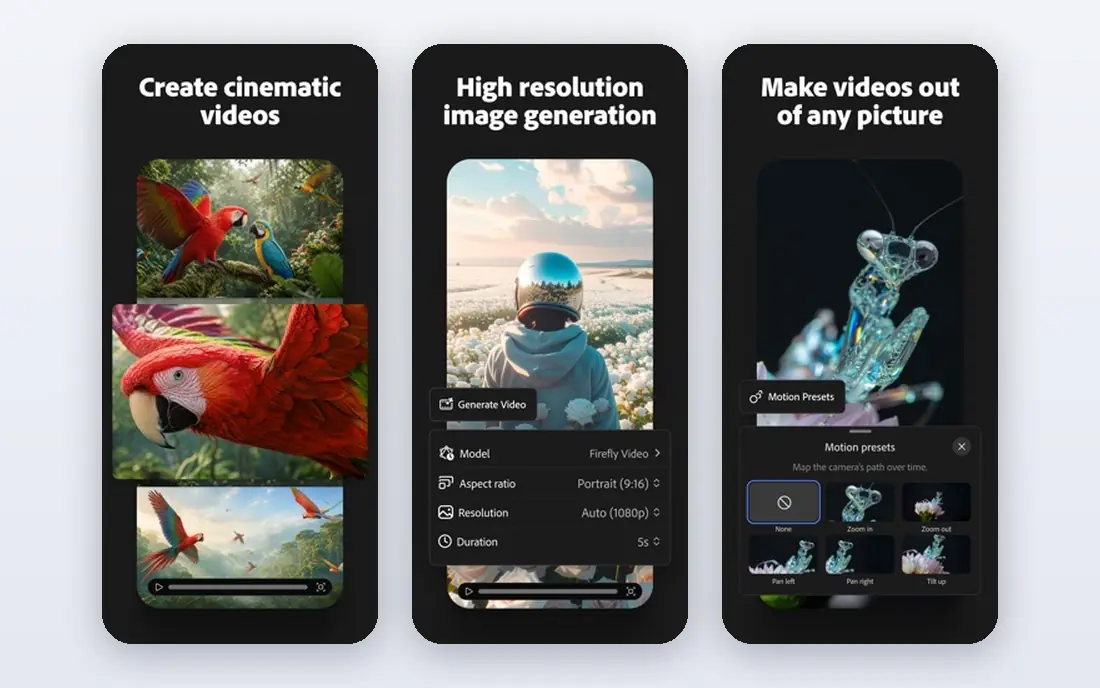
Adobe Firefly is our pick for most people who want a free start. Its web page says free users get daily generations for video, audio and images, and the iPhone app listing says logged-in users without a subscription receive daily complimentary generations. The allowance refreshes each day, but Adobe does not state a clip count.
The app covers text-to-video, image-to-video, video extension, generated voiceovers and soundtracks, and a beta timeline editor. Paid options include Firefly Mobile at $4.99 per month or $49.99 per year, and credit packs from $4.99. The App Store rating was 4.7 from about 11,000 ratings when we looked.
The catch shows up in reviews, where some users say credits get used up quickly and mention cooldown errors. Adobe also says the Firefly Video Model is designed to be safe for commercial use, while partner models may follow their own terms.
- Daily complimentary generations without a subscription
- Text-to-video, image-to-video and sound in one app
- Partner models from Google, OpenAI, Luma and Runway
- Reviews mention credits running out quickly
- Some partner models carry different usage terms
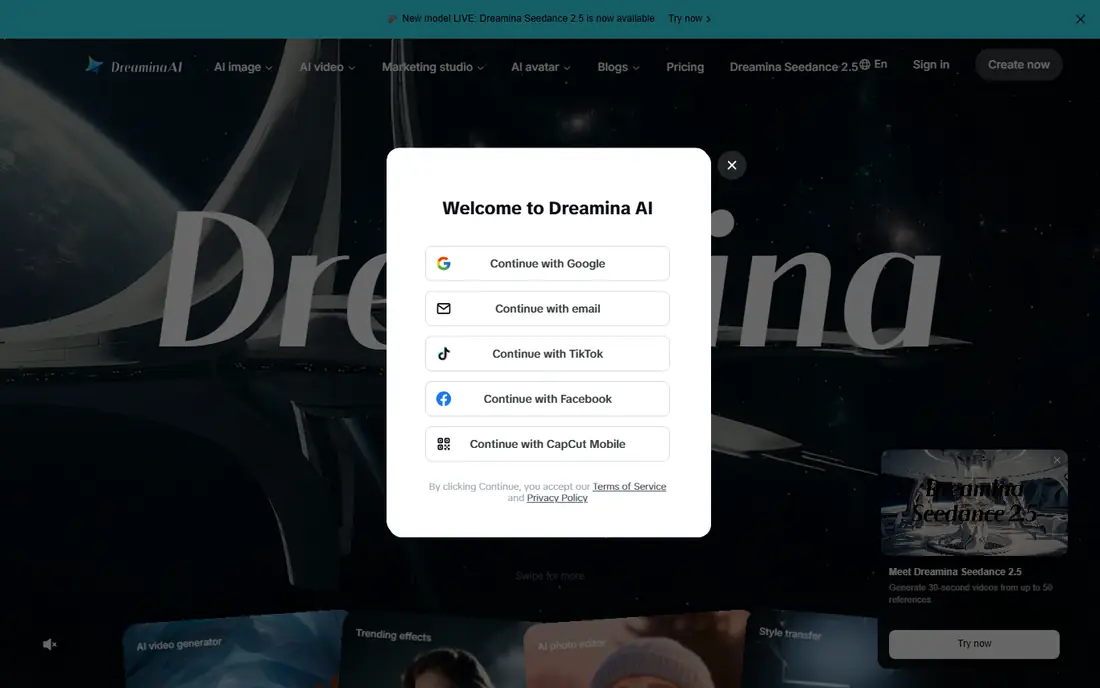
Dreamina, from ByteDance (the maker of CapCut), is a free-to-download iPhone app that generates video from a text prompt or animates existing images. Its official free-generator guide says the baseline for U.S. web accounts was 120 daily credits as of August 2026, and tells you to confirm the current amount in your account.
How far credits stretch depends on the model, length, resolution and audio, so the page makes no fixed promise of clips per day. The guide also says a free generation does not establish a right to a watermark-free download or a particular resolution. The app's paid Basic plan is listed at $15 per month, with credit packs from $10 to $90.
The App Store rating was 3.1 from only 41 ratings when we checked, which is low and based on few reviews. Reviewers' claims about free daily video counts were not confirmed on the listing, so test it yourself before relying on it.
- Daily free credits
- Makes video from text or animates a photo
- Backed by ByteDance's Seedance models
- Free export quality and watermark are not guaranteed
- Low App Store rating on a small number of ratings
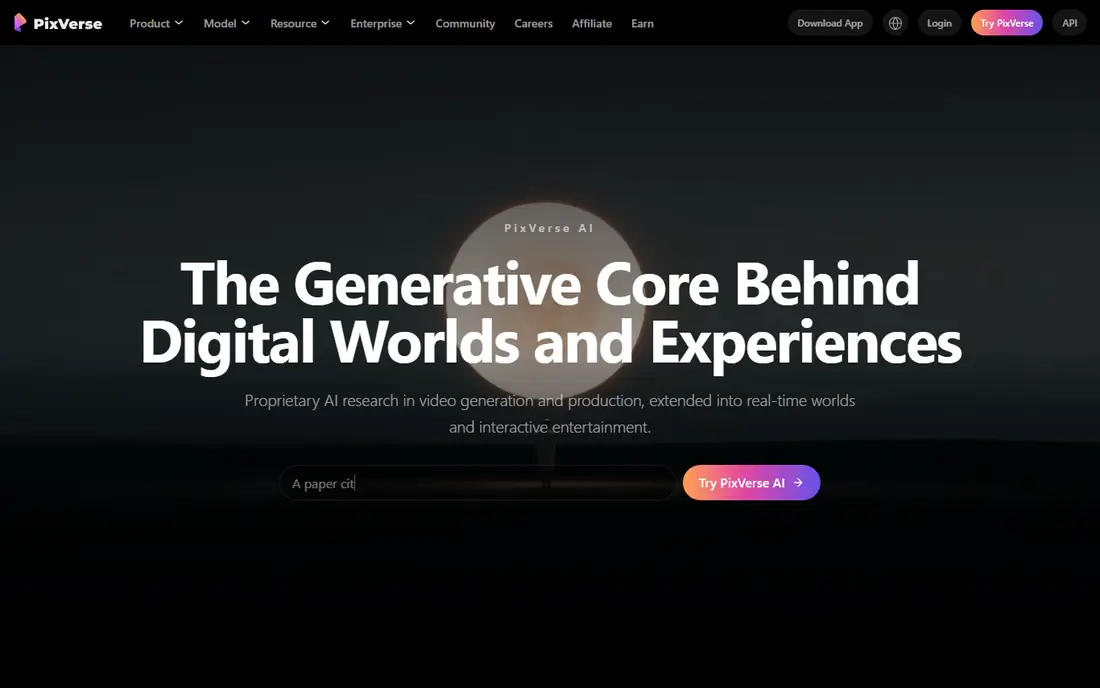
PixVerse is unusually transparent. Its subscribe page lists 60 initial credits and 30 daily credits for free accounts, says daily credits renew every day and expire if unused, and explains that membership credits refresh every 30 days.
Standard is $10 per month ($8 per month billed yearly) with 1,200 credits, watermark-free and ad-free output, and HD up to 720p. Pro is $30 per month ($24 billed yearly) with 6,000 credits and up to 4K. Since watermark-free output is listed from Standard up, expect marks on free clips.
We found several App Store results using the PixVerse name from different developers, and we could not confirm which, if any, is official. Treat PixVerse as web-first and open it in your phone's browser.
- Free tier spelled out on the pricing page
- Daily credits renew at 0AM UTC
- Standard is only $10 per month
- Daily credits expire at day's end
- We could not confirm an official iPhone app
Runway is the professional-leaning option on this list, and its free plan lets you see why. The pricing page lists a Free plan at $0 with a one-time 125 credits, access to a selection of models for testing, and 5GB of storage. After that, Standard is $12 per month billed annually, though the iPhone listing shows Standard at $14.99 on a monthly basis.
The app is listed as free to start and supports text-to-video, image-to-video and video-to-video, plus an agent that builds videos from a conversation. It holds a 4.5 rating from about 18,000 ratings.
Treat the free plan as a trial. Reviewers say credits can be spent on failed or unusable generations, and one reports a paywall almost immediately. If you want repeated free practice, Firefly or PixVerse refill daily.
- Strong iPhone app with image-to-video, text-to-video and video-to-video
- Age rating 4+
- Plan includes access to several models
- The 125 free credits are one time, not monthly
- Reviews mention credits spent on failed generations
Canva is less a pure video generator and more a design suite that now includes one. Its iPhone listing says it can generate videos with sound from text prompts using Veo 3, and the app is free with in-app purchases. Canva Pro is listed at $14.99 per month, with a yearly price of $119.99.
On the pricing page, the Free plan includes up to 20 Standard or Premium AI uses, with a footnote, and Pro lists ten times more AI than Free. The listing does not say how many video clips count against the free uses, so check inside the app before planning a batch.
Choose Canva when the clip is part of a larger piece, such as a social post or presentation. If you want a dedicated generator with more control, use the others here.
- Huge free design toolkit around the video
- App listing highlights AI video from text with Veo 3
- Rating of 4.87 from over 3.5 million ratings
- Free plan lists only up to 20 AI uses
- The listing gives no cap for video clips
Vidu's pricing page lists a Free plan at $0 that logs you in for bonus credits, with the Q4 model costing 4 credits per second at 540P and 10 references per month. The same page shows Standard at $10 per month ($8.25 billed yearly) for 800 credits, which it says adds a faster generation channel, 3 to 16 second videos and commercial use.
A free credit rate in plain numbers is helpful, because it lets you work out roughly how many seconds you can make. At 4 credits per second, a 4-second clip costs 16 credits.
On mobile, the App Store results we saw under the Vidu name came from individual developers rather than an obvious official publisher, so we are not recommending a specific app. Use the web version in your phone's browser instead.
- Free plan costs $0 and shows its credit rate
- Standard adds longer 3 to 16 second generation
- Image-to-video tool on the site
- We could not confirm an official iPhone app
- Free plan limits references to 10 per month
HeyGen solves a different problem: a person on screen reading your script. The pricing page lists a Free plan at $0 with 3 videos per month, each up to 1 minute and watermarked, access to Avatar IV and Video Agent, one custom video avatar, over 500 ready-made presenters and more than 30 languages.
Creator is $29 per month with 600 credits, 1080p export and branding removal, and Pro is $49 per month with 4K. The iPhone app, listed by HeyGen Technology Inc., builds an avatar from a short video or a few photos and adds AI voices, captions and translation, and it holds a 4.78 rating from about 29,000 ratings.
Use it for explainers, training clips and updates from a talking face. If you want scenery or action shots from a prompt, pick another app.
- Free plan includes Avatar IV and Video Agent
- Over 500 ready-made presenters
- Free iPhone app with a 4.78 rating
- Free videos carry a watermark and cap at 3 per month
- Not built for cinematic clips
CapCut is the best finisher on this list, even though it is not the best pure generator. The App Store listing describes a free editor with auto captions, text-to-speech, background removal and motion tracking, with in-app prices that include Standard Monthly at $9.99, Monthly at $7.99 and Yearly at $89.99.
For generation, CapCut's AI video page says you can create video from a script and upload an image as the starting visual, and it offers a 7-day free trial. Credits, export resolution and features vary by workflow, account tier and region, and the page says its AI video workflows are for web and desktop.
Use CapCut to add captions, music and cuts to clips you generated elsewhere. Do not count on it as a free generator beyond the trial.
- Free app with a 4.6 rating from about 1.1 million ratings
- Auto captions, text-to-speech and background removal
- Web tool covers text and image to video
- The AI video generator is described for web and desktop, with only a 7-day free trial
- Credits vary by account tier and region
How we picked these
We chose apps and services that are live in October 2026 and that offer some real free access to AI video, whether daily credits, a one-time grant or a free plan. We compared official pricing pages, vendor guides and App Store listings, and we only listed numbers that appeared there.
We did not generate clips in each tool, so we do not rank on visual quality. Our order favors refilling free allowances, clarity about limits, and a working mobile app. When we could not confirm an official app, we said so.
How to get the most from a free AI video app
Understand how credits work
Free plans nearly always run on credits, and cost depends on model, resolution, length and audio. Make short, low-resolution tests first, and spend credits on the version you intend to keep.
Watch for watermarks and commercial rights
Free exports often carry a watermark, and commercial use is often limited to paid plans. If a clip is for a business, confirm the license before posting it.
Protect your privacy
Avoid uploading photos of other people without permission, and check each app's data terms before using real faces or client material. Several of these listings carry a 13+ age rating, and Dreamina's notes user-generated content, so review the settings before you share.
Plan to pay for what you use often
If you find a tool you use weekly, a $5 to $15 monthly plan often beats juggling free accounts. Pick the one whose credit cost fits your typical clip length.
Sources
- https://www.adobe.com/products/firefly/features/ai-video-generator.html
- https://apps.apple.com/us/app/adobe-firefly-ai-video-photo/id6742595426
- https://dreamina.capcut.com/ai-video/free-ai-video-generator-usable-clips-guide-2026
- https://apps.apple.com/us/app/dreamina-ai-image-video-maker/id6749606485
- https://app.pixverse.ai/subscribe
- https://runway.com/pricing
- https://apps.apple.com/us/app/runway-ai-image-video/id1665024375
- https://www.canva.com/pricing/
- https://apps.apple.com/us/app/canva-ai-photo-video-editor/id897446215
- https://www.vidu.com/pricing
- https://www.heygen.com/pricing
- https://apps.apple.com/us/app/ai-avatar-generator-heygen/id6711356409
- https://www.capcut.com/tools/ai-video-generator
- https://apps.apple.com/us/app/capcut-photo-video-editor/id1500855883