Best Free Email Service in 2026: 8 Providers Compared
By ToolNimba Editorial Team October 26, 2026 11 min read How we test

- Top pick
 Gmail
most people who want one account for everything
Starting priceFreeCheck out GmailRead our review - Runner-up
 Outlook.com
Windows and Microsoft Office users
Starting priceFreeCheck out Outlook.comRead our review - Also great
 Proton Mail
private, encrypted email
Starting priceFreeCheck out Proton MailRead our review
How we researched this
We compared official pricing and feature pages, app store listings, privacy policies and public user reviews. Prices change, so check the provider's site before you pay.
Key takeaways
- GMX offers the largest free mailbox in this list at 65 GB, while Yahoo Mail now caps free accounts at 20 GB after cutting its old 1 TB allowance.
- Gmail and Outlook.com both give you 15 GB free, but Gmail's 15 GB is shared with Google Drive and Google Photos, and Outlook.com's free version shows ads.
- For privacy, Proton Mail and Tuta encrypt your mail end to end, but their free plans are small: Proton starts at 500 MB (1 GB after a setup checklist) and Tuta gives 1 GB.
- iCloud Mail includes only 5 GB of free storage shared across iCloud, though iCloud+ starts at $0.99 per month and adds Hide My Email.
- Zoho Mail's Forever Free plan covers up to 5 users with 5 GB each, but leaves out IMAP and POP access, so you are tied to its own apps.
Quick comparison
| Name | Best for | Starting price | Free plan | |
|---|---|---|---|---|
| Gmail | most people who want one account for everything | Free | Yes | Visit |
| Outlook.com | Windows and Microsoft Office users | Free | Yes | Visit |
| Proton Mail | private, encrypted email | Free | Yes | Visit |
 Tuta | encrypted email with a free calendar | Free | Yes | Visit |
 GMX Mail | the biggest free mailbox | Free | Yes | Visit |
 Yahoo Mail | people who already have a Yahoo address | Free | Yes | Visit |
 iCloud Mail | iPhone and Mac owners | Free | Yes | Visit |
 Zoho Mail | small teams that want free business-style email | Free | Yes | Visit |
The best free email services
A free email account is still one of the most useful things you can own online, but the providers make money in very different ways. Some show ads, some sell storage upgrades, and some sell privacy. Here is how the eight most practical free options compare for personal use in the United States.
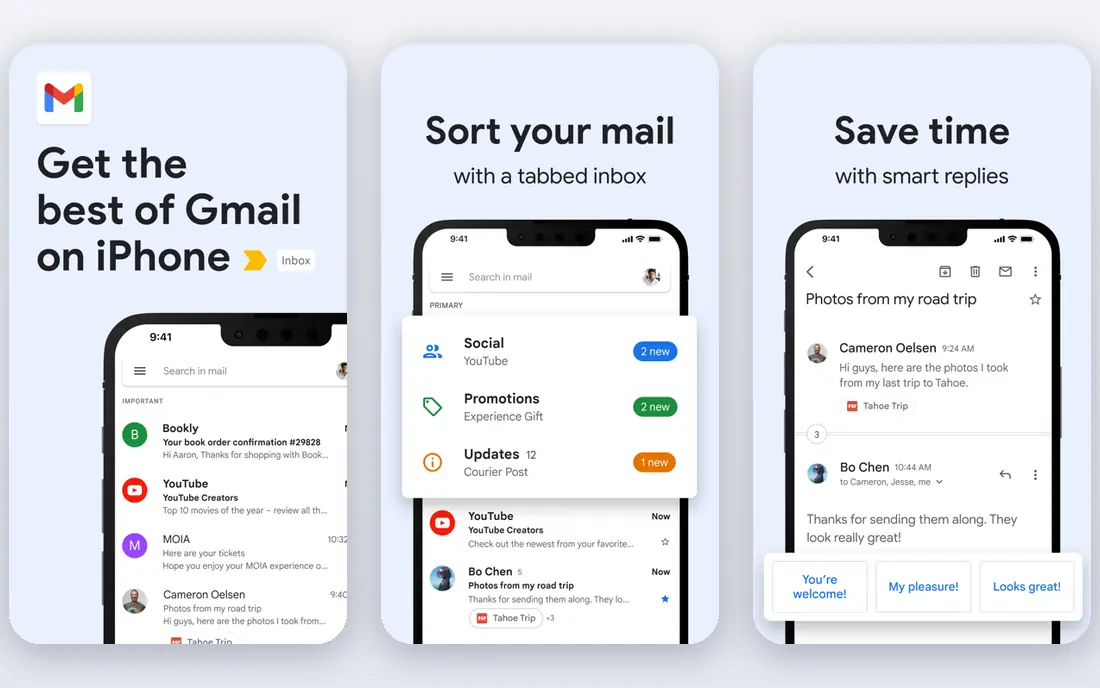
Gmail is the default choice for a reason. Every Google Account comes with up to 15 GB of storage, the web app and phone apps are fast, and search works well even with years of mail. If you use an Android phone, you already have it.
The catch is that the 15 GB is not just for email. Google counts Drive files and Google Photos backups against the same total, so a phone full of photos can fill your inbox space too. When that happens you either clean up or pay for a Google One plan, which Google lists on its plans page.
Our pick for most people is still Gmail. It is free, reliable and works with almost every app and device. If privacy is your top concern, look at Proton Mail or Tuta instead.
- 15 GB of free storage
- Excellent spam filtering and search
- One login for YouTube, Google Drive, Docs and Android
- The 15 GB is shared with Google Drive and Google Photos
- Google's business is built on data and advertising
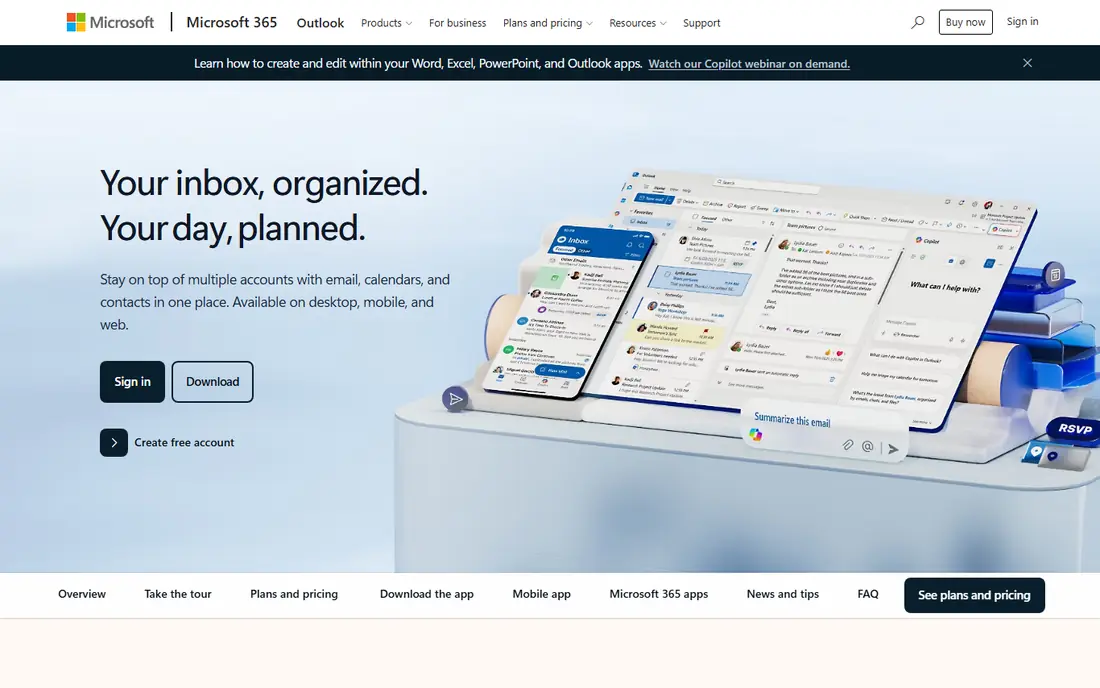
Microsoft's free email service is a strong second choice. According to Microsoft's support page, a free Outlook.com account gets 15 GB of email storage, separate from your Microsoft cloud storage. There is also a 5 GB free cloud allowance shared by OneDrive, Outlook.com attachments and Microsoft 365 apps.
Microsoft's own plan comparison notes that the free version of Outlook includes ads. Paying for Microsoft 365 Personal ($9.99 per month or $99.99 per year) raises the mailbox to 100 GB and adds 1 TB of OneDrive, according to Microsoft.
Outlook.com fits people who live in Word, Excel and Windows. Its calendar is one of the better free ones. If ads bother you and you do not want to pay, GMX or Proton may suit you better.
- 15 GB of mailbox storage kept separate from OneDrive
- Built into Windows and the Outlook apps
- Good calendar
- The free version includes ads
- Attachments count against a separate 5 GB cloud allowance
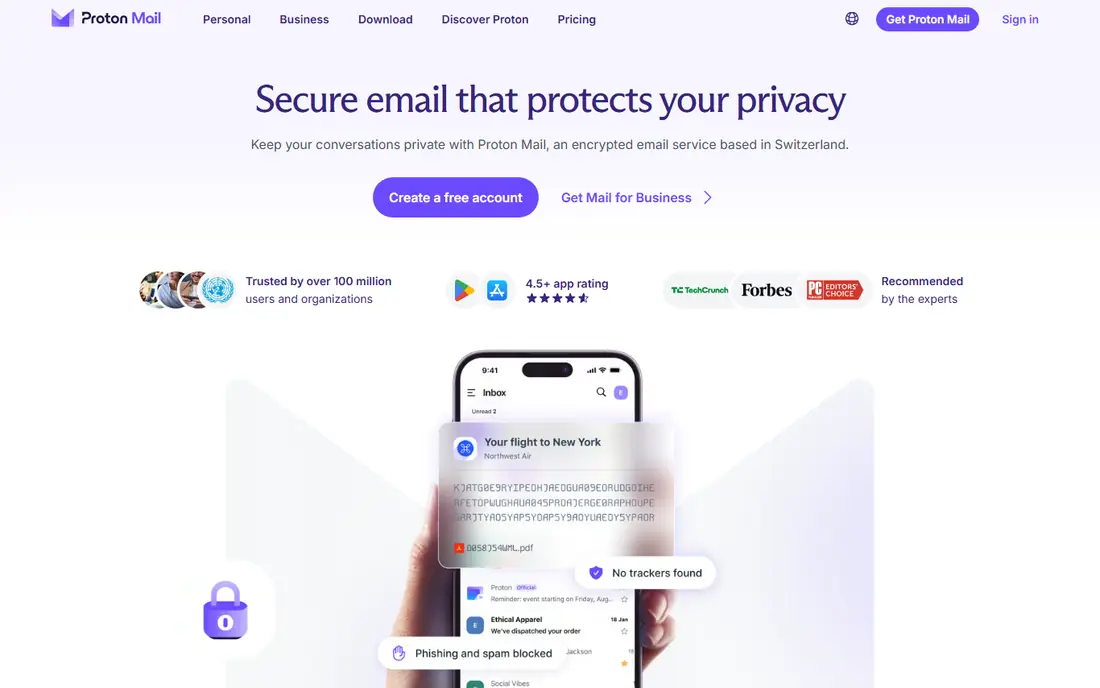
Proton Mail is the best private email service for most people who are leaving Gmail for privacy reasons. Proton says no one can read your messages, including Proton itself, and its apps are open source and independently audited. It is headquartered in Geneva and runs apps for the web, iOS, Android, Windows, macOS and Linux.
The free plan is deliberately small. Proton's pricing page lists 500 MB to start, rising to 1 GB once you complete a setup checklist, plus one address and 150 messages per day. Mail Plus costs $4.99 per month, or $3.99 per month billed yearly, and adds 15 GB and 10 addresses.
Choose Proton if you care more about who can read your mail than about storage. Heavy email users will run out of space on the free tier quickly.
- End-to-end and zero-access encryption
- Based in Switzerland
- Open-source apps on every major platform
- Small free storage
- Free accounts are limited to 150 messages per day and one address
Tuta (formerly Tutanota) is a German provider that, like Proton, encrypts your mailbox end to end. Its homepage says all data is encrypted with post-quantum cryptography and that all of its clients are fully open source. You can get the Android app through Google Play, F-Droid or GitHub, which privacy fans appreciate.
The free plan includes 1 GB of storage, one calendar, three labels, unlimited folders and 25 MB attachments. It leaves out calendar sharing, autoresponders, email import, offline support and unlimited search. Paid Revolutionary and Legend plans add 20 GB or 500 GB plus custom domains; see the Tuta site for current prices in your region.
Tuta is a good choice if you want a private inbox and calendar together. Compared with Proton, its free tier feels a little more limited, since unlimited search is reserved for paid plans.
- End-to-end encryption that Tuta describes as post-quantum
- Open-source apps, including on F-Droid
- Free encrypted calendar
- Only 1 GB of storage and 3 labels on the free plan
- No extra addresses, email import or offline access for free users
GMX is the quiet storage champion. Its mail page lists 65 GB of free storage, attachments up to 50 MB and up to 10 alias addresses managed from one inbox. It also includes spam filtering and virus scanning, plus apps for Android and iOS.
That is more than four times what Gmail gives you, so GMX makes sense as a second account for newsletters, online shopping and sign-ups that you want to keep away from your main inbox. The aliases help here, since you can hand out different addresses for different purposes.
The honest catch is polish. GMX's site carries sponsored content, and fewer third-party apps and services build features around it. Some reports also mention that inactive accounts can be closed, so log in regularly if you use it as a backup.
- 65 GB of storage, which GMX says is about 500,000 emails
- Up to 10 alias addresses
- 50 MB attachments
- Ad-supported pages
- A smaller company with fewer integrations than Google or Microsoft
Yahoo Mail used to be famous for its 1 TB free mailbox. That is gone. Yahoo's storage page now says the standard plan includes 20 GB, and Yahoo warns that once you reach the limit you will no longer be able to send or receive emails until you delete messages or upgrade.
Storage add-ons are listed at $1.99 per month for 100 GB and $9.99 per month for 1 TB on Yahoo's US page. Yahoo Mail Plus, which includes 200 GB and an ad-free experience, is also available.
If your Yahoo address is decades old and everyone knows it, staying is reasonable. Just check your storage meter now, because many long-time users are much closer to 20 GB than they think. For a brand-new account, we would pick Gmail, Outlook.com or GMX first.
- 20 GB of free storage
- Familiar interface and decent apps
- Affordable storage upgrades
- Free storage dropped from 1 TB to 20 GB
- You cannot send or receive once you hit the limit
- Ads in the free version
If you own an iPhone, you probably have an iCloud Mail address waiting to be switched on. Apple gives every Apple Account 5 GB of free iCloud storage, and the Mail app is already on your devices.
The 5 GB is tight because it is shared with iCloud backups, photos and files. Many iPhone owners end up paying for iCloud+ anyway, which Apple lists from $0.99 per month for 50 GB. That plan also adds Hide My Email, which creates random forwarding addresses for sign-ups, and the option to use your own custom domain.
iCloud Mail is a sensible pick for Apple households. If you use Windows or Android, Gmail or Outlook.com will be much easier.
- Built into iPhone, iPad and Mac
- Simple setup on Apple devices
- ICloud+ adds Hide My Email and custom email domains from $0.99 per month
- Only 5 GB of free storage, shared with iCloud backups and photos
- Best only if you own Apple devices
Zoho Mail is the odd one out because it is aimed at small businesses, but it also works for personal use. Zoho's help pages say you can sign up for a personal account without owning a domain and get an address on a Zoho domain, which can vary by region.
The real draw is the Forever Free plan. Zoho's pricing page lists up to five users, 5 GB of mail storage each and custom email for one domain. That is a rare deal for a family or a tiny business that wants addresses like [email protected] without paying.
The limitation is access. IMAP, POP and ActiveSync are not included on the free plan, so you must use Zoho's own web and mobile apps rather than Apple Mail, Thunderbird or Outlook. When you add a sixth user, Zoho says everyone has to move to a paid plan.
- Forever Free plan for up to 5 users
- 5 GB per user
- Custom email for one domain
- Works for personal use without a domain
- No IMAP, POP or ActiveSync on the free plan
- The free plan stops working once you add a sixth user
How we picked these
We compared each provider's official pricing pages, help center articles and storage pages in October 2026, focusing on what a free account actually includes: storage, ads, sending limits, aliases, app support and encryption. We also read privacy information for Proton Mail and Tuta, and storage change notices from Yahoo.
We did not run long-term inbox tests or measure spam filtering accuracy ourselves. Storage figures and prices are the ones the providers publish, and they can change, so check the official page before you move years of mail.
How to choose a free email service
Decide what matters most
Storage, privacy and convenience rarely come in one free package. Gmail and Outlook.com win on convenience, GMX wins on raw storage, and Proton Mail and Tuta win on privacy. Pick the one thing you care about most, then accept the trade-off.
Look at how the provider makes money
Free email is paid for by ads, by upgrades or by both. Gmail, Outlook.com, Yahoo Mail and GMX are ad-supported or tied to wider ad businesses. Proton, Tuta, iCloud and Zoho rely more on paid plans. Neither model is wrong, but it tells you what the company is likely to protect.
Check the storage math
A 15 GB limit sounds big until you count photo backups. Gmail shares its storage with Drive and Photos, and iCloud's 5 GB is shared with phone backups. If you get a lot of large attachments, GMX or a paid plan will save you headaches.
Think about anonymity realistically
No mainstream free service makes you fully anonymous. Encrypted providers protect the contents of your mail, and aliases such as iCloud's Hide My Email or GMX's extra addresses reduce how often your main address is exposed. Use a strong password and two-factor authentication on whichever service you choose.
Plan for leaving
Some free plans make it hard to move. Zoho's free plan lacks IMAP, and Tuta's free plan lacks email import. If you think you might switch later, favor a provider with standard export tools.
Sources
- https://one.google.com/about/plans
- https://support.microsoft.com/en-US/Outlook/storage-limits-in-outlook-com
- https://www.microsoft.com/en-us/microsoft-365/buy/compare-all-microsoft-365-products
- https://proton.me/mail
- https://proton.me/mail/pricing
- https://tuta.com/
- https://tuta.com/pricing
- https://www.gmx.com/mail/
- https://mail.yahoo.com/subscriptions/en-us/mail/storage
- https://www.apple.com/icloud/
- https://www.zoho.com/mail/zohomail-pricing.html
- https://www.zoho.com/mail/how-to/create-an-email-account.html