Best Game Apps in 2026: 9 Mobile Games for iPhone and Android
By ToolNimba Editorial Team October 25, 2026 11 min read How we test

- Top pick
 Minecraft
building and exploring with friends
Starting price$6.99Check out MinecraftRead our review - Runner-up
 Stardew Valley
a long, relaxing farming adventure
Starting price$4.99Check out Stardew ValleyRead our review - Also great
 Balatro
poker-style roguelike strategy
Starting price$9.99Check out BalatroRead our review
How we researched this
We compared official pricing and feature pages, app store listings, privacy policies and public user reviews. Prices change, so check the provider's site before you pay.
Key takeaways
- Three games are paid up front (Minecraft at $6.99, Stardew Valley at $4.99, Balatro at $9.99), and Monument Valley 3 is free for two chapters and then a $5.99 one-time purchase for the rest on iPhone, which avoids the constant spending prompts of many free games.
- Royal Match, Clash Royale and Pokemon TCG Pocket are free but sell in-app purchases, and Pokemon TCG Pocket carries Apple's "Loot Boxes" advisory.
- Age ratings range from 4+ to 12+ on the App Store, and Apple's number does not always reflect spending features, so check the details yourself.
- Prices and ratings come from App Store and Google Play listings checked on 24 October 2026, and they vary by country and platform.
- Pick a game by how you want to play: short daily puzzles, a long single-player adventure, or competitive matches with other people.
Quick comparison
| Name | Best for | Starting price | Free plan | |
|---|---|---|---|---|
| Minecraft | building and exploring with friends | $6.99 | No | Visit |
| Stardew Valley | a long, relaxing farming adventure | $4.99 | No | Visit |
| Balatro | poker-style roguelike strategy | $9.99 | No | Visit |
 Monument Valley 3 | beautiful, calm puzzle solving | Free | Yes (first 2 chapters) | Visit |
 NYT Games | daily word puzzles | Free | Yes | Visit |
 Royal Match | quick match-3 sessions | Free | Yes | Visit |
 Clash Royale | real-time card battles | Free | Yes | Visit |
 Pokemon TCG Pocket | collecting and battling digital cards | Free | Yes | Visit |
 Among Us | party play with friends | Free | Yes | Visit |
The best game apps
We picked games that run on phones, differ from each other, and have clear store listings. Each entry says what you pay, what the store says about age and purchases, and who should skip it.
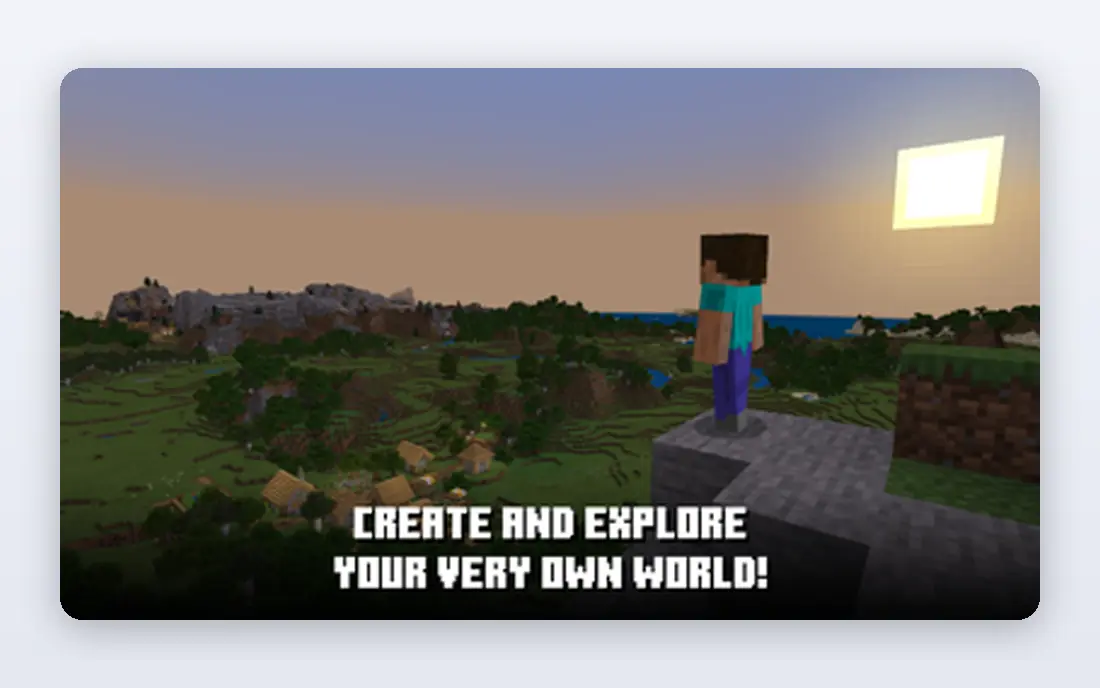
Minecraft is the safest first recommendation for a family with mixed ages. The App Store lists it at $6.99 with in-app purchases and a 9+ age rating, noting infrequent mild fantasy violence. Google Play lists the same $6.99 price with an Everyone 10+ rating.
The game gives you creative mode with unlimited resources and survival mode with enemies, plus an endless generated world. The App Store text says Bedrock Edition supports cross-platform multiplayer, and players can join free community servers or subscribe to Realms Plus for a private server shared with up to 10 friends. The listing mentions a free 30-day trial of Realms in the app.
The extra spending is optional but constant. The Marketplace sells add-ons, worlds and cosmetics, so set a limit with your child before they open it.
- Open-ended building and survival in one app
- Cross-platform multiplayer on Bedrock Edition
- One purchase gets the full base game
- Optional Marketplace content and Realms subscriptions cost extra
- Large download of over 1 GB on iPhone
Stardew Valley is the best value on this list for solo players. The App Store lists $4.99 and calls it an award-winning open-ended farming RPG with more than 50 hours of content. Google Play lists the same $4.99. It was made by ConcernedApe, and the iPhone version was rebuilt for touch with features like auto-select for switching tools.
You farm, raise animals, fish, explore caves, make friends and, if you like, marry one of 12 potential marriage candidates. The Apple listing flags infrequent mild alcohol references, fantasy violence, crude humor, simulated gambling and suggestive themes, which explains the 12+ rating.
The catch is time. It has no multiplayer on mobile according to the iOS listing, and it works better when you can commit to long sessions than in five-minute gaps.
- 50+ hours of content for a one-time price
- No in-app purchases listed on the App Store
- Mobile controls rebuilt for touch
- No multiplayer on mobile per the iOS listing
- 12+ rating for mild mature themes
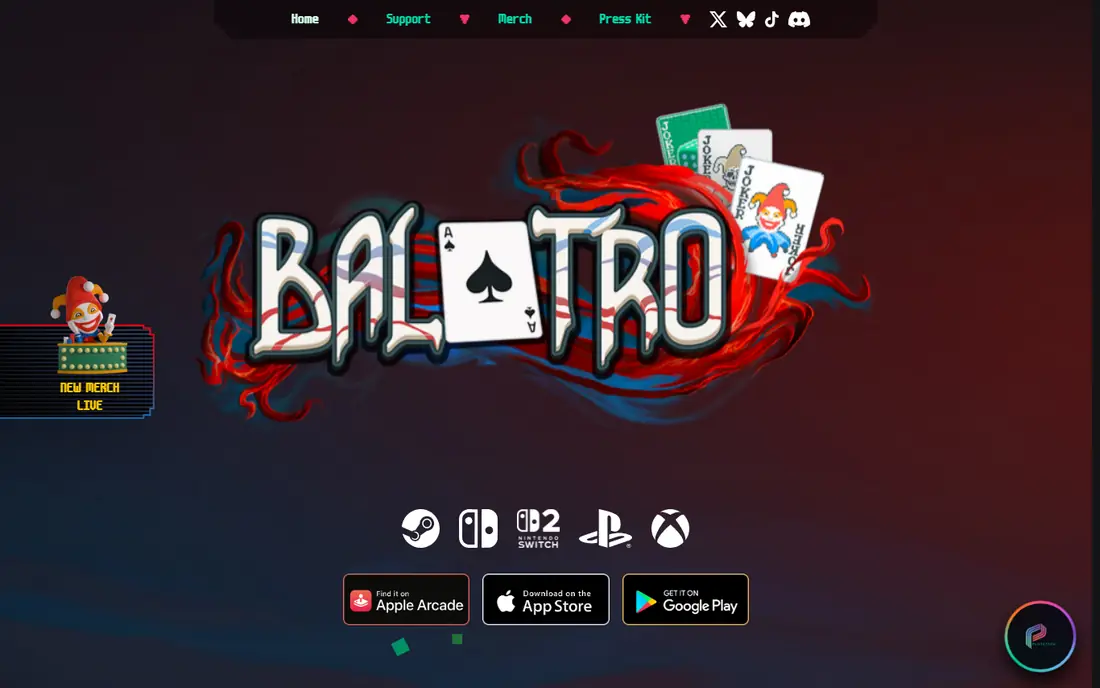
Balatro mixes poker hands with roguelike runs. You beat Boss Blinds by building strong poker hands, and Jokers change the rules. The App Store lists 150+ Jokers, campaign and challenge modes and pixel art, at $9.99 with a 12+ rating. The average rating is 4.96 out of 5 from roughly 108,000 ratings.
Google Play also lists it at $9.99 with an Everyone 10+ rating. There is no free tier, so you pay before you know if the loop suits you.
The Apple listing flags infrequent mild simulated gambling, suggestive themes and horror themes. It is a card game with no real-money play, but parents who avoid gambling-style visuals should know about it.
- Deep deck-building with more than 150 Jokers
- One-time purchase with no in-app purchases listed on iOS
- 4.96 average rating on the App Store
- The priciest game here
- Simulated gambling theme
Monument Valley 3 is a short, polished puzzle game about shifting architecture and perspective. The App Store listing says you can play the first two chapters free, then get the full game, including The Garden of Life expansion, with a single in-app purchase. That purchase is listed at $5.99, and the listing says the game is free-to-start with no ads.
It is rated 4+ and carries 4.85 stars from about 4,900 ratings. Our search found no clear Google Play listing, so Android readers should check the Play Store directly for availability and price.
It is the right pick if you want something quiet that you can finish in an evening or two. It is the wrong pick if you want hundreds of hours of play.
- The first two chapters are free
- Free-to-start with no ads, per its App Store listing
- 4+ age rating
- The full game is a $5.99 in-app purchase on iPhone
- We could not confirm an Android listing
The New York Times Games app collects its daily puzzles in one place. The App Store lists Wordle, Connections, Spelling Bee, Strands, the Crossword and Mini, Sudoku, Pips, Tiles and Letter Boxed, and says new puzzles arrive daily for every skill level. It is free to download and rated 12+.
The free version covers the daily puzzles, and the listing says subscribers can solve over 10,000 past puzzles from the archive. We could not verify the subscription price in the sources we read, so check the app.
This is the least stressful option here for adults who want a short daily habit. It is rated 12+ on the App Store, and the listing shows no specific content advisories.
- Wordle, Connections, Spelling Bee and more in one app
- New puzzles daily
- 4.8 rating on the App Store
- The puzzle archive of over 10,000 past puzzles is for subscribers
- Requires iOS 18 or later on iPhone
Royal Match is a match-3 puzzle game made by Dream Games. You clear levels, earn boosters and restore a royal castle, and sessions are short. The App Store lists it as free with in-app purchases and a 12+ rating. Its average is 4.69 from about 3.9 million ratings, and Google Play shows an Everyone rating.
The business model is the usual one for this genre. Levels are free, but boosters, coins and reward chests are where the spending happens. Both stores list in-app purchases, so turn them off on a child's device.
The App Store lists no specific content advisories, but it still gives the game a 12+ rating. It works best as a ten-minute break, not an all-evening game.
- Free to download
- Short match-3 levels
- About 3.9 million App Store ratings averaging 4.69
- In-app purchases for boosters and coins
- Chest rewards and boosters invite spending
Clash Royale is Supercell's real-time strategy card battler, set in the Clash of Clans world. You build a deck, place cards in an arena and try to knock down the enemy towers. The App Store describes 100+ cards, clans, clan wars, seasonal events and global tournaments, with a 9+ rating and an average of 4.6 from 3.9 million ratings.
The App Store text says plainly that some game items can be purchased for real money, including random items, and it tells players to disable in-app purchases in their device settings if they do not want that. Supercell links a Parent's Guide from the listing, which is a useful sign.
It is built for competitive players who like deck building. Anyone who dislikes games that sell random items should look elsewhere.
- Fast-paced real-time matches
- 100+ cards and clan features
- Supercell publishes a parent's guide
- Free-to-play with random purchasable items
- Needs a network connection
Pokemon TCG Pocket lets you open digital booster packs, build a deck and play quick battles. The App Store description says two booster packs can be opened each day, cards can be shared and traded with friends, and there are casual and ranked battles.
Apple rates it 4+, but the same page lists Loot Boxes under its advisories. Opening packs is a chance-based mechanic, and a young child can drift toward buying more. Google Play lists the app as Everyone with in-app purchases.
Our advice for parents is simple. Turn off in-app purchases before handing over a device, and talk about what pack opening is and why a rare card is rare.
- Two free booster packs per day
- Trading and sharing with friends
- 4.79 average rating from about 698,000 App Store ratings
- The App Store lists a "Loot Boxes" advisory
- The 4+ rating understates the spending pressure
Among Us is a social deduction game about spotting the impostors on a spaceship. Crewmates finish tasks or vote impostors out, while impostors sabotage and eliminate players. The App Store says it supports 4 to 15 players and cross-platform play.
The game is free to download. Google Play's listing says it contains ads and offers in-app purchases, which fits the cosmetic options in the App Store text. The App Store rating of 4.06 is lower than the others on this list, so expect some complaints.
Playing with strangers online means you cannot control who you meet. Use private lobbies with friends when you can.
- Plays with 4 to 15 players
- Cross-platform between PC, mobile and console
- 9+ age rating on the App Store
- Google Play says it contains ads
- The App Store average is only 4.06
How we picked these
We did not play every game for months. For each one we read the App Store listing through Apple's public lookup, the Google Play page where it loaded, and the developer's own website, and we compared price, in-app purchases, age rating, advisories and ratings. We chose games that run on phones, that cover several genres, and that make their costs clear.
We left out many hugely popular titles because their listings were hard to verify or because they depend heavily on spending. Ratings and prices change often, so treat these as a snapshot from 24 October 2026.
How to choose a game app for you or your family
A few simple checks save money and arguments.
Paid or free?
A paid game costs once, then stops asking. A free game has to earn money somehow, so look for lives, timers, random reward items and ads. Both models can be fine if you know which one you have.
Read the age rating and advisories
App Store ratings come with a list of advisories, for example "Infrequent/Mild Simulated Gambling" or "Loot Boxes." Read the list, since two games rated 12+ can differ a lot. Google Play uses its own ratings, so the same game may show a different number.
Turn on parental controls
Both iPhone and Android let you require a password or turn off in-app purchases. Do that before a child plays any free game, and check which games let strangers chat.
Think about how long you want to play
Stardew Valley and Balatro suit long sessions. NYT Games and Monument Valley 3 fit short breaks. Royal Match and Clash Royale are built to bring you back several times a day, which is not always what you want.
Sources
- https://itunes.apple.com/lookup?id=479516143&country=us
- https://apps.apple.com/us/app/minecraft/id479516143
- https://play.google.com/store/apps/details?id=com.mojang.minecraftpe
- https://apps.apple.com/us/app/stardew-valley/id1406710800
- https://play.google.com/store/apps/details?id=com.chucklefish.stardewvalley
- https://www.stardewvalley.net/
- https://apps.apple.com/us/app/balatro/id6502453075
- https://play.google.com/store/apps/details?id=com.playstack.balatro.android
- https://www.playbalatro.com/
- https://apps.apple.com/us/app/monument-valley-3/id6443563379
- https://www.monumentvalleygame.com/
- https://apps.apple.com/us/app/nyt-games-wordle-crossword/id307569751
- https://play.google.com/store/apps/details?id=com.nytimes.crossword
- https://apps.apple.com/us/app/royal-match/id1482155847
- https://play.google.com/store/apps/details?id=com.dreamgames.royalmatch
- https://apps.apple.com/us/app/clash-royale/id1053012308
- https://play.google.com/store/apps/details?id=com.supercell.clashroyale
- https://apps.apple.com/us/app/pok%C3%A9mon-tcg-pocket/id6479970832
- https://play.google.com/store/apps/details?id=jp.pokemon.pokemontcgp
- https://apps.apple.com/us/app/among-us/id1351168404
- https://play.google.com/store/apps/details?id=com.innersloth.spacemafia