Best Graphic Design Software in 2026: 10 Tools Compared
By ToolNimba Editorial Team October 26, 2026 11 min read How we test

- Top pick
 Canva
beginners and quick social graphics
Starting priceFreeCheck out CanvaRead our review - Runner-up
 Affinity
professional-grade design at no cost
Starting priceFreeCheck out AffinityRead our review - Also great
 Adobe Photoshop
photo editing and compositing
Starting price$22.99 per monthCheck out Adobe PhotoshopRead our review
How we researched this
We compared official pricing and feature pages, app store listings, privacy policies and public user reviews. Prices change, so check the provider's site before you pay.
Key takeaways
- Affinity is now free for individuals and combines vector, photo and layout tools in one app for Mac and Windows. It is the biggest change in this category over the past year.
- Canva is still the easiest tool for beginners, with a free plan that includes 5 GB of storage and a huge template library. Pro is listed at $180 per year on Canva's US pricing page.
- Adobe Photoshop and Illustrator each cost $22.99 per month on an annual plan, and Creative Cloud Pro, which bundles 20+ Adobe apps, is regularly $69.99 per month.
- GIMP and Inkscape are fully free and open source. GIMP 3.2.6 was released in September 2026.
- Procreate is a one-time $12.99 purchase for iPad with no subscription, which makes it the cheapest serious illustration app here.
Quick comparison
| Name | Best for | Starting price | Free plan | |
|---|---|---|---|---|
| Canva | beginners and quick social graphics | Free | Yes | Visit |
| Affinity | professional-grade design at no cost | Free | Yes | Visit |
| Adobe Photoshop | photo editing and compositing | $22.99 per month | Free trial (7 days) | Visit |
 Adobe Illustrator | logos and vector illustration | $22.99 per month | Free trial (7 days) | Visit |
 Figma | UI design and team collaboration | Free | Yes | Visit |
 Adobe Express | template-based design with Adobe assets | Free | Yes | Visit |
 CorelDRAW Graphics Suite | print, signage and Windows-first vector work | See website | Free trial | Visit |
 GIMP | free Photoshop alternative | Free | Yes | Visit |
 Inkscape | free vector graphics | Free | Yes | Visit |
 Procreate | drawing and illustration on iPad | $12.99 one-time | No | Visit |
The best graphic design software
The right design tool depends on what you make. A small business owner making Instagram posts needs something very different from a freelancer drawing logos or a team building app screens. Here are ten options, from free beginner tools to the professional standards.
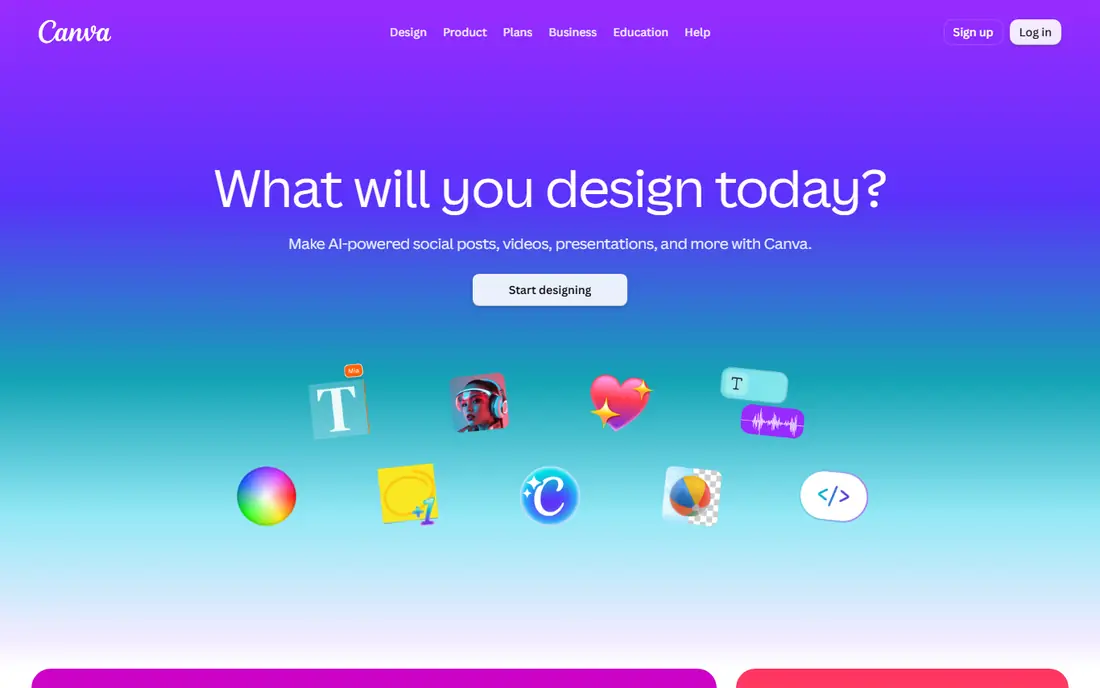
Canva is the best graphic design software for beginners, and it is not close. You pick a template, swap in your text and photos, and export. Canva's pricing pages list 5 GB of cloud storage and more than 1.6 million templates on the free plan.
Pro adds premium content, brand kits, more storage and more AI uses. Canva's US pricing page lists Pro at $180 per year for one person, and App Store prices vary by billing option. Business and Teams plans exist for groups.
The catch is control. Canva is excellent for social posts, flyers and presentations, but it is not built for complex illustration or precise prepress work. When you outgrow it, Affinity is the natural next step, and Canva owns it.
- Free plan with 1.6 million+ templates and 5 GB of storage
- Runs in a browser and on phones
- Very short learning curve
- Limited control for detailed print or logo work
- Premium templates and brand tools sit behind Pro

Affinity changed the market when Canva made it free. The official site says "Affinity is free for individuals" and describes one app that combines vector design, illustration and logos, pixel-based photo editing and page layout. That replaces what used to be three separate paid apps.
It runs on Mac and Windows, with a dedicated graphics card recommended on Windows. Only the optional AI tools need a Canva premium plan. The iPad version is listed as coming soon, so tablet users will have to wait.
For freelancers and small businesses who want real professional tools without a subscription, Affinity is our top pick. The trade-off is that agencies and print shops still expect Adobe files, so check what your clients use before you switch completely.
- Free for individuals
- One app covers vector, pixel and page layout
- Runs natively on Apple silicon and Intel Macs and on Windows
- AI tools require a Canva premium plan
- IPad version listed as coming soon
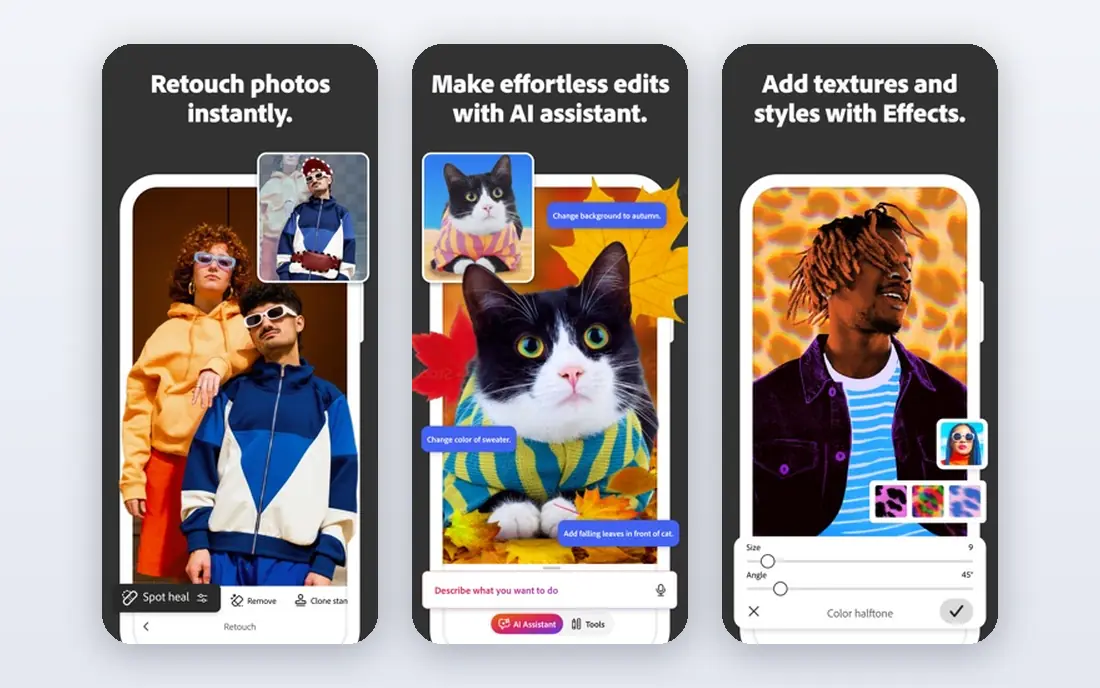
Photoshop remains the reference tool for photo editing, retouching and compositing. If you work with other designers or agencies, they almost certainly use it, and nearly every tutorial online assumes you do too.
Adobe's US plans page lists the Photoshop single app at $22.99 per month, or $263.88 per year if paid up front. There is a 7-day free trial. The Photography plan, which bundles Photoshop with Lightroom, is $19.99 per month, and Firefly Pro at $19.99 per month includes Photoshop on web and mobile plus generative credits.
Photoshop is the right buy for photographers and people doing heavy image work. For layouts, logos and social posts, it is often more than you need, and Affinity or Canva will be cheaper.
- Industry standard for photo editing and retouching
- Strong generative fill and AI tools
- Huge library of tutorials and plugins
- Subscription only
- Expensive if you only need occasional edits
Illustrator is where professional logos, icons and packaging are made. Vector art scales to any size without losing quality, which is why brand designers rely on it.
Adobe lists the Illustrator single app at $22.99 per month on an annual plan, with a 7-day free trial. If you need both Photoshop and Illustrator, Creative Cloud Pro includes 20+ apps and is regularly $69.99 per month, with an introductory price of $34.99 per month for the first three months for new subscribers.
Illustrator is worth it if vector work is your job. Beginners often find the pen tool and panels intimidating, and Inkscape or Affinity can cover simpler logo work for free.
- Industry standard for logos, icons and vector art
- Works smoothly with Photoshop and InDesign
- Accepted by print shops everywhere
- Steep learning curve
- Same subscription cost as Photoshop
Figma is the standard tool for designing websites and apps, and it has become a capable general design tool too. Several people can edit the same file at once in a browser, which makes reviews and handoffs much easier than emailing files back and forth.
The Starter plan is free and includes unlimited drafts, UI kits and templates. Figma's pricing page lists the Professional plan at $16 per month for a full seat, $12 for a dev seat and $3 for a collab seat. Figma Draw adds vector editing, custom brushes and text on a path.
Figma is our pick for teams that design digital products. For print materials such as brochures or packaging, Affinity or Adobe tools are better suited.
- Real-time collaboration in the browser
- Free Starter plan with unlimited drafts
- Figma Draw adds vector illustration tools
- Built around screens rather than print
- Paid seats add up for larger teams
Adobe Express is Adobe's answer to Canva. The free plan includes templates, more than 1 million royalty-free Adobe Stock assets, over 4,000 Adobe Fonts, 5 GB of storage, social scheduling for one account per network and quick actions such as remove background and QR code generation.
Premium is $9.99 per month with a 30-day free trial, according to Adobe's pricing page. It adds 250 generative credits per month, a much bigger stock library, 100 GB of storage, brand kits and one-click resize.
Express is a good choice if you want Canva-style simplicity with Adobe's fonts and stock library. Canva still has the larger template selection and a more familiar interface for most beginners.
- Free plan with templates, 1 million+ Adobe Stock assets and 4,000+ Adobe Fonts
- Quick actions like background removal and resizing
- Social media scheduling
- Premium needed for brand kits and one-click resize
- Free generative AI uses are limited
CorelDRAW Graphics Suite
Best for: print, signage and Windows-first vector work
CorelDRAW has been around for decades and has long been a familiar name in print and sign-making work. It is a full vector illustration and layout suite, and its comparison page lists support for Windows 10 and 11 and macOS Ventura through Tahoe, including Apple M-series chips.
Corel offers a free trial and sells both a subscription and a one-time purchase, but its comparison page does not show US prices, so check the site for current offers. Third-party reports vary widely, which is another reason to look at the official store.
CorelDRAW makes sense if your industry already uses it or you prefer to own a license. For new designers, Affinity offers similar vector and layout tools for free.
- Long-established vector suite popular in print and sign-making
- Supports Windows and recent macOS versions including Apple silicon
- Subscription and one-time purchase options
- Pricing is not shown on its comparison page
- Smaller tutorial ecosystem than Adobe
GIMP is the long-running free alternative to Photoshop. It handles photo retouching, layers, masks, color correction and simple graphics, and it costs nothing. The project describes it as free software that you can change and redistribute.
Development is active. The official site lists GIMP 3.2.6, released on September 10, 2026, and it runs on Linux, macOS and Windows. The 3.x series brought a refreshed interface and non-destructive editing improvements over older versions.
GIMP is ideal for students, hobbyists and anyone who needs Photoshop-style editing without a subscription. Expect a learning curve, and do not expect the generative AI tools that Adobe now includes.
- Completely free and open source
- Runs on Windows, macOS and Linux
- Actively developed, with version 3.2.6 released in September 2026
- Interface takes time to learn
- Fewer AI features than Photoshop
Inkscape is a free, open-source vector editor and the most common free alternative to Illustrator. It saves to SVG natively, which is handy for logos, icons and graphics that will be used on websites.
It handles paths, shapes, text, gradients and exports to PNG and PDF. Because it is volunteer-driven, features land at their own pace, but there are no subscriptions, accounts or upgrade prompts.
Inkscape is a great place to learn vector design or make a simple logo on a tight budget. If you need speed with large files or professional print output, Affinity is a stronger free option.
- Free and open source
- Native SVG format that works on the web
- Runs on Windows, macOS and Linux
- Slower with very complex files
- Less polished than paid vector tools
Procreate is the favorite of illustrators who draw on an iPad with an Apple Pencil. Its App Store listing shows a one-time price of $12.99, and Procreate's own site says there are no subscriptions. The listing supports Family Sharing for up to six family members.
It is a painting and drawing app first. You can make illustrations, lettering and artwork for prints or social media, then export to other tools for layout. A separate app, Procreate Pocket, covers iPhone.
Procreate is the best value in this list if you draw by hand. It does not replace a vector or layout tool, so many illustrators pair it with Affinity or Illustrator.
- One-time purchase with no subscription
- Natural brushes that feel like real media
- Family Sharing for up to six people
- IPad only
- Not built for page layout or vector logos
How we picked these
We compared each tool's official product pages, US pricing pages and app store listings in October 2026. We focused on price, free plans, platforms, what each tool is built for and how steep the learning curve is. We included a mix of free and paid tools so every budget has a real option.
We did not run timed design projects in each program. Prices and plan details come from the vendors and can change, especially Adobe's introductory offers, so confirm the price before you subscribe.
How to choose graphic design software
Start with what you will make
Social posts and simple flyers point to Canva or Adobe Express. Logos and icons point to Illustrator, Affinity or Inkscape. Photo editing points to Photoshop or GIMP. Hand-drawn art points to Procreate. App and website screens point to Figma.
Raster or vector
Raster tools like Photoshop and GIMP edit pixels, which suits photos. Vector tools like Illustrator, Inkscape and CorelDRAW use shapes that scale to any size, which suits logos and print. Affinity does both in one app.
Count the real cost
A $22.99 monthly plan is over $275 a year. If you only design occasionally, free tools such as Affinity, GIMP, Inkscape or the free tiers of Canva and Figma may cover everything. If clients send you Adobe files every day, the subscription usually pays for itself.
Think about collaboration
If you work with a team, browser-based tools like Figma and Canva make sharing and commenting simple. Desktop apps work well for solo designers but need more file juggling.
Try before you commit
Every paid tool here has a free plan or a free trial. Do one real project in it before paying for a year.
Sources
- https://www.canva.com/pricing/
- https://apps.apple.com/us/app/canva-ai-photo-video-editor/id897446215
- https://www.affinity.studio/
- https://www.adobe.com/products/photoshop/plans.html
- https://www.adobe.com/products/illustrator/plans.html
- https://www.figma.com/pricing/
- https://www.adobe.com/express/pricing
- https://www.coreldraw.com/en/product/coreldraw/compare/
- https://www.gimp.org/
- https://inkscape.org/
- https://procreate.com/procreate
- https://apps.apple.com/us/app/procreate/id425073498